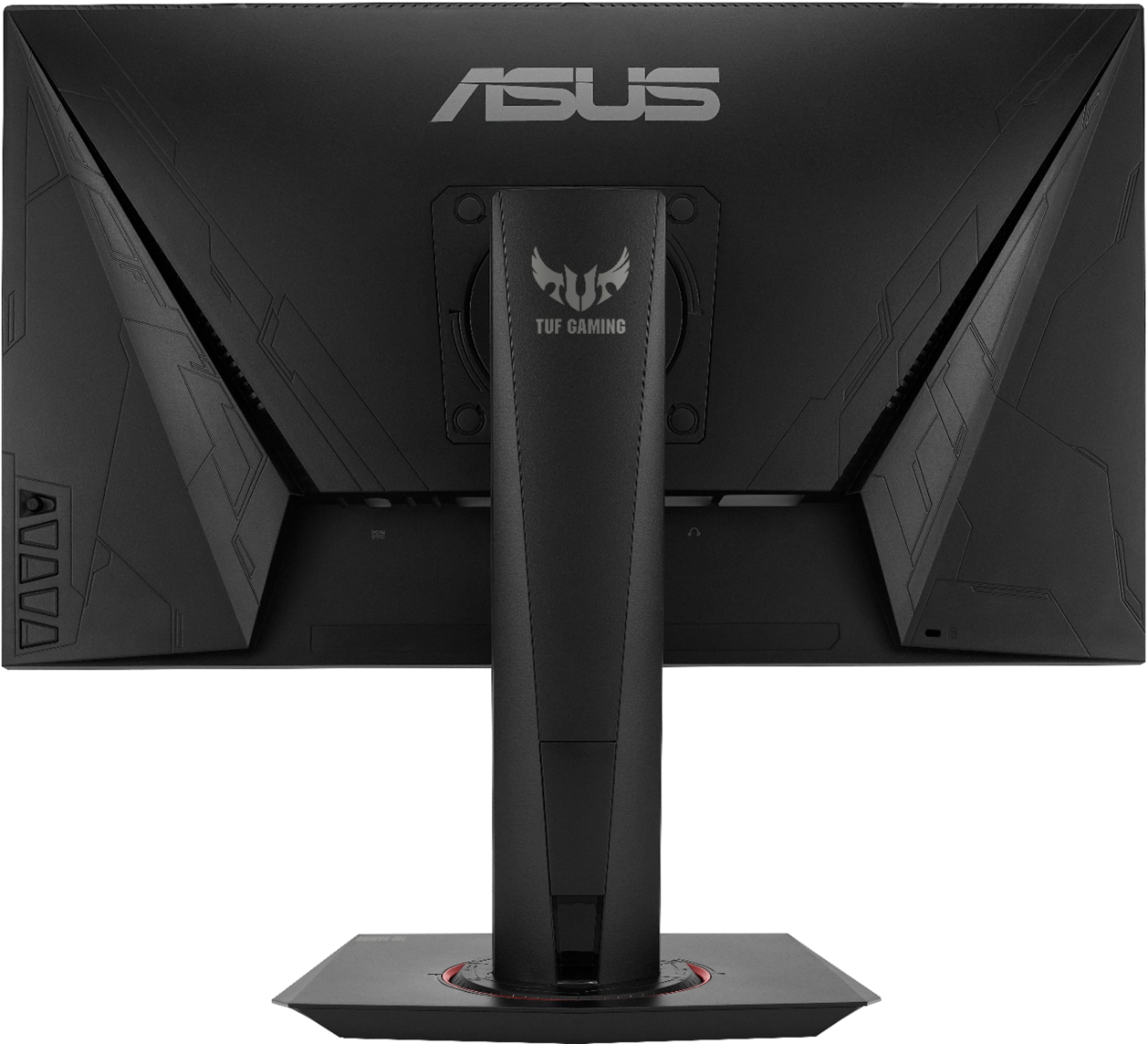
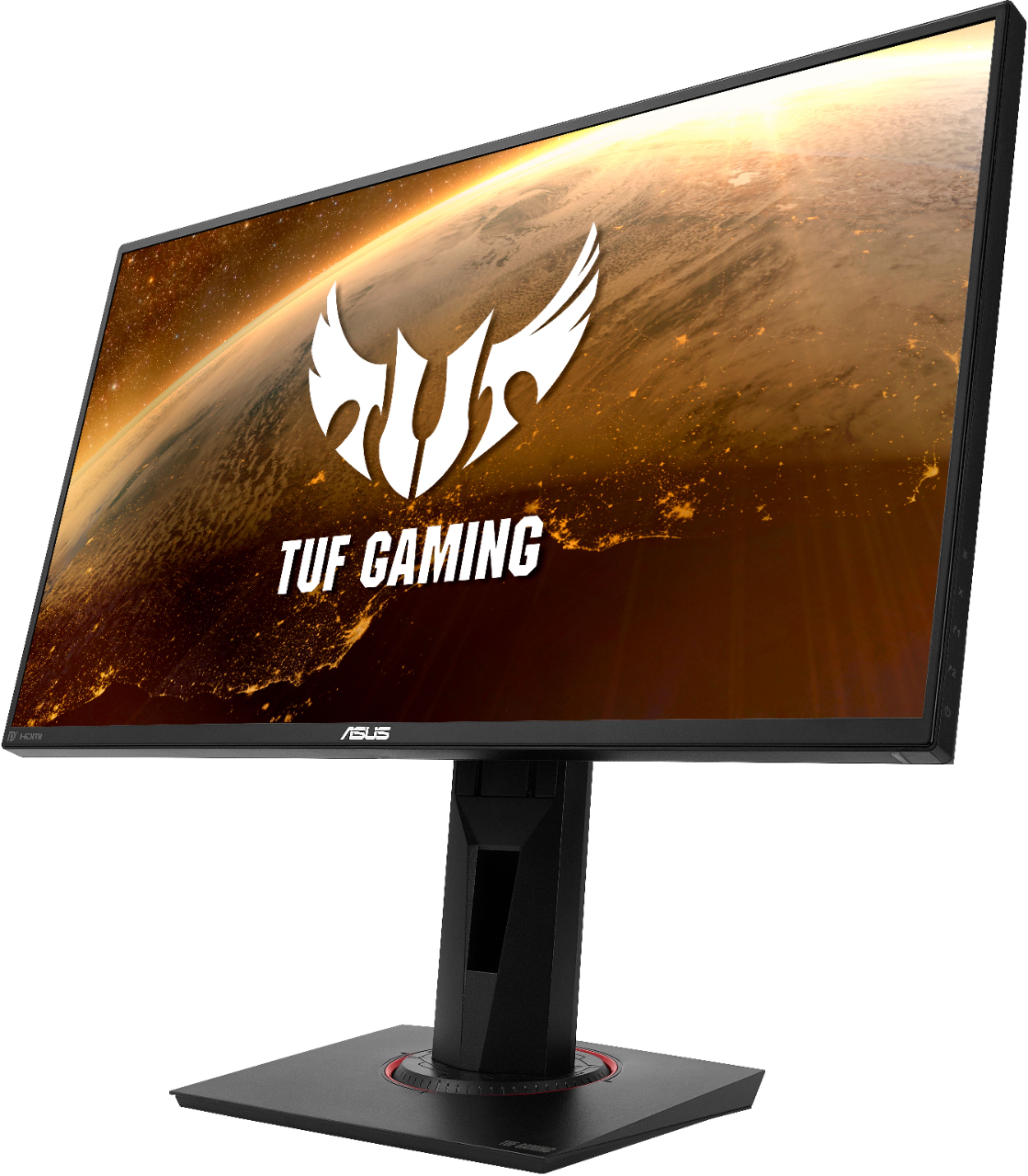
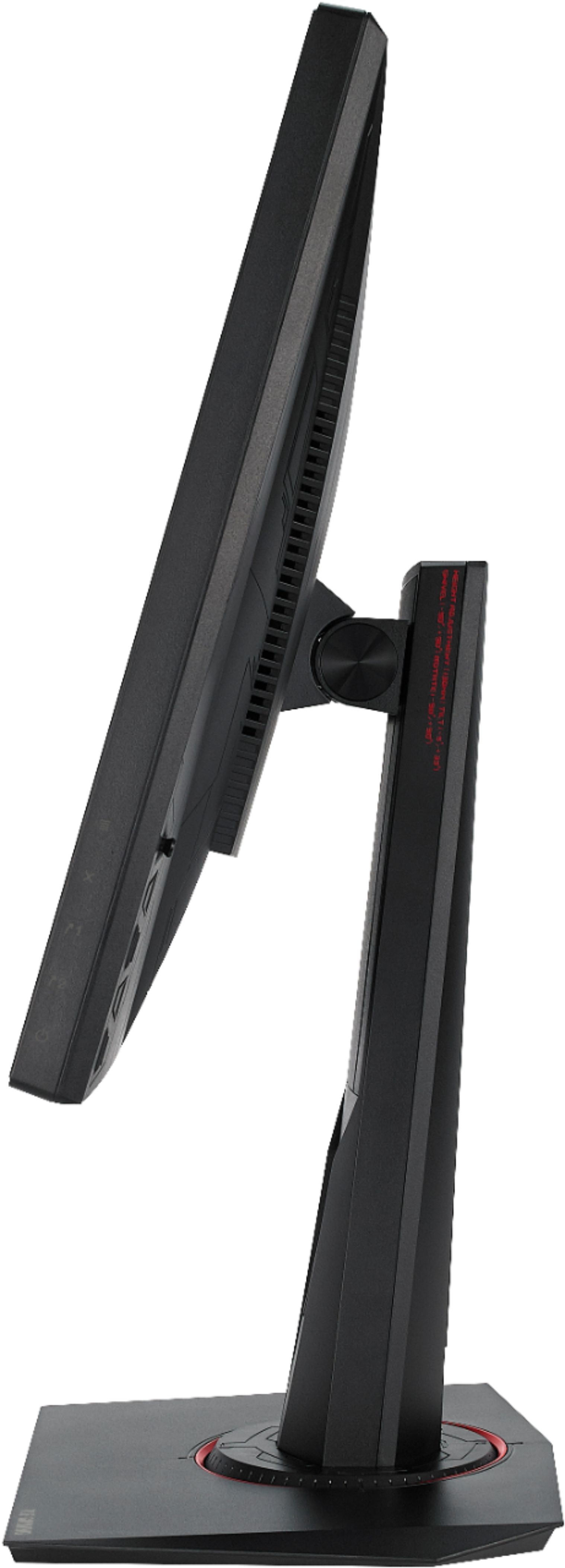
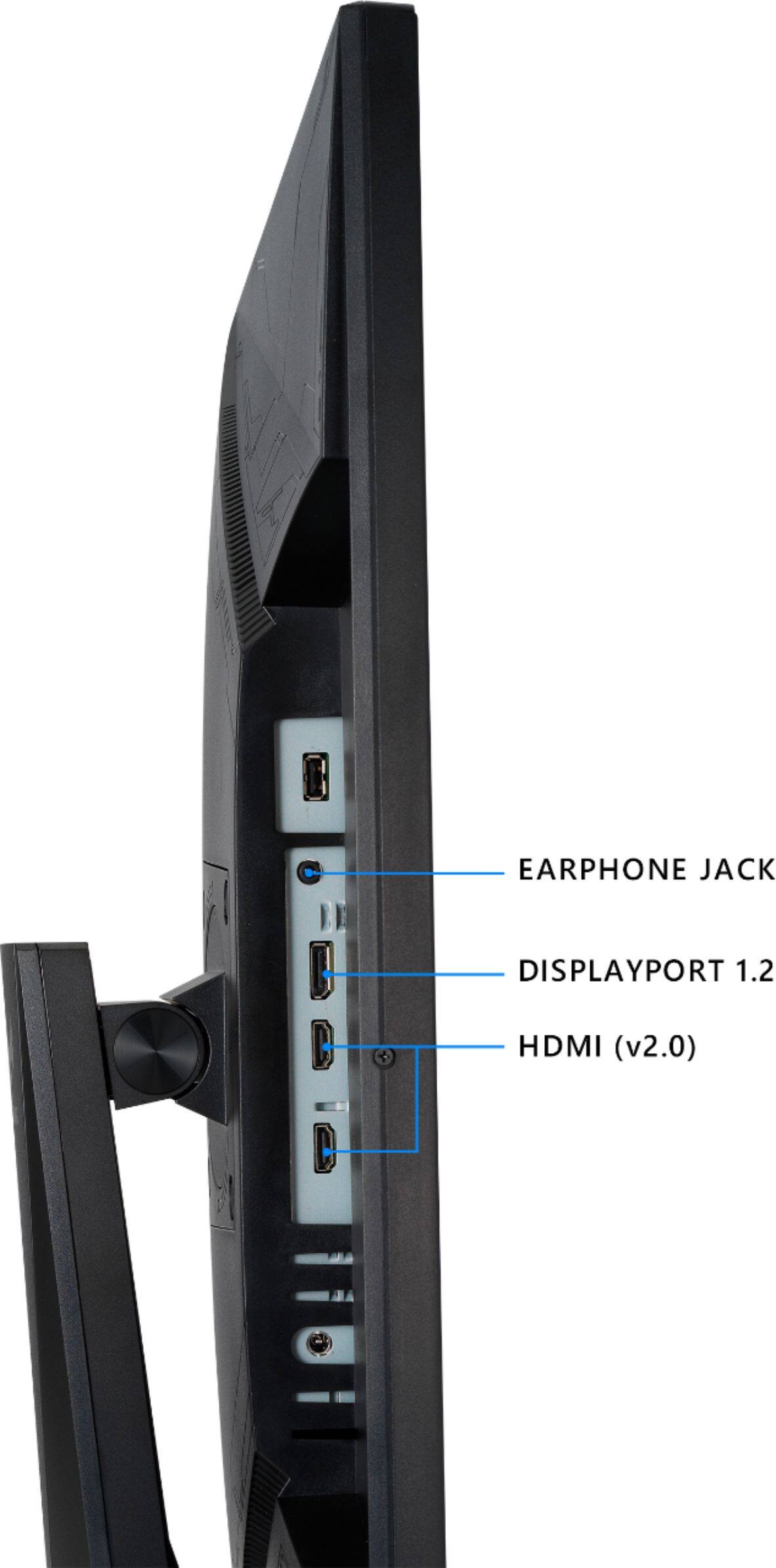
A:AnswerYou would need to check which version of DisplayPort does the USB-c port features. However, with the appropriate cables and adapter, you can use this monitor with your notebook.
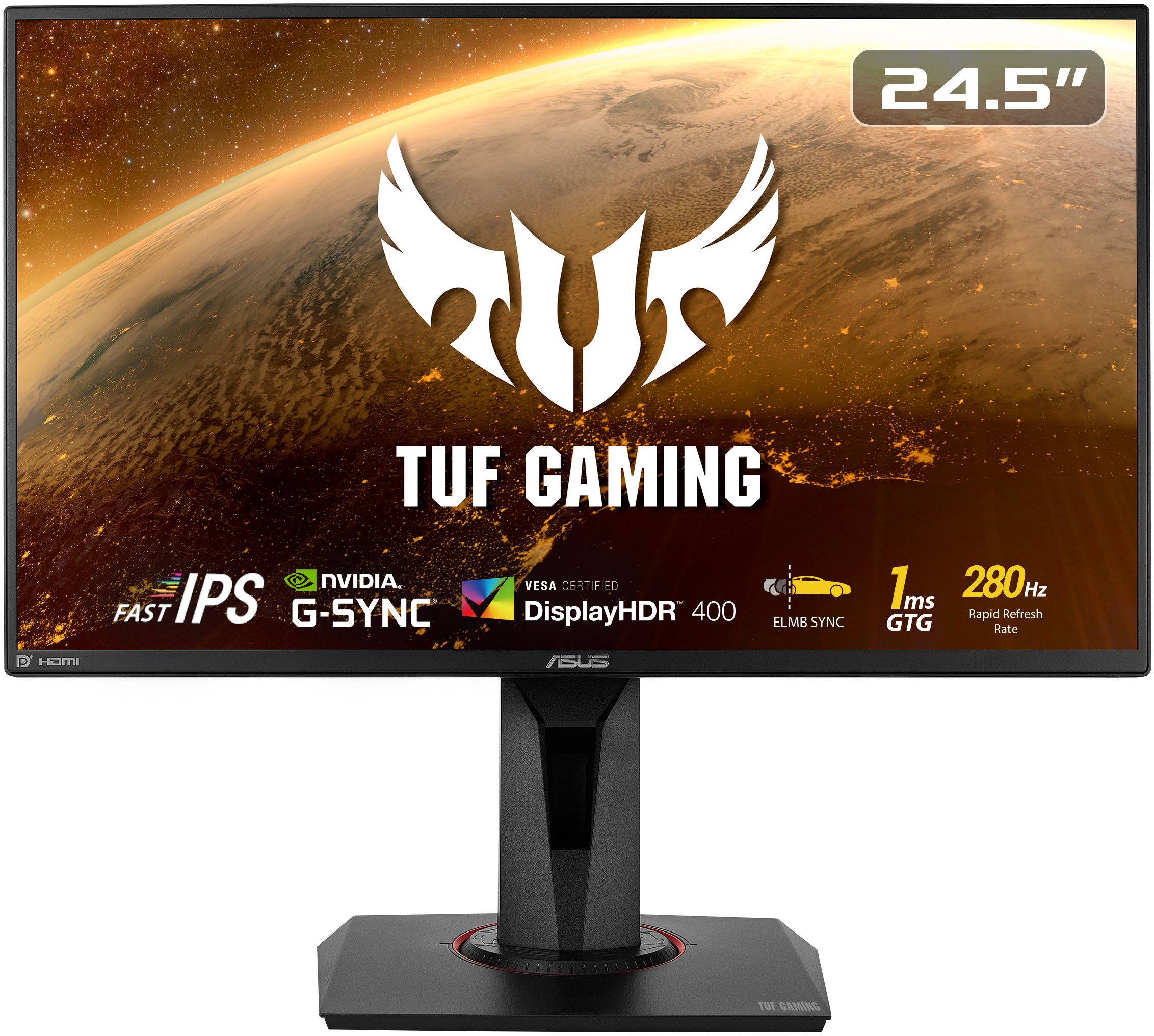
A:AnswerAccording to the ASUS website specifications the VG259QMY has 4ms response time while the VG259QM has 1ms response time and is labeled as "Fast IPS".
A:AnswerAs long you have a HDMI port or a DisplayPort on your Chromebook, it should be able to link to the HDMI/DisplayPort slot of the monitor so that your Chromebook displays itself on the monitor. However, I do not see the need for a Chromebook to use the 280hz refresh rate.
A:AnswerYes, this model comes with Blue Light Filter. Please review the information here: https://dlcdnets.asus.com/pub/ASUS/LCD%20Monitors/VG259QMY/VG259QM_VG259QMY_English.pdf
A:AnswerTry tuning a display port from the monitor to the pc. If that doesn’t work right click your desktop and go into settings-advanced settings and make sure that you have 240-280 hz selected and that should fix the issue! Hope it helps