A:AnswerUnless your earbuds/headphones require some special drivers (will be noted on device user manual if that is the case) this should be able to connect to pretty much anything through your computer settings and prompts! You can always YouTube it for your particular brand manufacturer too.
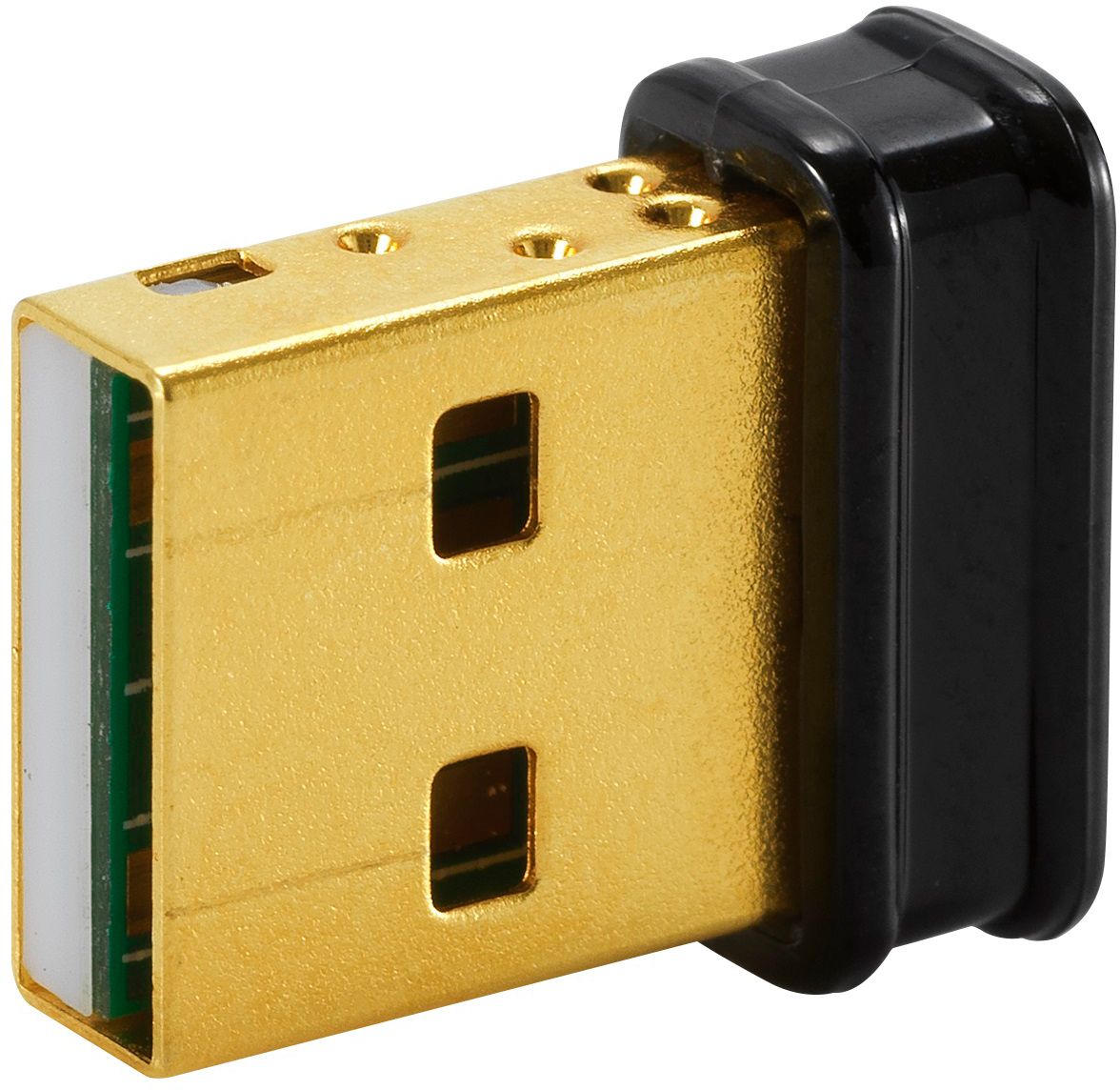
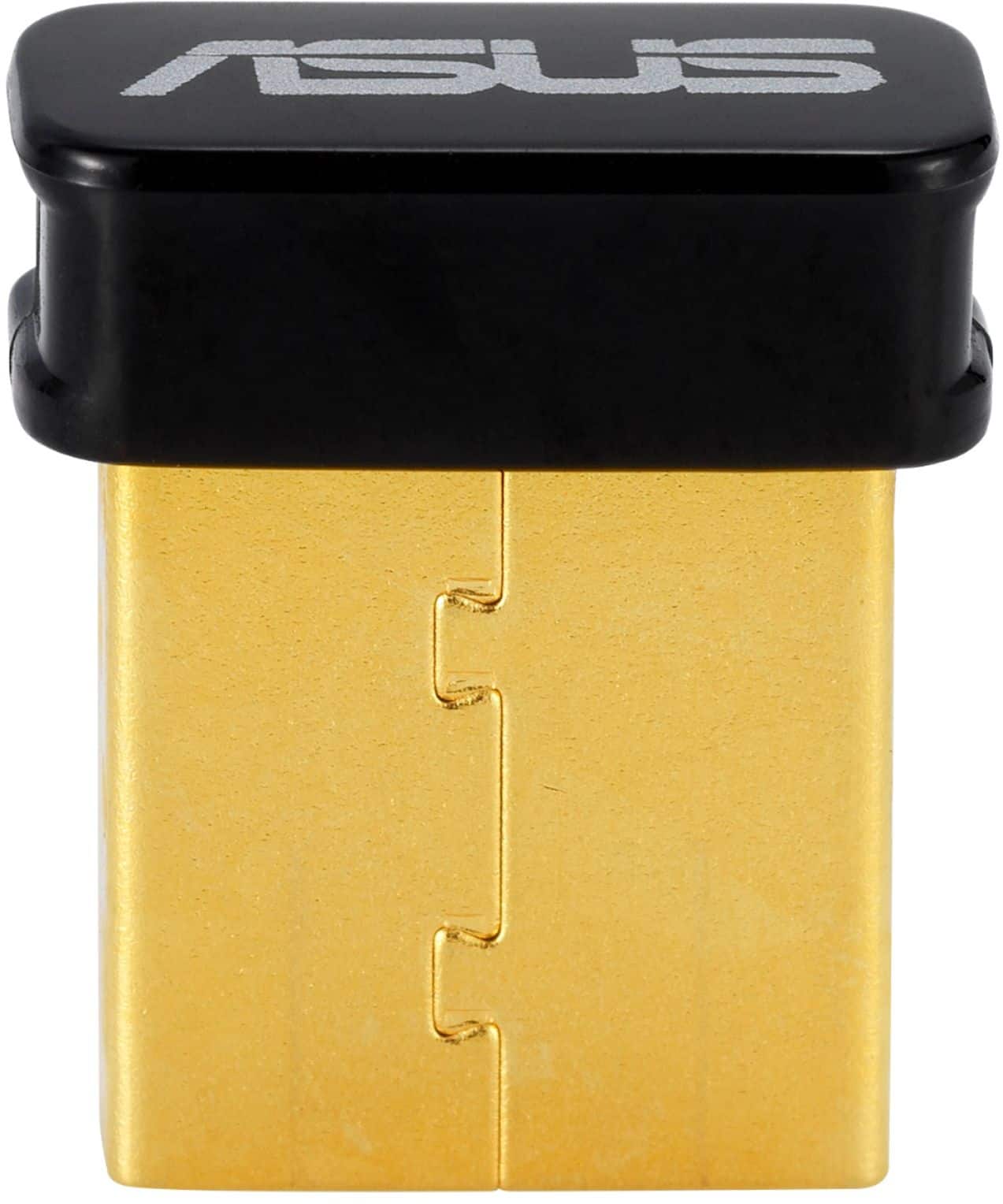
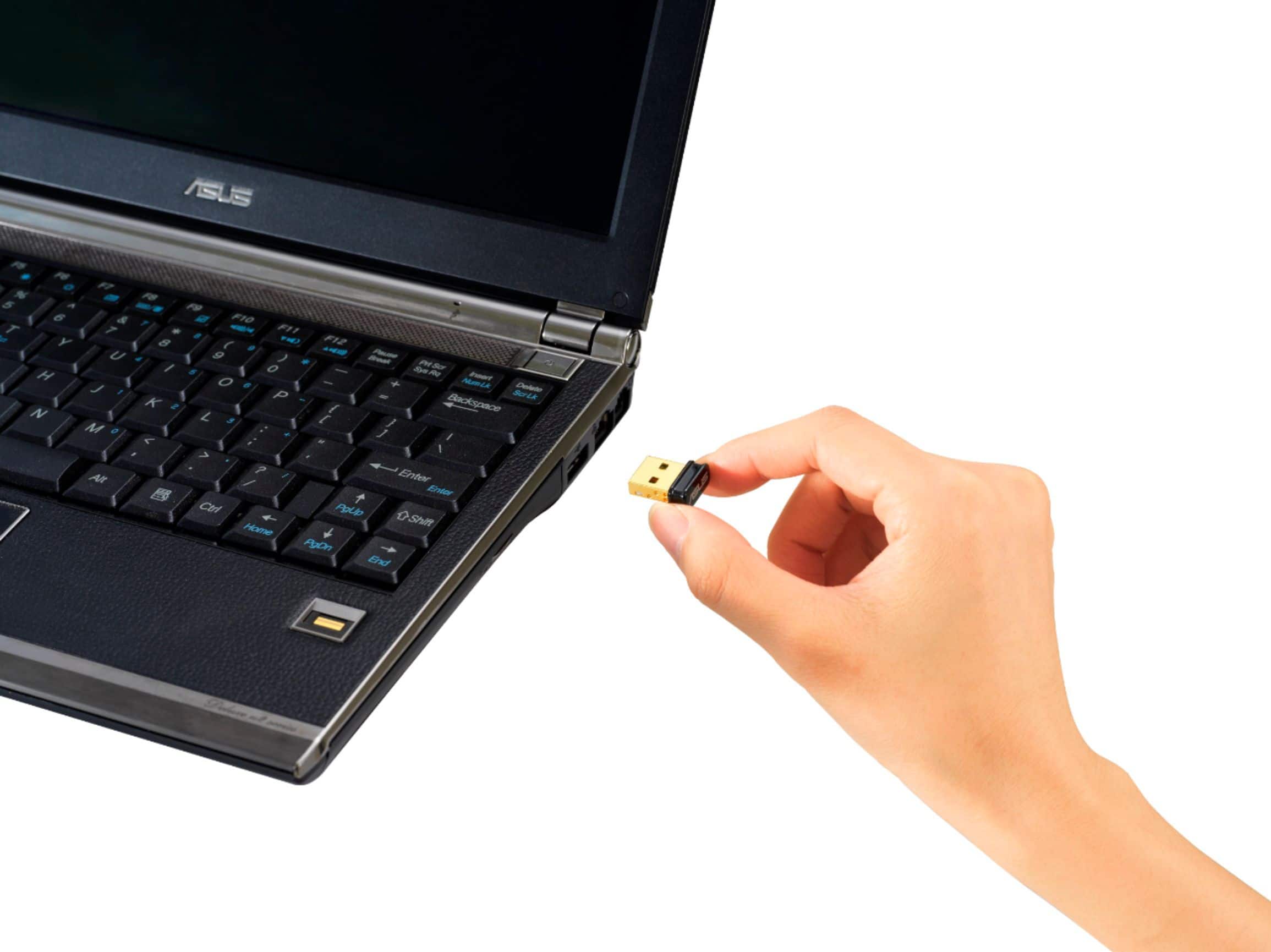
A:AnswerThe Bluetooth adapter is plug and play, with Windows 10 completely updated, with the computer meeting the system requirements of the BT adapter. It does support LE(Low Energy).
A:AnswerThis model has onboard Bluetooth and Wi-Fi support, a separate adapter is not necessary. Please see page 45 of the manual for launch information for Bluetooth, or contact ASUS Support for troubleshooting help. https://www.asus.com/support/ You can also find us on Twitter @AsusHelpUS. The manual can be found here. https://dlcdnets.asus.com/pub/ASUS/All-In-One/V241DA/E18061_V241D_UM_V2_WEB.pdf
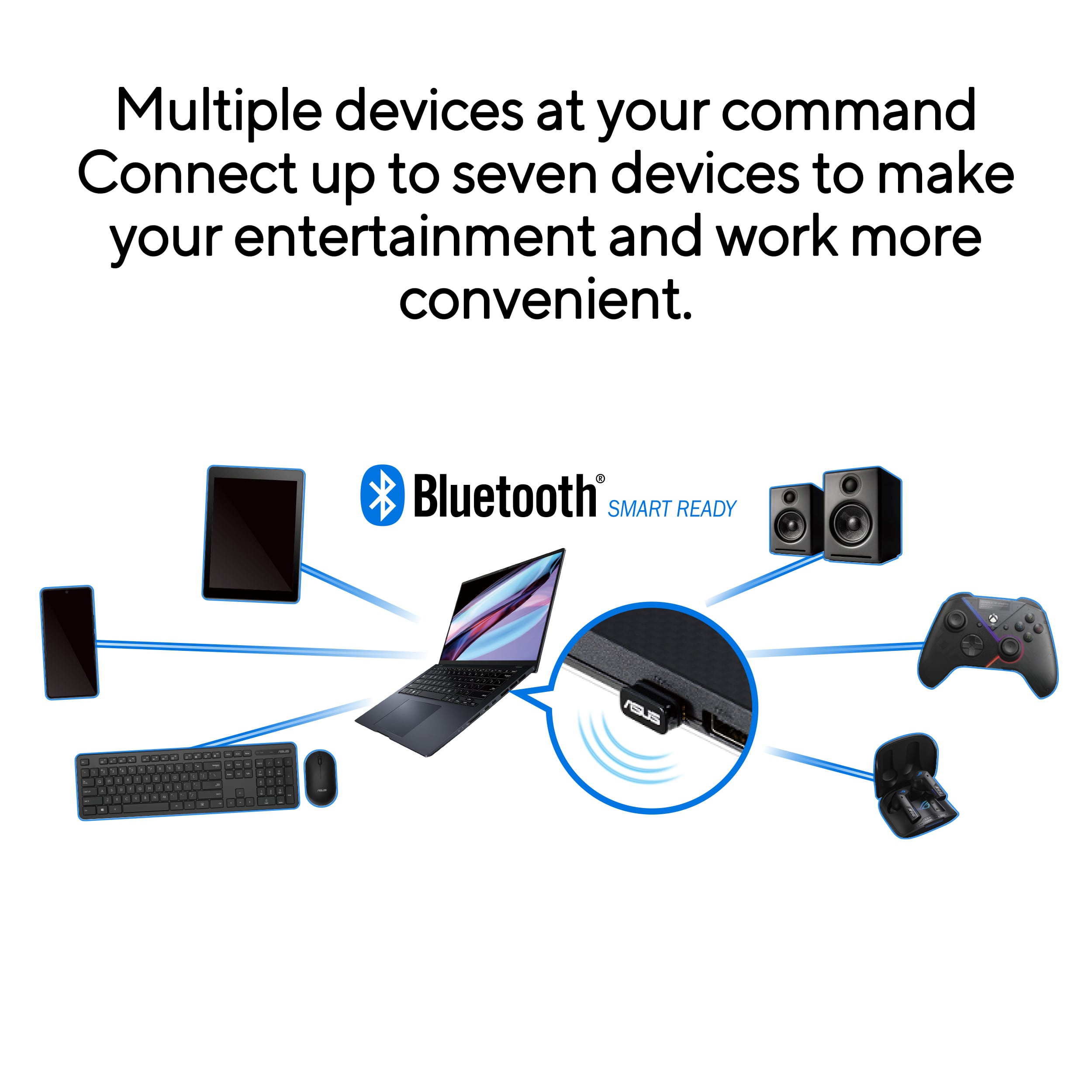
A:AnswerI do not think you will have an issue if your operating system is 32-bit or 64-bit. My work desktop did not have bluetooth. I installed the bluetooth adapter and now able to connect my Bose earbuds to my work desktop and use it for microphone and speaker. The product is excellent.