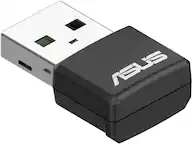
A:AnswerNo, this adapter only supports Windows 8.1/10, Linux. Please review further specs here: https://www.asus.com/us/Networking-IoT-Servers/Adapters/All-series/USB-BT500/techspec/
A:AnswerHard to say it. I think it depends on the computer. It didnt work for me when trying to connect air pods to a pretty old laptop. Laptop was 6+ years old. Sorry for the vague answer. But the adapter itself works well.
A:AnswerProbably not. Most smart TV’s already have Bluetooth built in. If yours does not, then the software likely is not there, so plugging in the USB dongle would likely not do anything.
A:AnswerYes, it works with Windows 10. Please review the specification and drivers here: https://www.asus.com/us/Networking/USB-BT500/HelpDesk_Download/
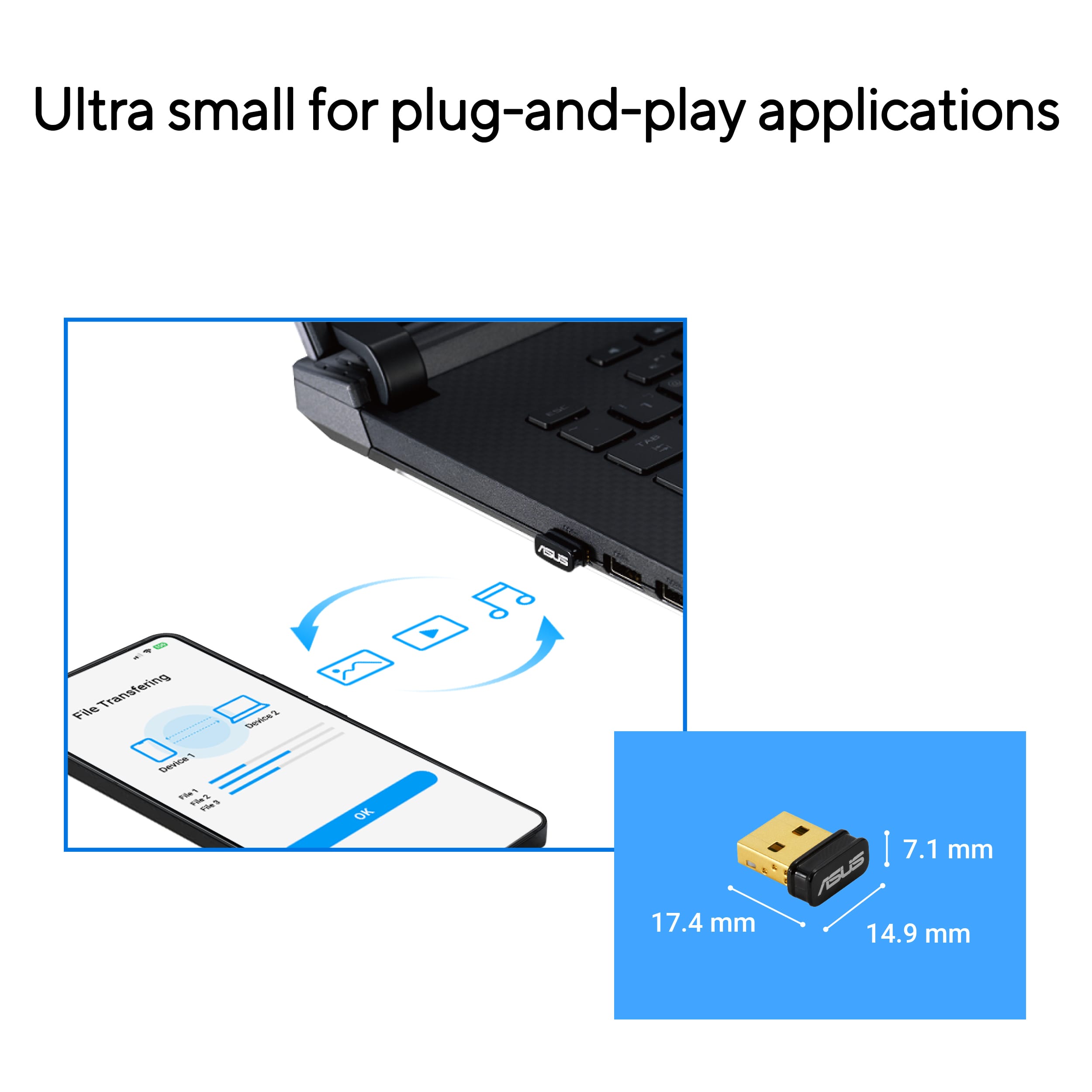
A:AnswerYou can plug this USB-BT500 Bluetooth adapter into any standard USB-A port on the back of your computer. It does not strictly matter which port you use for basic functionality, as the adapter is backward compatible and works with USB 2.0 and USB 3.0+ ports.
A:AnswerThe ASUS USB‑BT500 Bluetooth Adapter is designed specifically to add or upgrade Bluetooth connectivity on your laptop. It does not provide Wi‑Fi functionality, so it would not enable your 2016 ASUS laptop to connect to modern Wi‑Fi routers.
A:AnswerThe ASUS USB‑BT500 Bluetooth 5.0 Adapter does not require a USB 2.0 slot specifically. It is designed to work with any standard USB Type‑A port.
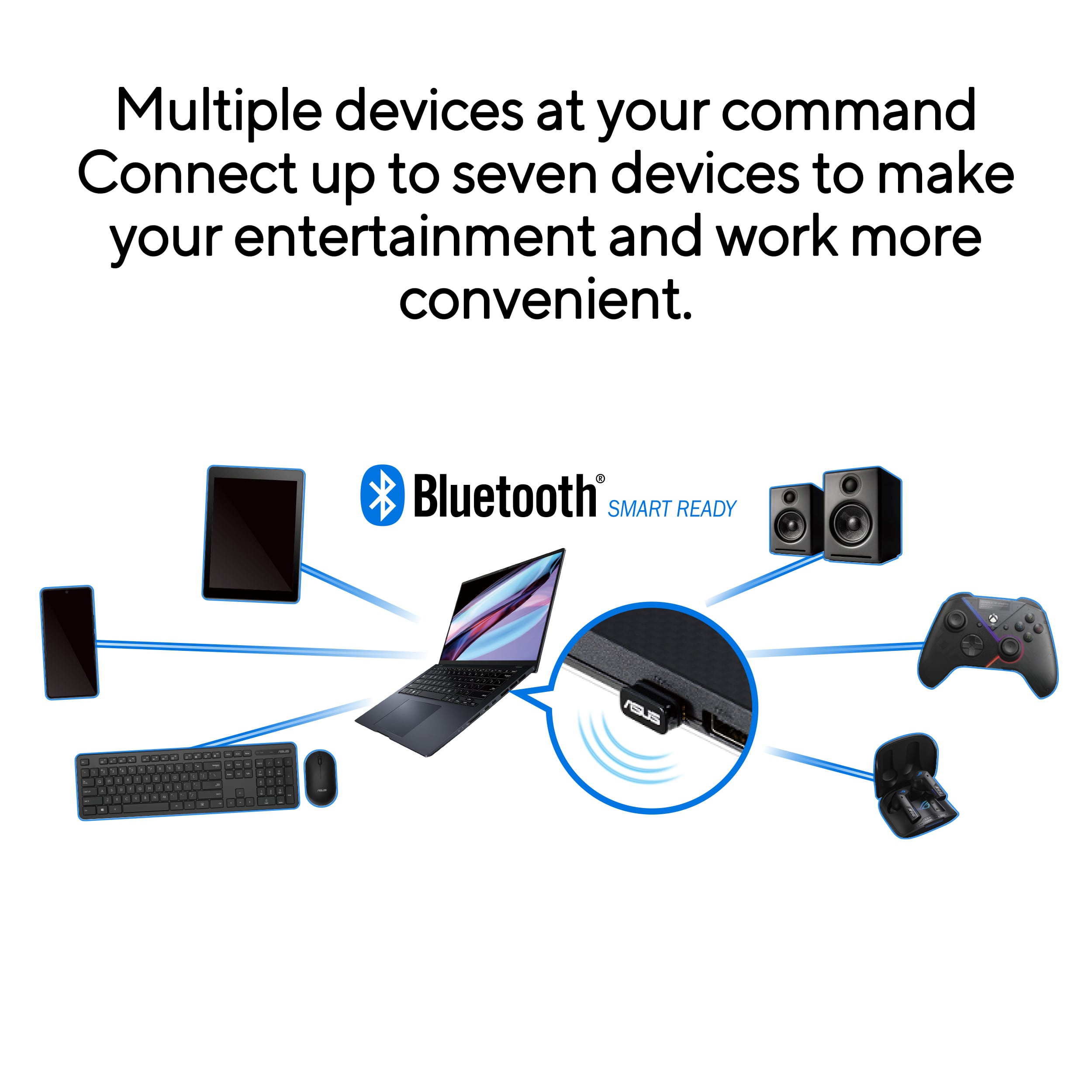
A:AnswerThe ASUS USB‑BT500 Bluetooth 5.0 Adapter can connect to multiple devices, but it does not support streaming audio to two Bluetooth headphones at the same time.