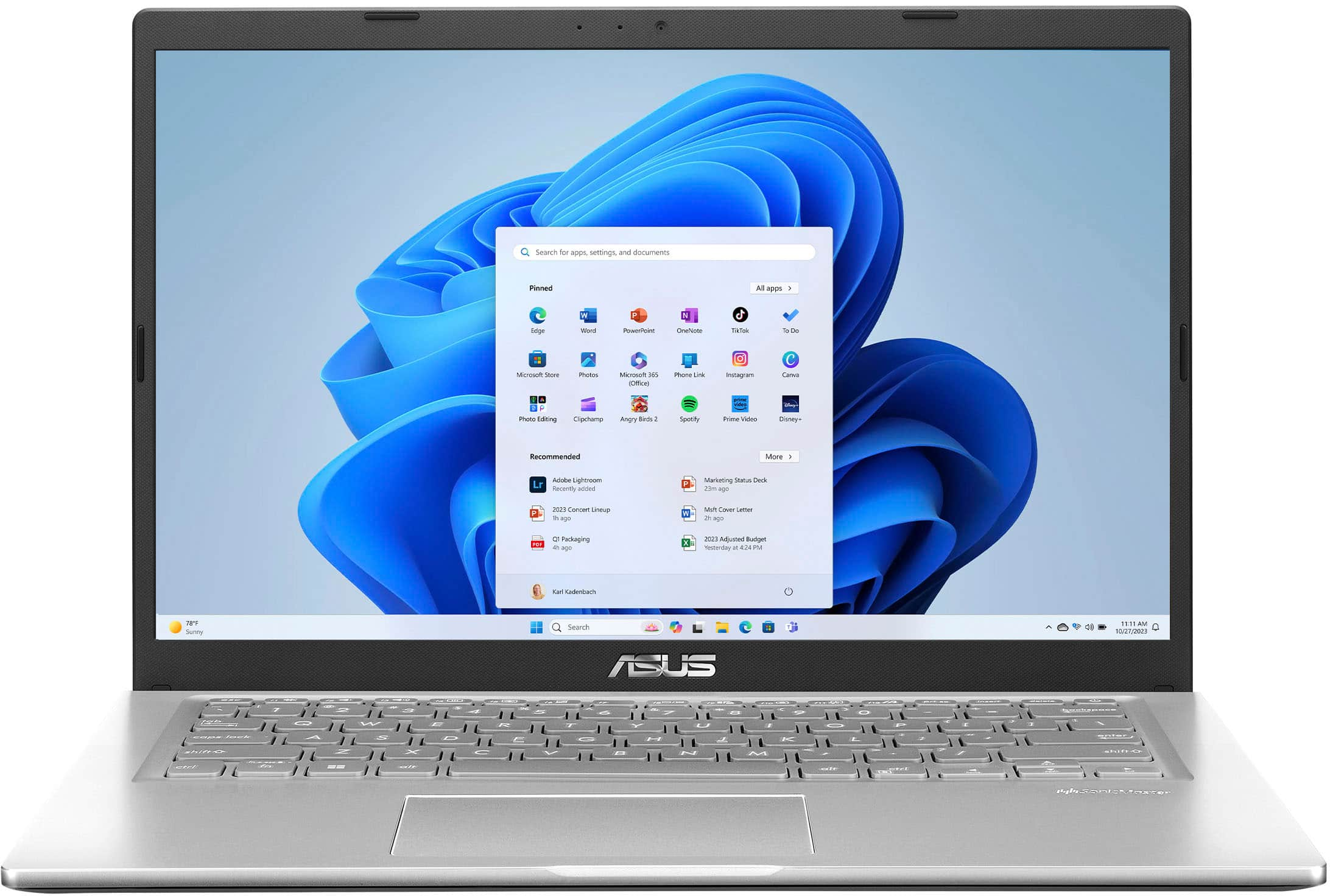
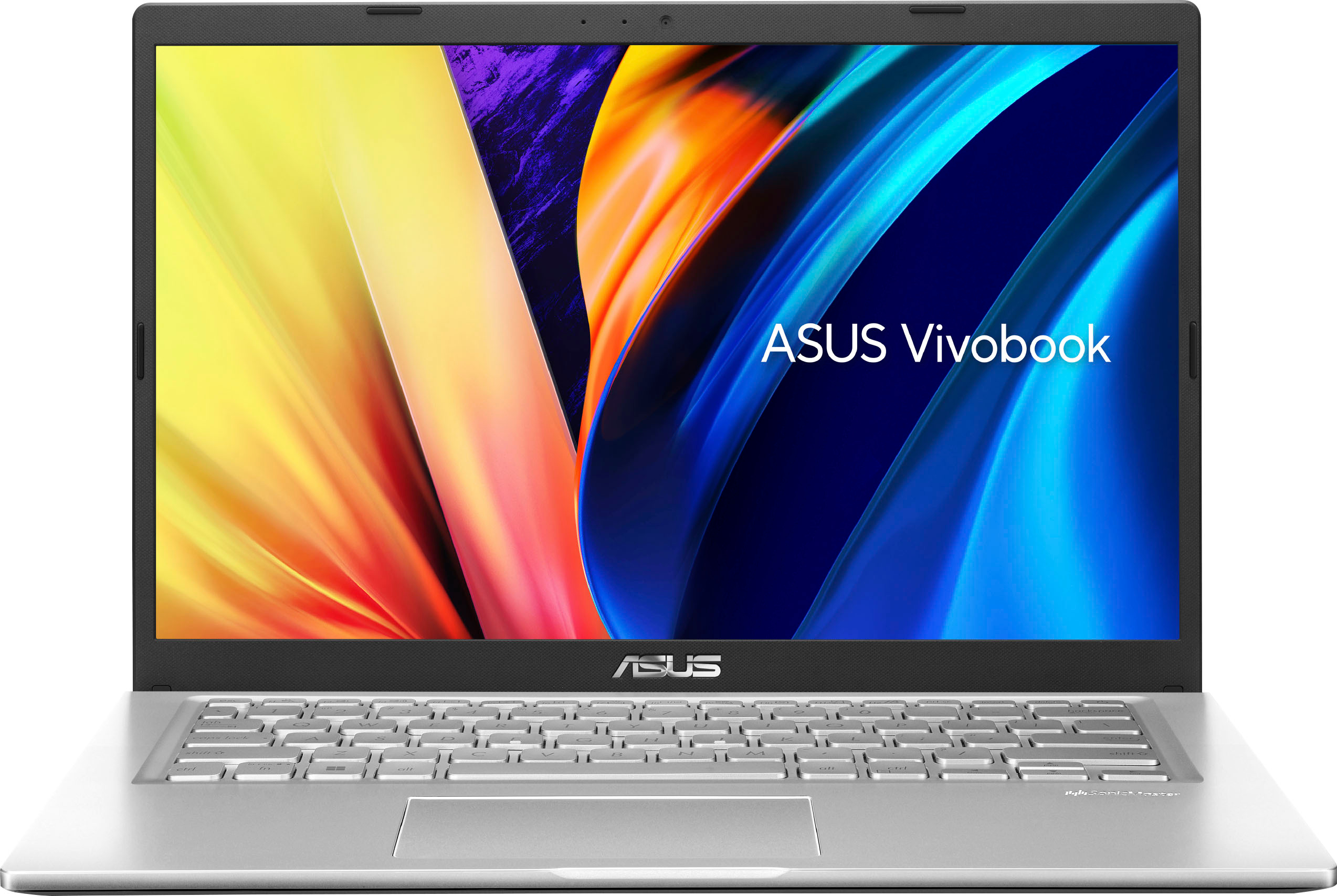
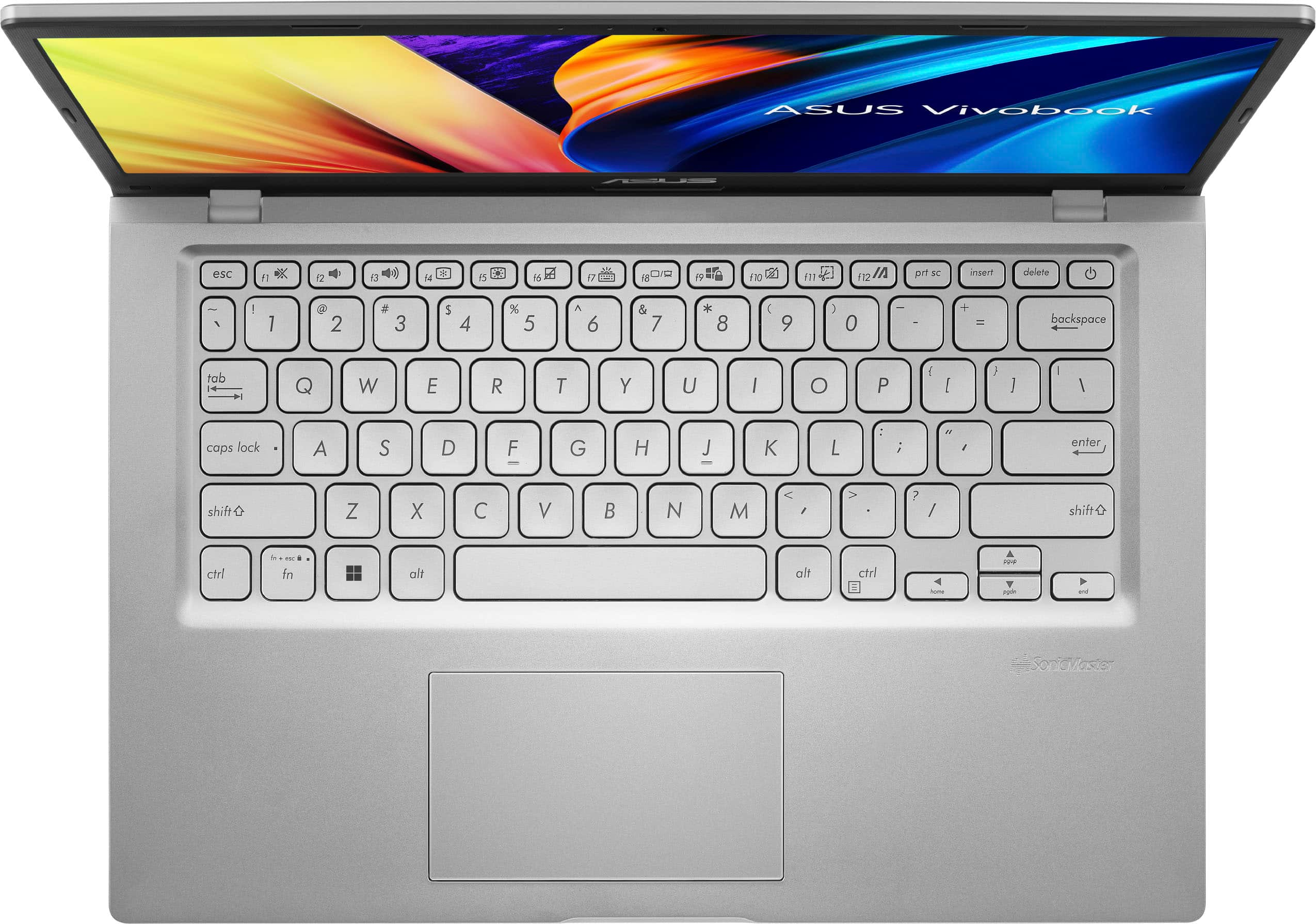
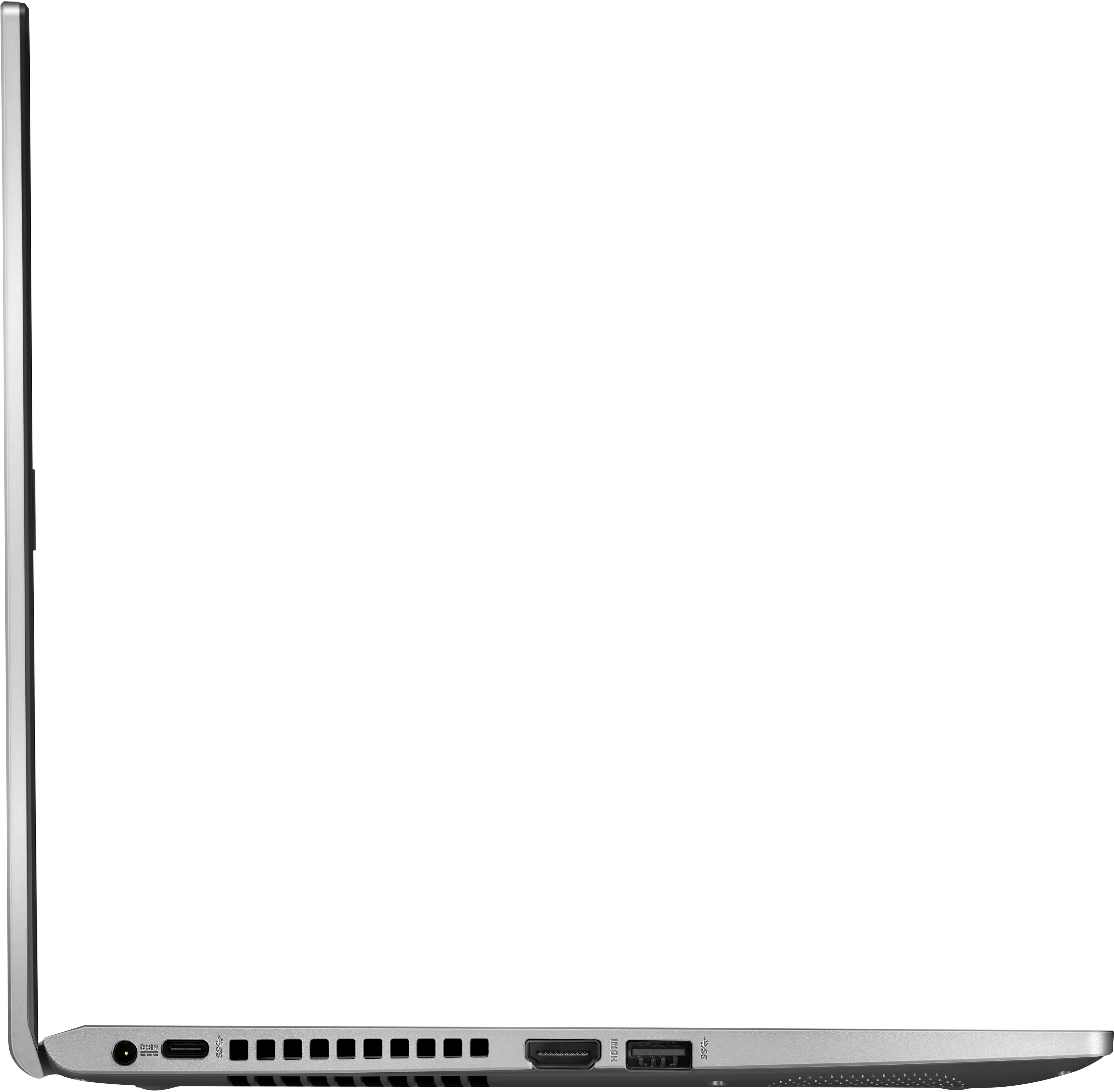
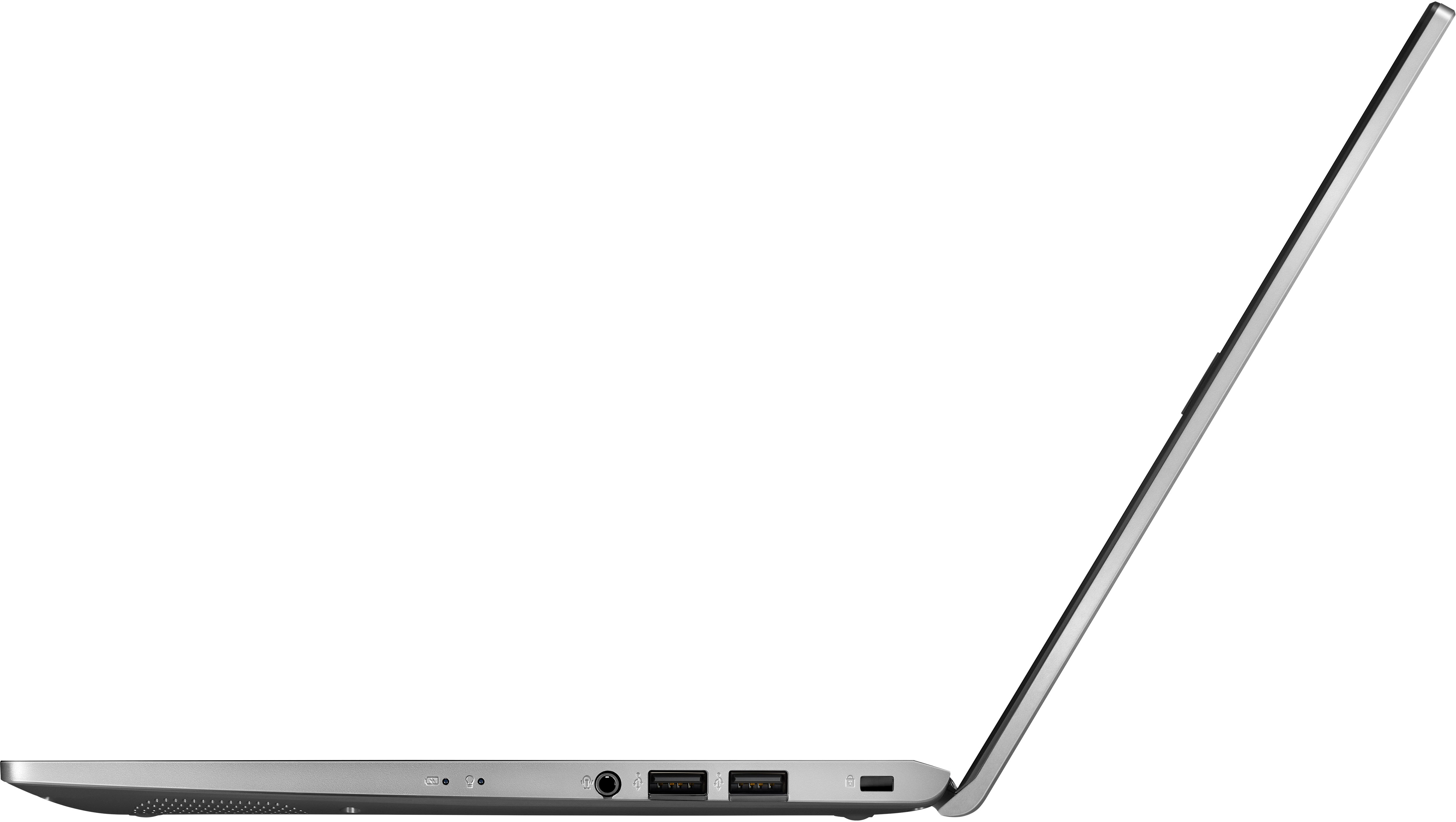
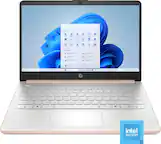
A:AnswerThis model doesn't have a keyboard backlit, the 8GB RAM is a DDR4 3200MHz and a slot that supports 8GB for a total of maximum size of 16GB. It has a 1920 x 1080 display resolution.
A:AnswerI bought 1 additional RAM stick of 8GB from bestbuy and inserted in an extra slot available inside this laptop. This is all you have to do, and the new speed is really fast now. I am very happy and glad I did that to this new laptop of mine.
A:AnswerThe ASUS X1400EA is designed to deliver powerful performance and immersive visuals for both work and play. Considering its specifications, the notebook should be suitable for online schooling.
A:Answerit can definitely run roblox, minecraft, gta, mw2 at great performance for a budget pc def recommend. you can then either upgrade your pic with more ram but make sure it is the same mega transfers which comes with the pc or either switch all them out for the same mega transfers
A:AnswerYes, you are able to use the accessibility features found in Windows 11. There are many features such as windows speech recognition, voice typing, eye tracker, text to speech and more.
A:AnswerActively using it the battery lasts in excess of 6 hours (multiple web pages, video, etc). Unplugged and closed, I've left it uncharged for days and still come back to a mostly full battery
A:AnswerYes, you can install Bluestacks on the ASUS X1400EA. Bluestacks is an Android emulator that allows you to run Android apps on your PC. You can download Bluestacks from their official website.
A:AnswerThe card is soldered to the board. You can't upgrade it. You can only add ram, or a additional SSD. This isn't a machine you can turn into a gaming laptop.