Questions & Answers
- Model:
- X1704ZA-I38512
- |
- SKU:
- 6587795
Highly rated by customers for: Overall Performance, Screen Size, Speed
Page Showing 41-47 of 47 questions
Q: QuestionIs safari running in the background on this computer for security?
Asked by Newlaptop.
- A:Answer The ASUS X1704ZA runs Windows, which does not come with Safari pre-installed. Safari is Apple's browser, mainly for macOS and iOS, so it wouldn’t be running in the background unless manually installed. For security, Windows typically uses Microsoft Edge and built-in Windows Defender. If you’re concerned about background processes, you can check by opening Task Manager (Ctrl + Shift + Esc) and looking for Safari under Processes.
Answered by ASUS Answers

Q: QuestionWhat is the Best buy policy for returning a laptop computer or a desktop computer?
Asked by Anonymous.
Q: QuestionGood morning, I want to buy this. ASUS Vivobook M1502YA Laptop • Full model name: M1502YA-NJ545W 512 GB, Windows 11 , • Procesador: AMD Ryzen™ 5 7430U 2.3GHz (19MB Cache, hasta 4.3GHz, 6 núcleos, 12 Subprocesos) • Memoria RAM: 16GB DDR4 (No expandible)
Asked by GABYOTA.
- A:Answer The RAM or memory is upgradeable on this laptop model: M1502YA- NJ545W up to a maximum size of 24GB. It has an 8GB RAM onboard or soldered on the motherboard and one RAM slot preinstalled with an 8GB RAM module. The RAM slot will support a maximum size of 16GB.
Answered by ASUS Answers

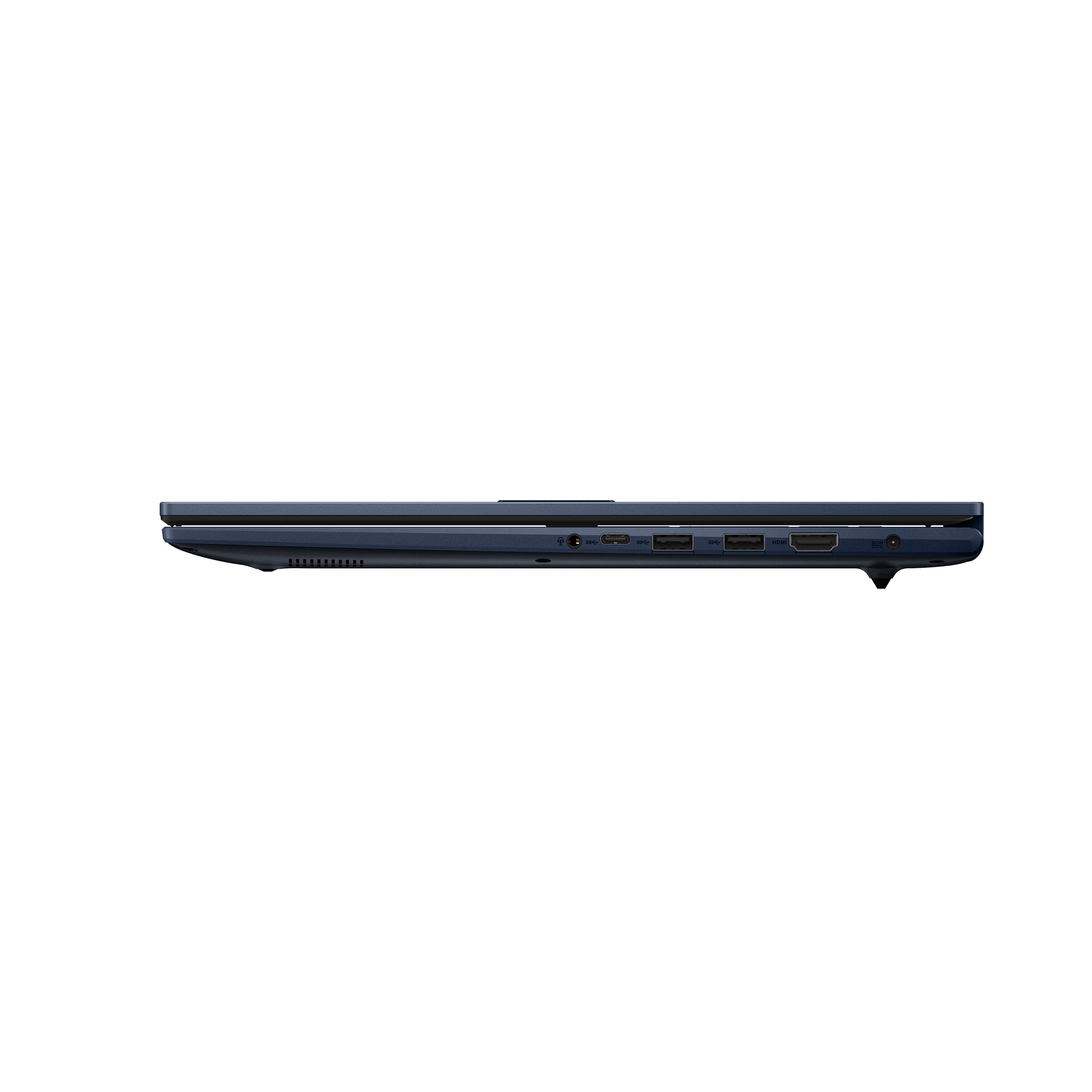
Q: QuestionDoes this laptop have a RJ-45 Ethernet port ?
Asked by ChilliWilly.
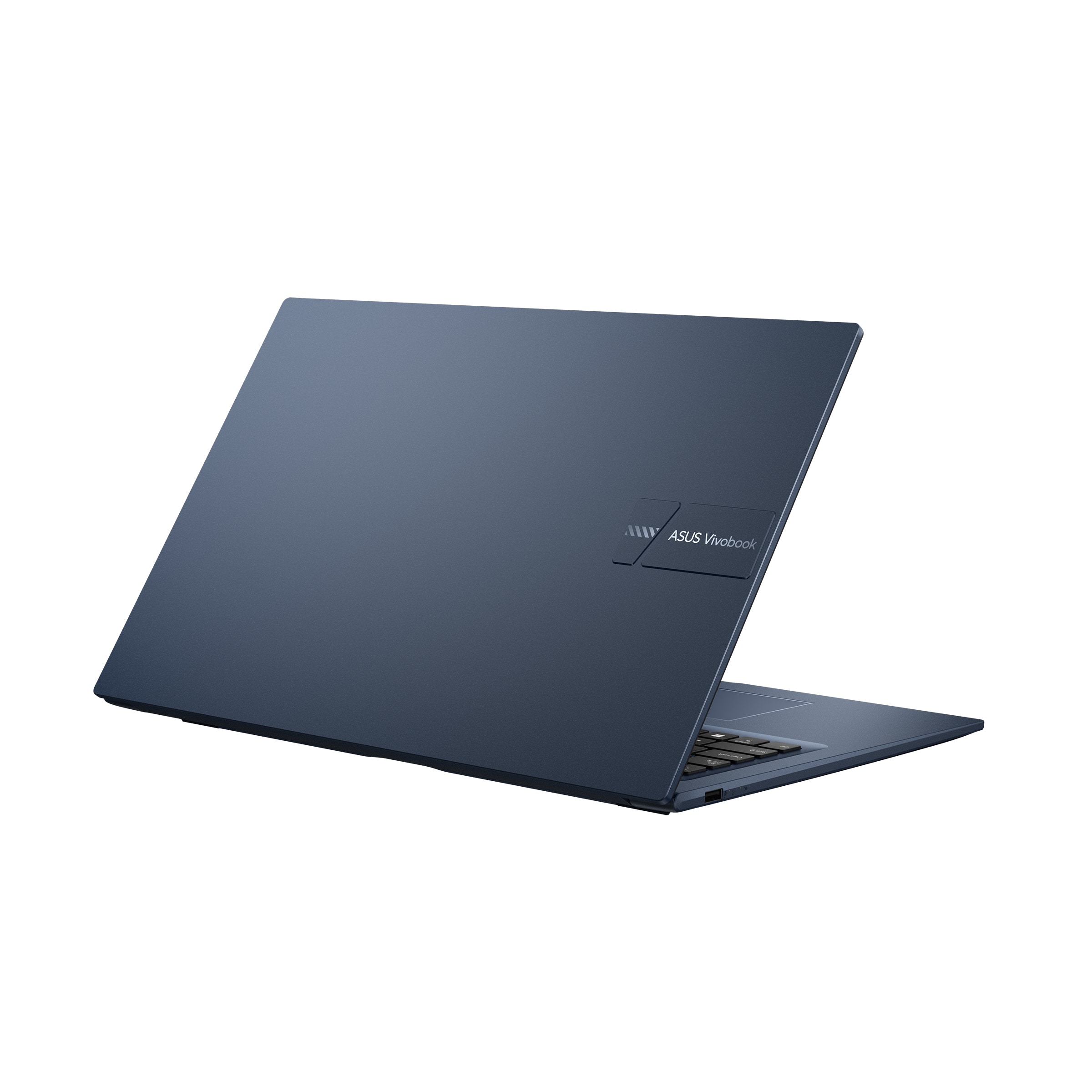
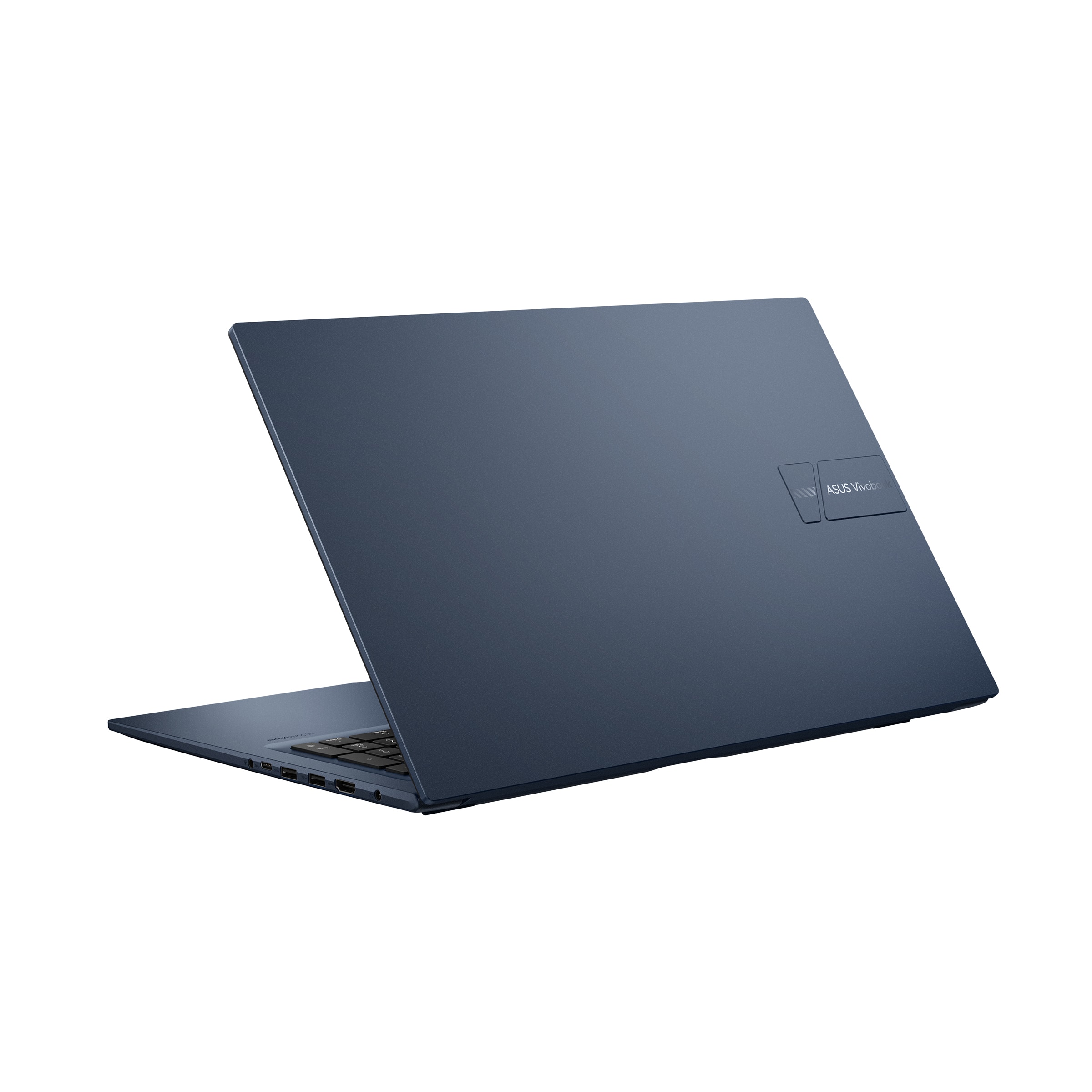
- A:Answer No, it doesn't. Nowadays, most laptops don't come with an RJ-45 Ethernet port. If you want the security, reliability and speed of an Ethernet connection, you will have to buy an Ethernet to USB3 (or USBC) adapter.
Answered by flashdrive
Q: QuestionDoes this laptop come in S mode? If so, can you get out of S mode so you can install software not found in the Microsoft Store?
Asked by Andrew.
- A:Answer This laptop comes with regular Windows 11 Home (no S mode). Even if you were to buy a computer that came with S mode, there are plenty of videos on YouTube that show how to disable it.
Answered by flashdrive
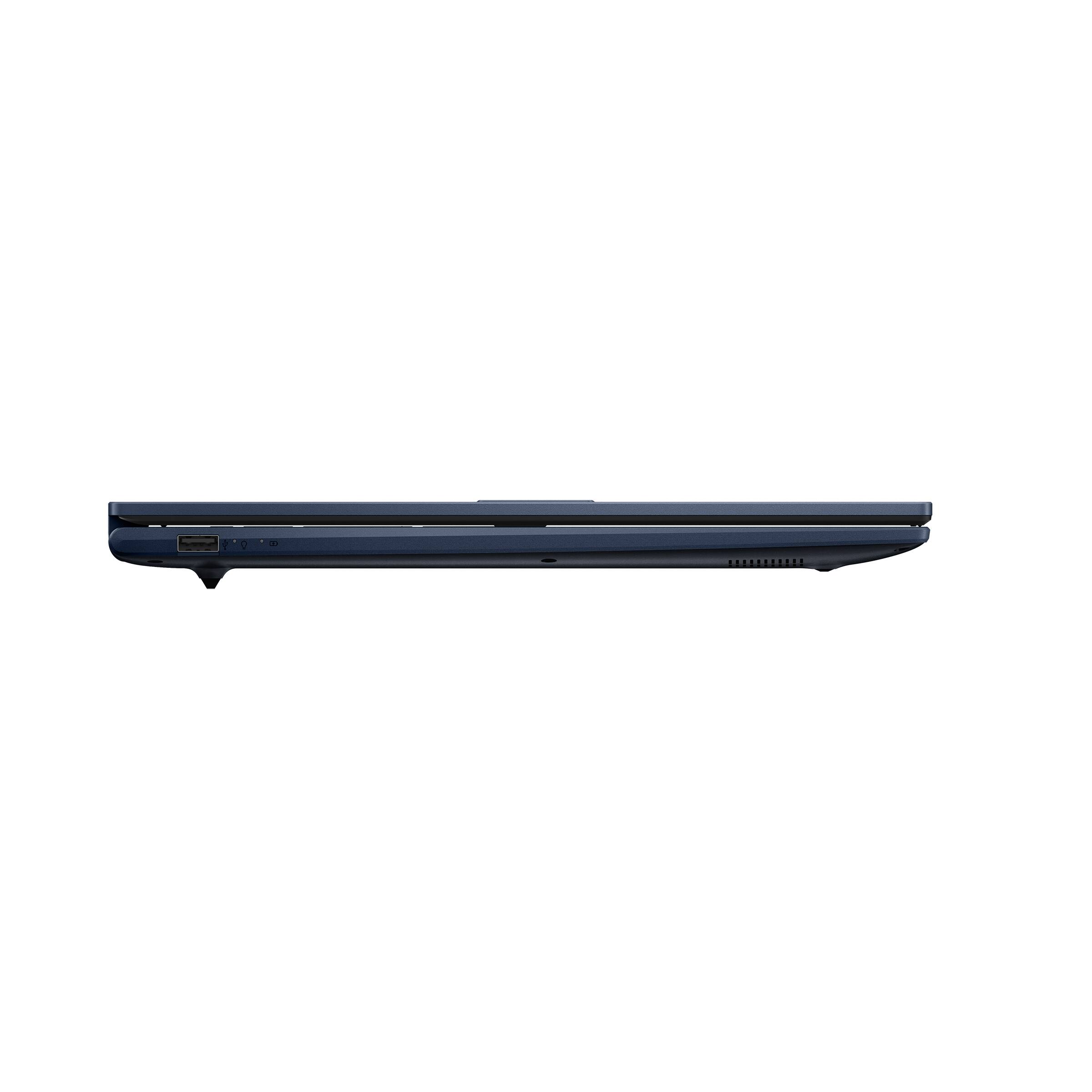
Q: QuestionIs there a place to plug in an SD card?
Asked by Curious.
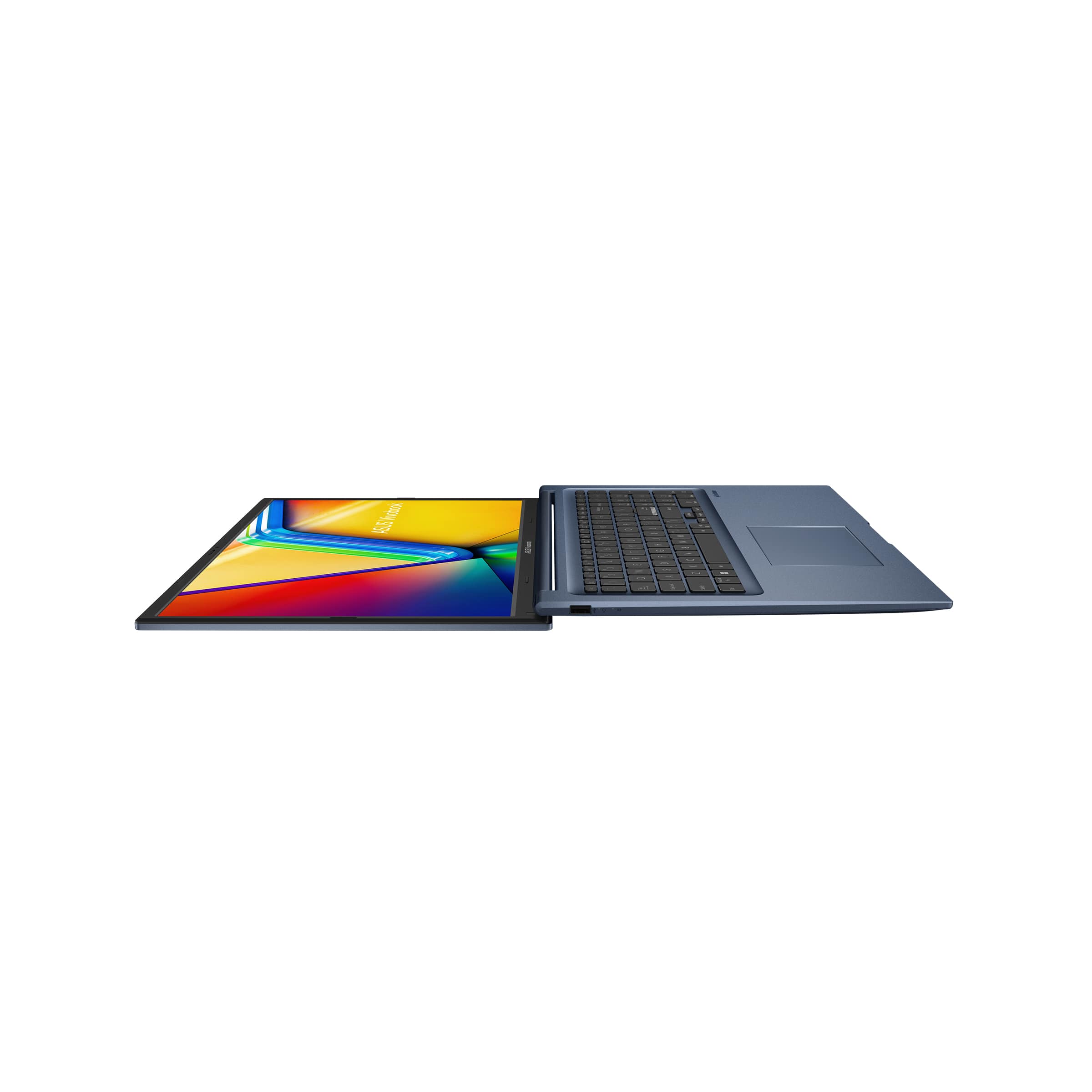
- A:Answer Nope.
Answered by flashdrive
Q: QuestionI've read that in some computers Windows 11 S Mode cannot be turned off. The Features show this has Windows 11 in S mode. Can S Mode be turned off with this computer?
Asked by Bubba.
- A:Answer You should be able to turn S Mode off by going through the MS Store. If that fails, go to Microsoft directly and search "can't exit S Mode," or similar. There is also at least one way to do it by making alterations to the Registry, although I urge caution and that you make a backup if you choose that route,
Answered by luislast
Page 3, Showing 41-47 of 47 questions