A:AnswerYes, this is an anti-burn in feature. This device should come with a disclaimer saying "Dark Mode Required", it will only happen with websites or apps that have pure on-white backgrounds. It is an OLED protection feature.

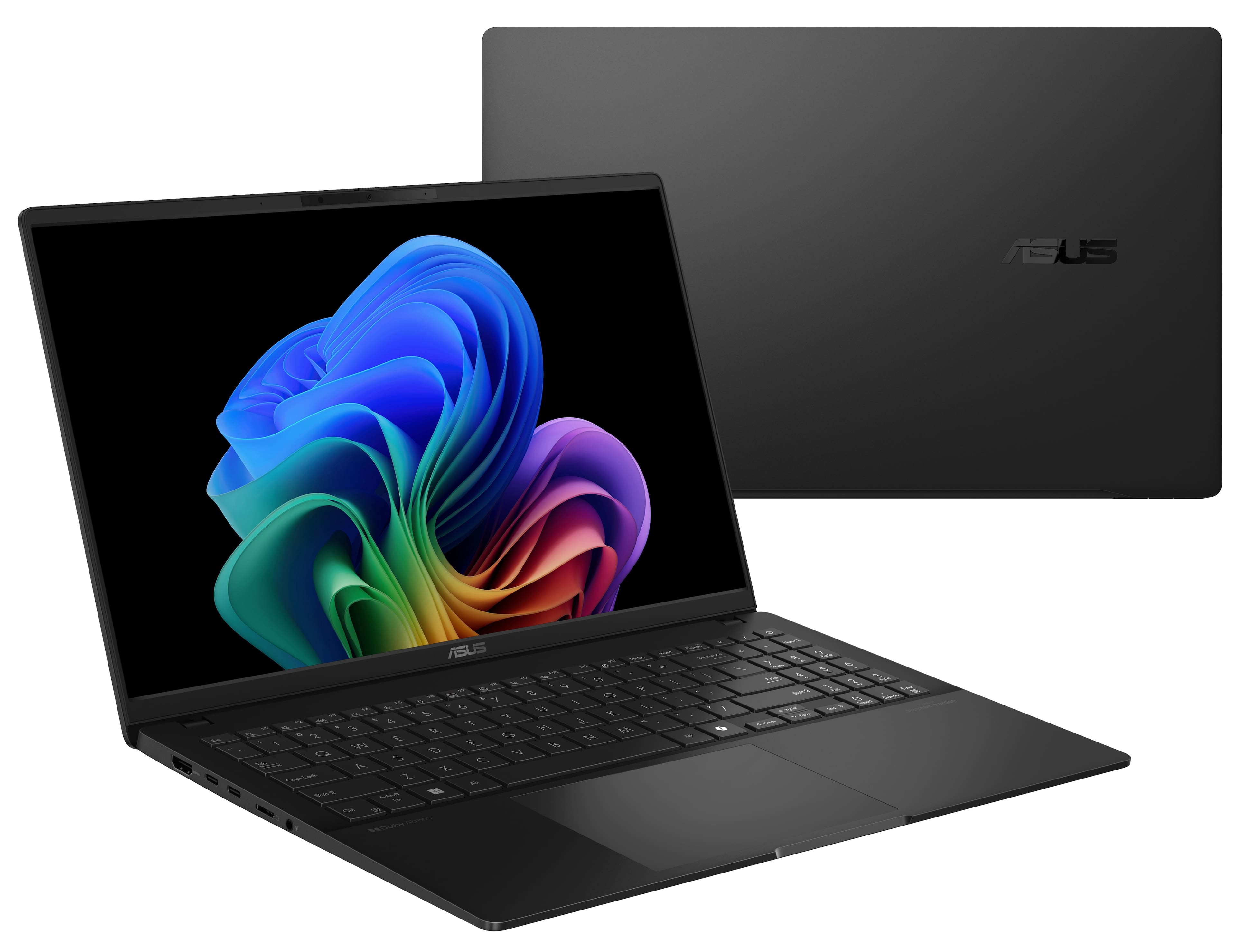
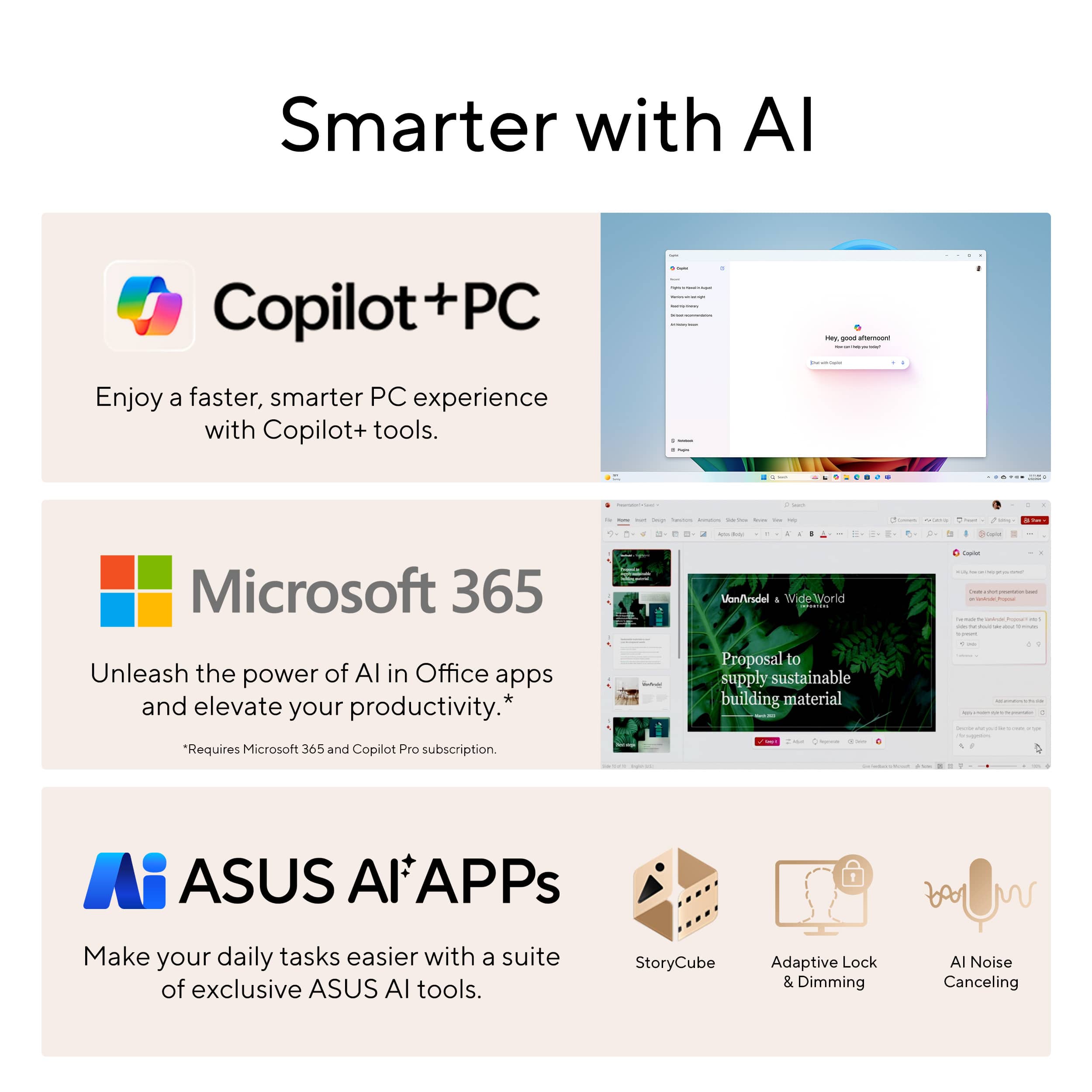
A:AnswerThe ASUS Q5507QA can run Adobe Illustrator, including both the standard version and the beta version. The Illustrator (Beta) app provides early access to upcoming features but may have stability issues. If you need a reliable experience for professional work, the standard Illustrator app is recommended. You can download Illustrator through Adobe Creative Cloud.
A:AnswerThe ASUS Q5507QA features a Snapdragon X Plus processor and Qualcomm Adreno GPU, which may not be optimized for high-performance gaming. While Fortnite and Madden NFL 25 might run, performance could be limited compared to gaming laptops with dedicated NVIDIA or AMD GPUs.
A:AnswerIf you buy the ASUS Q5507QA open box, it might not come with the Xbox Game Pass Ultimate offer. These offers are usually available for new purchases. For the most accurate information, we recommend contacting Best Buy customer support directly at 1-888-237-8289.
A:AnswerThere are a number of versions of any particular brand and model subset, so it is impossible to answer that question without knowing what model you are referring to. And color doesn't help.
A:AnswerOn the listing for 6 Feb. 2025, it mentions "free 6-month security software and 1 more," but that may change with any specific sale or when it is not on sale.
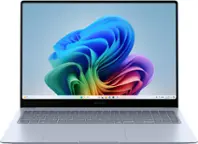
You can buy or subscribe to MS Office. You also have limited use of the different parts, one at a time, through the browser. You can also download a completely free, compatible suite like Kingsoft.

A:AnswerI have an Asus (though not this model). The touchpad can be used by light tapping, the way most touchpads work, or it can be used with a firmer push, that will cause it to give slightly. This allows for easier adaption for those more comfortable with a standard mouse, and is not a fault, but rather, a feature.