Questions & Answers
- Model:
- MB16AH
- |
- SKU:
- 6500270
Highly rated by customers for: Portability, Screen Size, Weight
Page Showing 1-12 of 12 questions
Q: QuestionHow does this differ from the MB16ACE?
Asked by Anonymous.
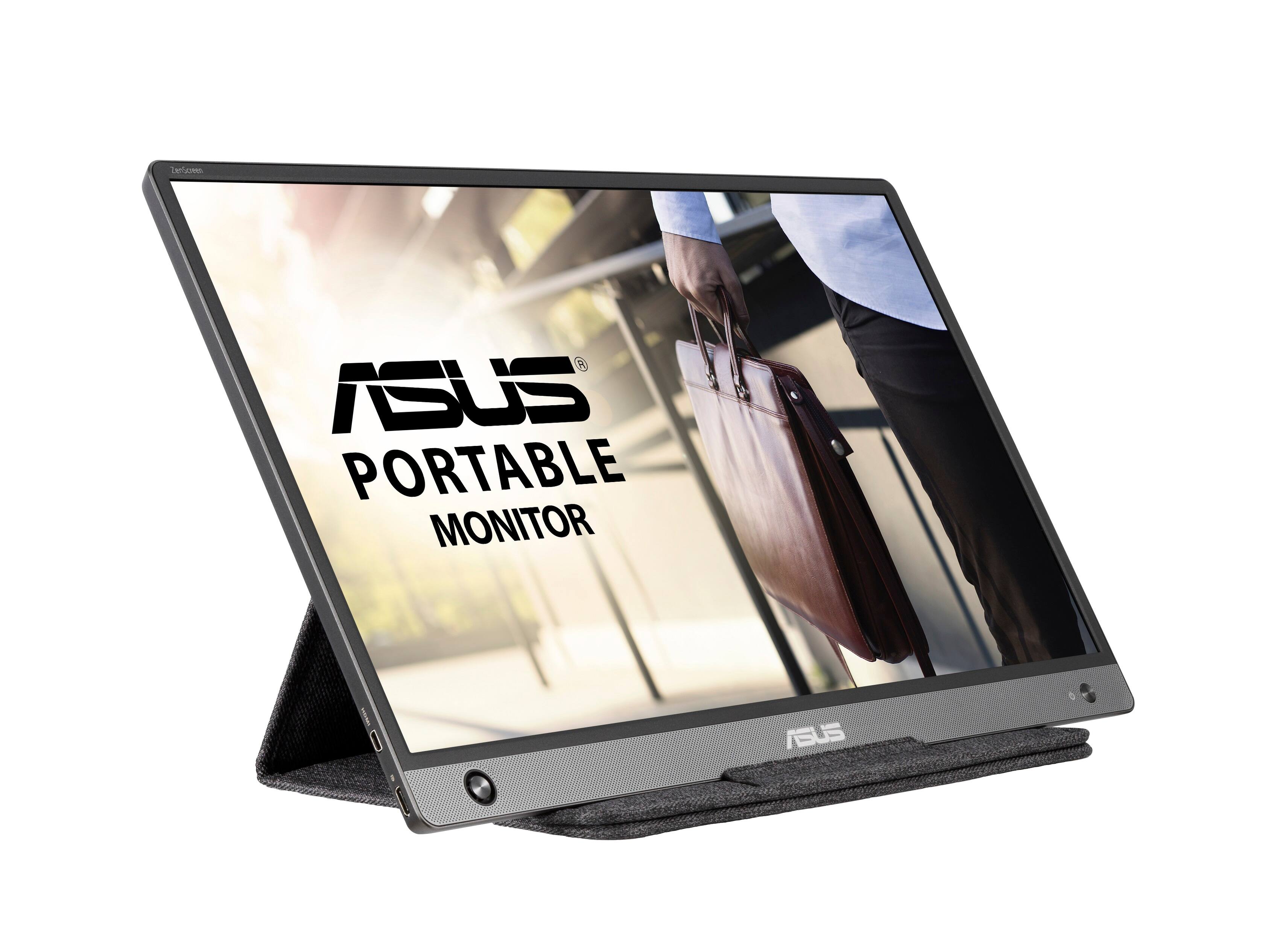
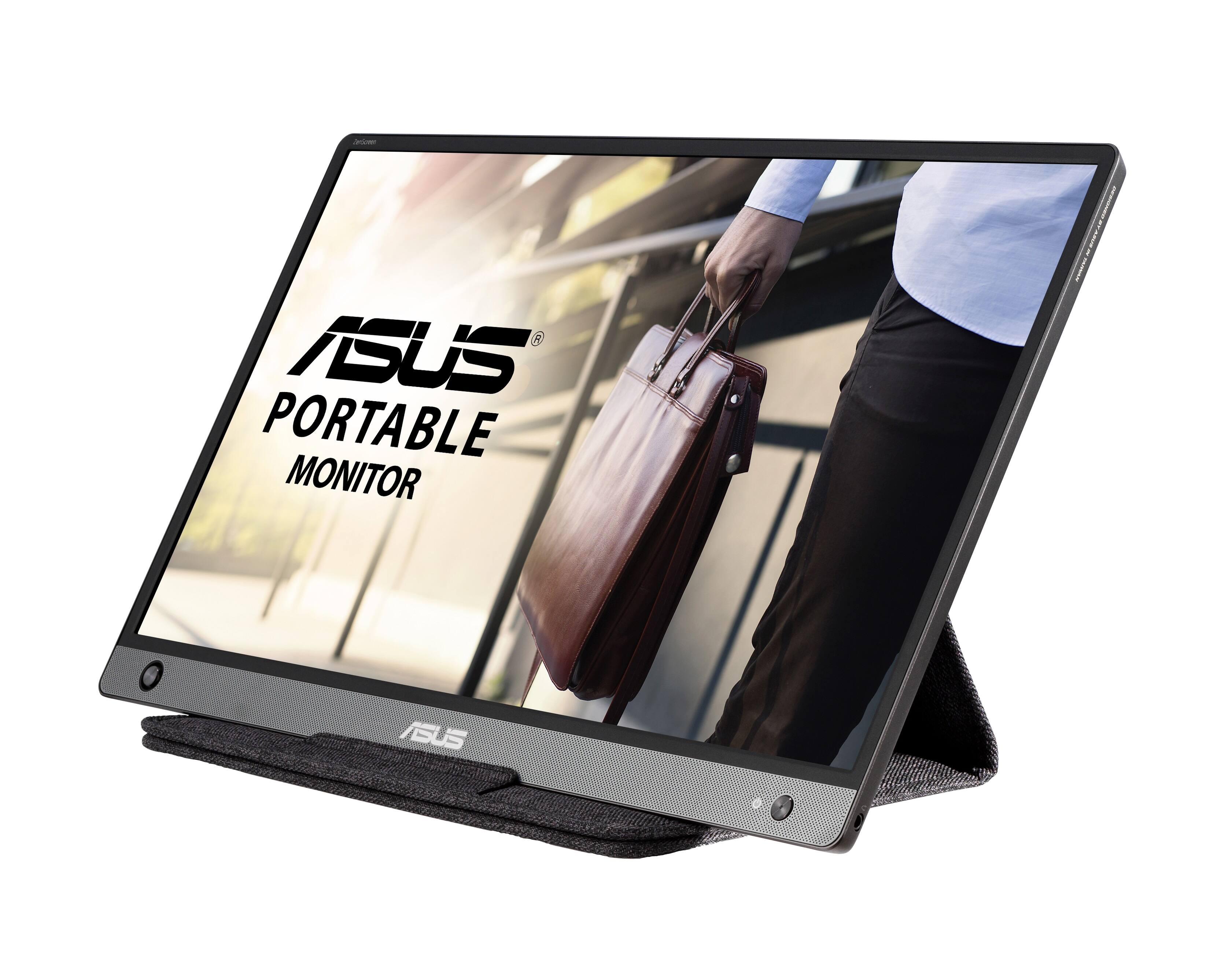
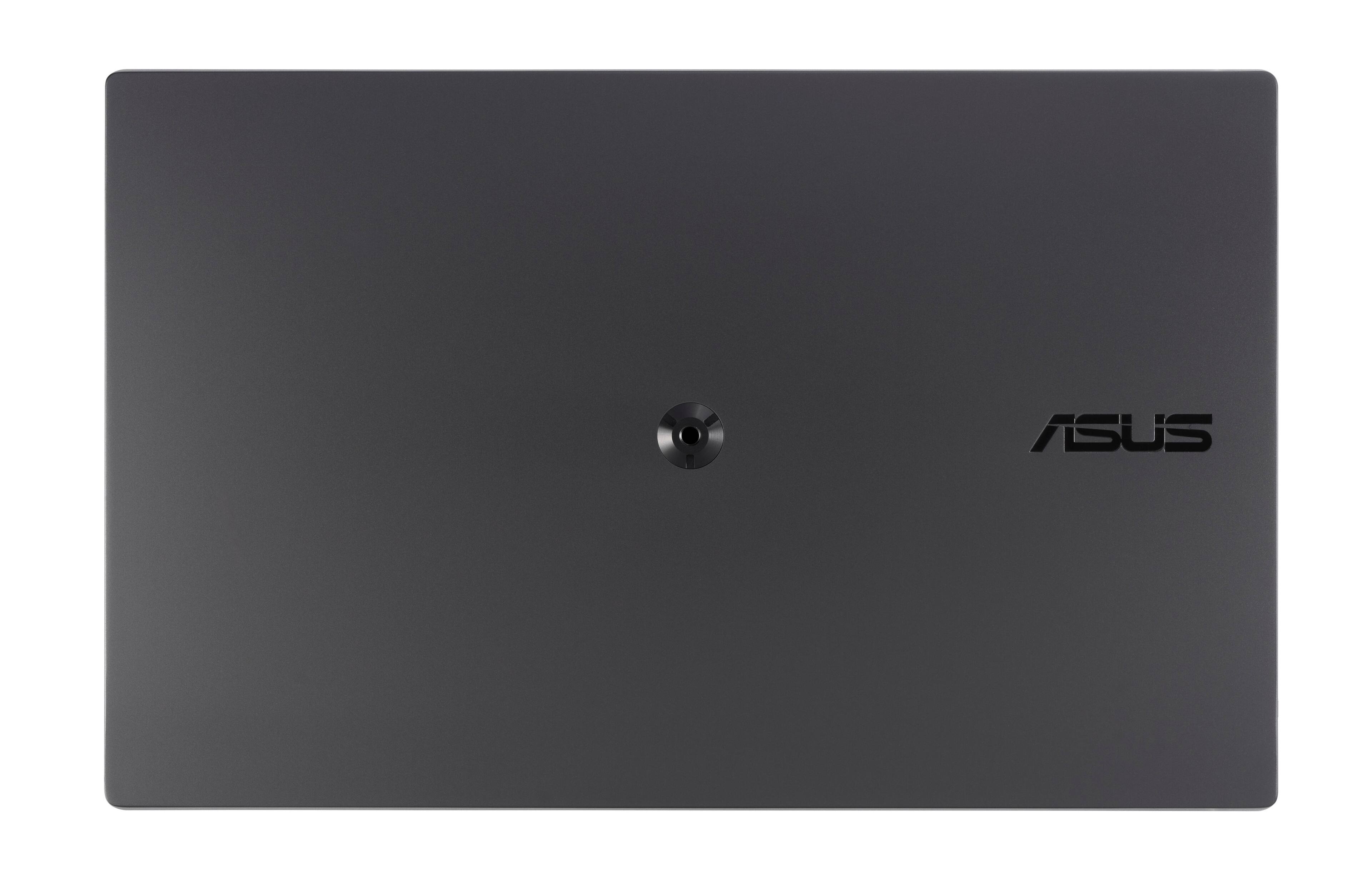
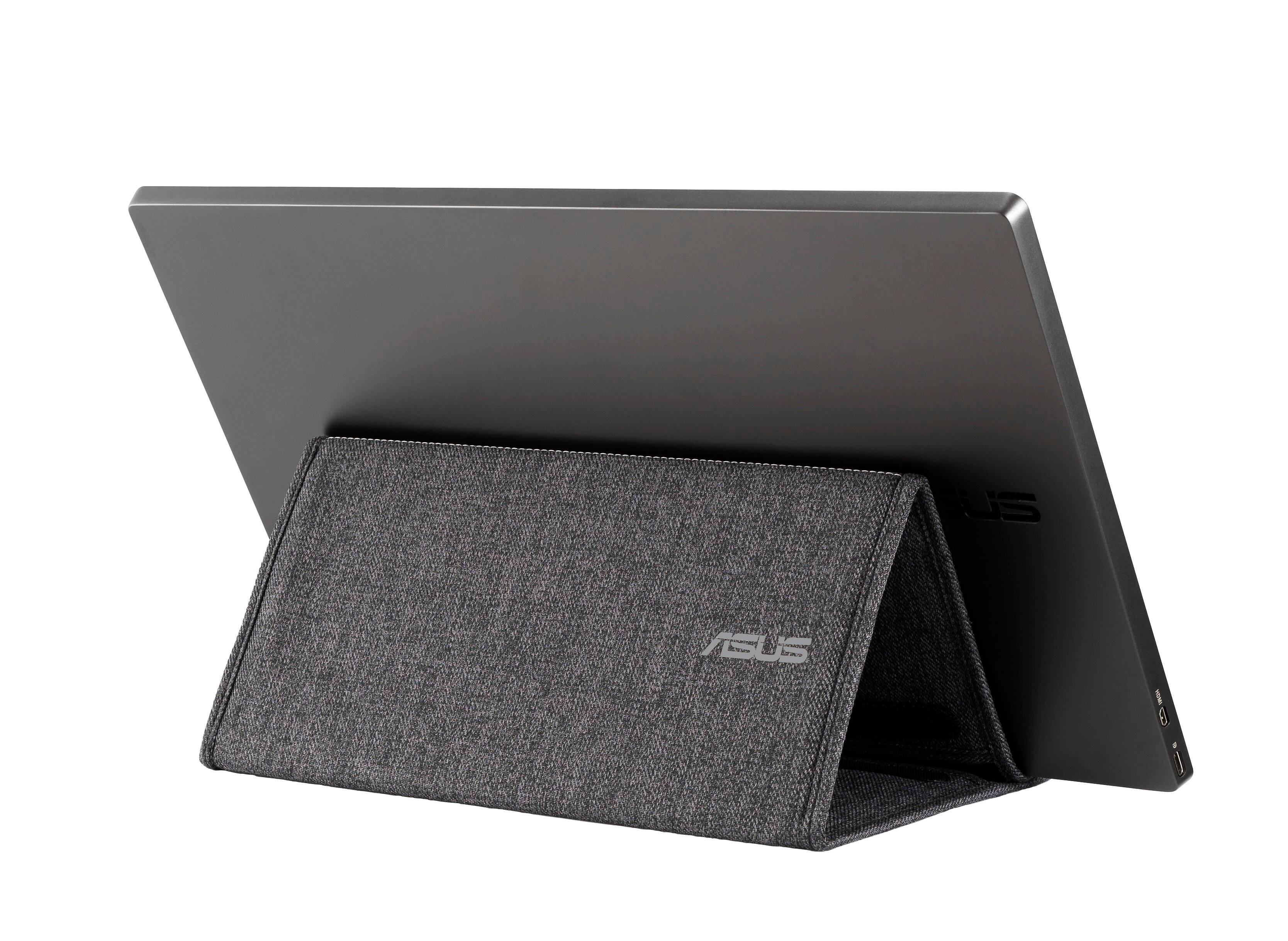
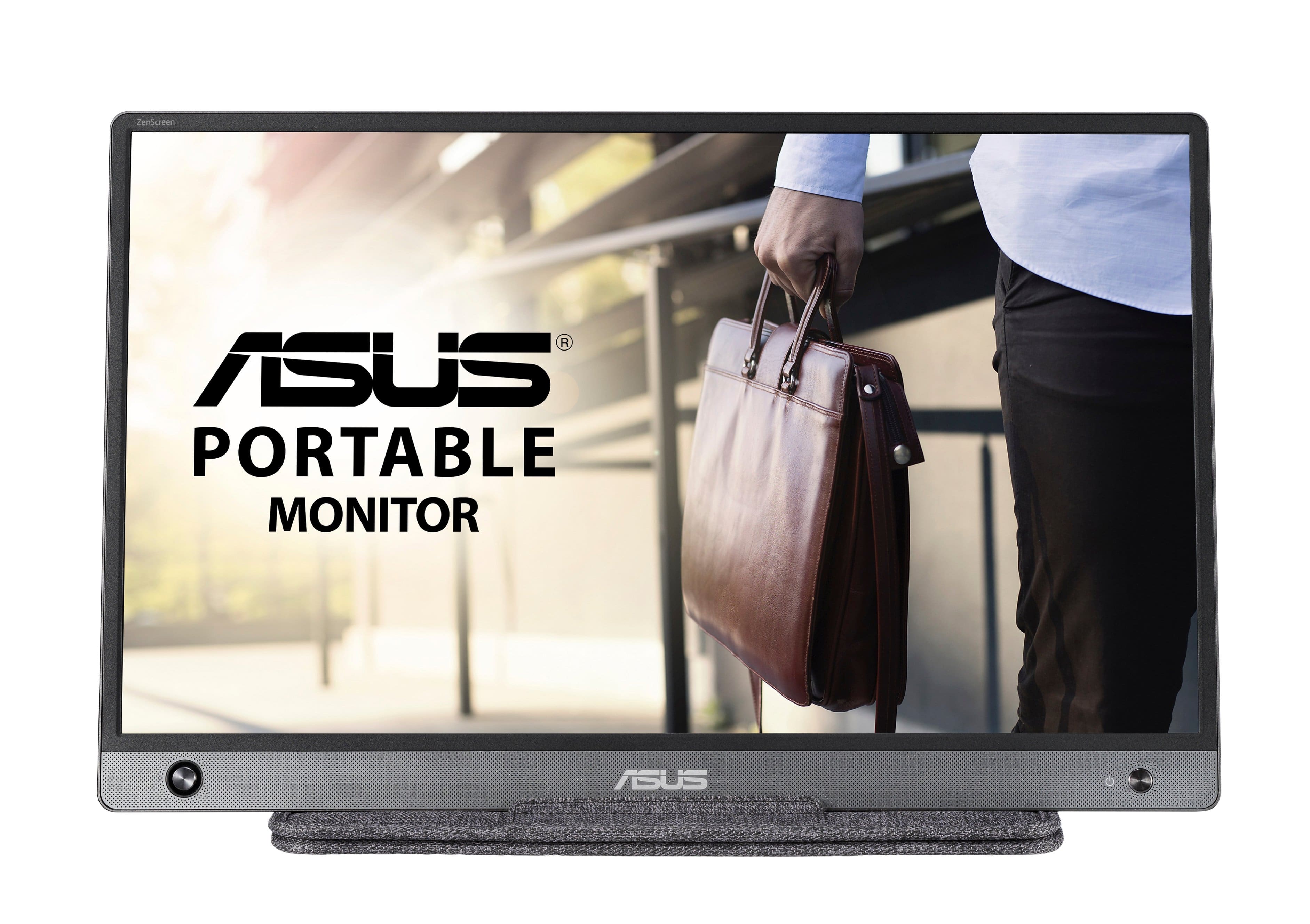
- A:Answer Trying to figure out the same thing. Comparing the manuals though I saw this can be charged through USB-C and hooked up to the laptop via mini HDMI. the ACE only has a USB-C port. The back of this also has a 1/4" screw thread. https://www.asus.com/ca-en/Displays-Desktops/Monitors/ZenScreen/ZenScreen-MB16AH/
Answered by Jonathan
Q: QuestionWhat is the difference between MB16AH and MB16ACE? Thks.
Asked by Anonymous.
- A:Answer The only differences are the power consumption and interface or connection, the MB16AH has USB-C and Micro-HDMI while the MB16ACE uses USB-C only.
Answered by ASUS Answers

Q: QuestionIs this compatible with the Mac operating system?
Asked by NewTechy.
- A:Answer No it's not.
Answered by ASUS Answers

Q: QuestionDoes this work with Lenovo Ideapad 3 15.6" laptop?
Asked by Toni.
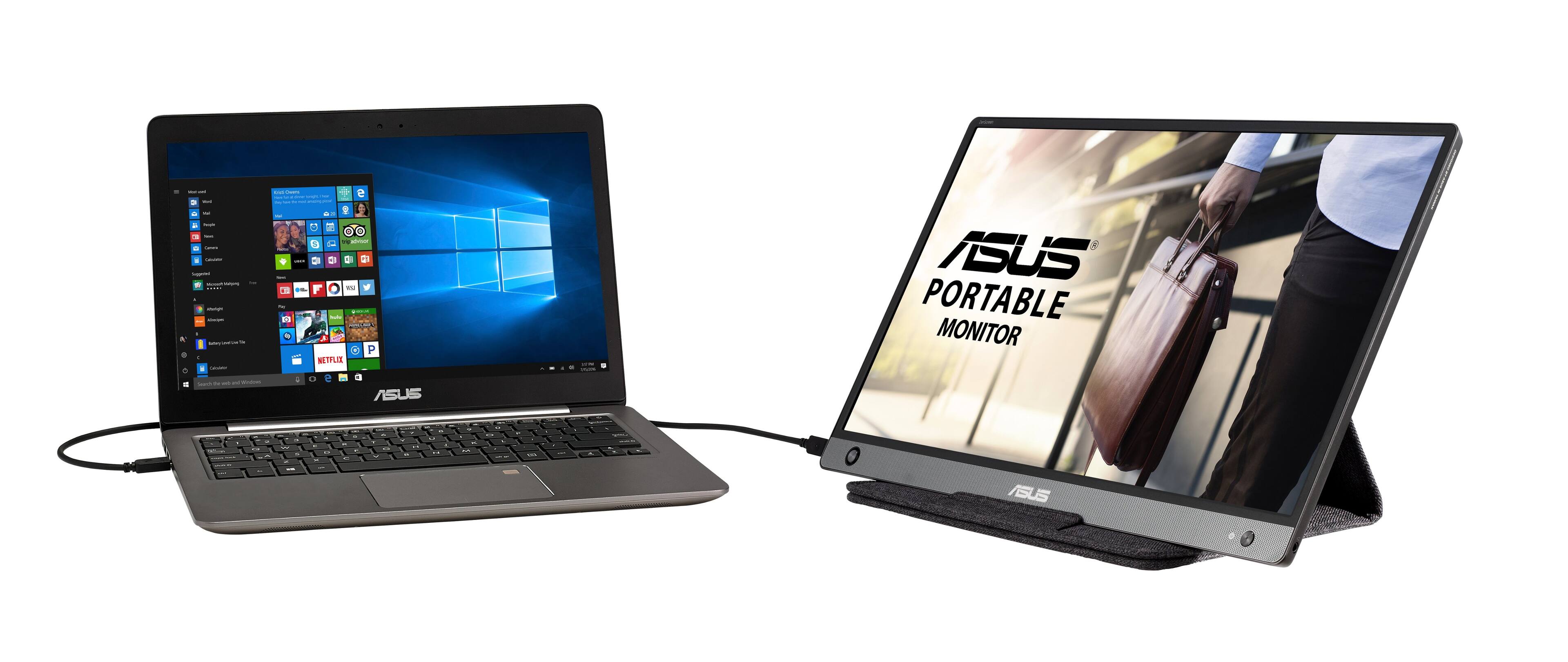
- A:Answer It should work "plug & play" style with any PC that has a USB-C port. I hooked it up to my Lenovo Legion 5 through the single USB-C port, and was immediately recognized as a second monitor. It also has a mini HDMI port, and with an HDMI-to-Mini HDMI adapter cable, and a USB 3.0 charger, you can hook this into literally any computer that has an HDMI output as a second display. It will work through a USB 3.0 port (there's an included adapter), but it will need a driver from Asus to display through that hookup. Whichever way you hook it to your computer, the monitor has to be hooked into USB 3.0 / USB-C because it pulls its power from the USB plug, and only ports designed for that version will supply sufficient voltage.
Answered by OldSchoolGamer
Q: QuestionWill this work with the Dell Latitude 7400 and will additional cables need to be purchased? Also do you use the same port to charge and connect to other devices?
Asked by Cocoa.
- A:Answer Computer model shouldn't matter - the available ports are what's important. This monitor model has two inputs: USB-C and Mini HDMI (BB's listing is incorrect). I hooked the AH (USB-C only) model up to my Lenovo Legion 5, through the laptop's solitary USB-C port, and it worked perfectly without further intervention. It draws power through the USB-C port that it also uses for video signal. You can also use an HDMI-to-Mini HDMI connector cable (purchased separately) to give it a video-only signal from literally any HDMI-out device, but you will still need to hook the USB-C into a USB 3.0 compatible charger for power to run the monitor.
Answered by OldSchoolGamer
Q: QuestionUpon connecting to Surface pro, the monitor said I had to download new drivers. How do I install drivers without connecting the monitor to company issued Surface?
Asked by janclaire.
- A:Answer If it is a company-issued device, carry it to your IT personnel, who has admin privileges, and let them install any drived=s or the monitor. My SP8 is not a company issue, so I could plug and play without notification of needing any drivers. I am unsure why the connection asks for a driver because it should plug in and play.
Answered by MikeF
Q: QuestionIf I get a lightening to type C capable Can this work with an iPad?
Asked by Linda.
- A:Answer Yes.
Answered by Androidsaretrash
Q: QuestionHow do I connect my iPhone display to the Asus sunscreen? Does it have this capability?
Asked by timmy.
- A:Answer Get the connection converter that connects from USB to the connection on the Asus Sunscrene device. They have them at BB. Then you can plug in the iPhone charging cable to the iPhone and the cable to the Asus.
Answered by mikef
Q: QuestionDoes this work with an HP Pavillion 590 desktop?
Asked by Rosey.
- A:Answer Yes if you have HDMI or a USB-C port.
Answered by Plank
Q: QuestionIs there a cord I can purchase to connect 2 of these monitors to a Lenvo Thinkpad? I have one of these monitors but was thinking about buying a second one and trying to figure out how to connect them both.
Asked by B.
- A:Answer If the Lenovo Thinkpad meets the system requirements of the monitor, a USB cable and a HDMI to a Micro-HDMI cable can be used to connect two monitors.
Answered by ASUS Answers

Page 1, Showing 1-12 of 12 questions
Most-viewed items
- $149.00$149.00The price was $399.00
- $329.99$329.99The price was $469.99
- $159.99$159.99The price was $179.99
- $59.99$59.99The price was $169.99
- $129.95$129.95The price was $199.99
- $19.99$19.99The price was $25.99
- $122.00$122.00The price was $129.99