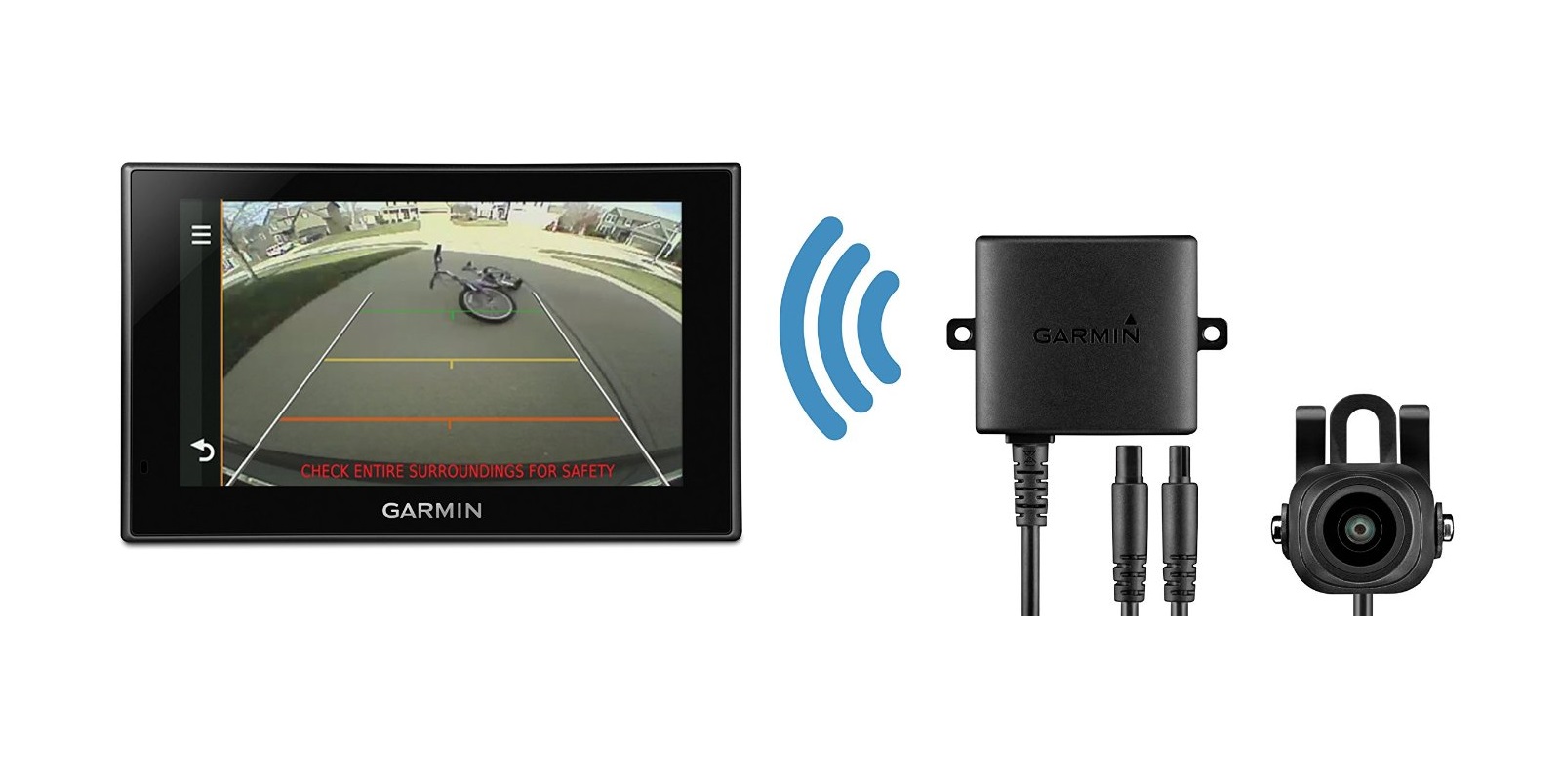
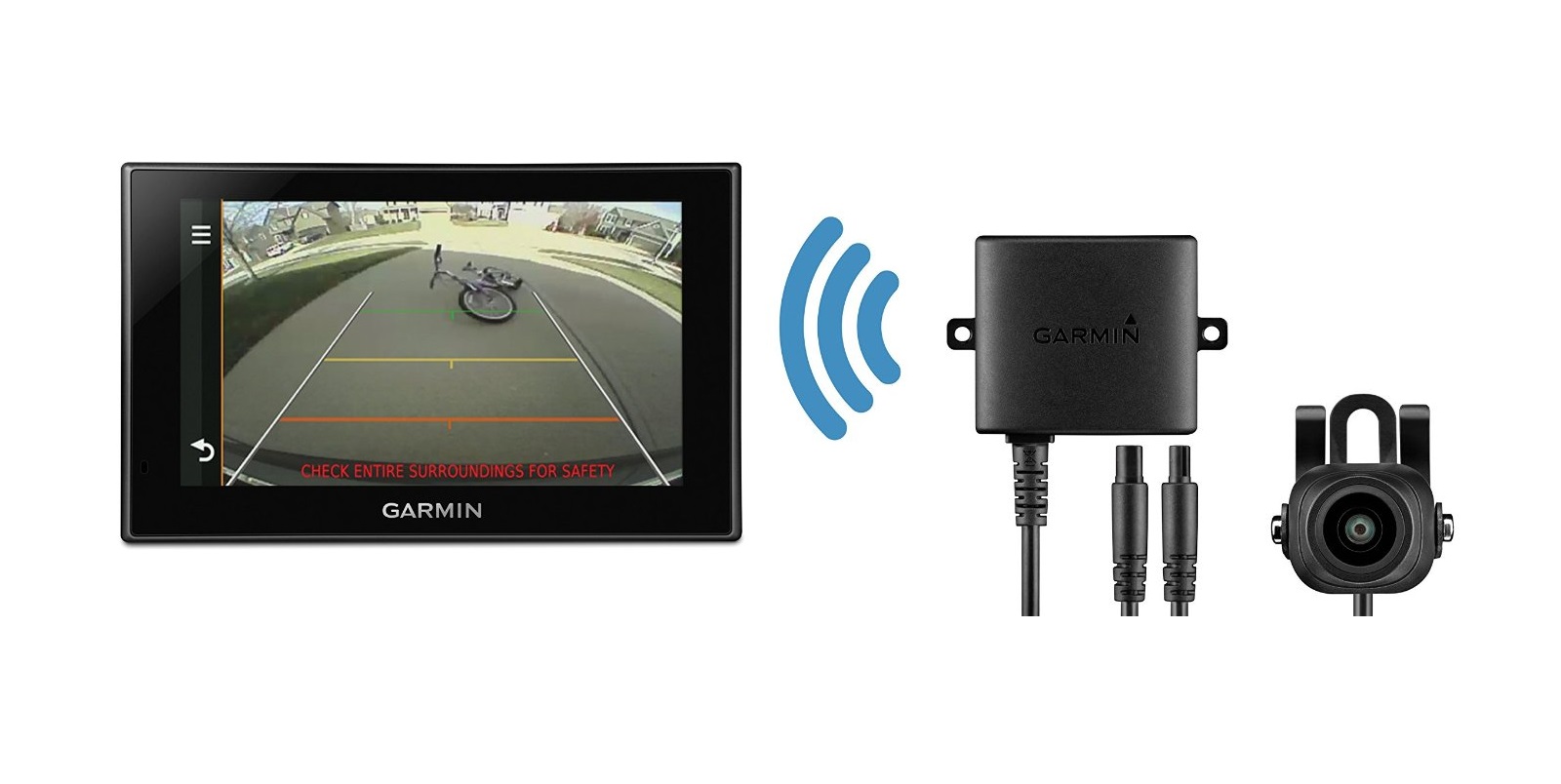
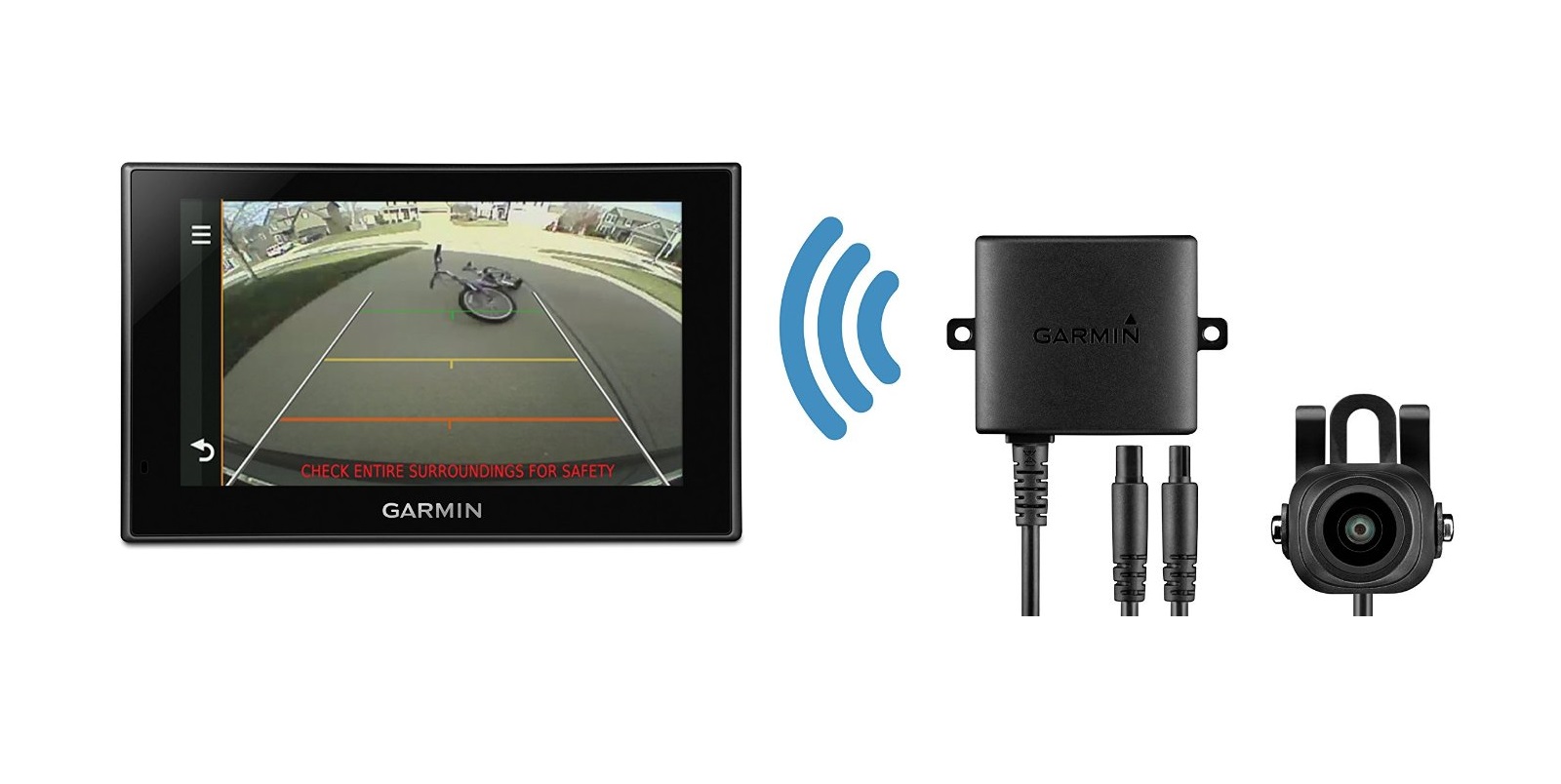
A:AnswerNo, the Garmin BC™ 30 Wireless Backup Camera is only compatible with Garmin Automotive GPS navigators. Most models, in the Garmin Drive™, dēzl™ and RV series are compatible with the BC 30.
A:AnswerYes, the BC 30 is compatible with the nüvi® 66. Based on the error message, it seems like you may not be using the BC 30 Wireless Video Receiver/Vehicle Traffic and Power Cable, part number 010-12242-22. This cable is designed to replace the nüvi® 66 power cable.
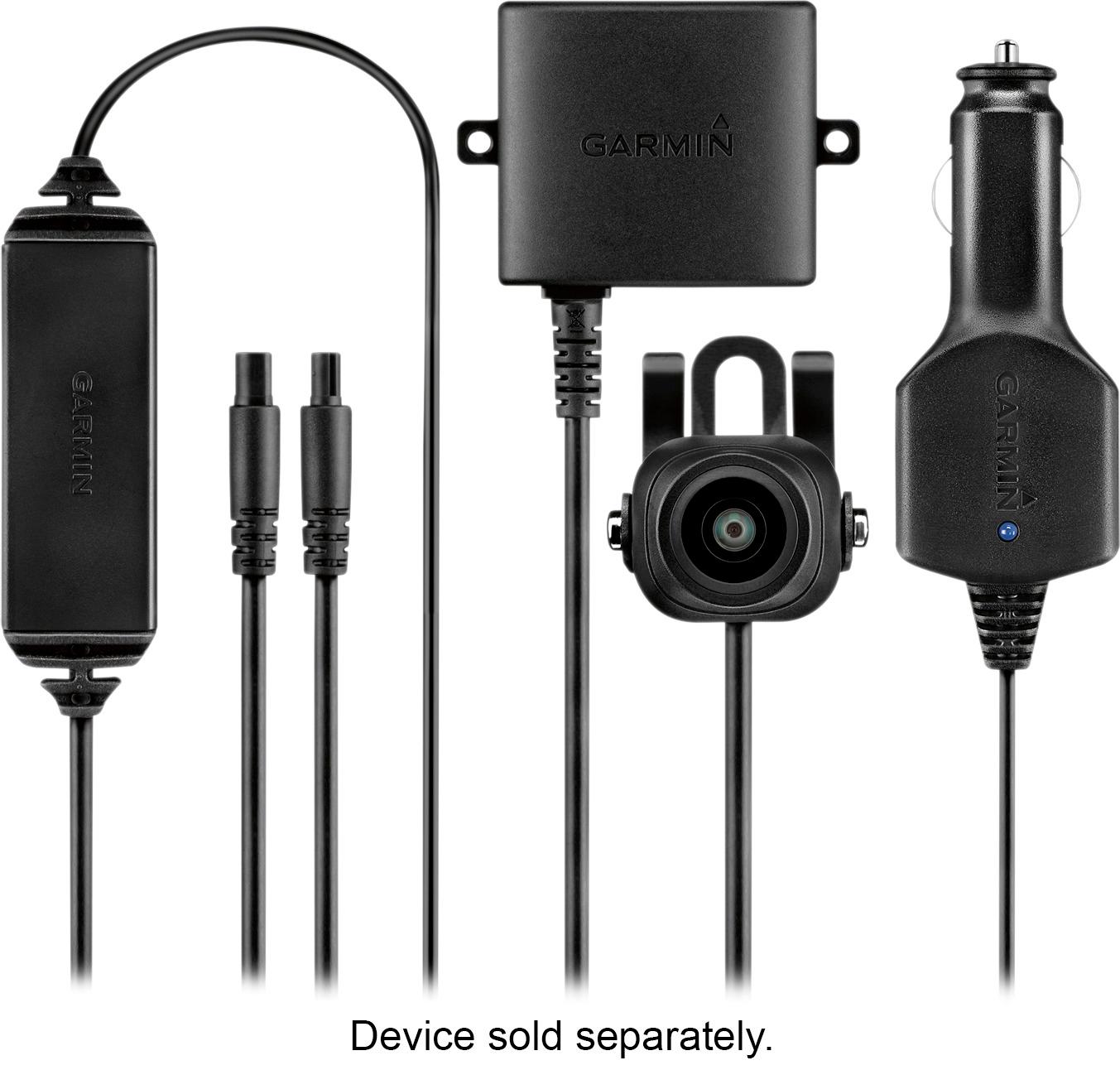
A:AnswerPlease contact Garmin Product Support for help with this replacement part. Our contact information, including telephone number and hours of operation, can be found at: https://support.garmin.com/en-US/
A:AnswerYes. You can power the back-up camera to come on when you have the ignition key on. Depending on what unit you have, you would only see the backup camera video and not the GPS maps unless you manually switched from one to the other.
A:AnswerThe power traffic cable is the receiving antenna for the wireless camera. The back up camera and transmitter are powered by a connection you make to the back up lights on your particular vehicle. This saves running a wire all the way from the back of the car to the front.
A:AnswerI know the camera is compatible with Garmin Drive 5I because that's what I have and it works very well. I had the camera installed by the GEEK Squad and am very satisfied with their work.
A:AnswerSounds like you may not be using the BC 30 receiver/power cable. This cable is designed to replace the DriveSmart 61 LMT-S power cable. Garmin Product Support would be happy to help. Our contact information, including telephone number and hours of operation, can be found at: https://support.garmin.com/en-US/
A:AnswerFrom what I understand, this setup precludes the use of the traffic receiver. The "LMT-S" models can receive traffic updates from your smartphone through Bluetooth while still being able to use the backup camera.
A:AnswerHere is a link to the compatible devices for Gamin's BC-30 backup camera. I looked through it for the number you supplied and it is not listed. The BC-30 backup camera will only work with Garmin cameras. There must be another number for the GPS you have (if it is a Garmin). Check the devices "About" screen under settings for the model number, or maybe the back of the device.
Here's the link: http://buy.garmin.com/en-US/US/p/501486#devices