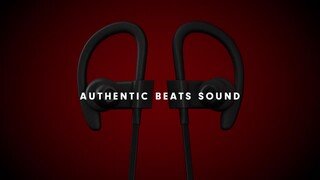
A:AnswerThe battery life was good. I got a good 8 hrs out of a charge. I didn’t care for the way they fit or the lack of volume for the $199.00.
Hope this helps.
A:AnswerYes, Powerbeats 3 Wireless Earphones are compatible with bluetooth enabled devices. Learn how to connect and use here: https://www.beatsbydre.com/support/how-to/set-up-and-use-powerbeats3-wireless
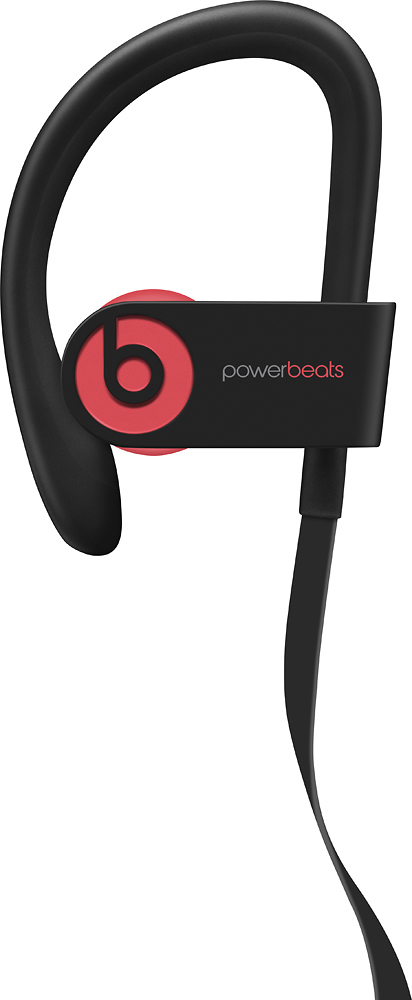
A:AnswerBeats and Apple offer a limited 1-year manufacturers warranty. Other retailers may offer their own separate warranties or protection plans (check with the individual retailers for their terms and details). Please visit our Service and Warranty page for information on Apple and Beats products: https://www.apple.com/legal/warranty/products/accessory-warranty-english.html
A:AnswerBeats are made to work with most devices, including iOS and Android. Functionality may vary by product. Please review this resource for product compatibility: https://www.beatsbydre.com/support/info/product-compatibility.
Please review this resource on pairing your Powerbeats 3 Wireless Earphones with your bluetooth enabled device: https://www.beatsbydre.com/support/how-to/set-up-and-use-powerbeats3-wireless
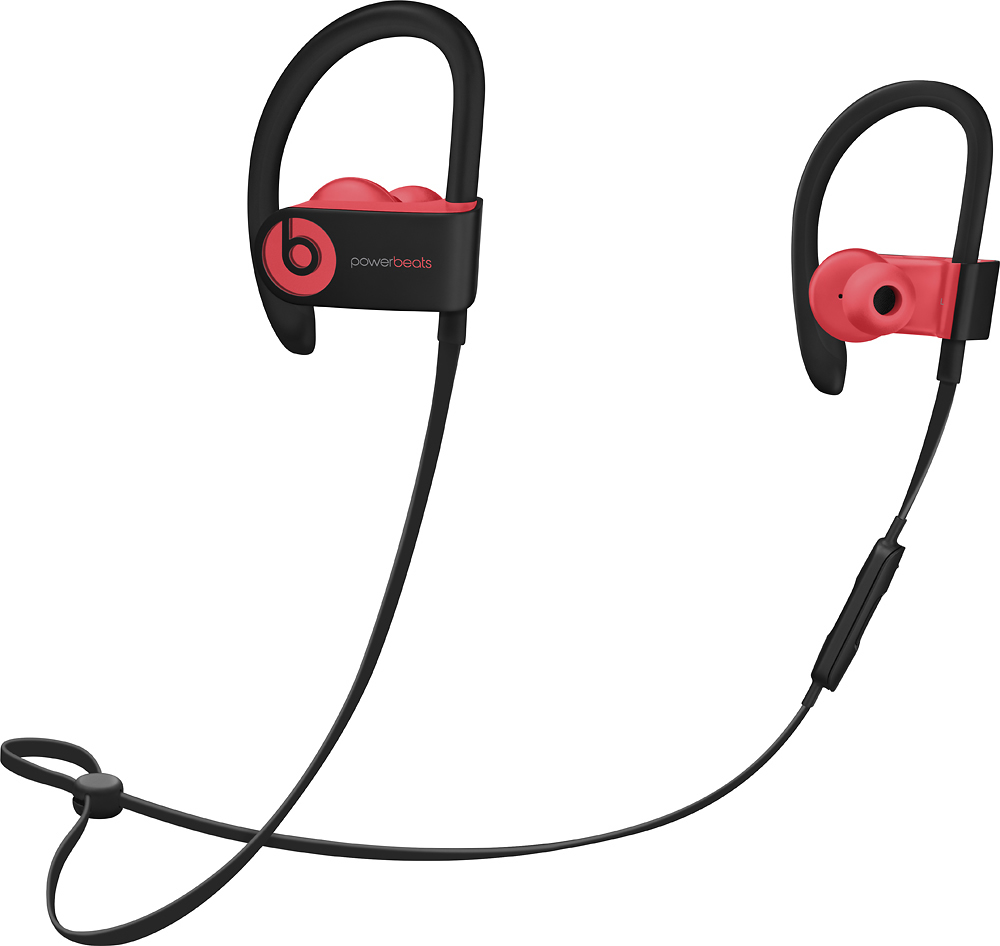
A:AnswerBeats are made to work with most devices, including iOS and Android. Functionality may vary by product. Please review this resource for product compatibility: https://www.beatsbydre.com/support/info/product-compatibility. Please review this resource on pairing your Powerbeats 3 Wireless Earphones with your bluetooth enabled device: https://www.beatsbydre.com/support/how-to/set-up-and-use-powerbeats3-wireless
A:AnswerBeats by Dr. Dre Powerbeats 3 Wireless Earphones work with bluetooth enabled devices. For Seamless switching, they set up automatically with your other devices that are signed into iCloud and using iOS 10, macOS Sierra, or watchOS 3. Check your iPad operating system to use seamless switching. Learn more about how to set up and pair your Powerbeats 3 Wireless Earphones: https://www.beatsbydre.com/support/how-to/set-up-and-use-powerbeats3-wireless