A:AnswerCould be a battery issue. I had that issue with my Over the ears and them not staying on or charging. Found out the battery possibly needed to be replaced. Could have done it for cheap but ended up throwing them out before I found out the batteries can be replaced. Look up "How to Replace Beat Batteries" on youtube. There's a few step by step tutorials. Geek Squad may be able to help with this problem as well.
A:AnswerSomewhat. If you are relying on the padded ear cups to make a noise-proof seal, that depends a great deal on the size and shape of your ears. Because these are on-ear headphones they can't be expected to be as efficient at noise cancelling as over-the-ear models. That said, they have deeply padded ear cups and a very snug fit (too snug for comfort after a prolonged listening session, in my opinion). With your music or other sound playing through them, they do a respectable job of canceling out any unwanted noise.
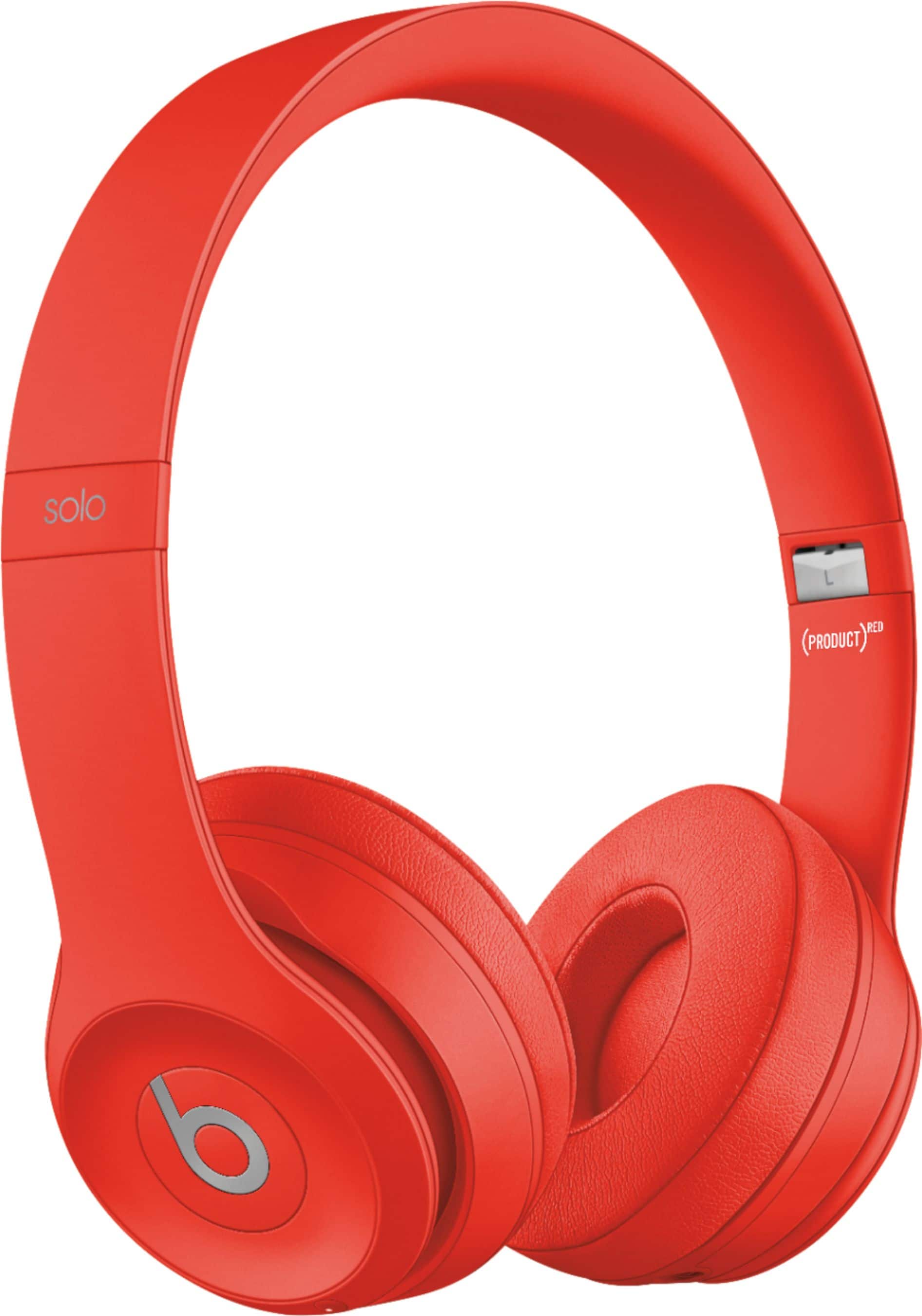
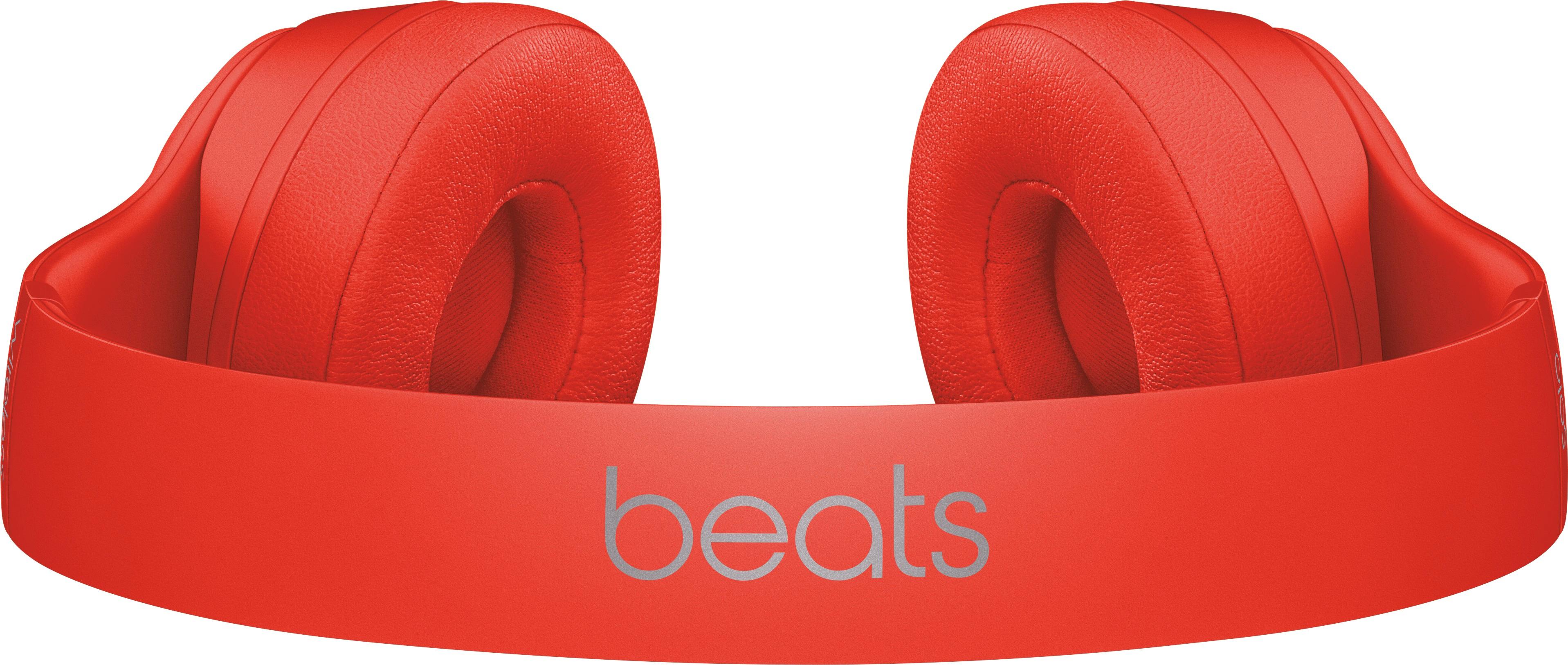
A:AnswerI believe the sweating will continue with the Beats Solo 3 Wireless. Thay have vinyl/leather foam coverings that press against the skin. This would trap heat within the ear cup, thus contributing to excessive sweat.... However, these are ON-Ear and not OVER-Ear, so they may be more breathable and better for a gym environment.
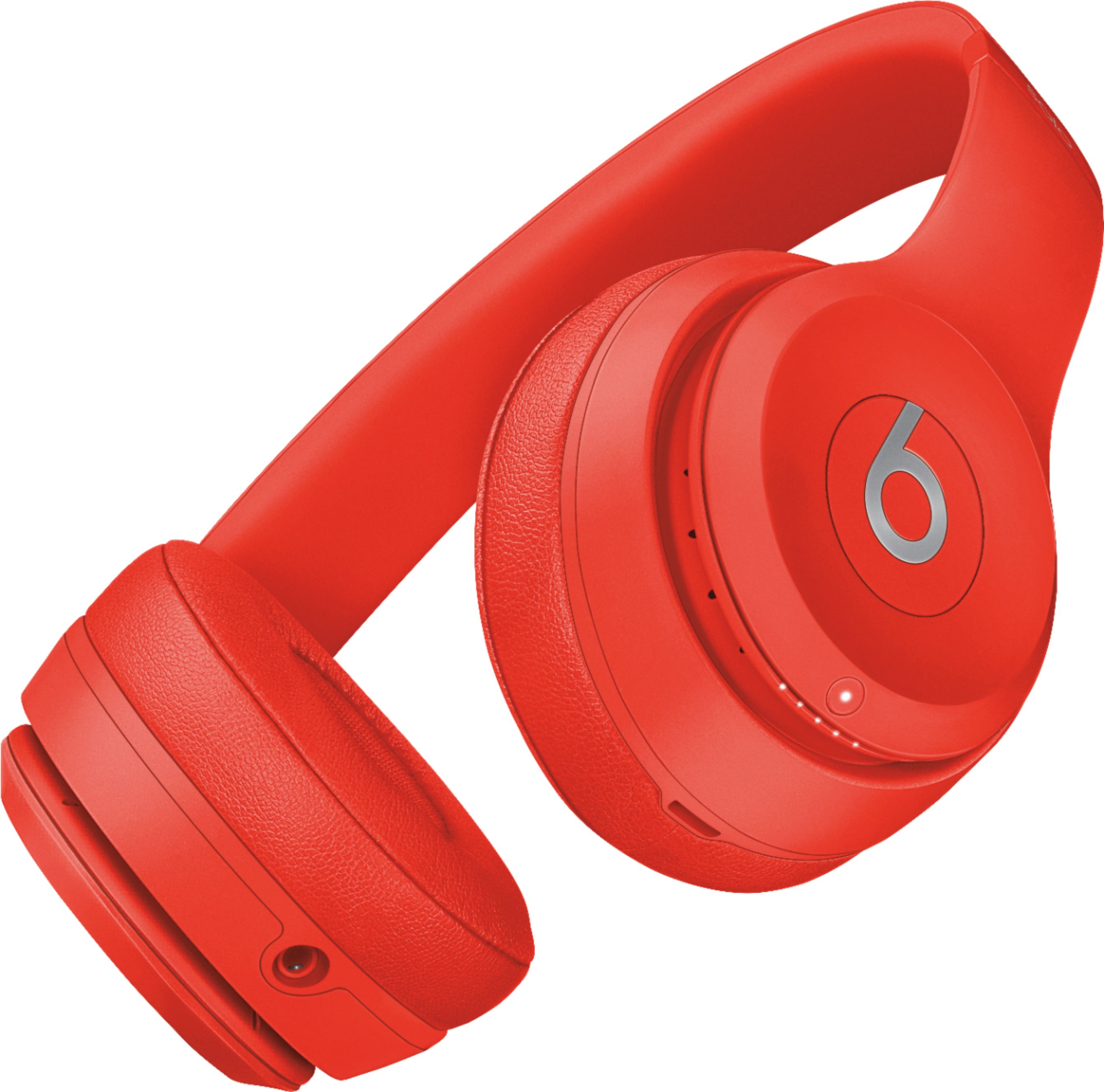
A:AnswerYes you can answer the phone from the headphones. You just click the left ear beats button symbol in the middle of the headphone once and turns on phone call and click it again to End the phone call. Also while listening to music if you click the same button twice it will skip to the next song and you control the volume on the left ear headphones on the outer ring the top is plus volume the bottom of the ring is minus volume