A:AnswerYes you can answer phone calls, decline phone calls and make phone calls with them. Also, you don’t even need the cord to do it if you have wireless.
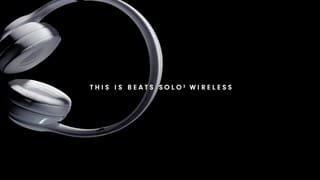
A:AnswerWhile they aren't rated as noise canceling, they still have great sound performance. These are super comfortable! I practically sleep in mine every night and have never had an issue with sore ears. I pair mine with my iPhone and could go two days without charging them. They do come with a cord, but I have yet to use it. I just keep them on charge in the morning since I mainly use them after work.
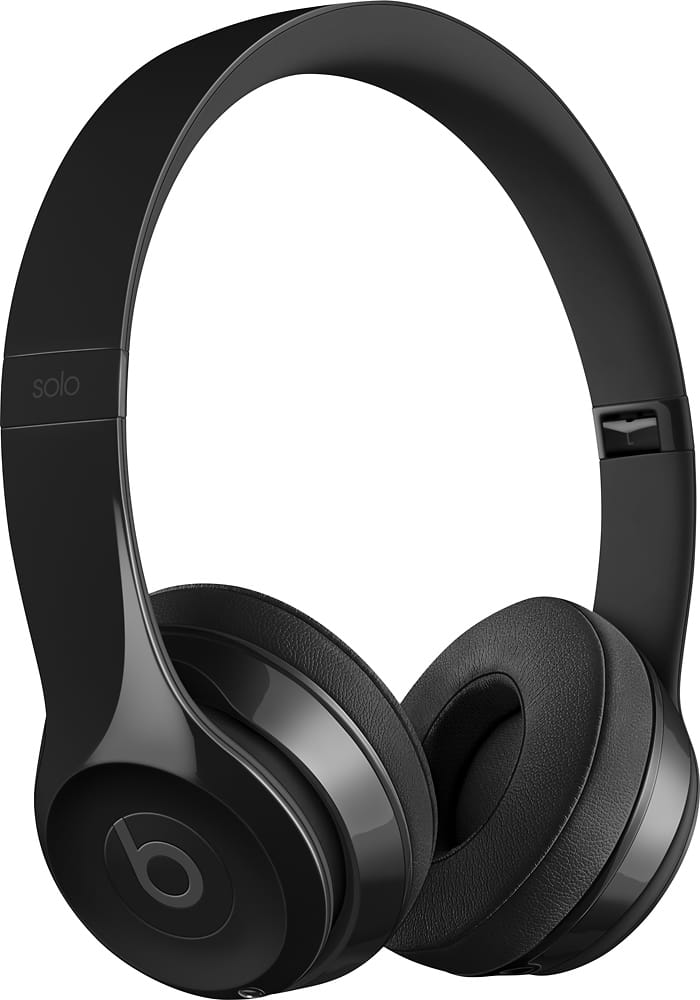
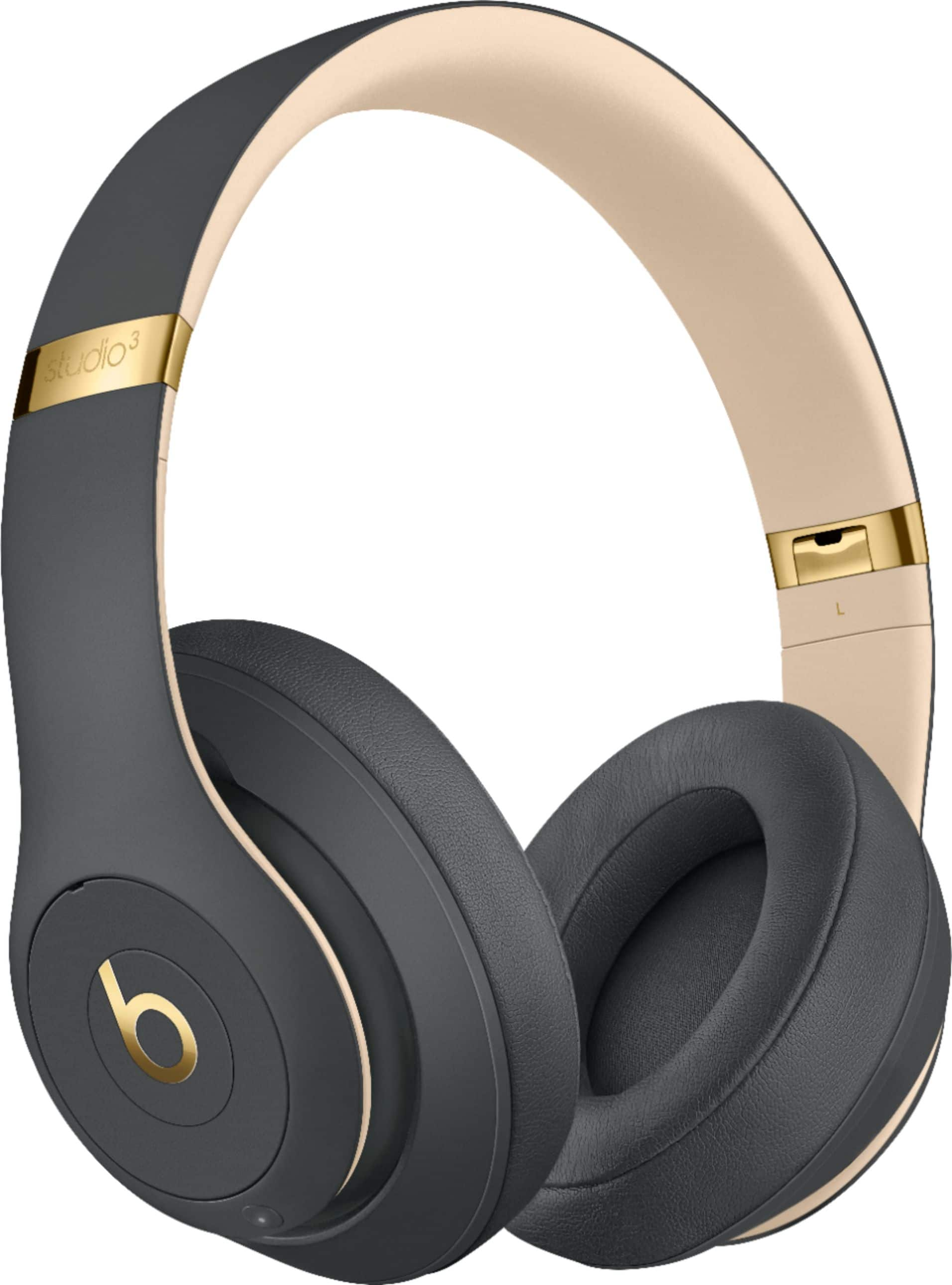
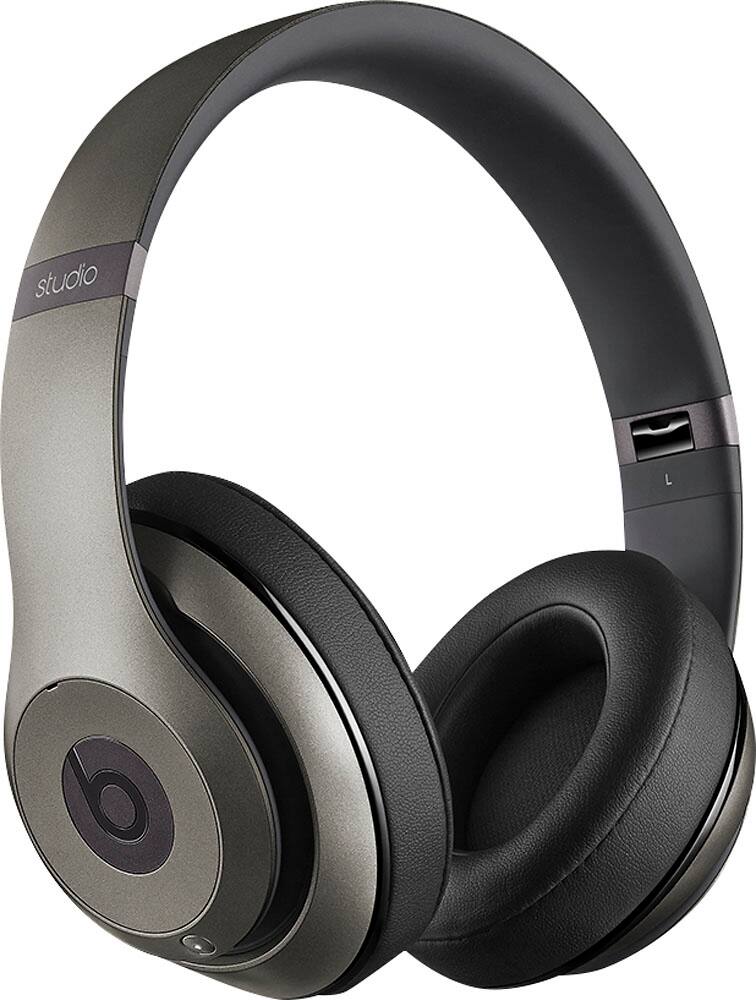
A:AnswerThe numbers are the generation they are. So 2 is last year and 3 is what came out this year basically. First generation do not have a number on them. There’s also different colors that will make them a certain addition. Like a gray addition etc. They usually cost more as well. There’s no real way to visually tell the difference in the 2nd ad 3rd generation because they usually have similar color concepts. If read the description it will say things like now the battery lasts longer than before (12 hours instead of 8), but they do come with chargers and can be charged with an android charger as well. If they are charged for 5 minutes it adds 2 hours of playback time so really just depends on what you want to spend. Hope helps!
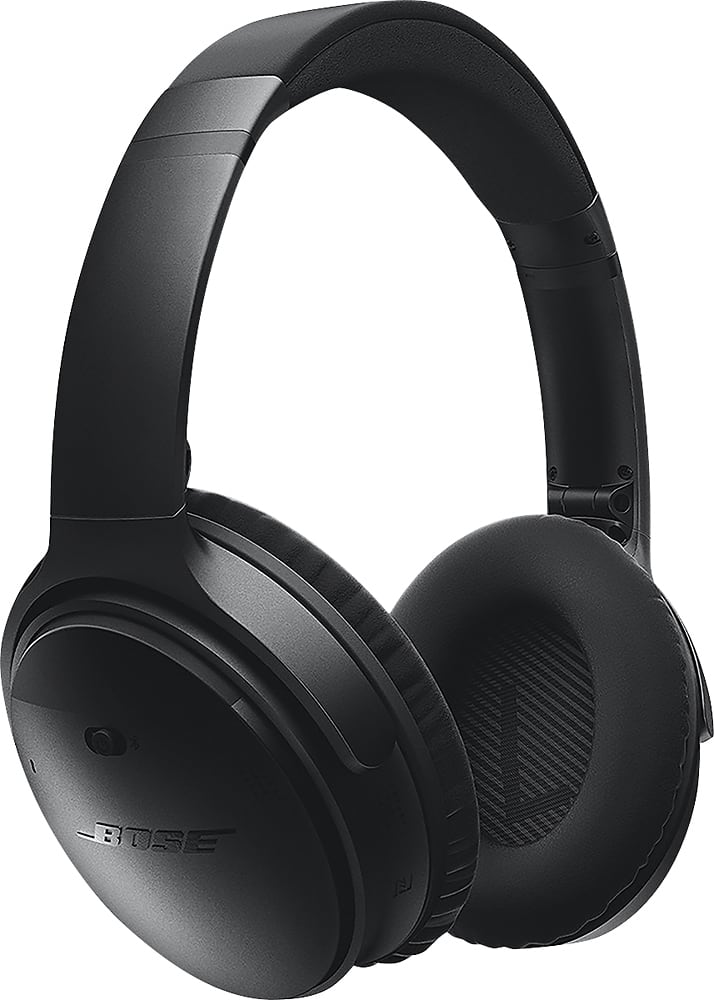
A:AnswerNoise cancelling features read the outside noise and cancel anything that is external to your headset by creating an opposing signal to filter out the external noise like jet engines or talking. Besides if they cancelled the noise that others hear you would hear nothing. They are not called sound deadening headphones.
A:AnswerYes, they will be work the best with Apple products. It does charge by micro USB instead of thunderbolt so non apple users can easily charge it.
A:AnswerIt does come with a cord so you can use them as wired headphones, particularly if the battery dies. The jack on the cord is the standard headphone jack so for newer iPhones you would need the lightening port adapter.
A:AnswerNo. You will pair your Beats Solo 3 Wireless Headphones to your device and they will playback what is playing on your device. Please review this resource for setting up and pairing your Beats Solo 3 Wireless Headphones to your bluetooth enabled device: https://www.beatsbydre.com/support/how-to/set-up-and-use-solo3-wireless