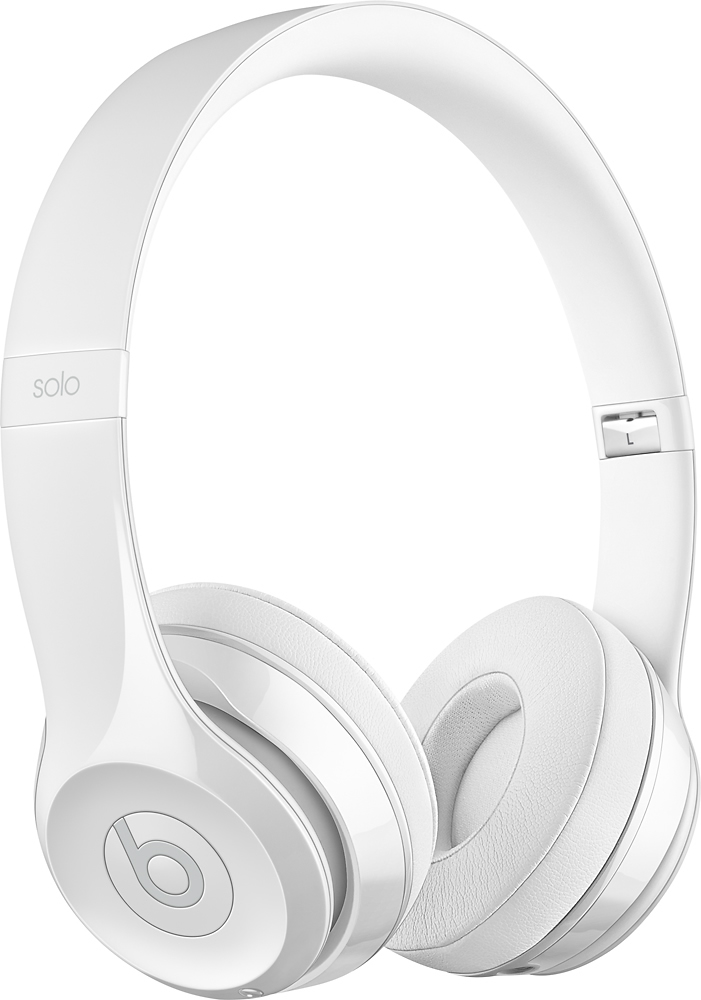
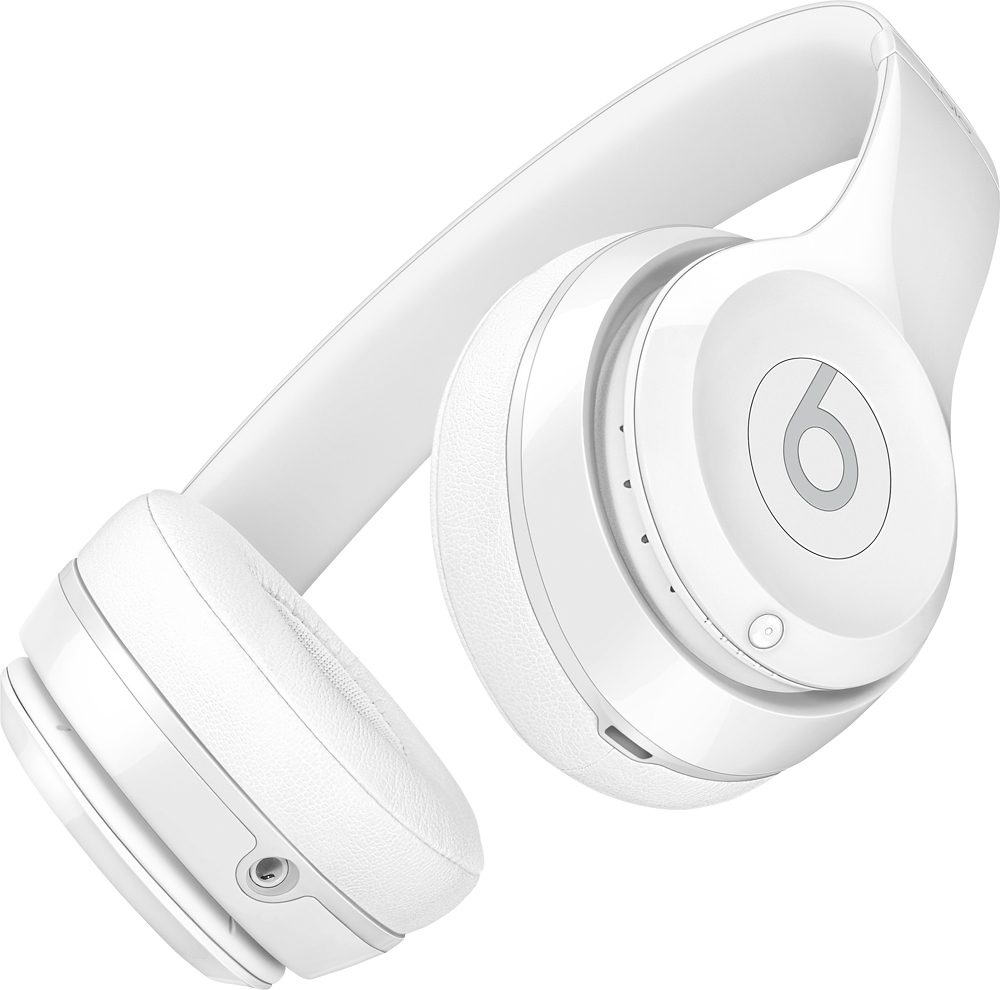
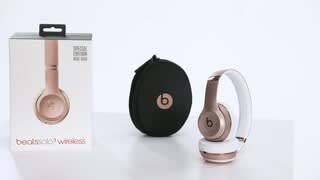
A:AnswerYes you can answer the phone from the headphones. You just click the left ear beats button symbol in the middle of the headphone once and turns on phone call and click it again to End the phone call. Also while listening to music if you click the same button twice it will skip to the next song and you control the volume on the left ear headphones on the outer ring the top is plus volume the bottom of the ring is minus volume
A:AnswerBeats by Dr. Dre wireless headphones and earphones connect via bluetooth, 3.5 mm aux cable (RemoteTalk Control cable), or lightning connector. Beats are made to work with most devices. However, functionality may vary by product.
Many gaming consoles feature handheld controllers that have a 3.5 mm headphone port.
When Beats by Dr. Dre wireless headphones or earphones are connected for gaming, you will be able to hear audio. For talking back to your friends online, some gaming customers have purchased external boom microphones, or boom mic headphone gaming adapters. Compatibility may vary (refer to the manufacturer user manual for support).
A:AnswerBeats Solo 3 Wireless Headphones connect wirelessly to your bluetooth enabled devices. You can connect through your bluetooth settings. You can also connect with a wired connection using the optional RemoteTalk Control cable with 3.5mm connector. You can connect to devices that have a 3.5mm audio port.
A:AnswerMy honest opinion is that they’re great headphones for workouts (weightlifting) but not really for running/jumping around being that it can move/bounce around.
A:AnswerThe microphone is built in and people always hear me clearly. There is an aux plug in that comes with it which also has a microphone. The plug in is good for when the battery is low.