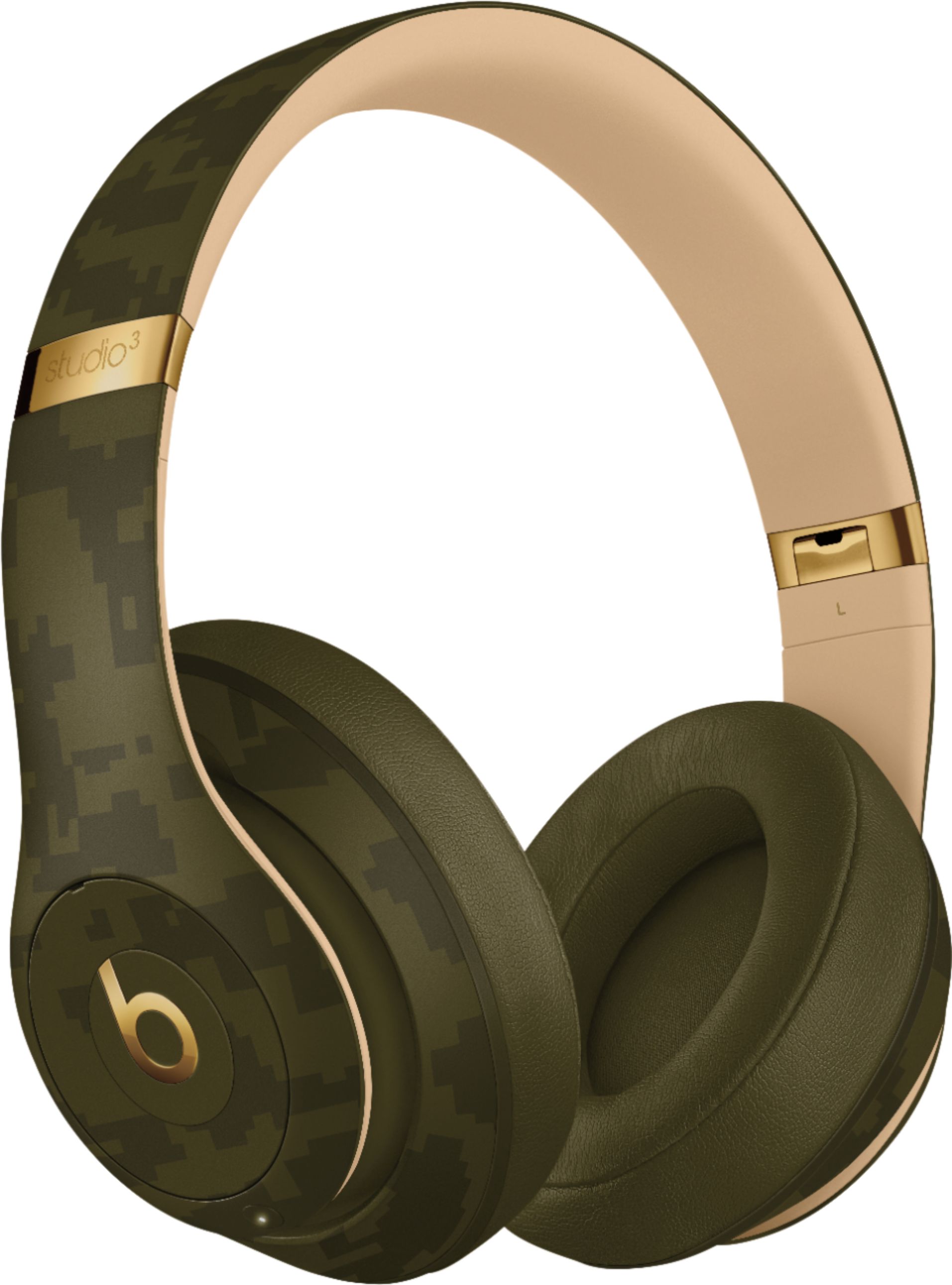
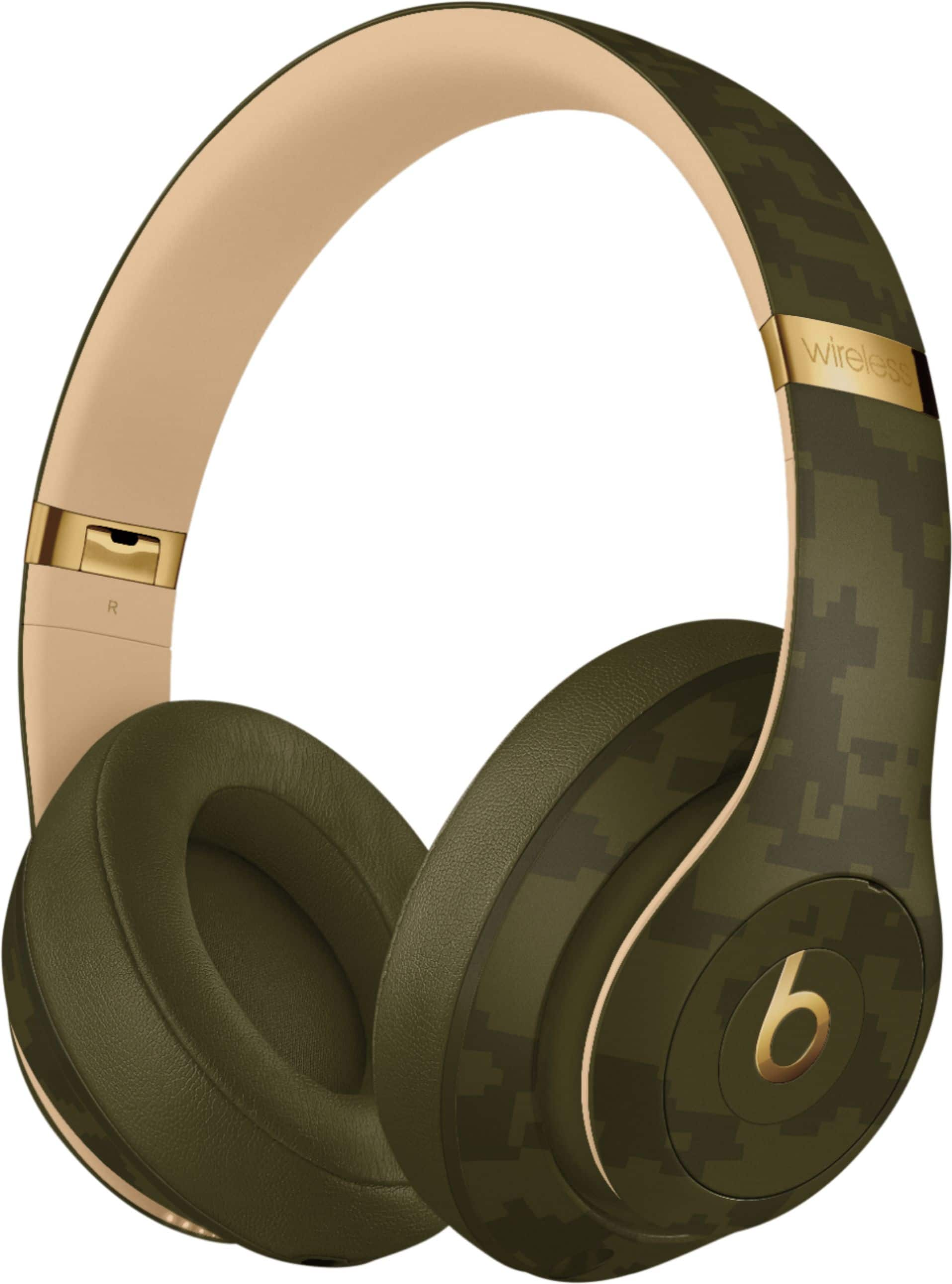
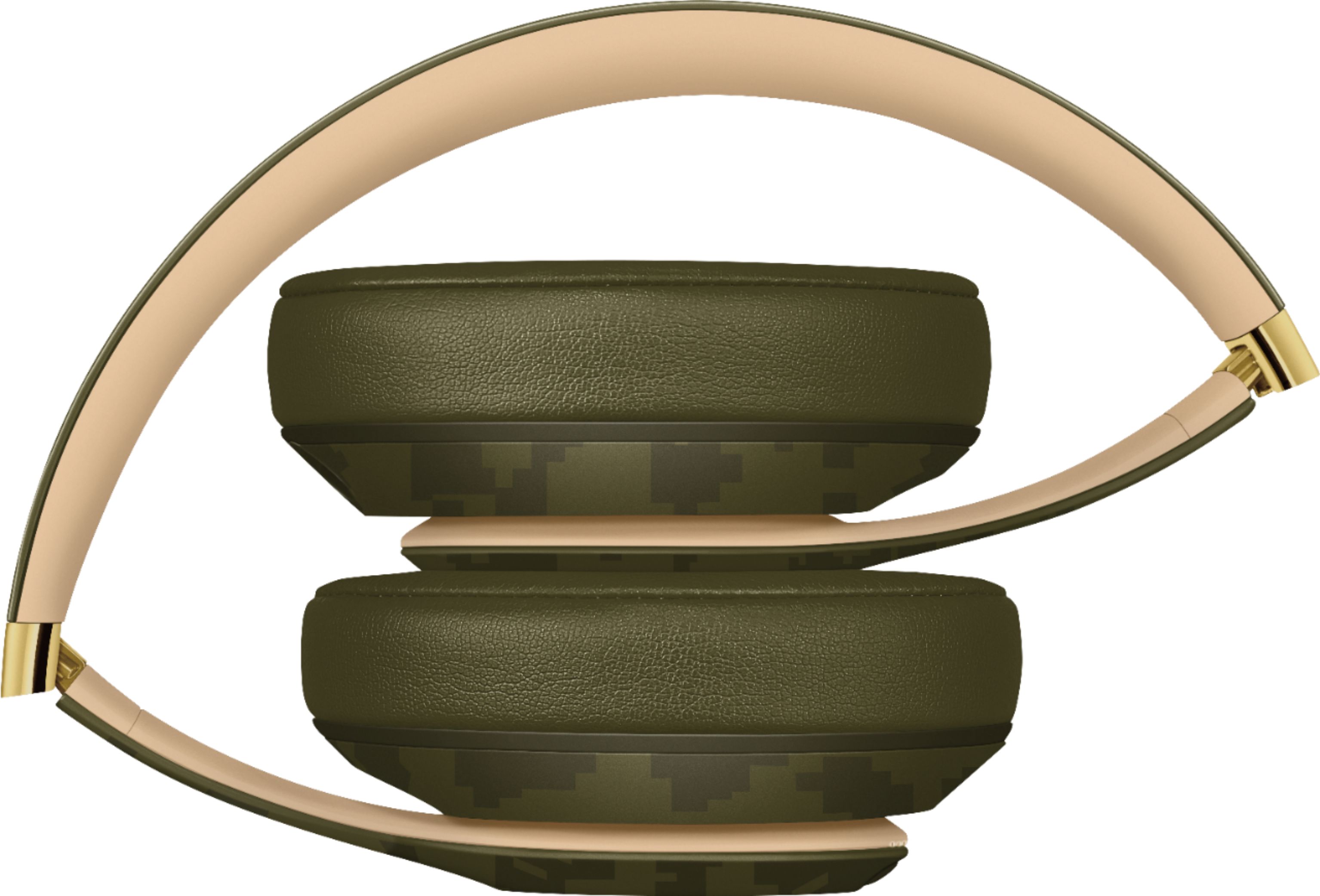
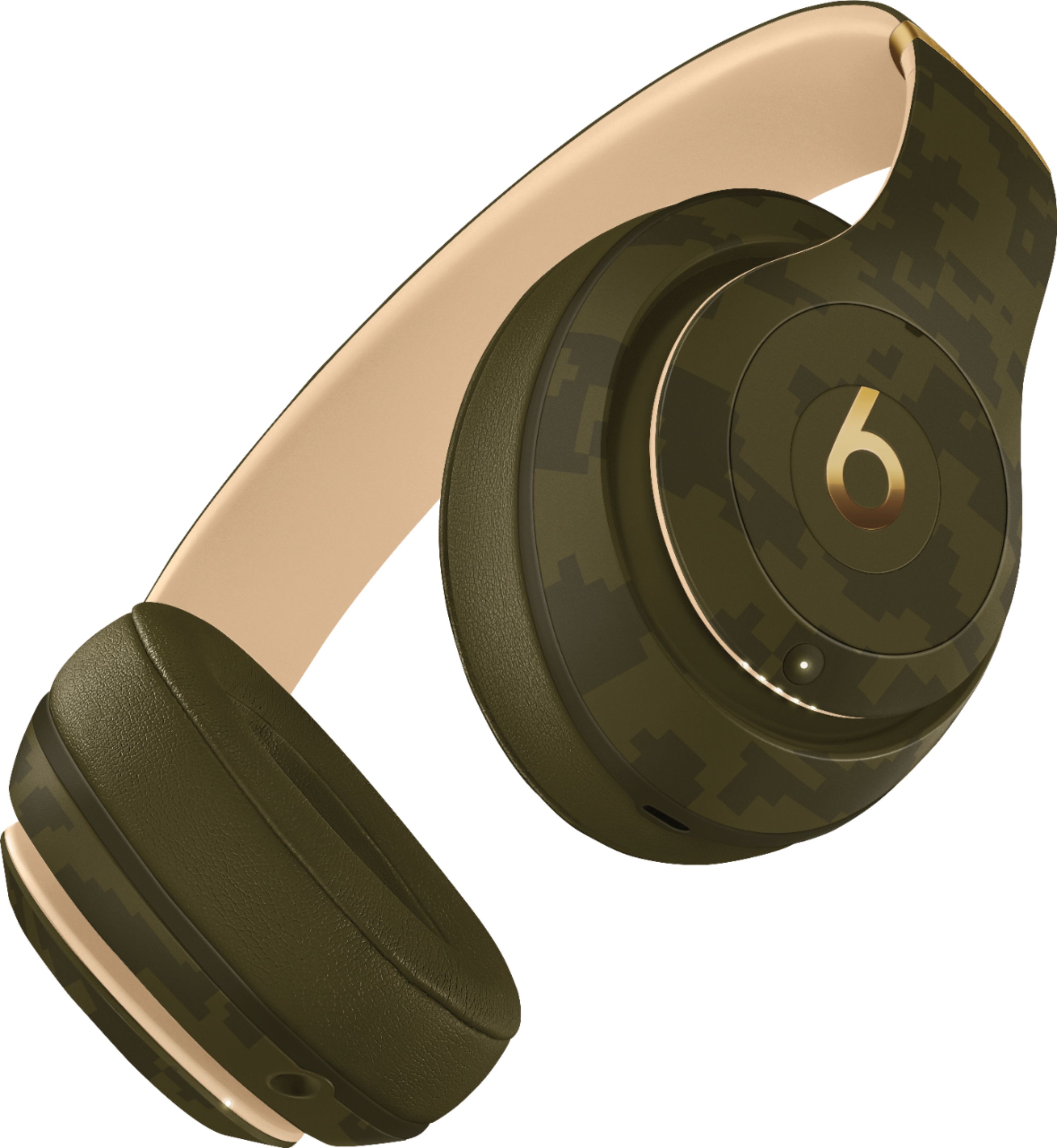
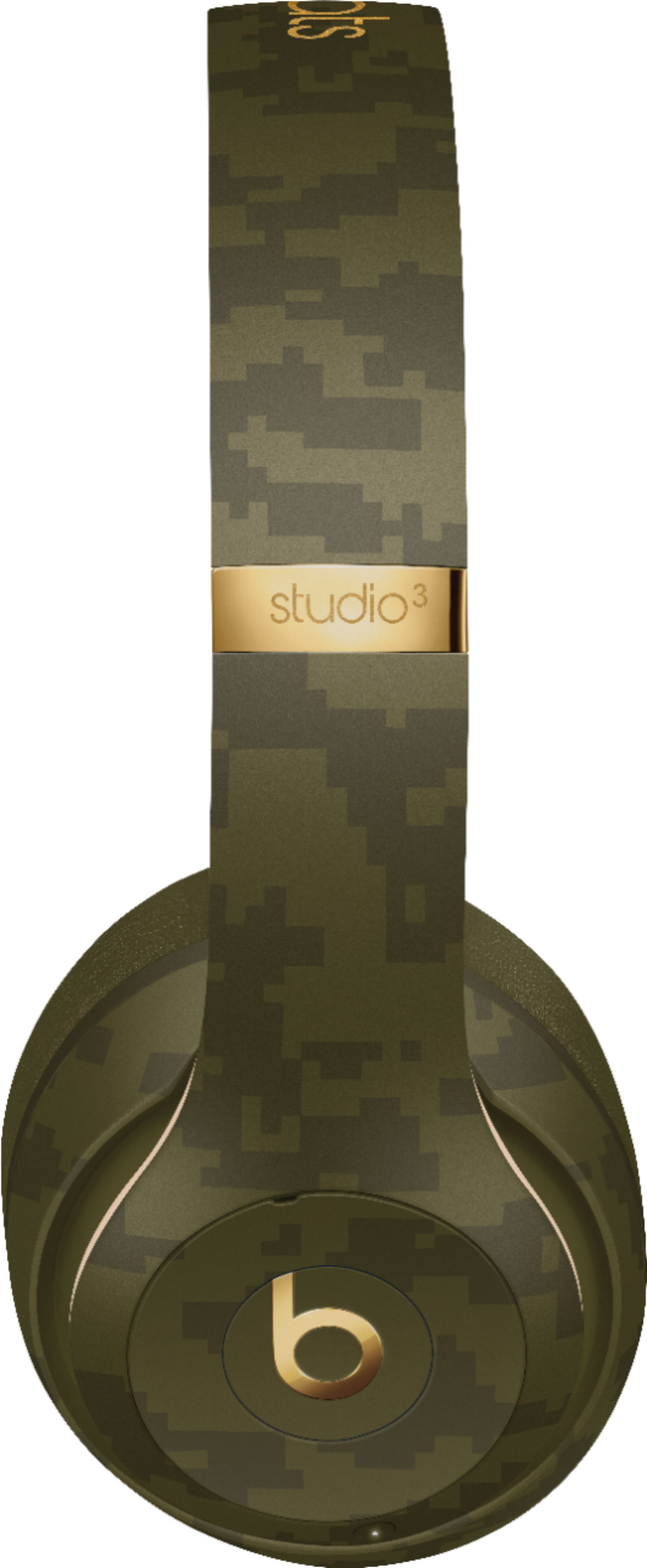
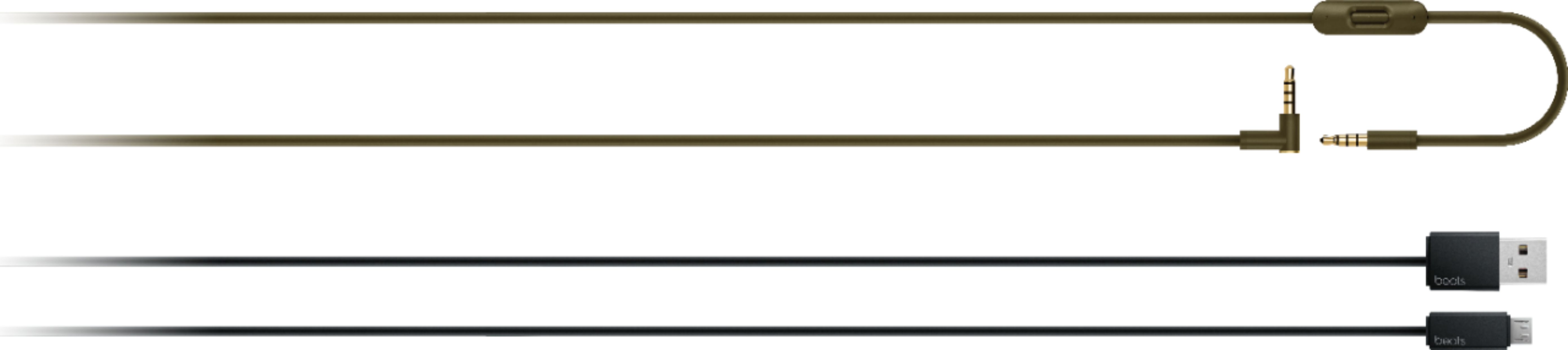
A:AnswerWired mic cord is an extra piece in case you decide not to utilize the Bluetooth connection. The Studio3 wire connected with a PS4 controller will not work. Audio can be heard but they will not be able to hear you.
A:AnswerI've purchased 6 pairs of premium bluetooth headphones in the past week. Sounds crazy, but its mainly because no staff would help answer my questions. Also because they have a 15day no questions asked return policy and had a sale.. so why not right? With that said, the Sony WH-XB900N, Beats Solo Pro, SkullCandy Crusher Evo, JBL Club 950NC, and JBL UnderArmor Train all DID NOT come with an outlet adapter. I ordered Beats Studio 3's that should come in by Wednesday, and ordered SkullCandy Crusher ANC from Target that show up the 28th. I don't expect either of those to have them either. If you have/had a smartphone in the last 5 years the OE adapter works great and is usually capable of fast charging. You would think $350 headphones would come with one...apparently not.
A:AnswerIf the listing doesn't say "REFURBISHED by GeekSquad" then they are new. Sometimes it will also show "open box from $2xx.xx". Other than that it's all new.
A:AnswerI think these are mostly designed around listening to music while on the go...but they should work with any Bluetooth connected device. I would recommend Sennheiser RS 175, Sony WH-1000, or Bose QuietComfort 35 II. Those might suit what your going to use them for better. If true sound quality is a must then wired headphones will always outshine more expensive wireless ones. If the Bluetooth function is the need.. then you have to pay, Quality don't come cheap. If noise canceling isn't a must, look at non noise canceling headphones in the 200-300 range.
A:AnswerIf you have a Smart TV, you might be able to connect your bluetooth headphones, earphones, or Beats Pill+ Speaker directly to the TV via bluetooth (check your TV users manual for more information). Another option is to connect a bluetooth transmitter receiver to your TV, then connect your bluetooth headphones to the receiver via bluetooth. If you are using a streaming device connected to your TV and that service has an app, you might be able to connect your earphones or headphones to your phone and enable the headset option within the app for listening on your TV (check the streaming device and associated app for more information).
There are several ways that you can connect to your TV. If your TV has bluetooth, you can connect through the bluetooth settings. If your TV isn't a smart tv, you can purchase a bluetooth receiver - you connect the receiver to the TV, and then pair your headphones to the receiver (you can listen to audio through your headphones, and others can still listen through the TV if you prefer). If you're using a device like Roku, you can download the Roku remote app, and there is a headphone icon that you can click on your phone (just be sure your headphones are already paired to your phone first). If you still need help, you can usually search for your TV model on YouTube and see how others are connecting their bluetooth headphones to their TV.