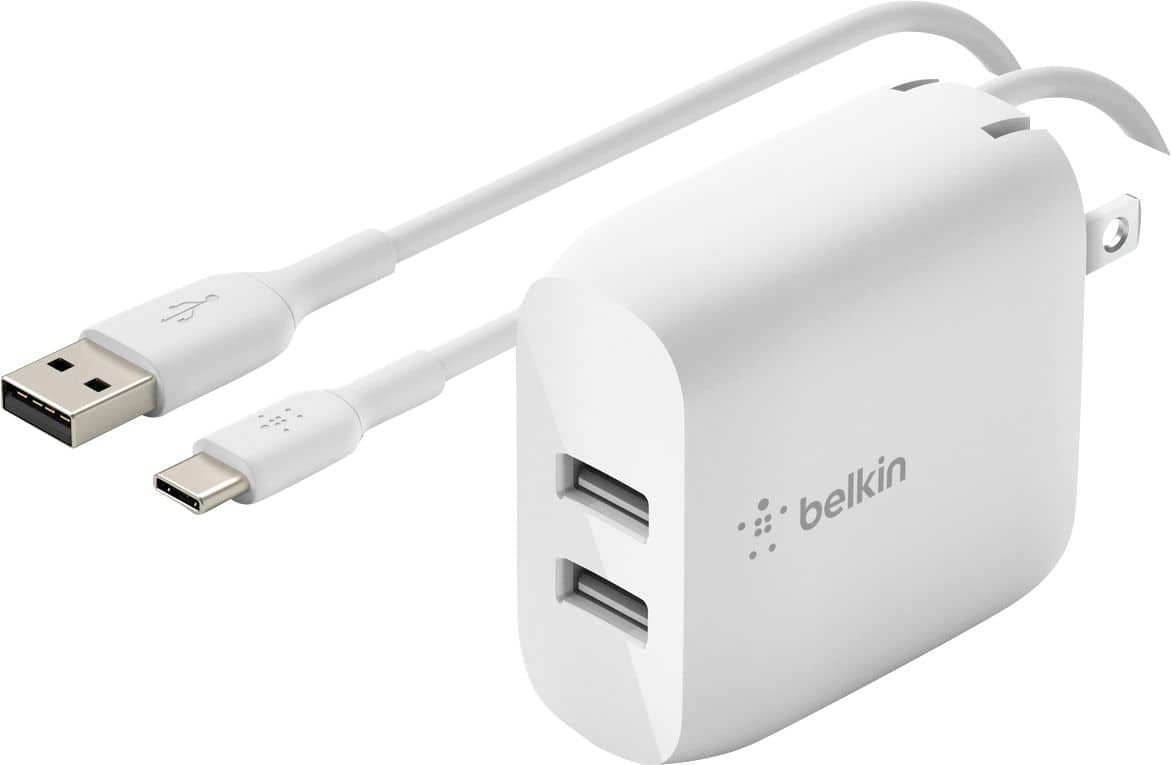
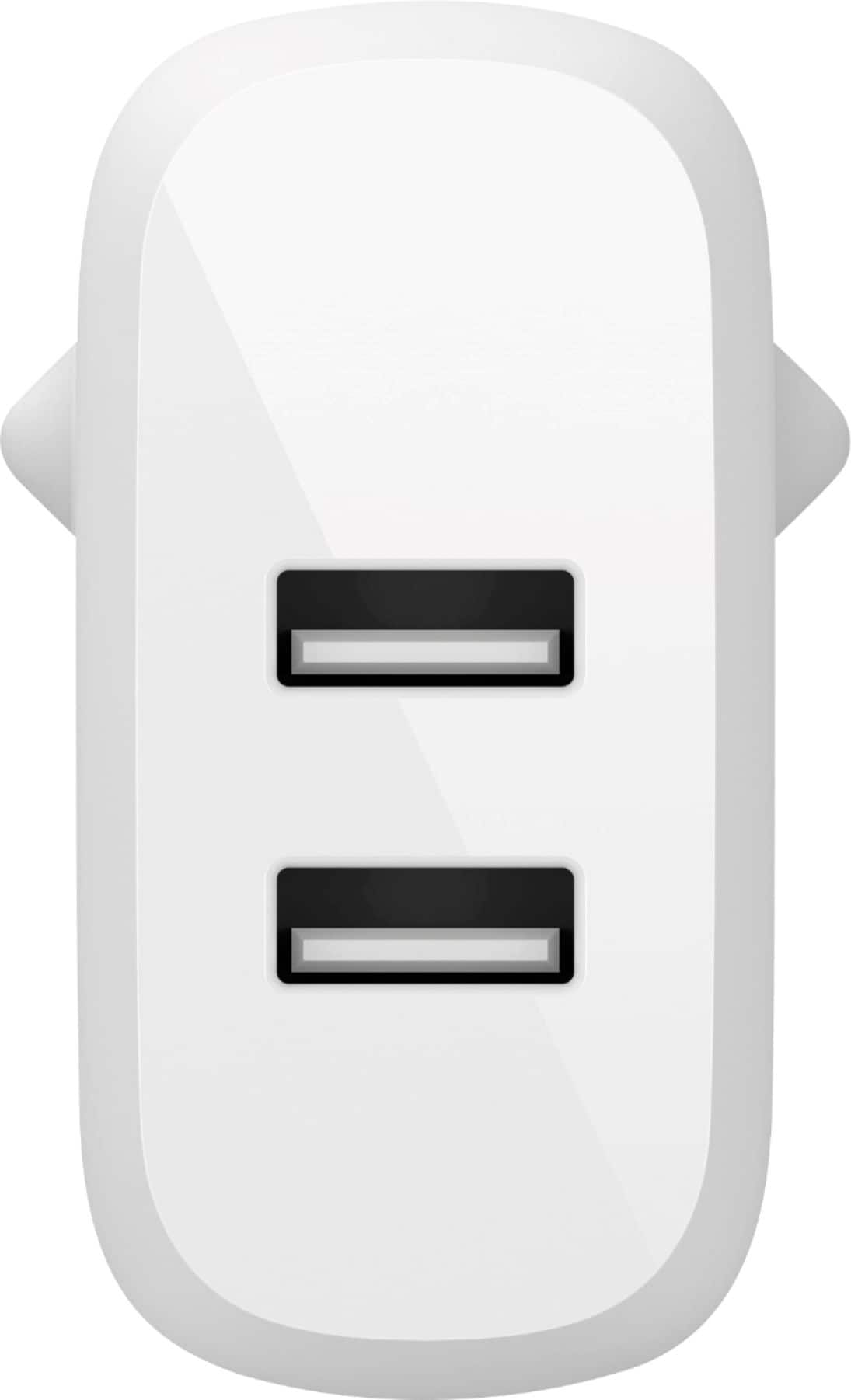
A:AnswerHi. This charger is designed to support devices using a USB-A charging connection and works fine with most handheld devices. However, charging a laptop may not work as this is not yet tested.
A:AnswerOnly if the calculator has usb c or Iphone type connections. Younwould be better off calling the calculator manufacturer to get a replacement charger
A:AnswerHi lmd23060. The Belkin BOOST CHARGE Dual USB-A Wall Charger can be used with most devices. For your iPhone 12 Pro, you can use a USB-C to USB-A cable, so that you can use it with this adapter. As for your other devices, just use its specific cable with this charger.
A:AnswerIf you have the correct cord end (Apple, Android, USB, ETC) to plug into your device and the USB required for the charger, then it will charge your device.
This is basically no different then any automotive 12V battery charger that you would use to charge the battery in your car.
Plug in the charger, connect to your battery (aka device), then sit back and wait (or take a nap and recharge yourself at the same time) !
A:AnswerHi, Lori. The charging time is determined by the charger's capability, the device's battery level prior to charging, and whether or not the device is being used while charging.
A:AnswerHi there. The Belkin WCE001 is designed to support devices using a USB-A charging connection. This hasn't been tested to work with iPhone 12 Pro.
A:AnswerHi, Nels. We’re quite unsure about remotely charging that you mentioned. However, the charger works with any smartphones as it uses standard USB-A ports.