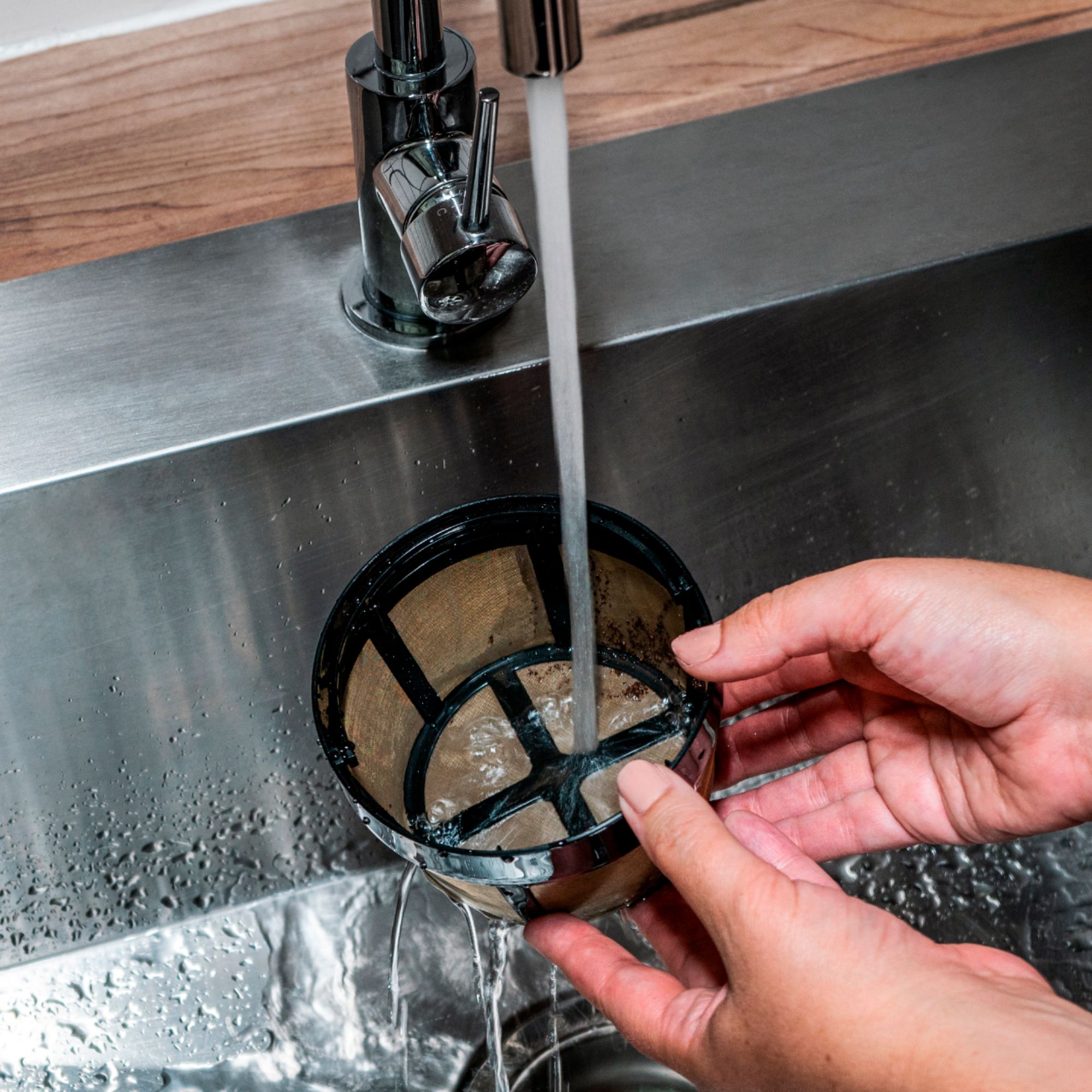
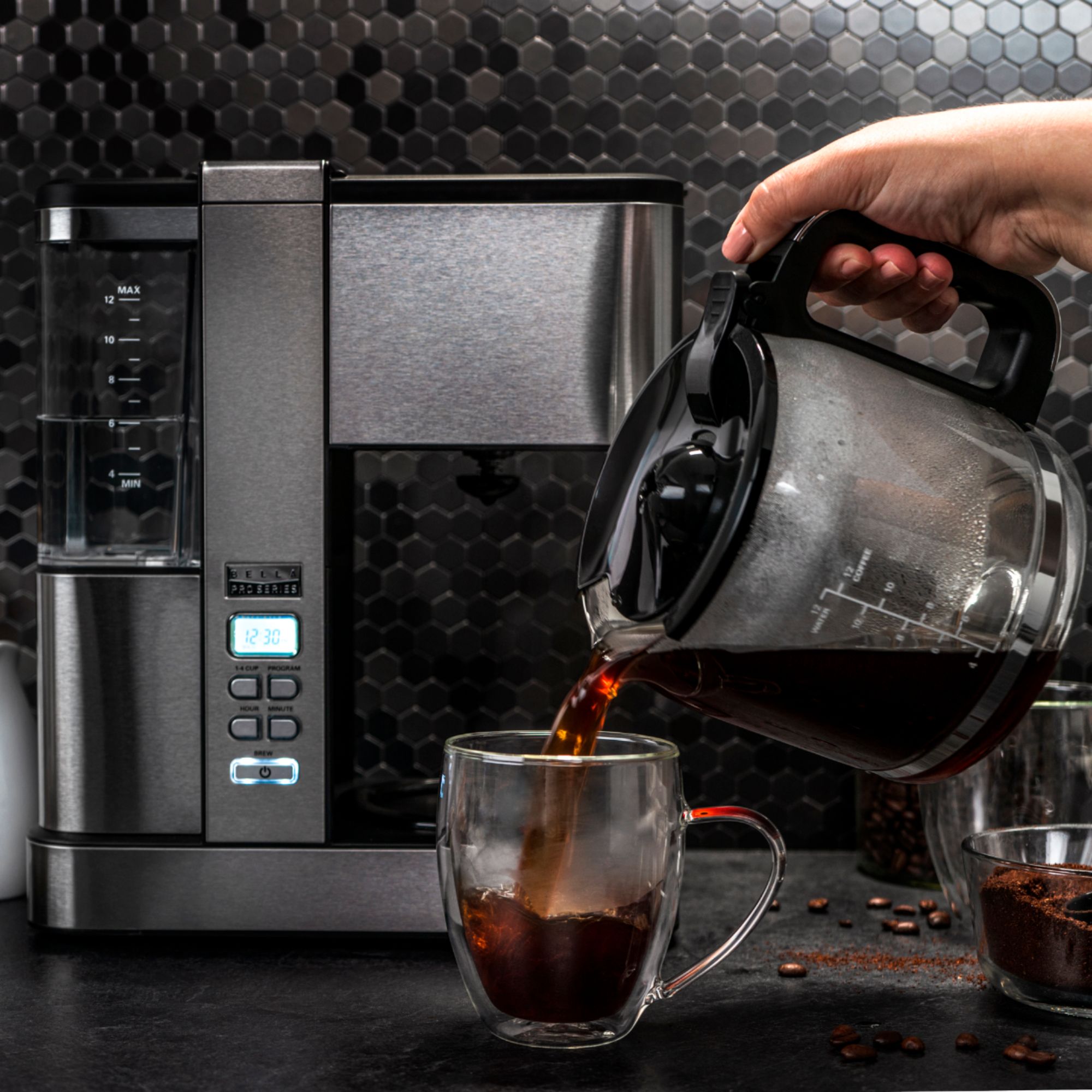
A:AnswerYou can increase it by holding the power button when the unit is off. And then you can push the hour button to increase it. I have mine at 4 hours and that is the max.
A:AnswerHello,
Thanks for reaching out. Kindly contact us and we’ll be happy to help. Either call us toll-free at 1 866-832.4843 or email us at [email protected].
Have a great day.
The BELLA Team.
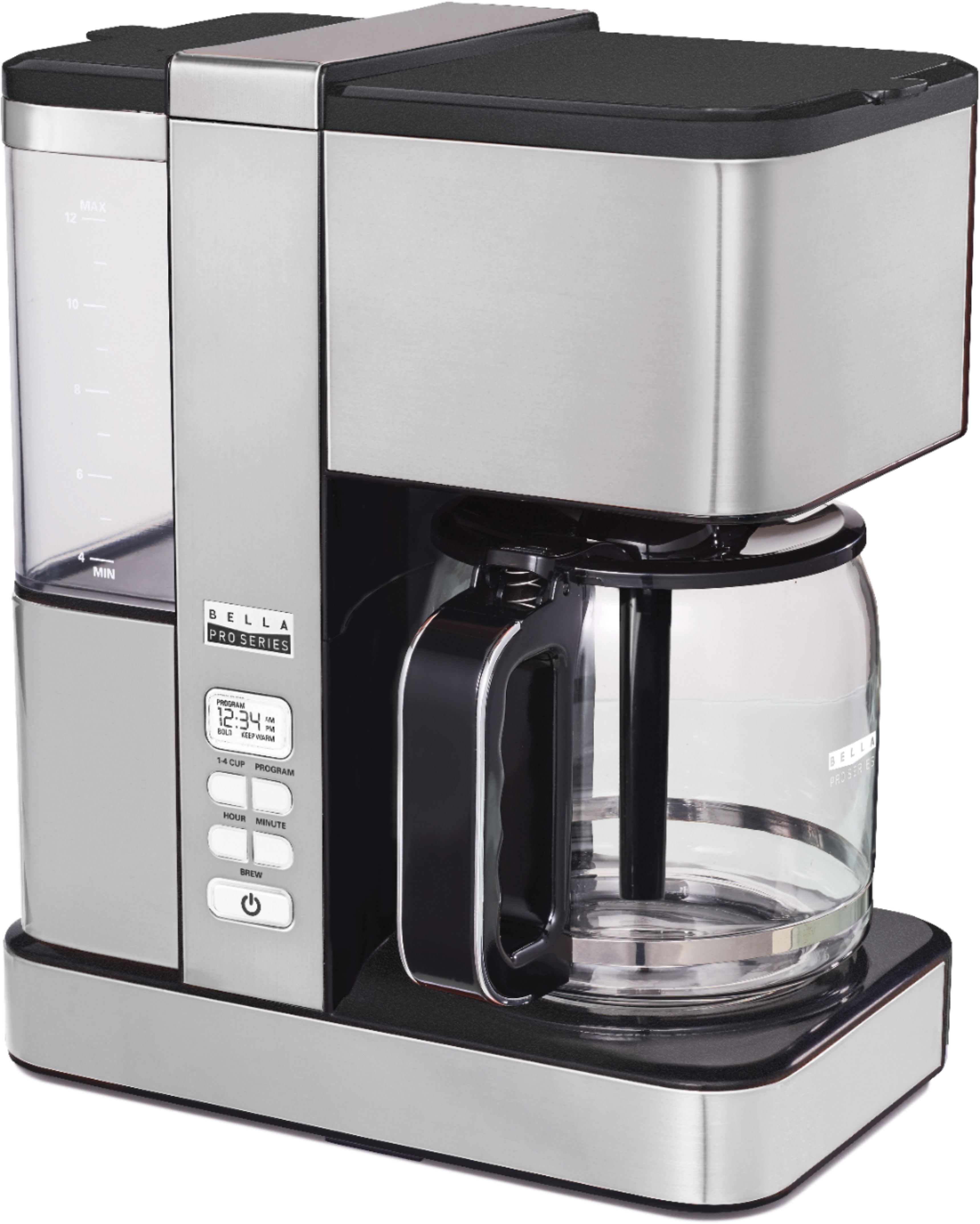
A:AnswerMine does this same exact thing. Usually I clean the heating element over and over until it recognizes there is no heat on the metal because this is the malfunction. The beeping is the coffee maker saying it can't make coffee twice in a row BTW. I had to resort to smacking the heating element today for the first time and poof it just started working. The heating elements are faulty.
A:AnswerHello, thanks for reaching out. We don't have the carafe in stock. We will be receiving it after 2-3 months. You can reach us at 1 866-832.4843 or email us at [email protected]. Have a great day. The BELLA Team.
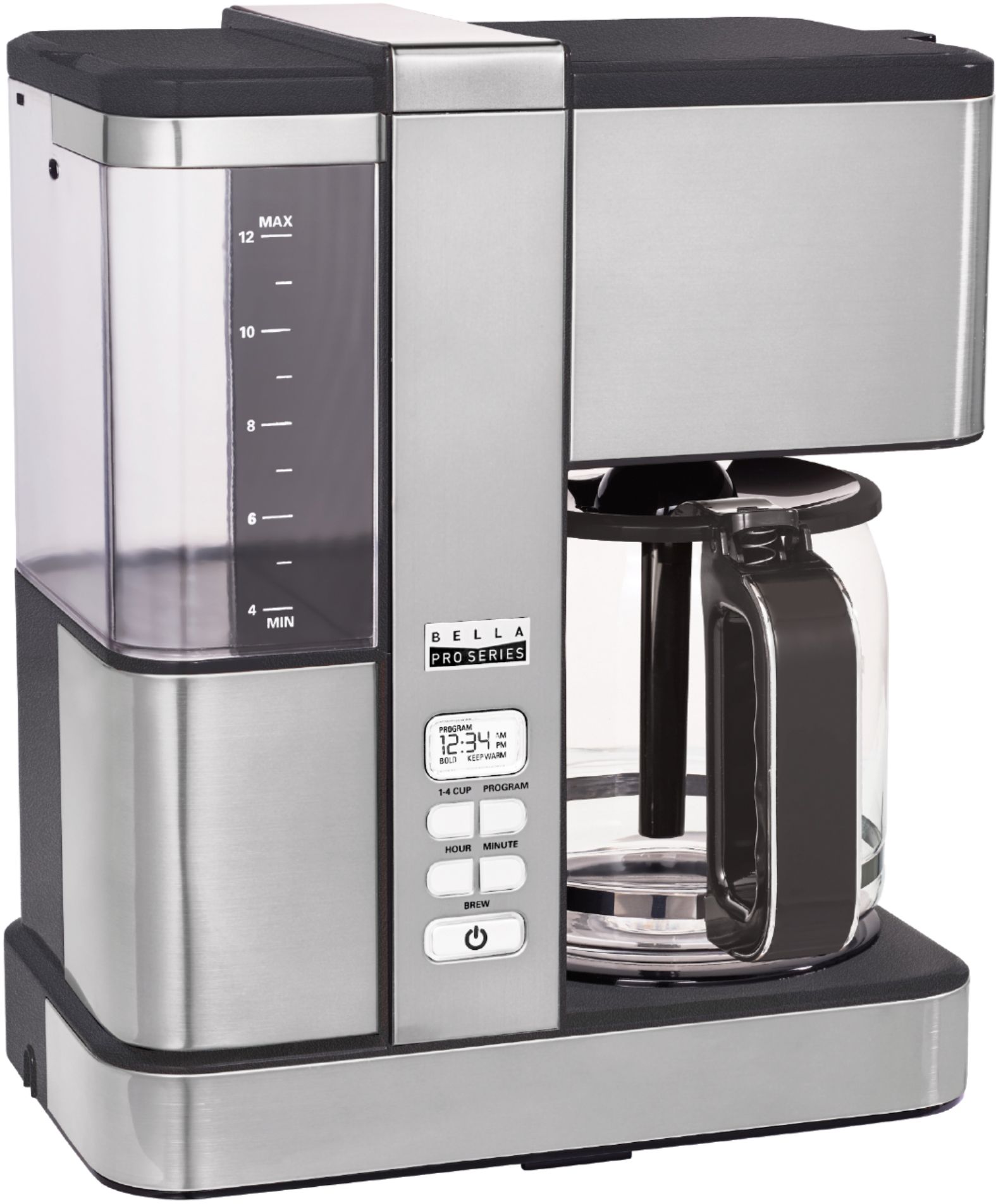
A:AnswerHello Sandy, thanks for reaching out. Please contact Best Buy Customer Service or the Best Buy store in your area to have the answer for your question .Have a great day. The BELLA Team.
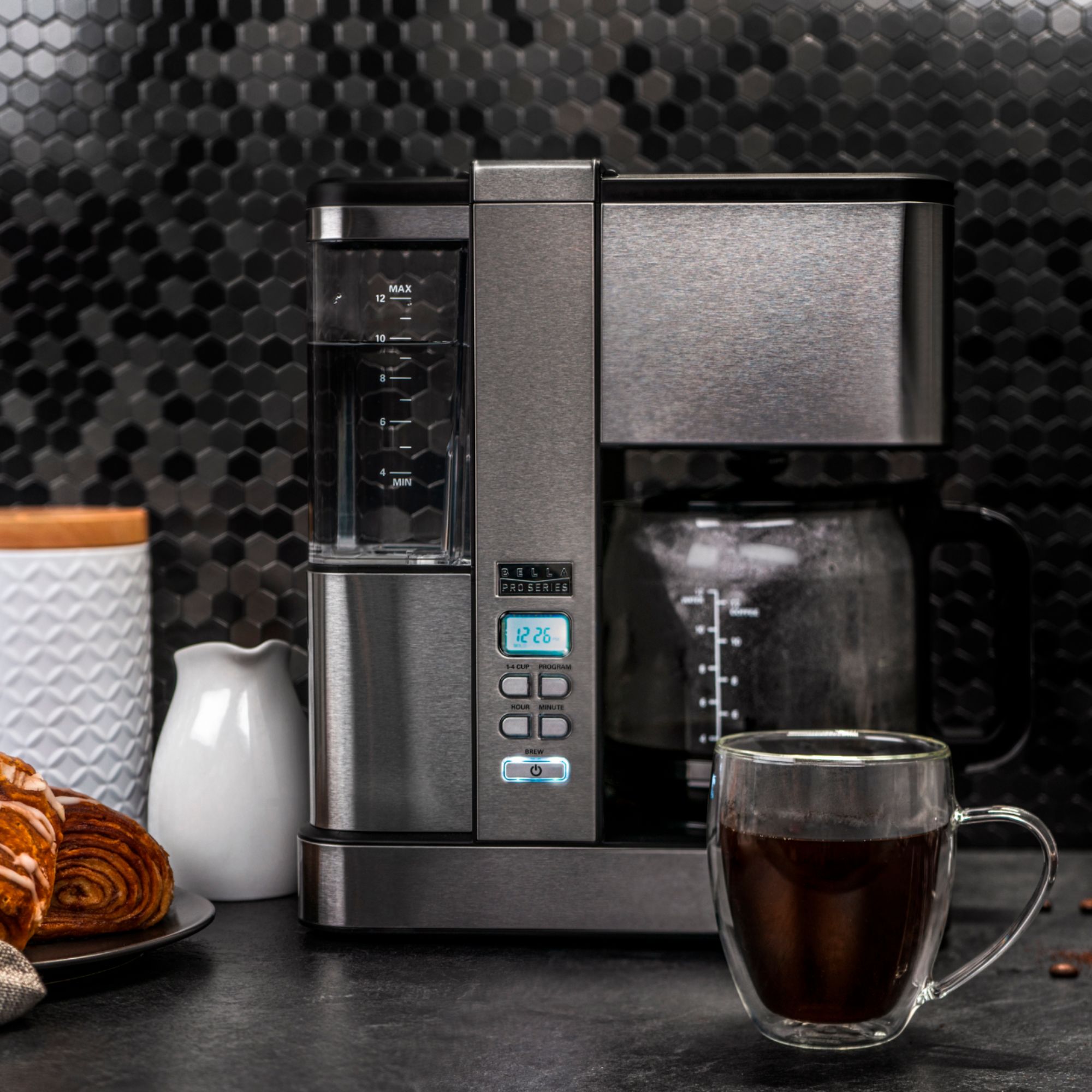
A:AnswerHello, thanks for reaching out. The machine should start when you press the on switch. If it doesn't turn on, it might be defective. Please exchange the unit from the store. Have a nice day. The BELLA Team.
A:AnswerI don't know whether it's been discontinued. My main concern was the automatic cut off. It cuts off after two hours. Haven't figured out the programming and setting the clock. I want it to function as a clock. Confusing! Price was right and it fits under my cabinet after breakfast so it works for me.
A:AnswerHello, thanks for reaching out. Please see instructions here for setting the current time:
NOTE: You do not need to set the CURRENT time if you are not using the PROGRAM (future
brew) feature.
1. Plug the Coffee Maker into a 120V AC electrical wall outlet. The LCD display will
illuminate white.
NOTE: By default, 12:00 AM will be displayed, and will be flashing.
2. Press the HOUR button to increase the hour. Once the desired hour is displayed, press the
MIN button to increase minutes until the CURRENT time is displayed. Press and hold HOUR
or MIN to toggle quickly.
NOTE: Pay attention to the AM and PM setting.
NOTE: The white backlit LCD display will advance to sleep mode within 15 seconds if no buttons
are pressed. The CURRENT time can be changed at any time by simply repeating Step #2.
IMPORTANT: If you unplug and re-plug the Coffee Maker it will reset to the default time.
Please don't hesitate to contact us if you need any help. Either call us toll-free at 1 866-832.4843 or email us at [email protected]. Have a great day. The BELLA Team.
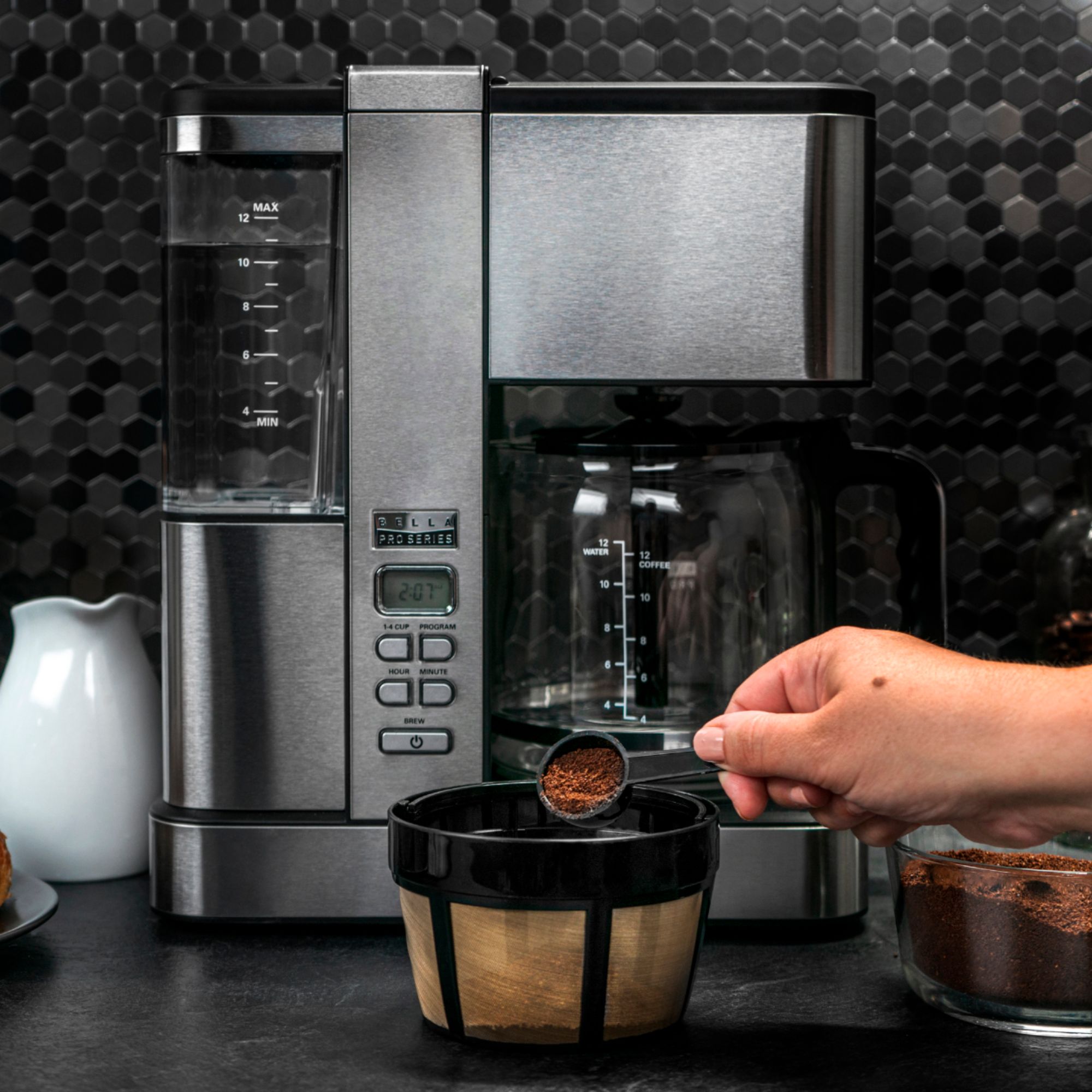
A:AnswerHello, thanks for reaching out. It sounds like it needs to run a couple cleaning cycles with vinegar solution. Likely calcification is causing the thermostat to see higher temps and it's kicking out of the cycle too early. A few vinegar & water cleaning cycles should help. Have a nice day. The BELLA Team.

A:AnswerI changed the screen filter to a paper filter and ive always used bottled water cause i have hard well water and there is no change. Its always done this. Clouded coffee. Very clouded coffee