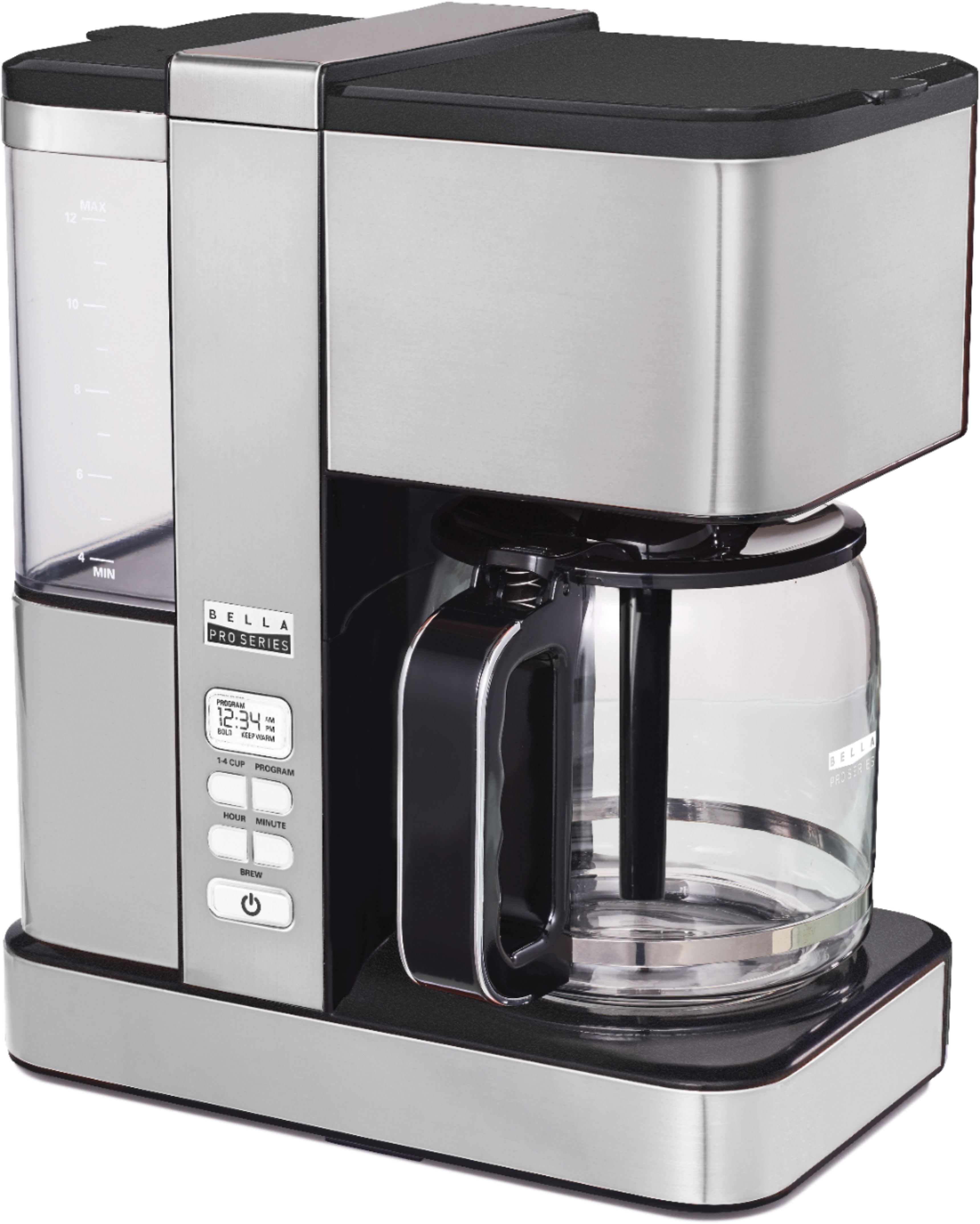
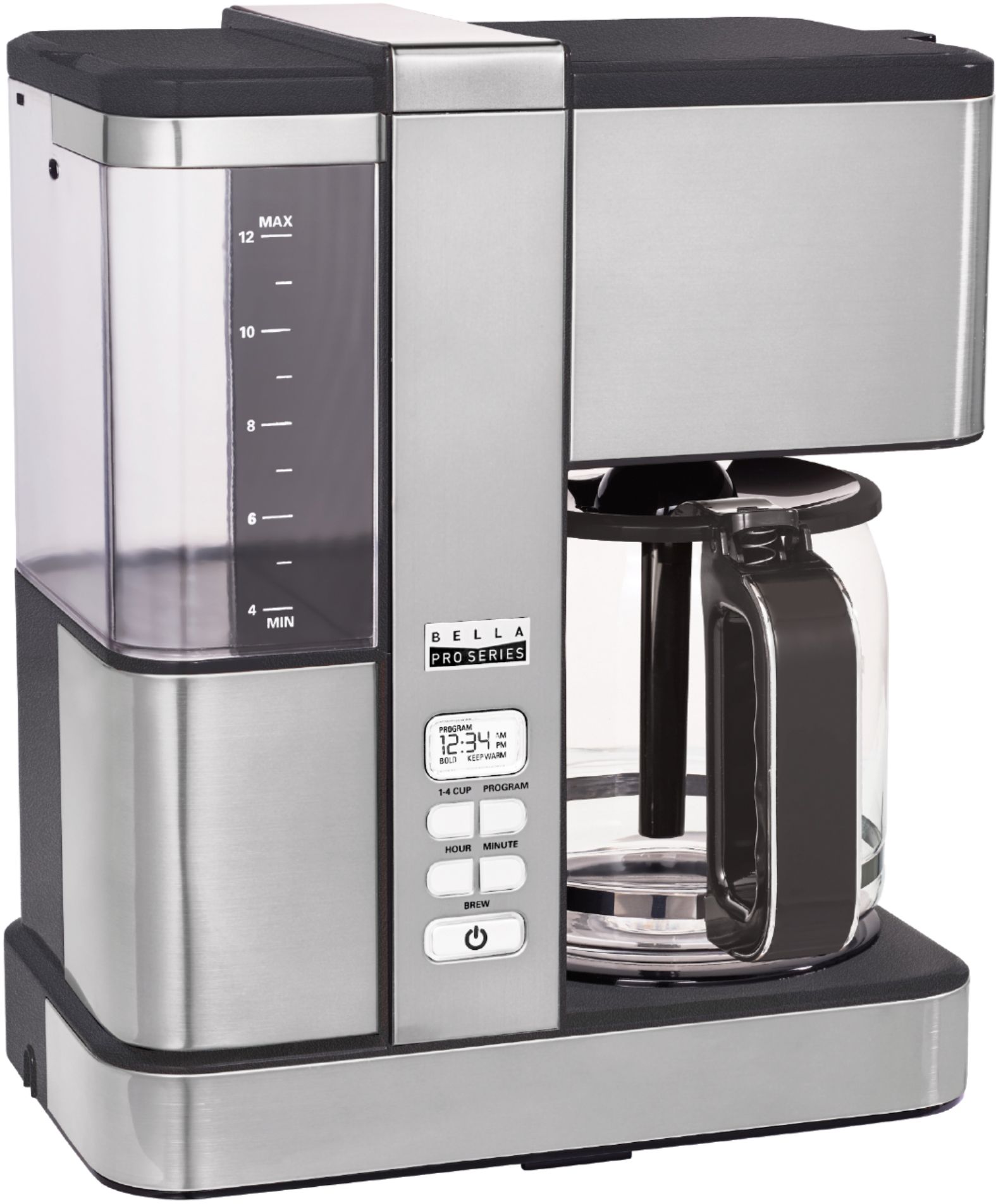
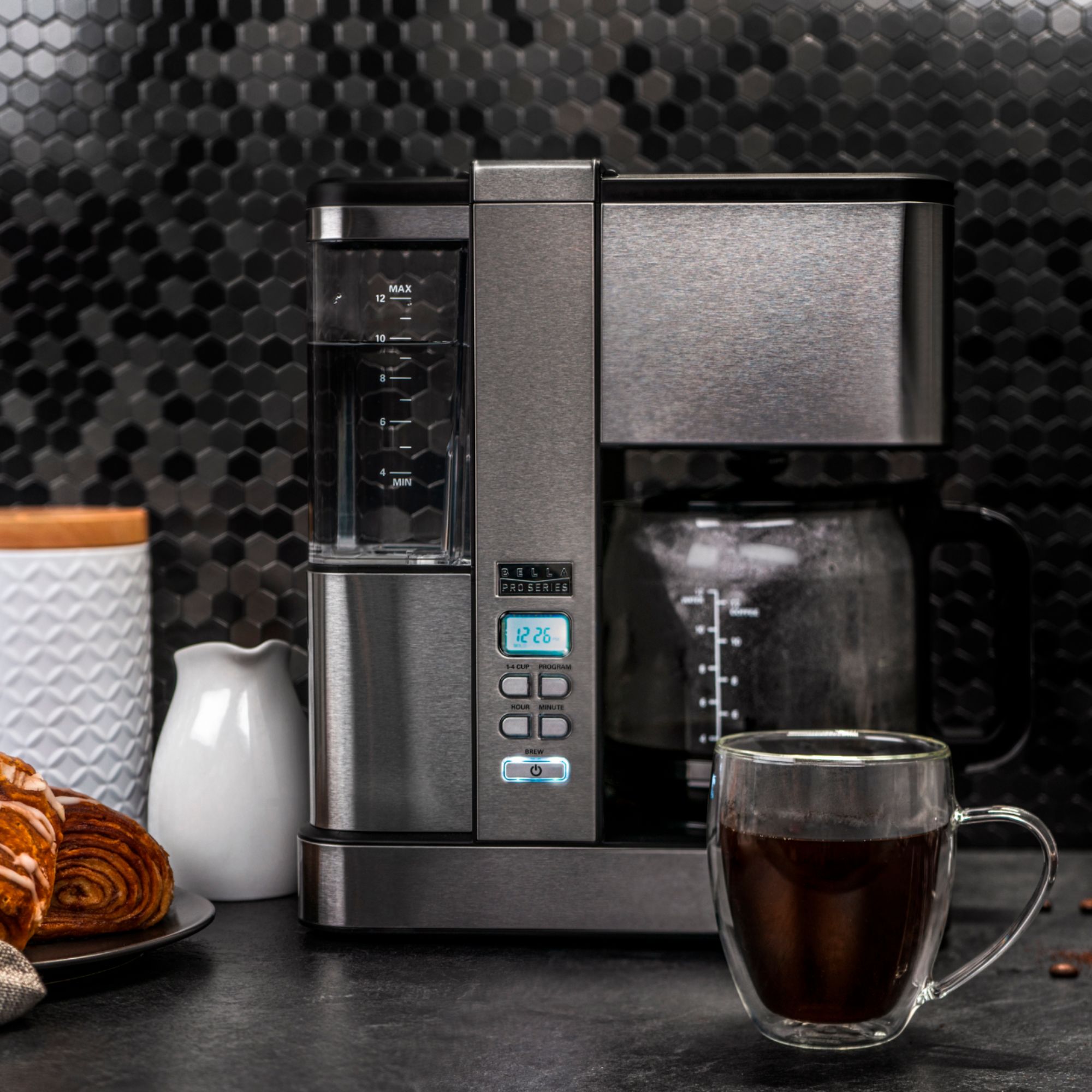
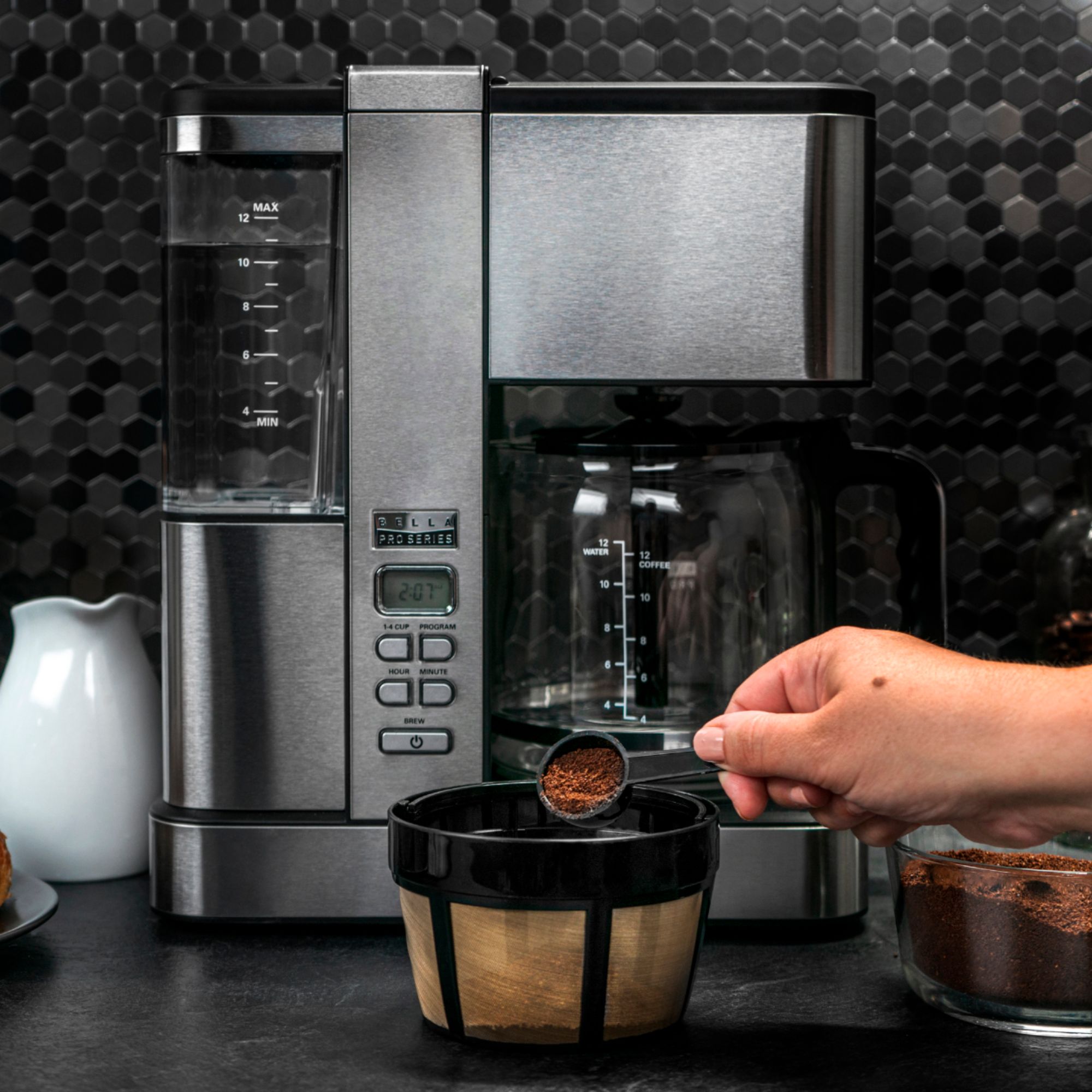
A:AnswerI've only had this coffee maker for a month and it works perfectly. I don't know what would cause it. It's possible there are build ups of gunk inside from lack of regular cleaning process w/ vinegar and water.
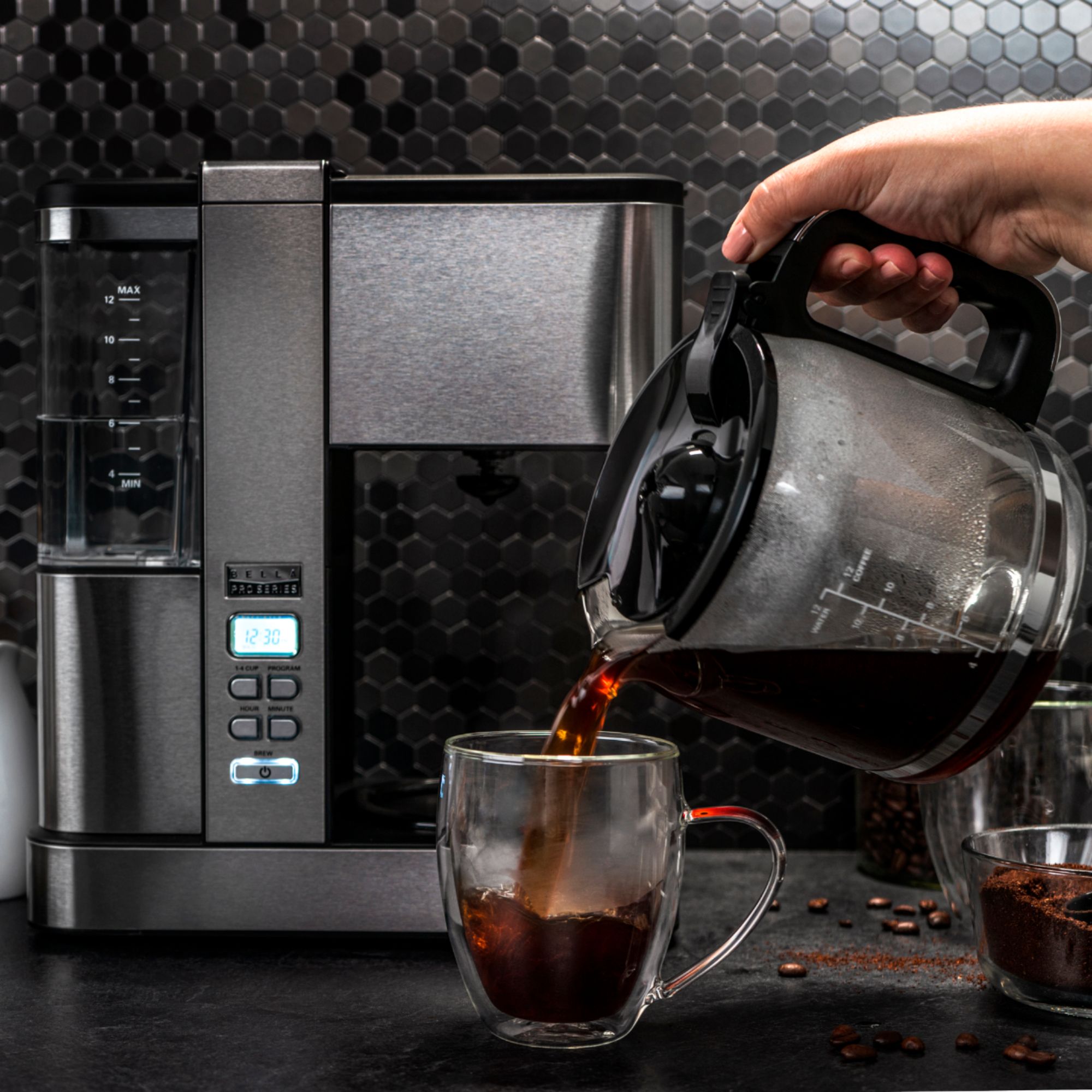
A:AnswerHello, thanks for reaching out. Please make sure that water tank has water up to max line and recommended amount of ground coffee is used to brew between(7 - 8.25 grams per cup). Have a nice day. The BELLA Team.
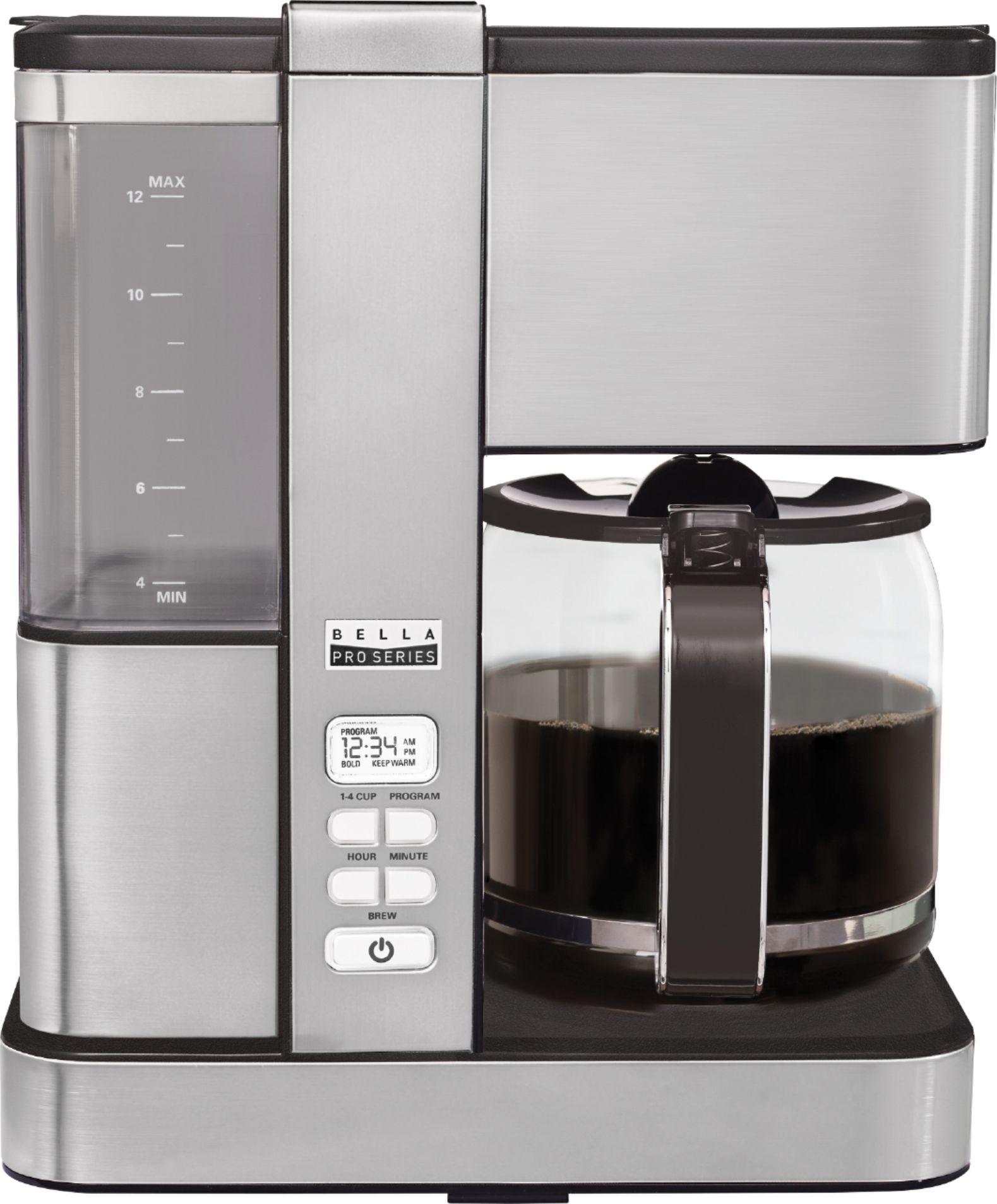
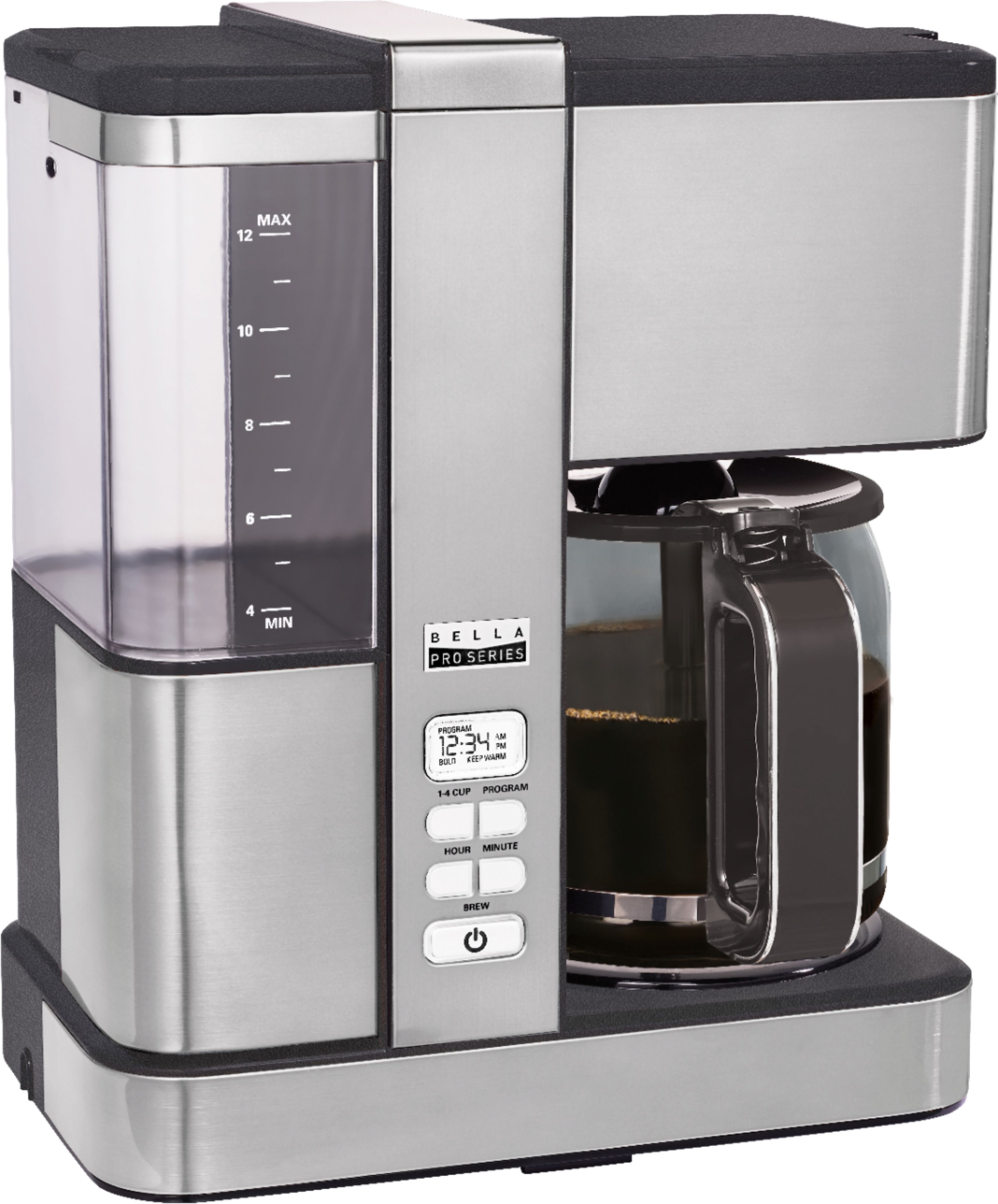
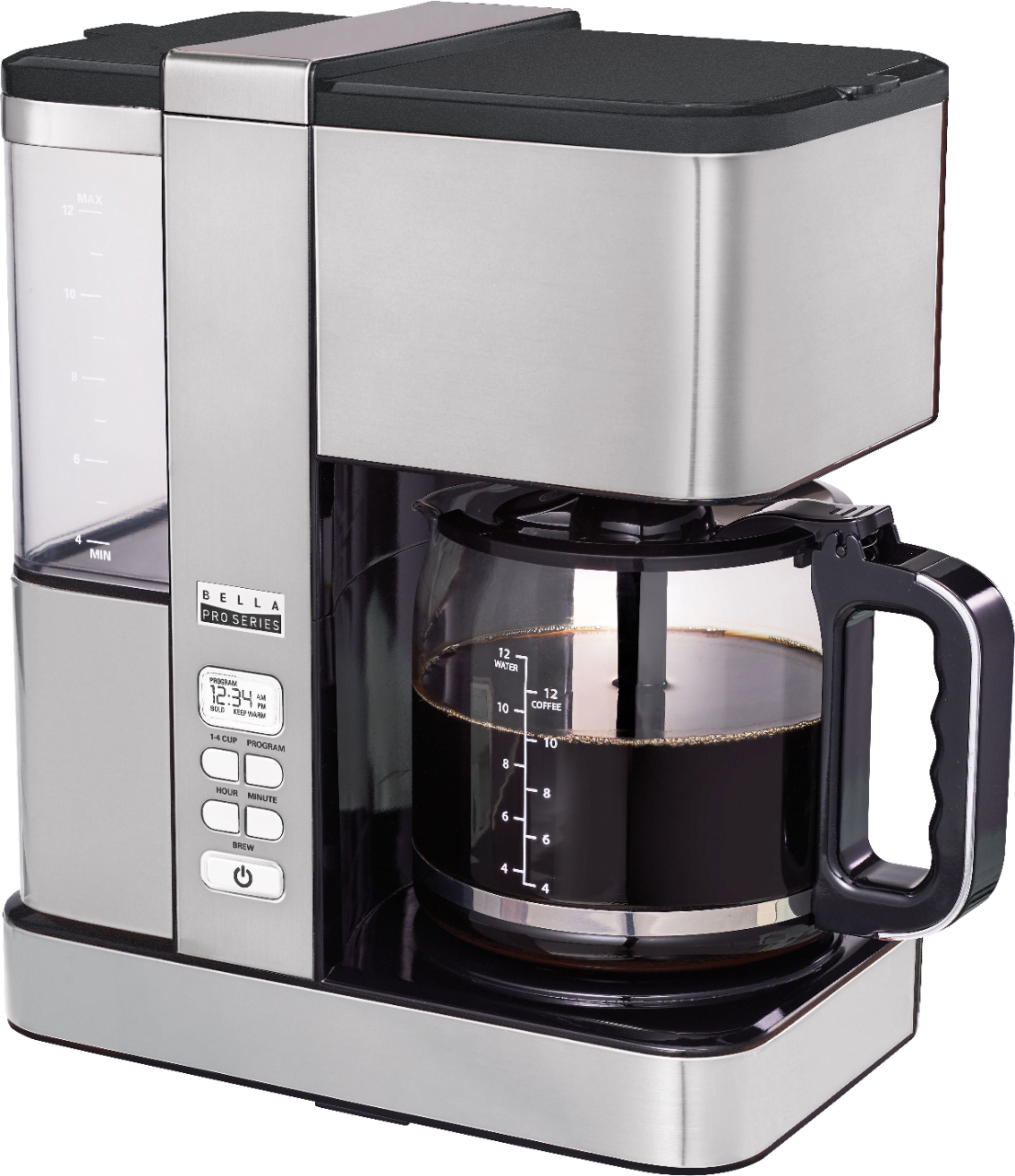
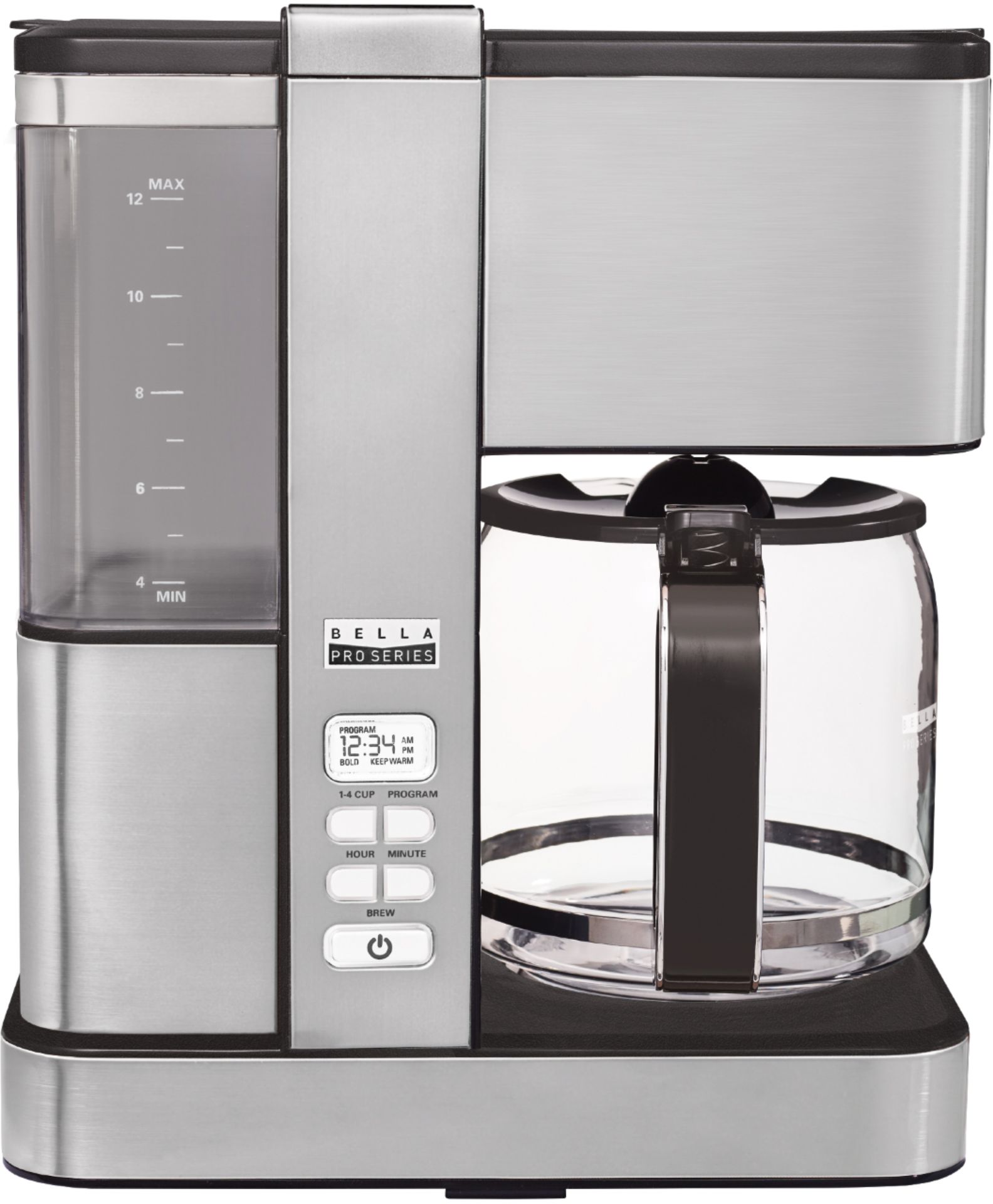
A:AnswerHello, thanks for reaching out. 1-4 cup is for full flavour carafe taste while brewing small amounts. The water that is put into the water tank will brew out. The machine does not hold water for a second brew. Have a nice day. The BELLA Team.
A:AnswerHello, thanks for reaching out. The unit automatically goes into keep warm function upon completion of brewing cycle. Carafe will be on keep warm for 2 hours. Have a nice day. The BELLA Team.
A:AnswerHello, thanks for reaching out.
SETTING THE CURRENT TIME
NOTE: You do not need to set the CURRENT time if you are not using the PROGRAM (future
brew) feature.
1. Plug the Coffee Maker into a 120V AC electrical wall outlet. The LCD display will
illuminate white.
NOTE: By default, 12:00 AM will be displayed, and will be flashing.
2. Press the HOUR button to increase the hour. Once the desired hour is displayed, press the
MIN button to increase minutes until the CURRENT time is displayed. Press and hold HOUR
or MIN to toggle quickly.
NOTE: Pay attention to the AM and PM setting.
NOTE: The white backlit LCD display will advance to sleep mode within 15 seconds if no buttons
are pressed. The CURRENT time can be changed at any time by simply repeating Step #2.
IMPORTANT: If you unplug and re-plug the Coffee Maker it will reset to the default time.
Hope this helps. Have a nice day. The BELLA Team.
A:AnswerHello, thanks for reaching out. Please see here the instructions: DESCALING
Special cleaning of your Coffee Maker is recommended at least once a month, depending on
frequency of use and quality of water used in the unit. If water in your area is especially hard, the
following cleaning procedure should be performed every 2 weeks, since minerals in water can
detract from the flavor of the coffee and possibly lengthen brew time.
1. Fill carafe with 1 part white vinegar to 3 parts cold water. Pour water and vinegar solution
into the water reservoir.
2. Brew the vinegar solution until the carafe is half full.
NOTE: During cleaning, more steam will occur than during normal coffee brewing.
3. Press the ON/OFF button to turn the Coffee Maker OFF. When liquid stops dripping from
filter holder into the carafe, remove the carafe and allow liquid to cool for 15 minutes. When
cooled, lift lid and pour liquid back into the water reservoir.
4. Close the lid. Return carafe to the warming plate.
5. BREW THE VINEGAR SOLUTION again, allowing all the cleaning solution to empty into the
carafe. After dripping has stopped, discard contents of the carafe.
6. Allow Coffee Maker to cool for 15 minutes, rinse by brewing a carafe full of cold water.
Insert the clean permanent coffee filter into the removable filter holder before brewing.
7. Repeat until no yellow liquid comes out and until no vinegar odor is left.
8. At end of brew cycle, press the ON/OFF button to turn the Coffee Maker OFF. Discard water
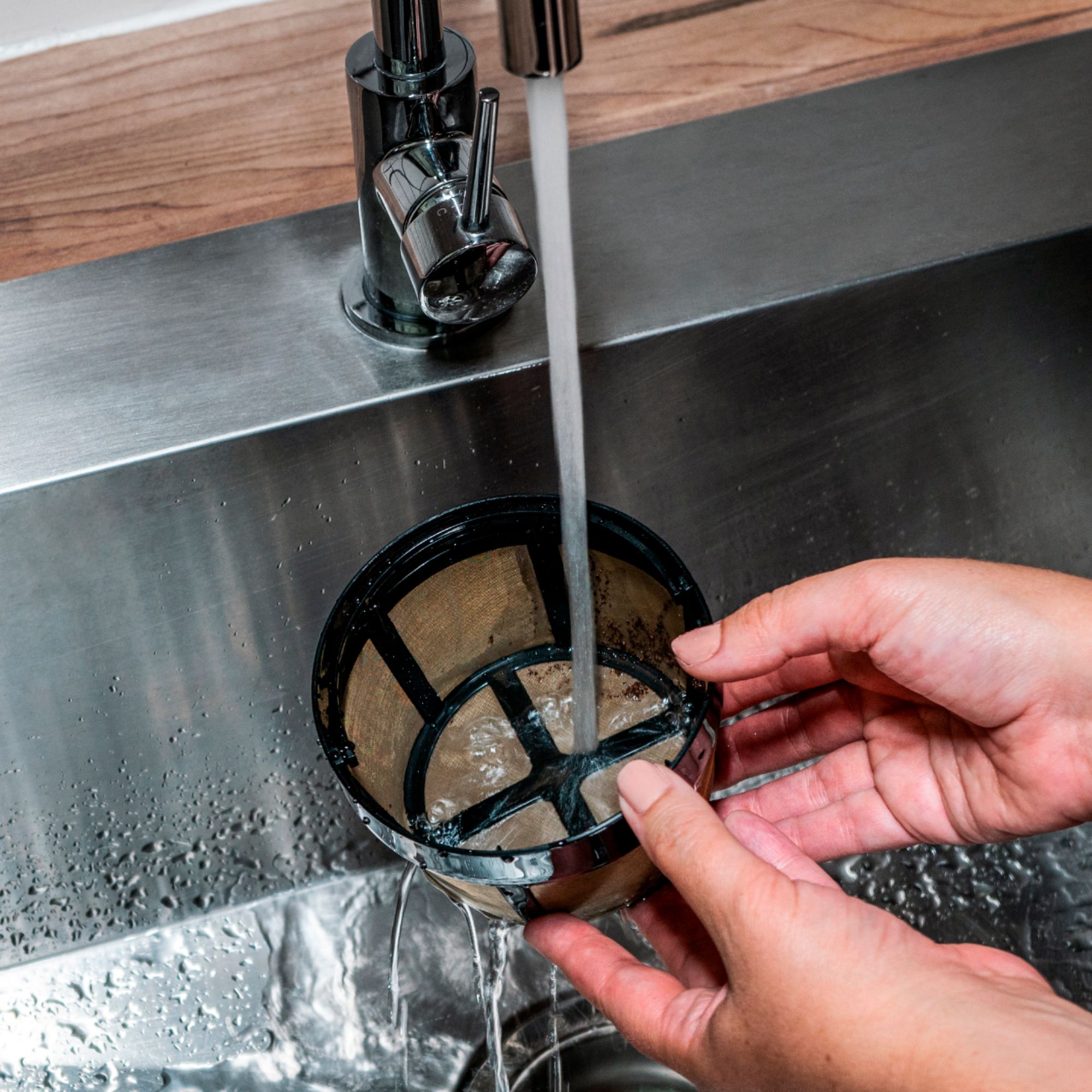
in the carafe. Wash carafe, permanent coffee filter, and removable filter holder in hot sudsy
water. Dry parts thoroughly.
NOTE: carafe, permanent coffee filter, and removable filter holder are top-rack dishwasher
safe. The carafe lid is removable for easy cleaning.
9. When Coffee Maker has cooled, wipe exterior with a dry cloth.
Hope this helps. Have a great day. The BELLA Team.