A:Answer Hi,
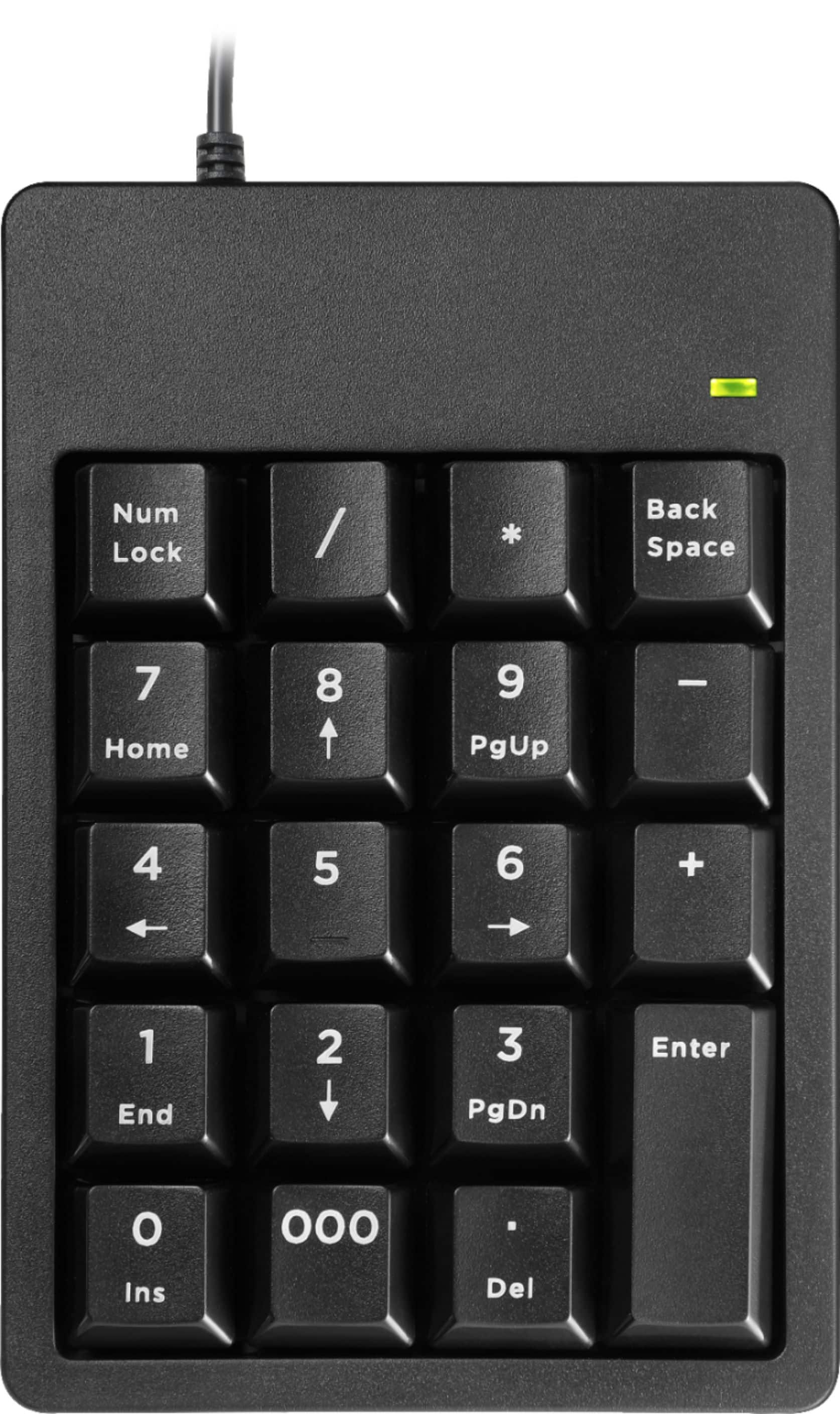
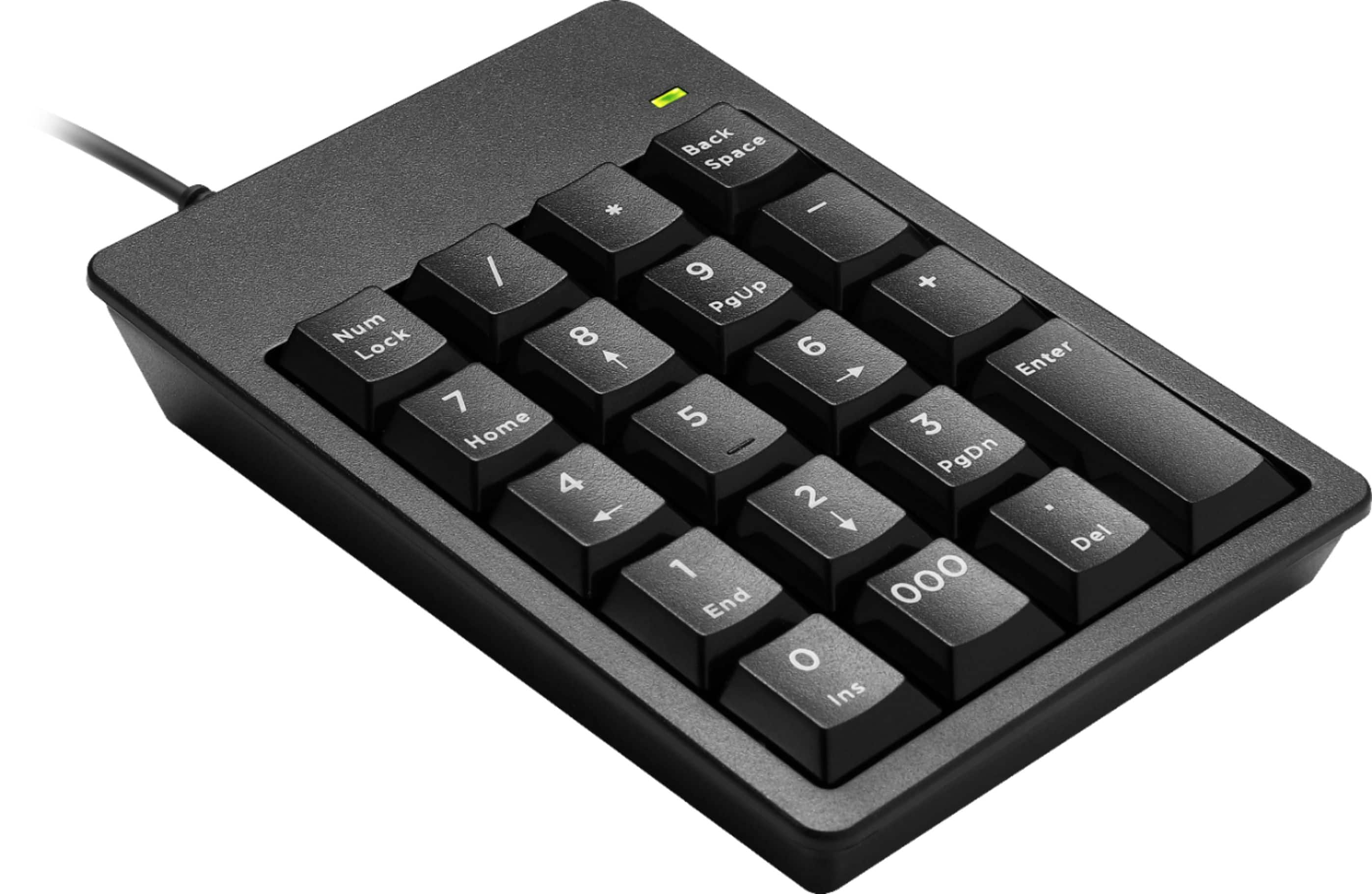
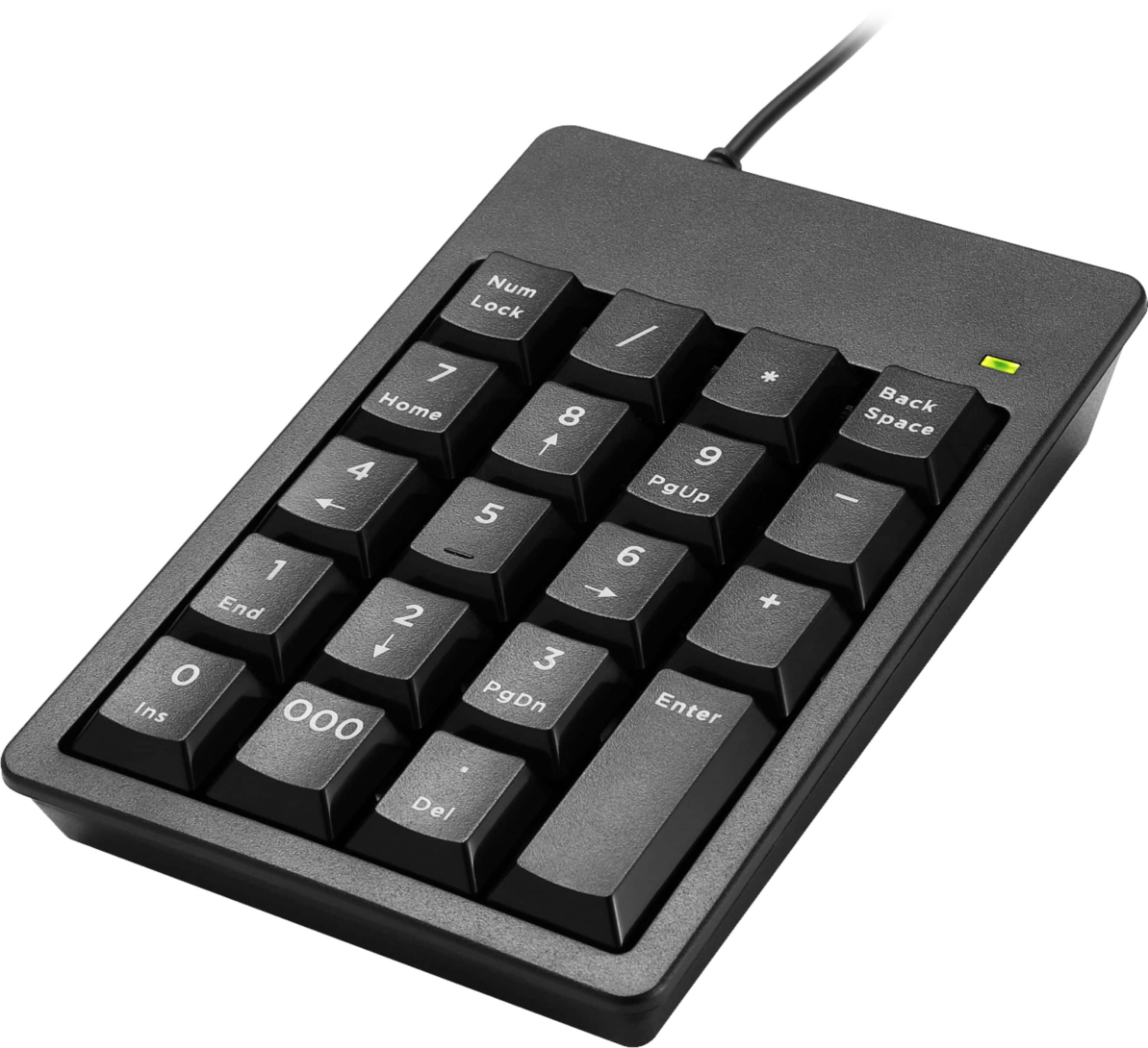
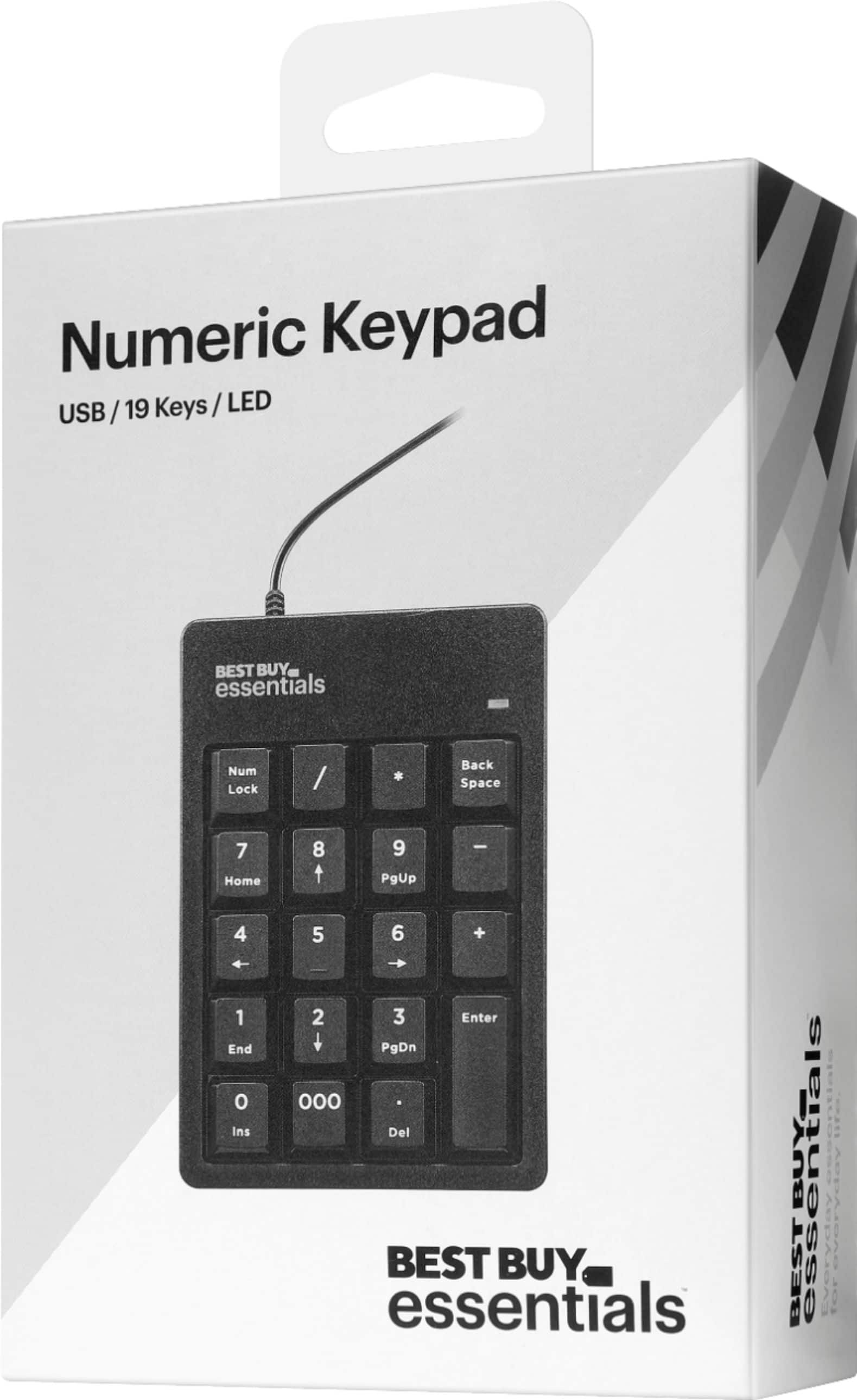
On a notebook computer keyboard, while holding down the FN key, press either the NUM LOCK or SCROLL LOCK to enable the function. Press the same key combination again to disable the function. On a desktop computer keyboard, press NUM LOCK or SCROLL LOCK to enable the function, and press it again to disable the function. If you have any questions or concerns, please use the link below to reach us and also you can contact this phone number 888-237-8289 for further assistance.
Best Buy Essentials Products
Nikki
Please visit https://www.bestbuy.com/site/brands/best-buy-brands/pcmcat1596746025285.c?id=pcmcat1596746025285