Questions & Answers
- Model:
- B07X27VK3D
- |
- SKU:
- 6401019
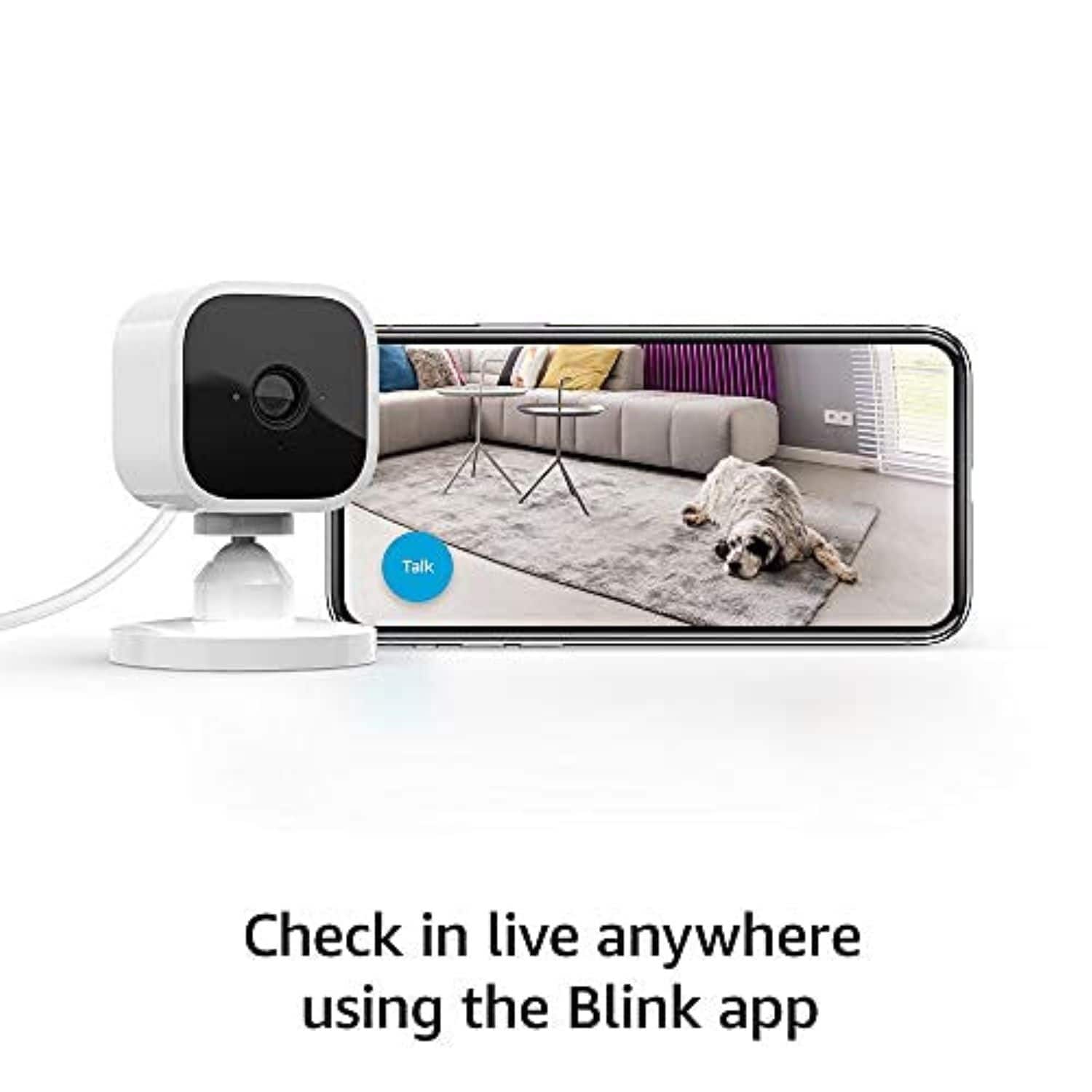
Q: QuestionCan you use this camera without Alexa? Can it be used to home Wi-Fi and an app on my phone to connect?
Asked by Chris.
- A:Answer Yea. I view it on my phone
Answered by Tameika
Q: QuestionWhy are you calling it wireless?
Asked by HPK.
- A:Answer Wireless in the title seems to be a mistaken use of terminology. The title should not really say wireless since it already says it's WiFi (which is what the wireless in this title means). This camera does require a power connection as it is not battery powered.
Answered by AgentJLM
Q: QuestionCan I use this camera inside my camper to keep an eye on my dog.
Asked by Sur.
- A:Answer Yes
Answered by RosannaC
Q: QuestionCan I mount this camera outside?
Asked by Bk04.
- A:Answer I have placed this camera outside with no problems, but they do need to be cleaned every so often, so the image is clear and not blurred by dirt or moisture.
Answered by IvanM
Q: QuestionCan this device be plugged into a 220V socket? i.e. used outside the US.
Asked by Suzy.
This question was asked about the related product: Blink - Mini - Compact indoor plug-in smart security camera, 1080p, night vision, motion detection, 2 way audio – 1 cam - Black
- A:Answer As long as the charger you are using converts it to a standard usb than you should be fine.
Answered by JustinK
Q: QuestionDoes the blink camera indicate when someone is watching remotely?
Asked by Lc.
- A:Answer A blue light comes on, so yes
Answered by CatherineFitrakis
Q: QuestionWhen someone visits my mom, can they just put something in front of the camera to block the picture, will that also cut the audio? Some visitors do not want thier visit seen or listened to, and I would like to respect that. Otherwise just unplug right?
Asked by Visitor.
- A:Answer Yes you can do that or just go to the settings and changed.
Answered by JoseM
Q: QuestionWill free storage be grandfathered in with my 3 year old blink module?
Asked by Traveler.
- A:Answer All existing customers who have an account created on or before 4/15/2020 will continue to receive free cloud storage on all devices added to their account going forward – this includes Mini, and Blink Indoor, Outdoor and Doorbell. Separately, XT, XT2, and legacy Indoor cams will continue to have free storage. Accounts created after 4/15/2020 will receive free cloud storage on any legacy device (1st Gen Indoor, XT or XT2), but any Mini, new Blink Indoor, Outdoor cameras or Doorbell added to that same account will require either local storage via the Sync Module 2 or a subscription for cloud storage to save videos. If you do not subscribe to the Blink subscription plan, you can still enable motion alerts that notify you if your cameras detect movement, however, without a subscription this notification will not trigger a video clip recording but you can still live view. A subscription is not required for local storage. Local USB storage will still be available for no charge. You will still be able to record and do everything the same as with Cloud storage except live view record. No matter which storage system you use, your clips will be recorded & uploaded to the proper place. If you're using local storage they go to your USB stick, subscription cloud storage would send it to the cloud. The only time that a motion notification/motion event won't record a clip is when there is no storage system in place. Since there is nowhere to send the clips without storage, the clips don't get recorded.
Answered by Blink
Q: QuestionWill this detect motion, take a snapshot/video. And send/email/store it on the cloud so i can see it later?,
Asked by Rikkitikki.
- A:Answer The Blink cameras, when armed can turn on based on motion detection only and send a notification to your mobile device. With a valid Blink cloud storage subscription plan or use of local storage via the sync module 2 and USB flash drive these motion clips will be recorded and viewable within the Blink App for you to access.
Answered by Blink
Q: QuestionI purchased an inexpensive security camera and was unable to connect it on my 5G wifi because it would only connect with 256gh. Will this camera connect to a 5G network? I am not a security camera guru, but hopefully you have enough information to underst
Asked by Candy.
- A:Answer Yes it will. I literally have the worst internet (country living) and my camera still works fantastic
Answered by Alexa
Q: Questionwill the blink camera work outside of the US?
Asked by anya.
- A:Answer The Blink Systems are available in the US, Canada, UK and some EU countries.
Answered by Blink
Q: QuestionWhere is this manufactured?
Asked by Frog.
- A:Answer Are you serious? Everything is made in China these days. The box says Designed in Massachusetts and made in China for what its worth.
Answered by tbarnes54
Q: QuestionCan i move the camera around from my phone while not home to see what my pet is doing?
Asked by Mimi.
- A:Answer No. The camera is stationary. But it does have a pretty good range of view.
Answered by Polarbear20
Q: QuestionDoes this camera work on Z-wave, where I can add it to an existing smart home system that handles that technology?
Asked by Gbreezy.
- A:Answer Here are the Blink System requirements: A non-cellular 2.4 GHz Wi-Fi network (name and password) and high speed Internet connection (DSL, Cable, Fiber) with a minimum 2 Mbit/sec upload speed. Unfortunately, due to high latency issues, we do not recommend using Blink with Satellite providers. Please note that Blink is unable to gain internet access on networks that require authentication through a third-party login website.
Answered by Blink
Q: QuestionDoes this work with 5G WiFi?
Asked by Deni.
- A:Answer The Blink System (including the Blink Mini) does currently require a 2.4ghz WiFi-based Internet connection to operate. Blink is not compatible with wifi networks broadcasting a 5ghz signal.
Answered by Blink
Q: QuestionIs this compatible with 5G wifi?
Asked by beth.
- A:Answer The Blink System (including the Blink Mini) does currently require a 2.4ghz WiFi-based Internet connection to operate. Blink is not compatible with wifi networks broadcasting a 5ghz signal.
Answered by Blink
Q: Questioncan the IR be turned off and use regular hd vision?
Asked by pete.
- A:Answer You are able to disable the IR on the Blink Mini within the camera settings in the APP
Answered by Blink
Q: QuestionHow many family members can download the app and have the access/capability to view, monitor and/or control the camera?
Asked by Curious2020.
- A:Answer You can only have one username/email address and password per account however, you can download our app to as many compatible iOS, Android and Amazon Fire devices as you’d like, so the entire household can receive alerts or check in at home. When launching the app on additional devices, please use the sign in option to access the account you created on your first Blink connected mobile device. You will not have to go through the setup process again. Please note you will not be able to use Live View from multiple devices at the same time.
Answered by TheBlinkTeam
Q: QuestionHow do you mount these on your wall
Asked by Rosie.
This question was asked about the related product: Blink - Mini - Compact indoor plug-in smart security camera, 1080p, night vision, motion detection, 2 way audio – 2 cam - Black
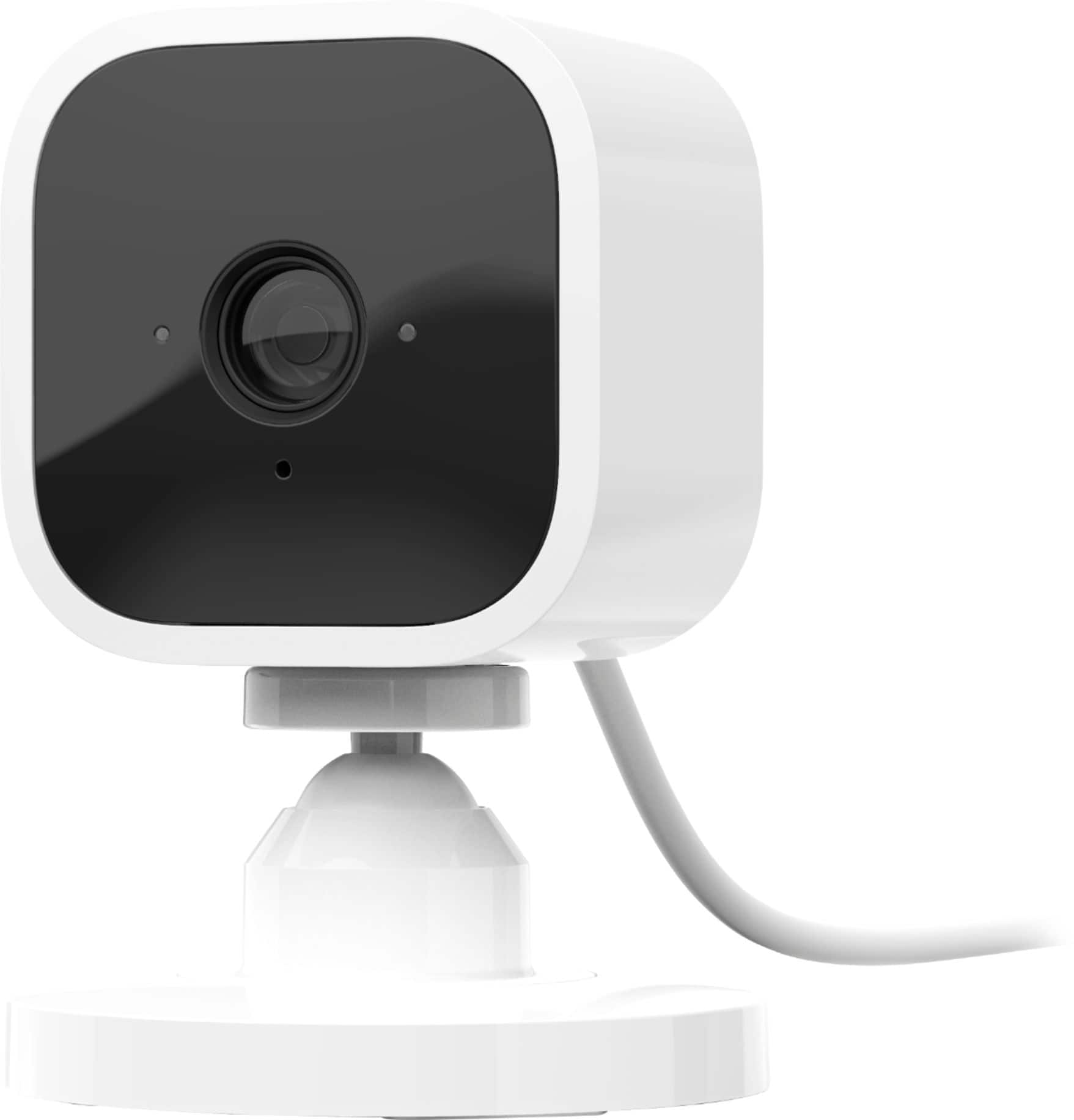
- A:Answer Hello Beverly, thank you for your question. To mount a Blink Mini to a wall, separate the camera from its base, unsnap the mount's outer ring and cover to reveal screw holes, secure the mount base to the wall using the included screws (using wall anchors for drywall), then re-snap the mount cover onto the base, and finally, click the camera back into the now-mounted base, ensuring the cable is routed through the retaining ring and plug in the power adapter to the wall outlet. I hope that helps, have a great day!
Answered by Amazon Devices Customer Support
Top Rated
- Black Friday Deal$199.99Your price for this item is $199.99
- $74.99Your price for this item is $74.99$99.99The comparable value for this item is $99.99
- $399.99Your price for this item is $399.99$499.99The comparable value for this item is $499.99
- $79.99Your price for this item is $79.99
- $149.99Your price for this item is $149.99
- $35.99Your price for this item is $35.99$39.98The comparable value for this item is $39.98
- $149.99Your price for this item is $149.99
- $79.99Your price for this item is $79.99
- $34.99Your price for this item is $34.99
- $35.98Your price for this item is $35.98
- $279.99Your price for this item is $279.99
- $49.99Your price for this item is $49.99
- $279.99Your price for this item is $279.99
- $25.99Your price for this item is $25.99$29.99The comparable value for this item is $29.99
- $49.99Your price for this item is $49.99
- $39.99Your price for this item is $39.99
- $69.99Your price for this item is $69.99
- $129.99Your price for this item is $129.99$149.99The comparable value for this item is $149.99