Questions & Answers
- Model:
- G0890UU
- |
- SKU:
- 6569887
Highly rated by customers for: Price, Camera, Easy to use
$59.99Your price for this item is $59.99
Page Showing 1-20 of 37 questions
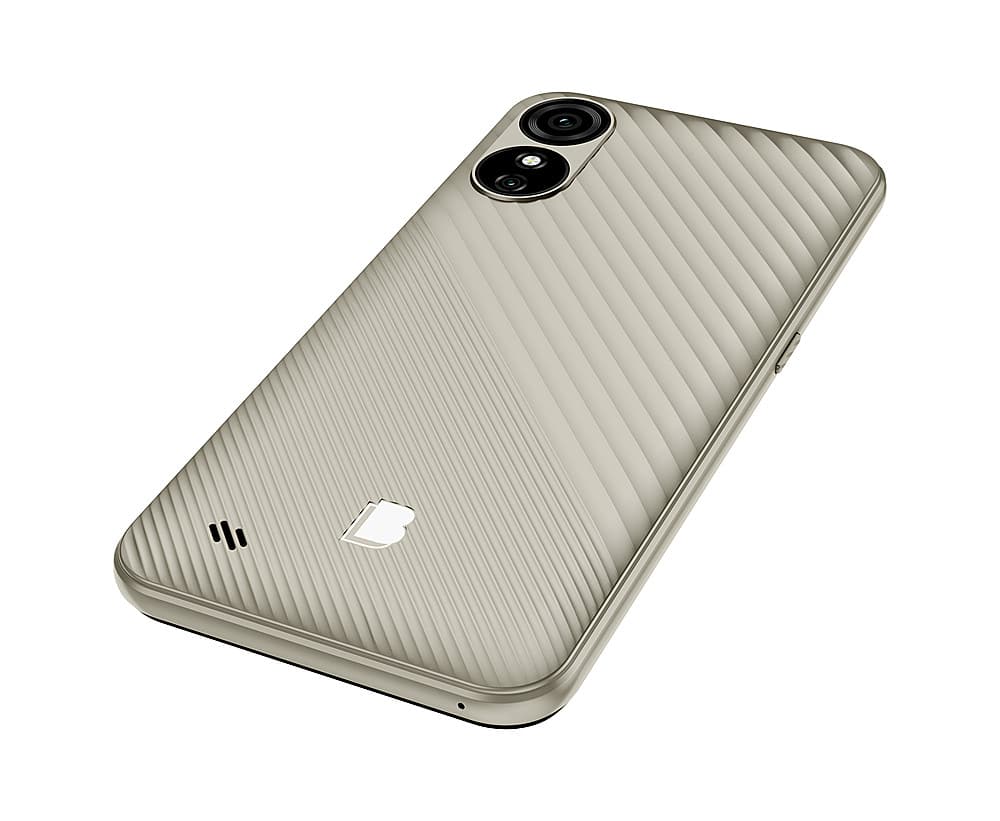
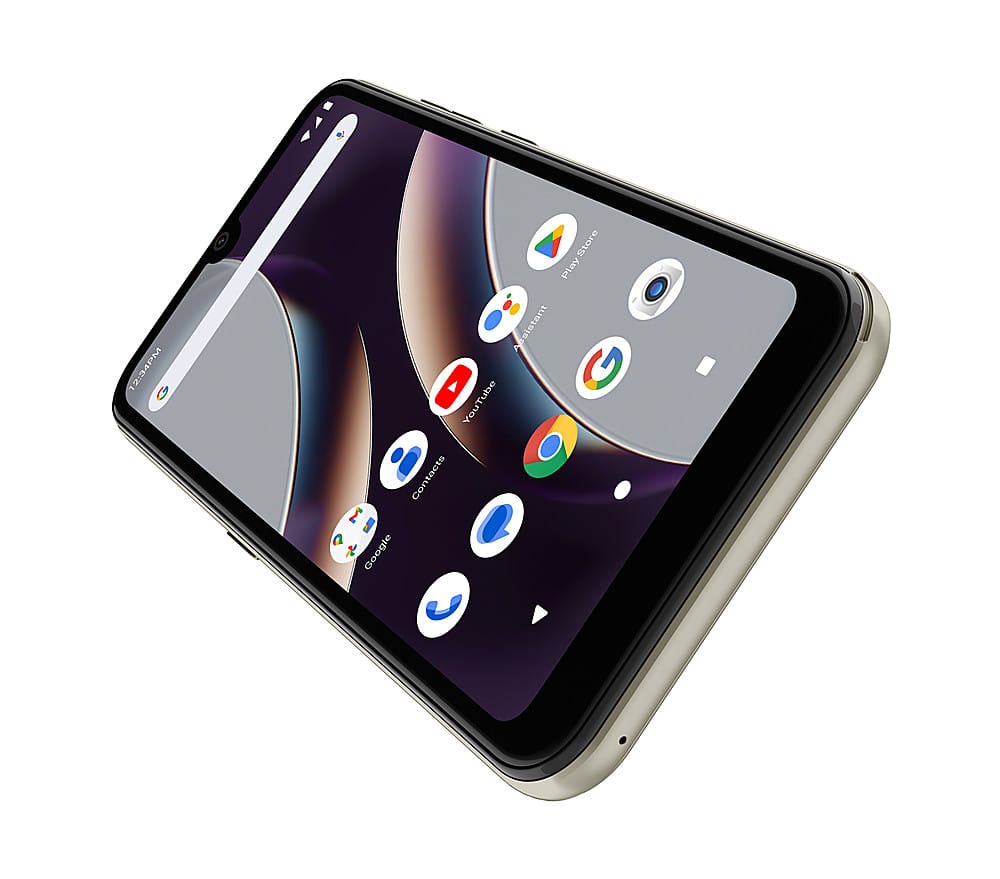
Q: QuestionCan anyone tell me how to remove the back cover on a BLU G33?
Asked by Willie.
- A:Answer To remove the back cover on your BLU G33, you can follow these steps: Find a Starting Point: Look for a small gap or notch at one of the corners of the back cover. This is where you can begin to pry it open. Use Your Fingernail or a Tool: Gently insert your fingernail or a plastic tool (like a spudger) into the gap. Be careful not to use anything too sharp that could damage the cover. Pry Open the Cover: Slowly pull apart the cover from the corner. It may be a bit stiff the first time, but it should start to come off. Work your way around the edges to loosen it. Remove the Cover: Once you have loosened it all around, you should be able to lift the back cover off completely. If you encounter any resistance, double-check that you are not missing any clips or screws that might be holding it in place. Enjoy working on your device
Answered by nfcx
Q: QuestionWill this phone be compatible with mint mobile Blu g33 unlocked
Asked by Mark.
- A:Answer Yes
Answered by ZacS
Q: QuestionSince it says the phone unlocked will my sim card to old phone work in this phone?
Asked by Maggie.
- A:Answer To my understanding, unlocked means that any sim card should work in this phone. I received a Q Link sim card, which I activated and the phone was ready for use.
Answered by DouglasS
Q: QuestionCan I change how the digital clock is displayed? I want it to be displayed as 9:29, instead of 09 28 stacked
Asked by Angwalk23.
- A:Answer To change the digital clock display format on your BLU G33 phone, you may need to follow these steps: Check Clock Settings: Open the Clock app on your phone. Look for a Settings option, usually represented by three dots or a gear icon. See if there are options to change the clock format (12-hour vs. 24-hour). Adjust Display Settings: Go to the Settings menu on your phone. Navigate to Display or Lock Screen settings. Look for any options related to the clock display. If there are no options available, it may be limited by the device's software. Consider Factory Reset (as a last resort): If you cannot find the desired settings, restoring to factory settings may help, but this will erase all data on your device. Make sure to back up important information first. If these steps do not resolve the issue, it may be a limitation of the device's software.
Answered by nfcx
Q: Questionis this phone compatible with assurance wireless? , thanks
Asked by Charles.
- A:Answer Yes assurance wireless blu g 33
Answered by Anonymous
Q: QuestionIs there a way to extract the boot image or is there a factory image I could use to flash the phone? If not can you tell me what exact storage medium it takes for internal memory? I’m basically trying to obtain root access I’m a advanced user.
Asked by Unicxa.
- A:Answer Forgot.phone lock code can you please help me
Answered by Anonymous
Q: QuestionDoes this phone have a video camera for communication?
Asked by Mystic.
- A:Answer Yes. Even though the charging system is broken down and needs repair. Not a good phone at all
Answered by JacobA
Q: QuestionIs this phone compatible with AT&T?
Asked by MissTim.
- A:Answer works with any operator .
Answered by Anonymous
Q: QuestionIs this phone a decent phone to use
Asked by Cait.
- A:Answer No. After using it for a month, I no longer can charge it.
Answered by JacobA
Q: QuestionDoes the Blu g33 have a double tapoption, or not. I have been trying to look.
Asked by Anonymous.
- A:Answer You can, But you will need to download a launcher, like Microsoft launcher.
Answered by nfcx
Q: QuestionI set up a screen lock and then promptly forgot the code I used. I hear that there are two options - do a factory reset, or use Google recovery. I am not familiar with either. What are the steps to follow and are there any drawbacks if I make an error?
Asked by SillyMe.
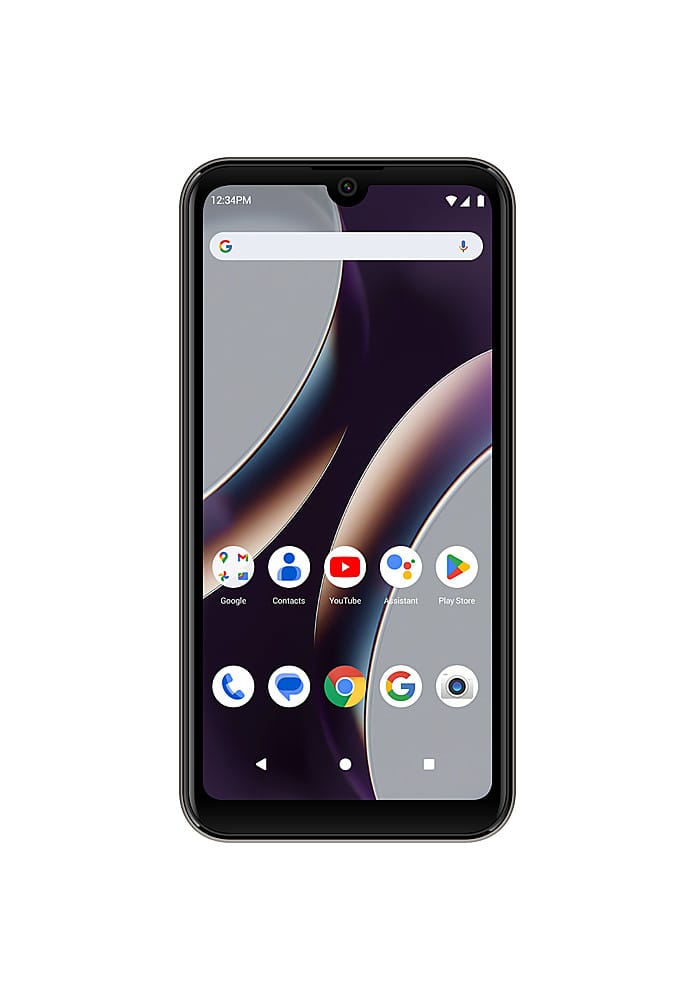
- A:Answer If you've forgotten the screen lock code on your BLU G33 16GB, you have two main options to regain access: performing a factory reset or using Google recovery. Here’s a brief overview of both methods: 1. Factory Reset A factory reset will erase all data on your device, including apps, settings, and personal files. Here are the steps to perform a factory reset: Turn Off the Phone: Press and hold the Power button until the device powers off. Enter Recovery Mode: Press and hold the Volume Up and Power buttons simultaneously until the BLU logo appears. Release the buttons when you see the Android recovery menu. Navigate the Menu: Use the Volume buttons to navigate to "Wipe data/factory reset." Press the Power button to select it. Confirm the Reset: Navigate to "Yes" and confirm the action. Reboot the Device: Once the reset is complete, select "Reboot system now." 2. Google Recovery If your device is linked to a Google account, you may be able to unlock it using Google’s Find My Device feature. Here’s how: Visit Find My Device: On a computer or another device, go to the Google Find My Device website. Sign In: Log in with the Google account associated with your BLU G33. Select Your Device: Choose your BLU G33 from the list of devices. Choose "Erase Device": This will remotely wipe your phone, similar to a factory reset. Drawbacks and Considerations Data Loss: Both methods will result in the loss of all data on your device. If you have not backed up your data, you will lose it permanently. Google Account: After a factory reset, you may need to enter the Google account credentials that were previously synced to the device to access it again (this is part of Google's Factory Reset Protection). Errors: If you make an error during the reset process, it could lead to further complications, such as being unable to access the device or encountering issues with the operating system. If you are unsure about performing these steps, consider seeking assistance or contacting customer support for guidance
Answered by nfcx
Q: QuestionIs this phone brand new or pre owned?
Asked by Markzooman.
- A:Answer New
Answered by user933504
Q: QuestionIs this phone compatible with H2O Wireless?
Asked by Frank.
- A:Answer I am not familiar with H20 wireless,but betcha by golly if the company has a phone compatibility list you'd get your answer.
Answered by Anonymous
Page 1, Showing 1-20 of 37 questions
Most-viewed items
- $629.99Your price for this item is $629.99
- $149.99Your price for this item is $149.99$199.99The comparable value for this item is $199.99
- $129.99Your price for this item is $129.99$199.99The comparable value for this item is $199.99
- $439.99Your price for this item is $439.99$599.99The comparable value for this item is $599.99
- $99.99Your price for this item is $99.99$149.99The comparable value for this item is $149.99
- Black Friday Deal$249.99Your price for this item is $249.99
- $1,699.99Your price for this item is $1,699.99$1,799.00The comparable value for this item is $1,799.00
- $699.00Your price for this item is $699.00$799.00The comparable value for this item is $799.00
- $899.99Your price for this item is $899.99$999.99The comparable value for this item is $999.99
- $149.99Your price for this item is $149.99$299.99The comparable value for this item is $299.99
- $89.99Your price for this item is $89.99
- $729.99Your price for this item is $729.99
Apple - Pre-Owned Fair iPhone 16 Pro Max 5G 256GB - Apple Intelligence - (Unlocked) - Black Titanium$979.99Your price for this item is $979.99- $499.00Your price for this item is $499.00
- $399.99Your price for this item is $399.99$549.99The comparable value for this item is $549.99
- Black Friday Deal$299.99Your price for this item is $299.99
- $899.99Your price for this item is $899.99$1,299.99The comparable value for this item is $1,299.99
- $331.73Your price for this item is $331.73
- $799.00Your price for this item is $799.00
- $299.99Your price for this item is $299.99