A:AnswerHey there. The Yeti isn't compatible with iOS devices, but that doesn't mean it won't work. The microphone may work with an adaptor, but you may lose some functionality. -Weston from Blue
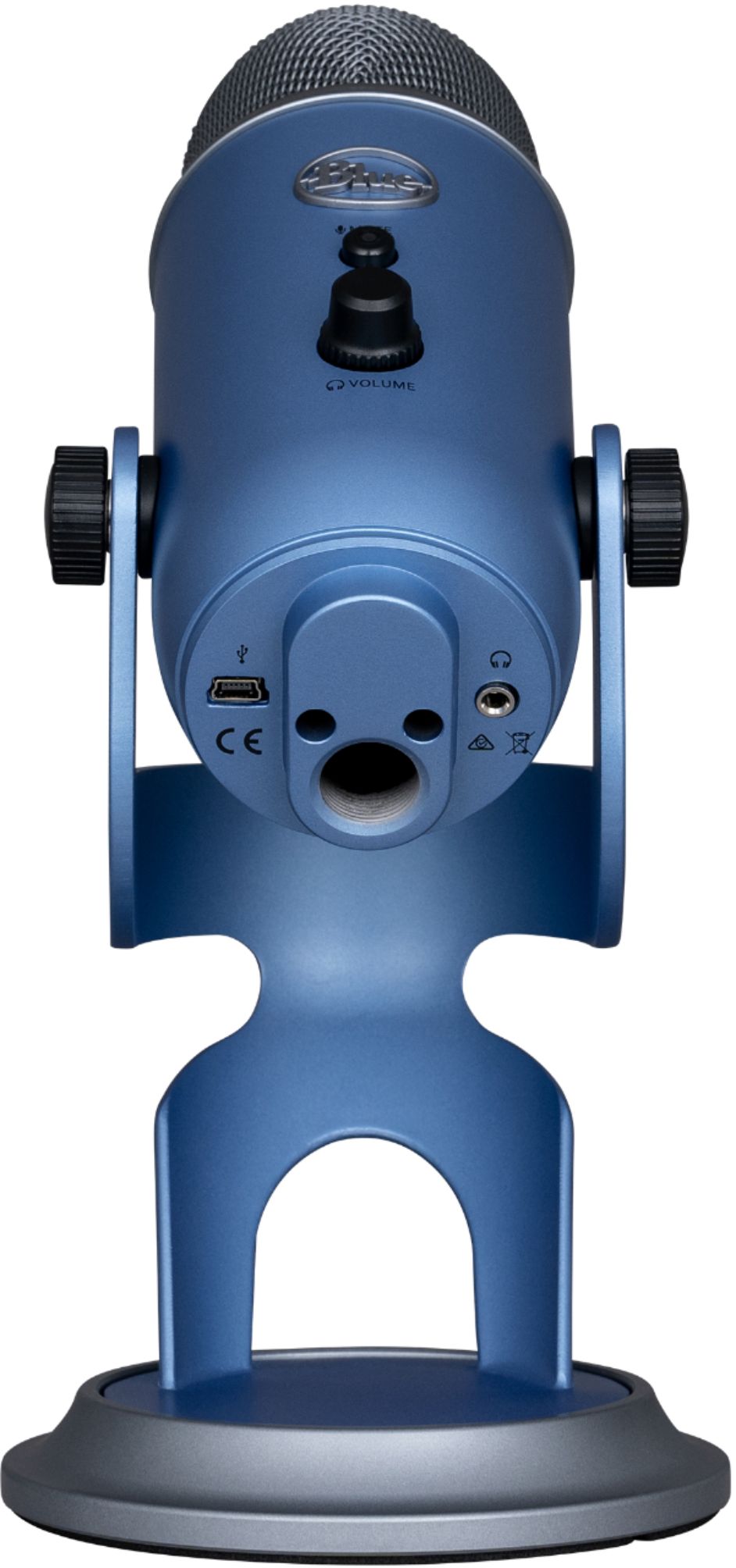
A:AnswerHey there RAZZJAZZMAN. The Yeti comes with a Mini USB cable about 6 feet long, but most Mini USB cables will work for it if you need a longer one. -Weston from Blue
A:AnswerIf you're talking about as you record, you'll need plug in headphones. As for playback after you record, you should be able to hear your recording from your native output
A:Answeri think this at the level to do instruments to but you might consider pickup just for instruments he has as those are little more narrow in their focus
A:AnswerThis mic should be fine. I did my research on it before i purchased it, it has different settings to accommodate the use. you dont need headphones for it but it would certainly help especially if your podcasting. your headphones should work, the worked with my ps4 controller so it should work with your logi pair.
A:AnswerI am not a "rapper" but I did want to be able to transmit pretty high quality voice and music at an affordable price. If you or your friend hope to do a recording for sale, you'd probably want a more expensive setup but for podcasts, YouTube videos or other semi-pro recordings I think this is fine quality for a good price and easy to set up.
A:AnswerHi! Yes, the Yeti Blue Microphone is the BEST thing to use when gaming, streaming, chatting, and even for work! I use a Yeti mic as well and love it!
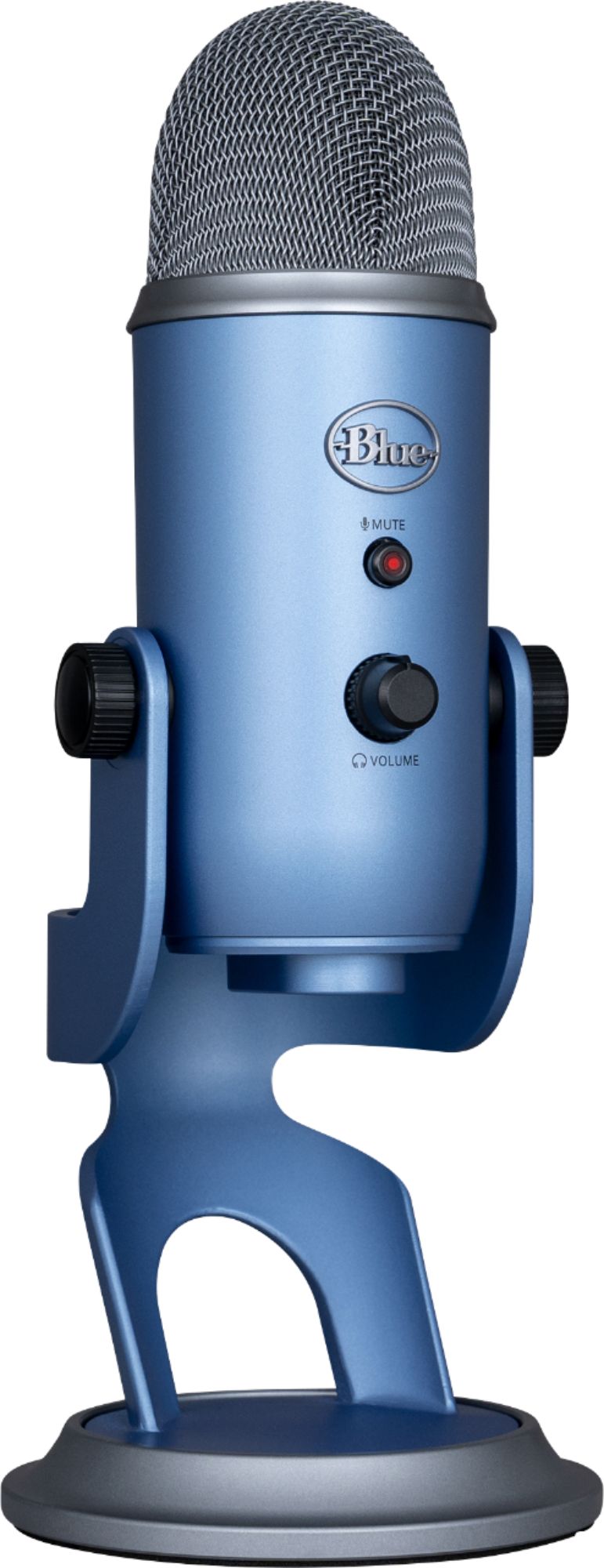
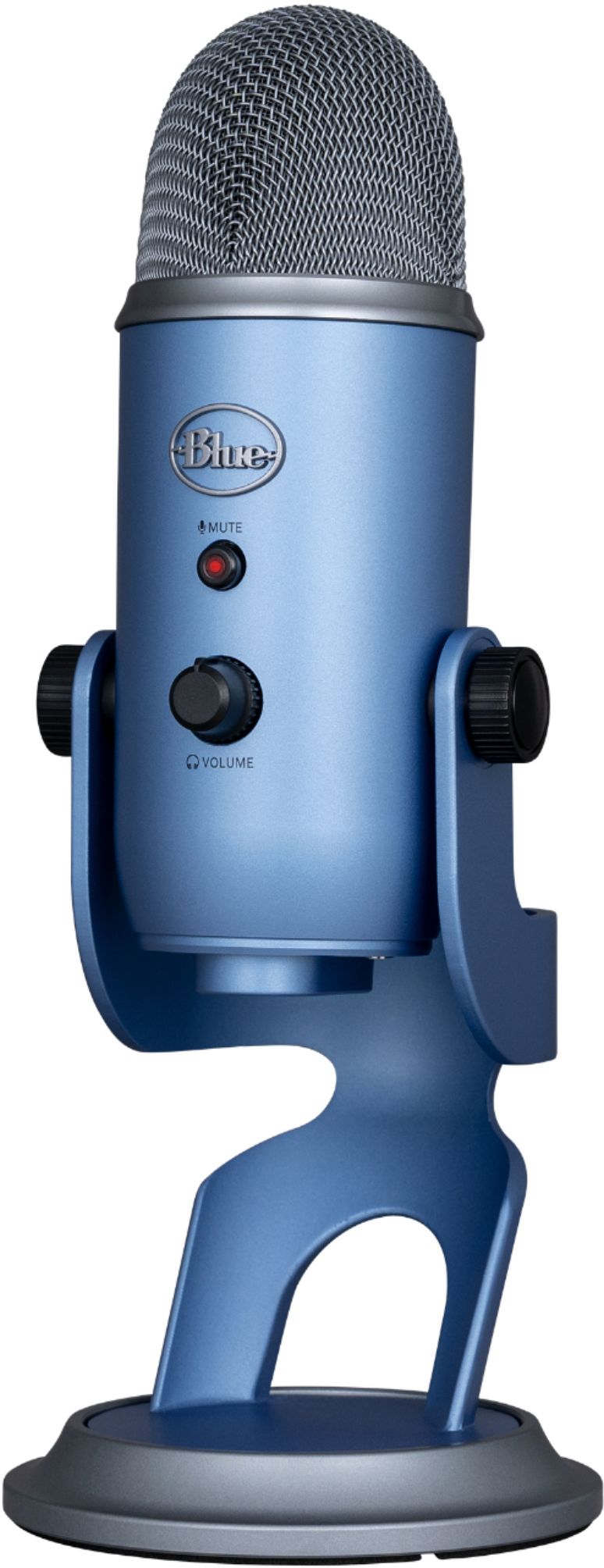
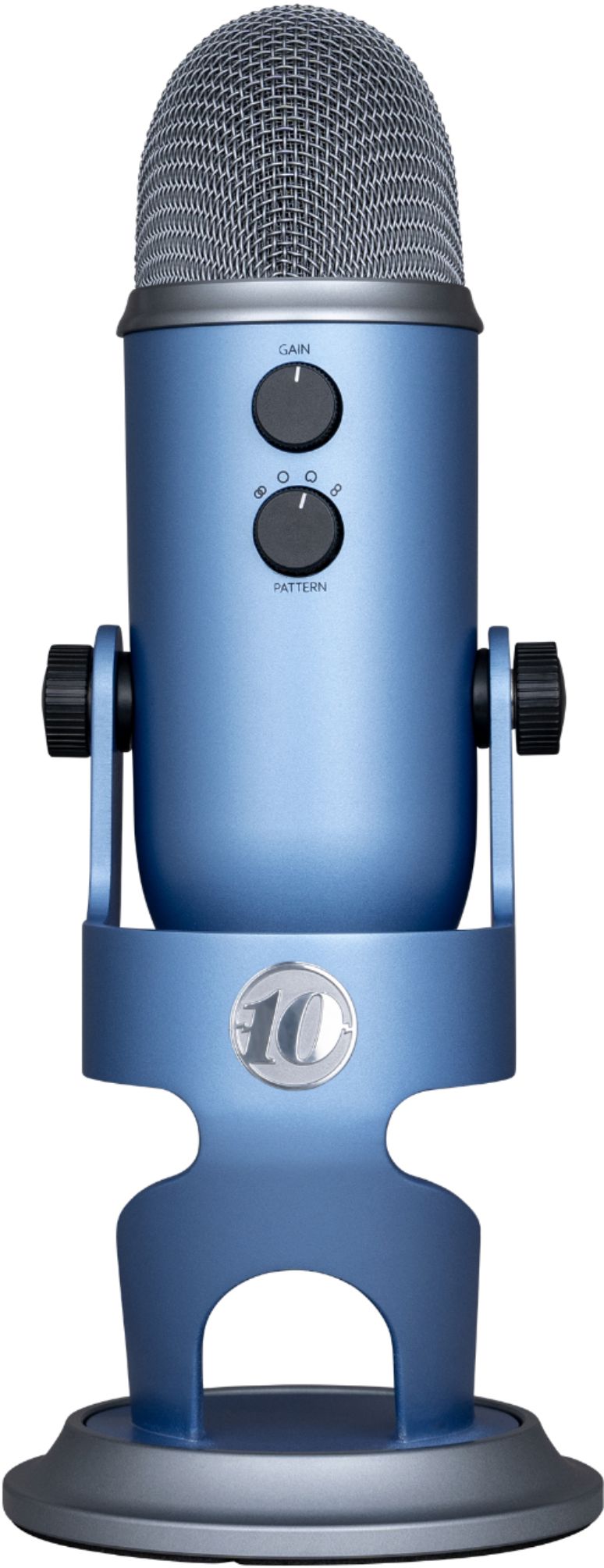
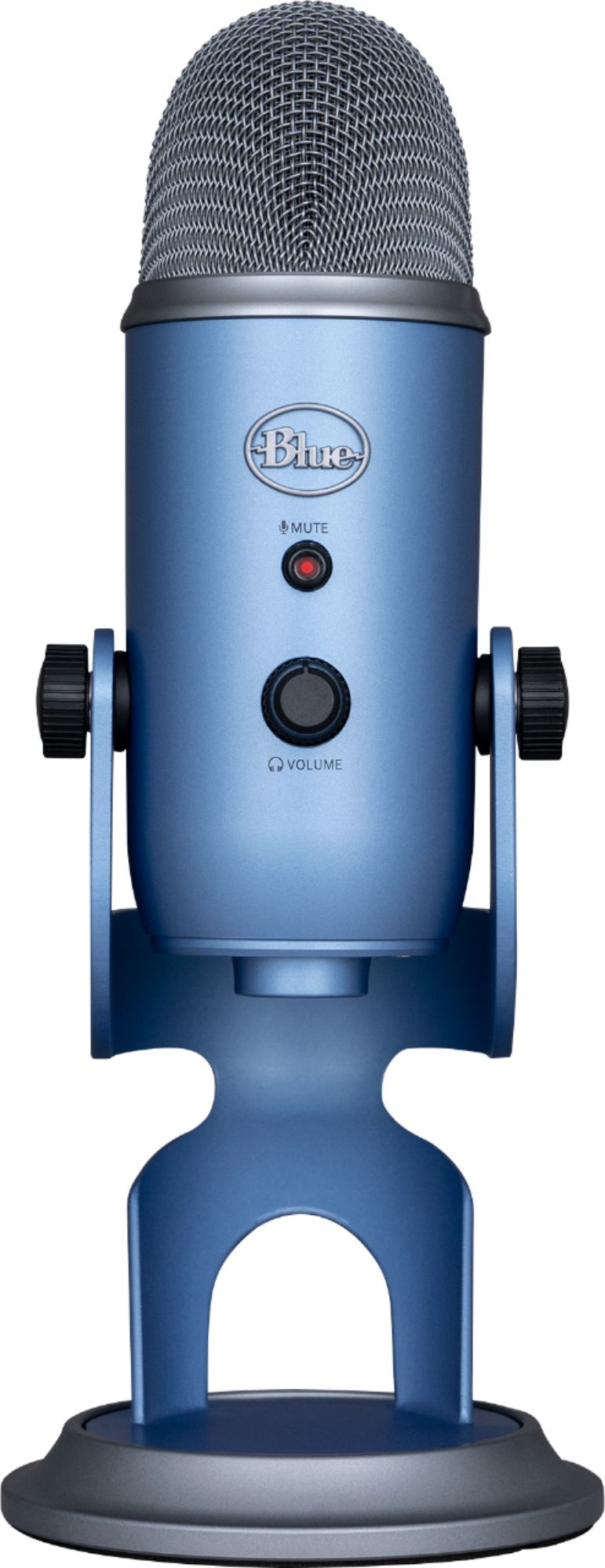
A:AnswerYour best answer would come from a manufacturer rep or knowledgeable store clerk. Looks to me like in order of price and complexity of features, from the lower to higher would be the Blue Yeti Nano; the Blue Yeti or the Blue Yeti X. Those prices range from just under $100 USD to around $169.00 If you want an LED light display as you are recording, various sound effects and all these bells and whistles you could go with the Yeti X. If you want something sturdy but inexpensive that will just do good recordings and still has multiiple settings, read the descriptions of the other two models closely. My model has 5 features besides the USB cable: mute, volume, gain, headphone jack port and a dial with 4 "pattern" settings, depending on what parts of the surroundijng space you want to capture most clearly.
A:AnswerAre you sure that your USB port still delivers current? Maybe that is your problem. This and other USB microphones doesn't have its own power it relies on the USB support to supply that. Otherwise, your device ought to be able to recognize this as a microphone if it recognizes other models.
A:AnswerI think this will work with both the older generation USB and the newer, higher-speed USB ports. For the smaller-size USB port (which I don't use) you'd need an adapter.