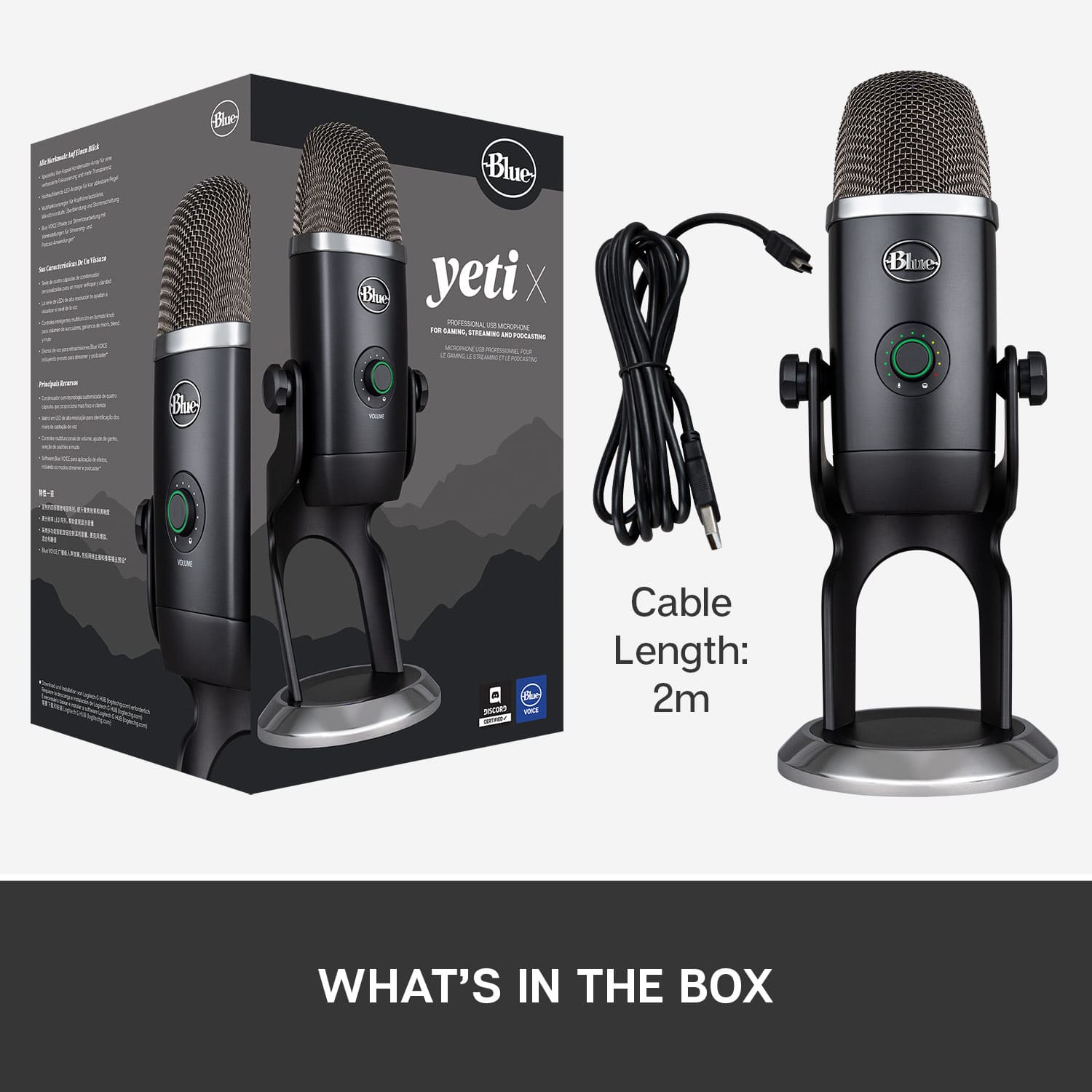
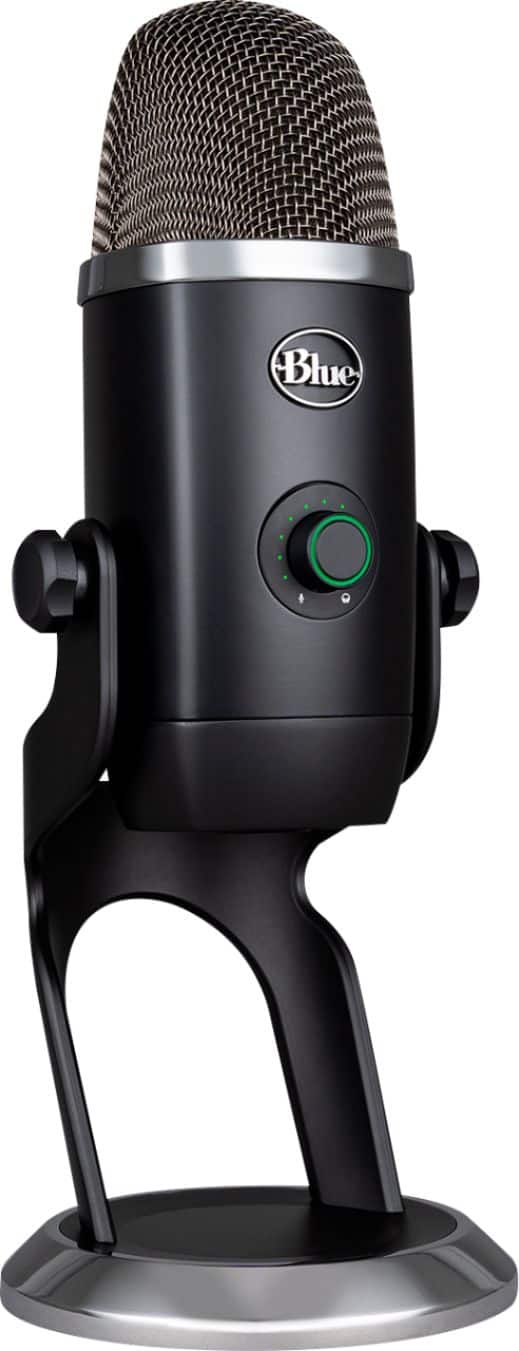
A:AnswerThe Yeti X Pro is completely powered by your PC when the USB cable is plugged in from the microphone. The required USB cable is included in the packaging.
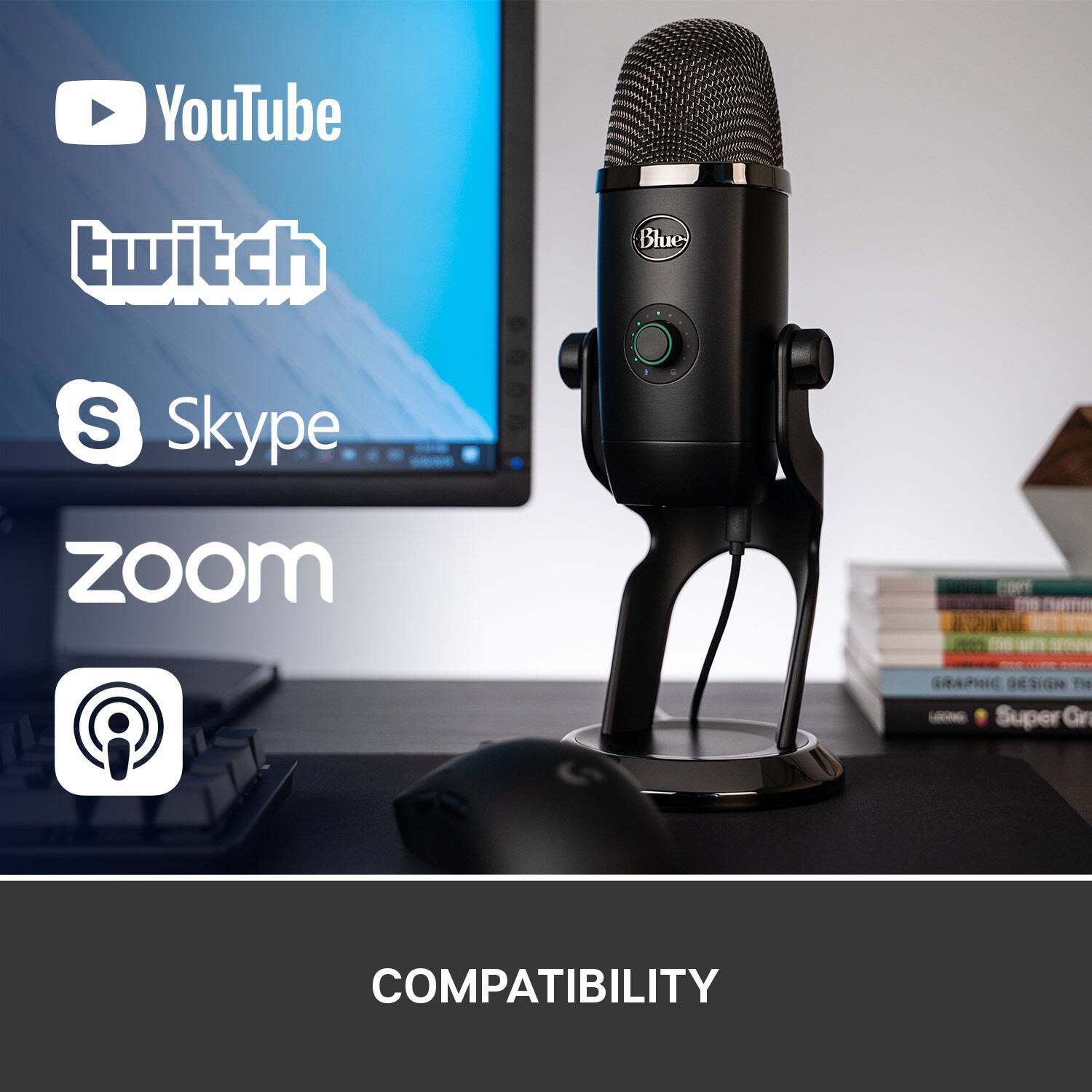
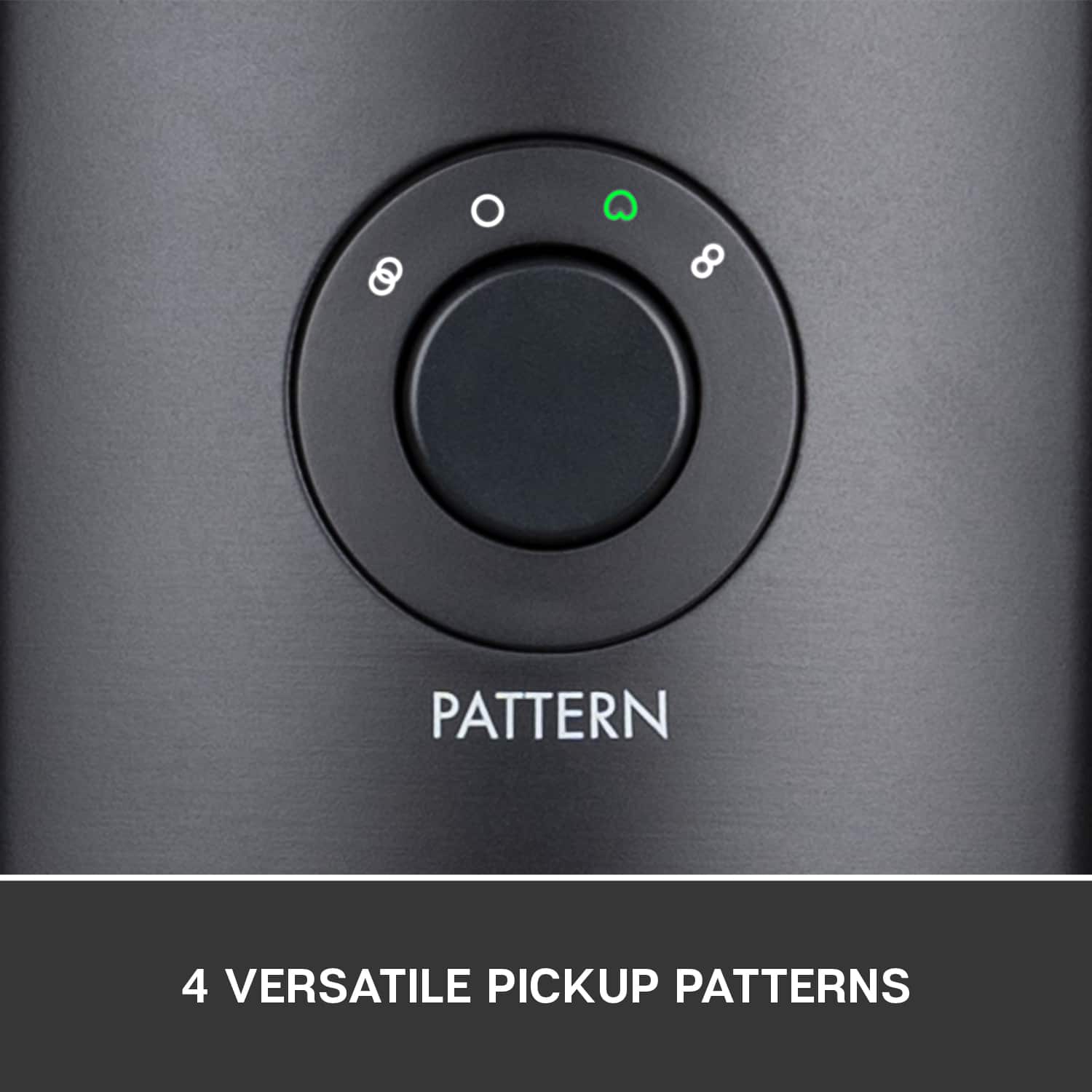
A:AnswerHi Richard! The Yeti X will definitely be able to work with Microsoft Teams (you have to change the input settings in Teams to use the Yeti X mic), and it will be able to pick up your voice. You would have to just change the pickup pattern to your desired settings on the mic itself.
A:AnswerHi SK! The Yeti X can be used with the Playstation 4 instead of using a headset. However, it's unsure if it will work with the Playstation 5 seeing as it isn't out yet to test.
A:AnswerHi FCTC,
The Yeti and Yeti X both have a standard, threaded, receiver to be attached to boom arms, shock mounts, etc. The Yeticaster / Compass Boom Arm have options for fixed mounting with
the desk-insert bushing, and more commonly the C-clamp for desktop mount, 3/8” to 5/8” adapter.
-Logitech
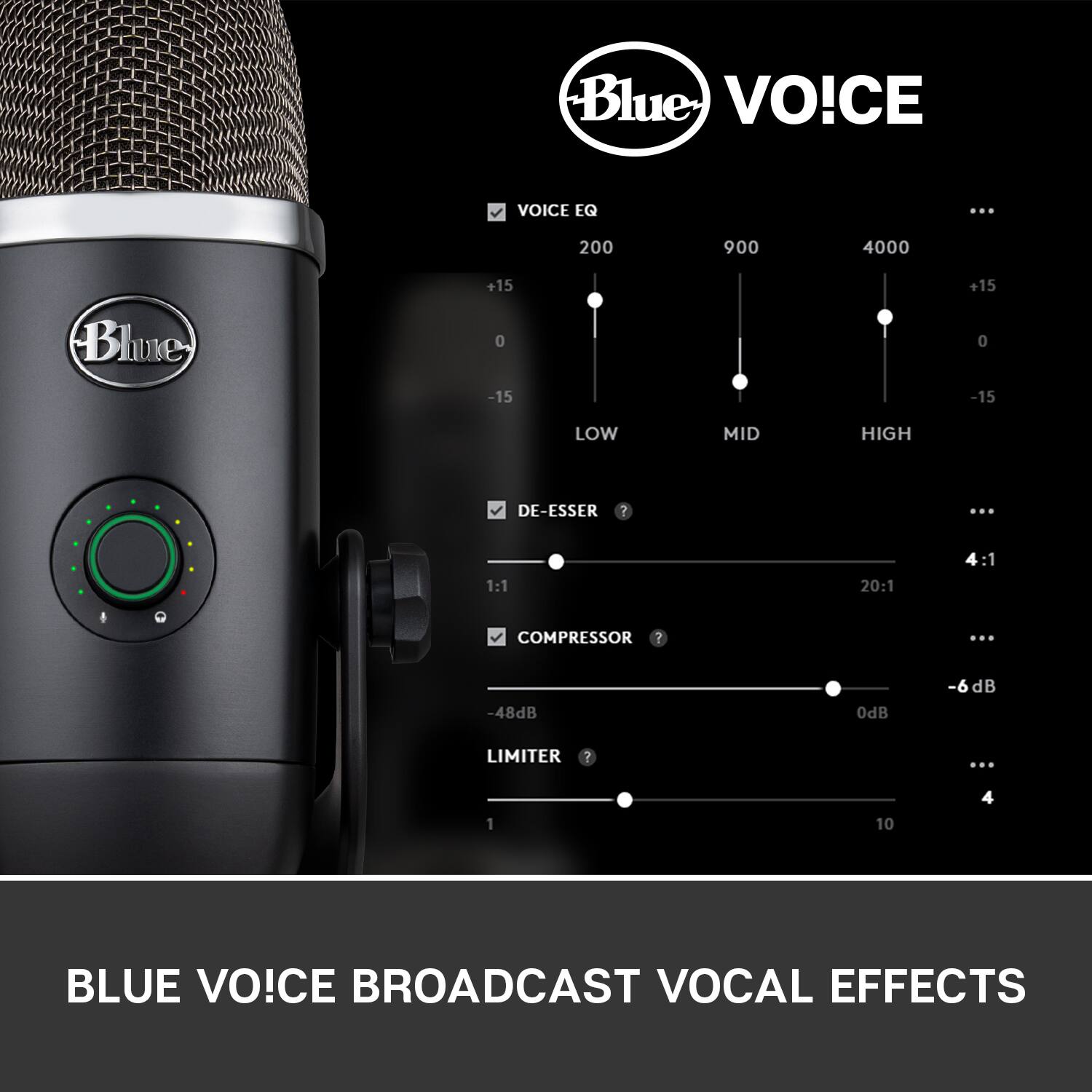
A:AnswerHello Dougz, yes, you are able to adjust the microphone eq. You can do this by downloading our free G-Hub software off of our logitechg.com website (I will post link for you). Have a great day. https://www.logitechg.com/en-us/innovation/g-hub.html
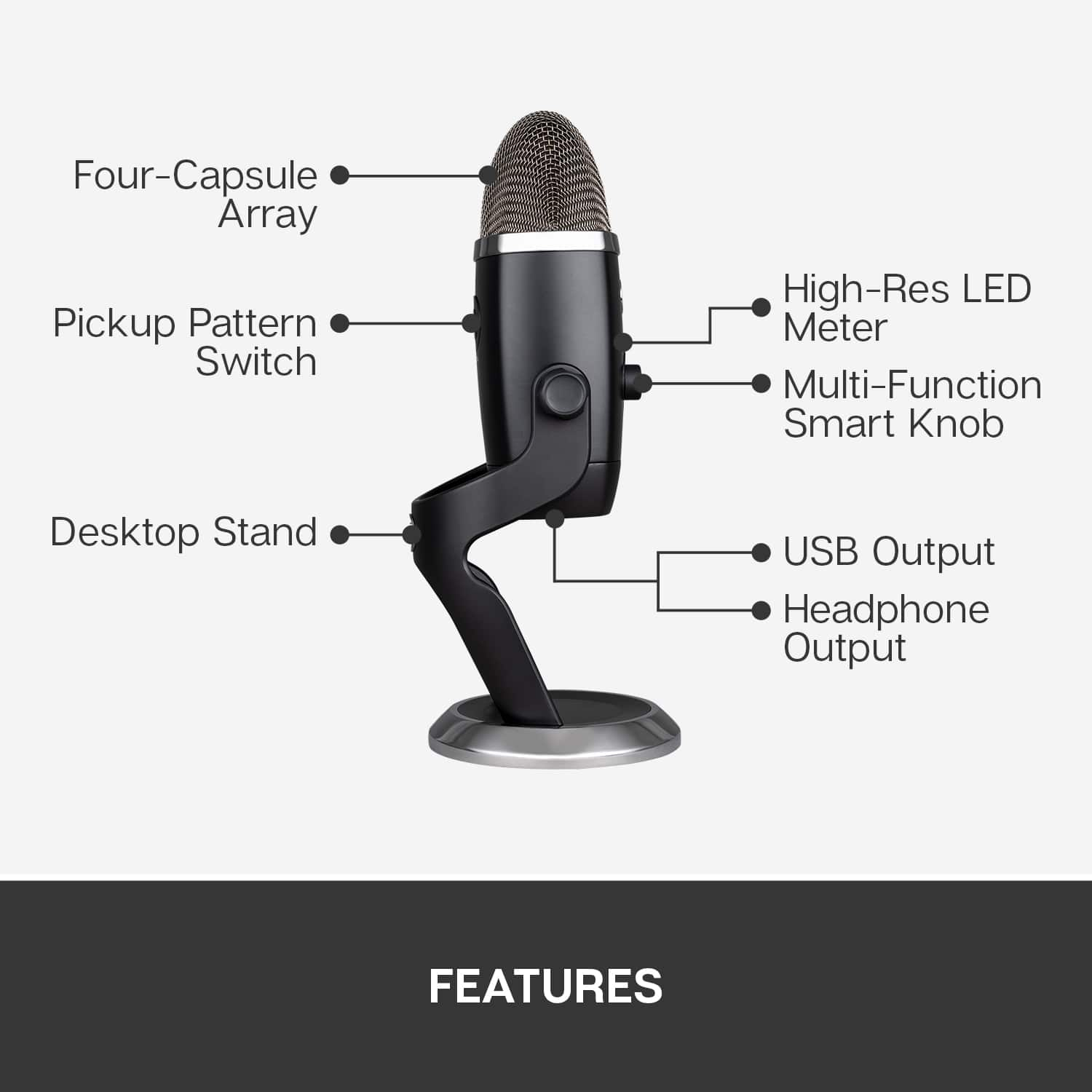
A:AnswerHello Evan, yes you will be able to hear side tone if you plug a headphones into the 3.5 mm audio jack on the microphone.
-Danielle from Logitech