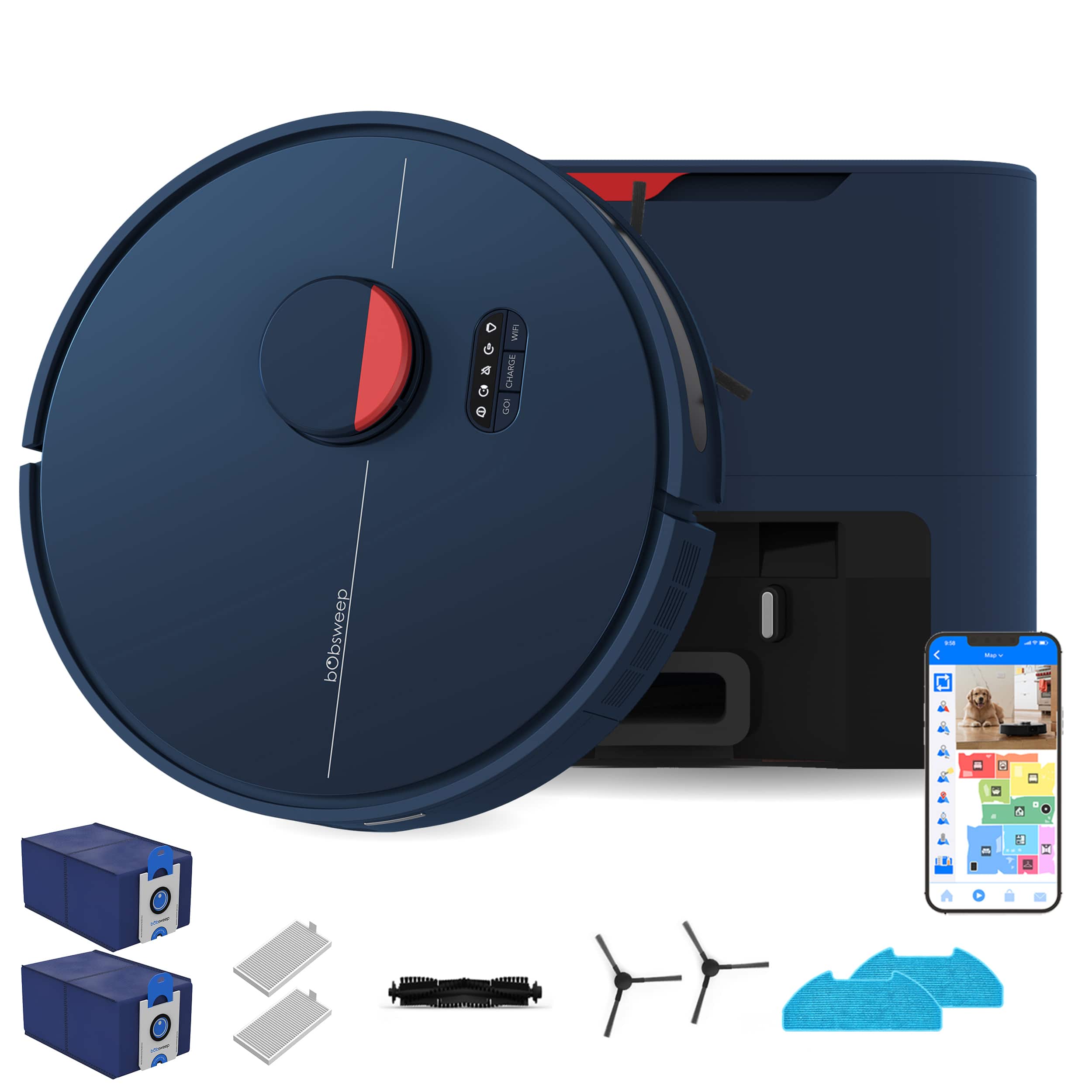
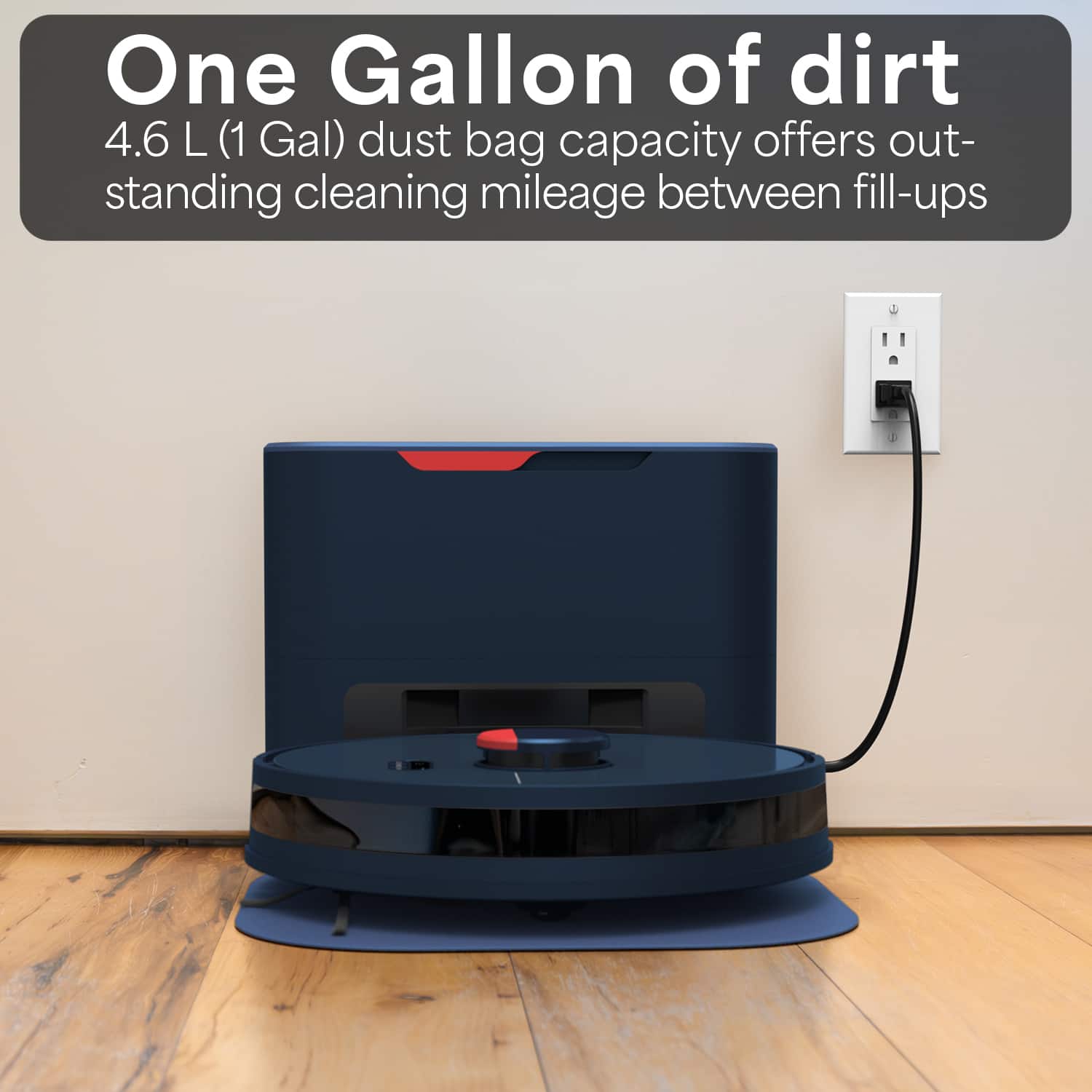
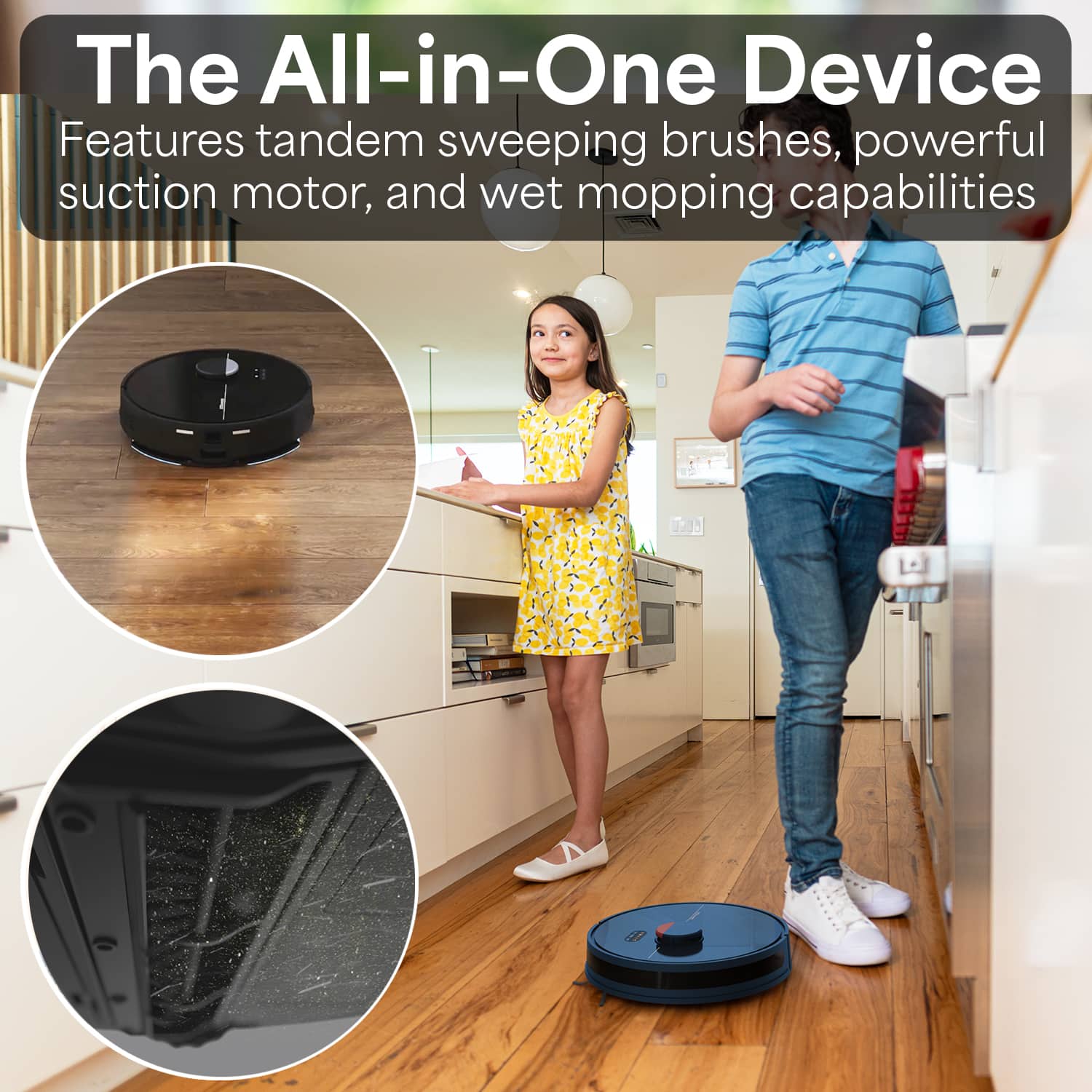
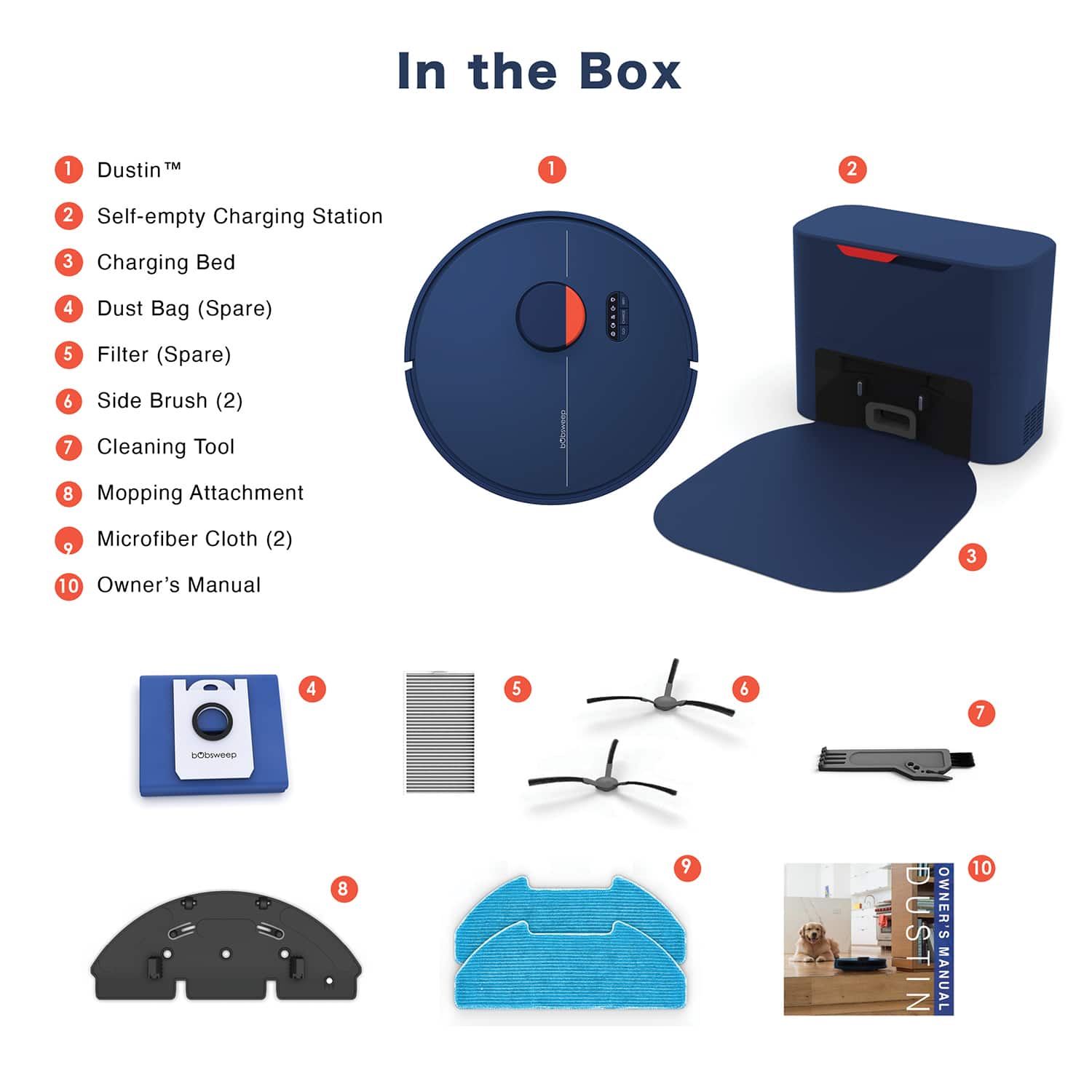
A:AnswerIt has an attachment you place on it, it does self empty but you can also empty yourself, that is where the water reservoir is. Just dampen the mop first, then it gradually releases the water.
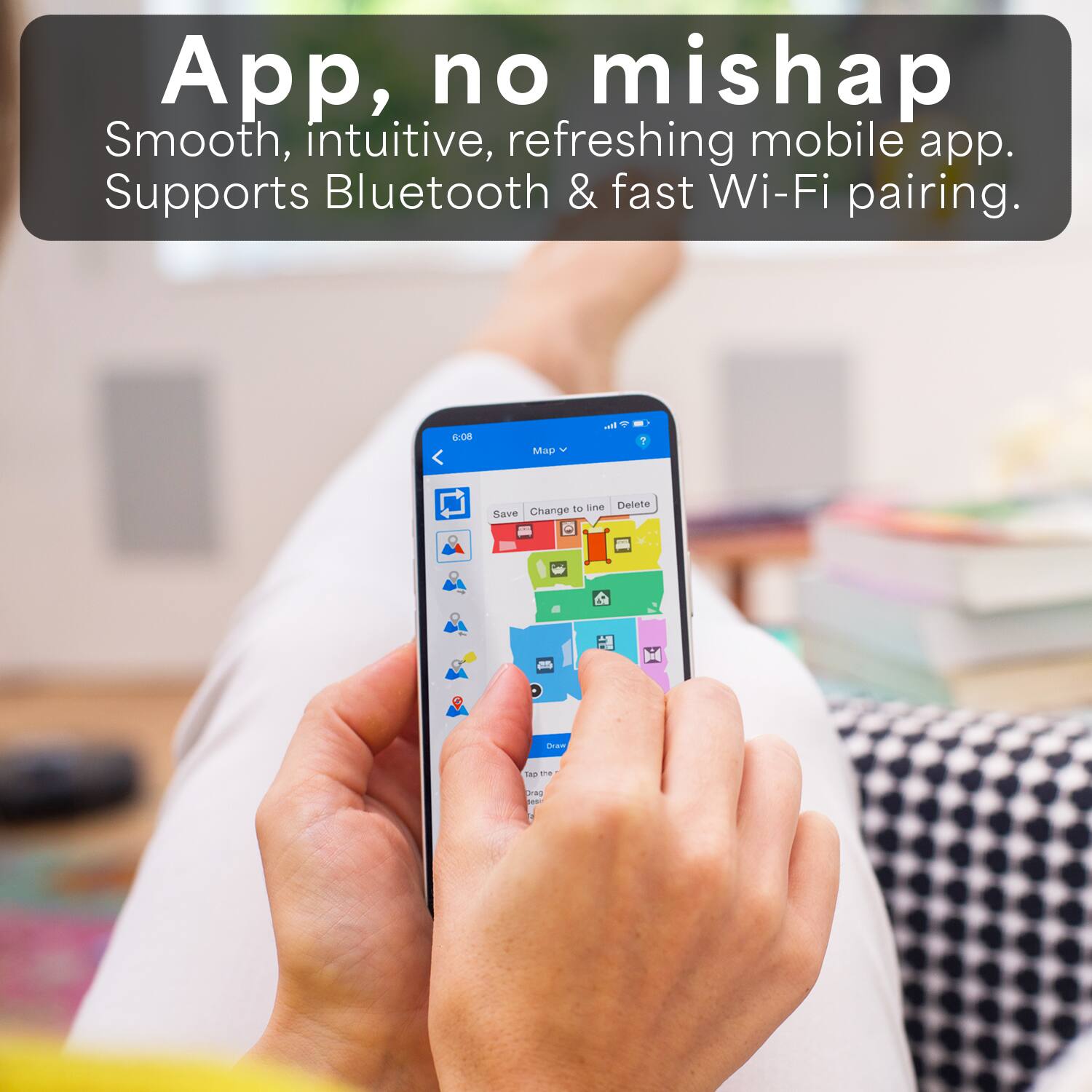
A:AnswerYes, it does have LIDAR its the black and silver thing on top (night model) and on first run it will create a map which you can watch through the app.
you can save up to 3 different maps if you want to move Dustin.
its pretty good at figuring out the different rooms automatically but you can also manually combine or separate rooms on the map if its not correct or if you just want too.
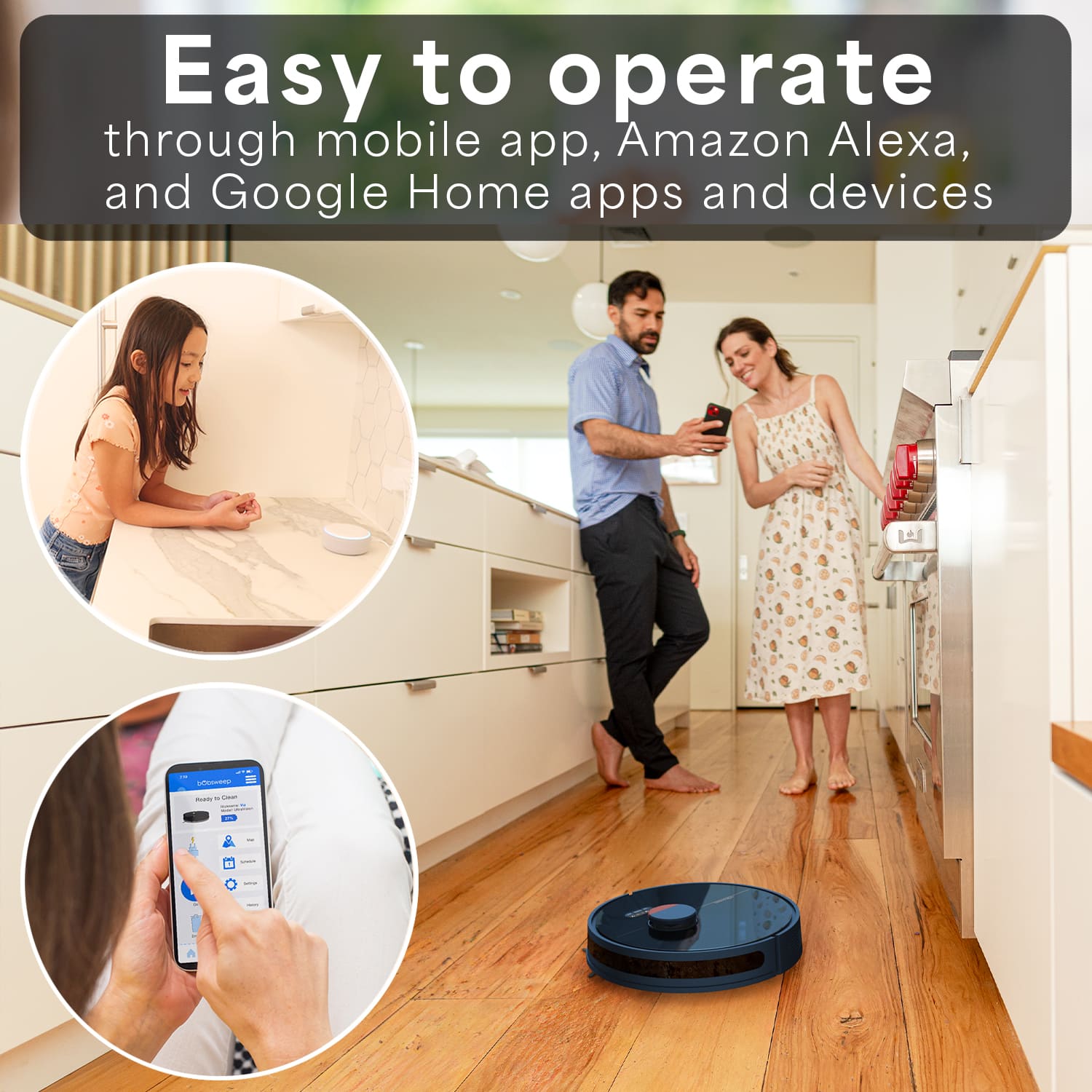
A:AnswerIf it’s not connected to the WiFi it will not find the dustbin station in order to charge and dump the dust. But yes you can use it without the app by pushing the Go button on the vacuum itself. You cannot use the app to map the floors and operate it remotely, because it will require a WiFi connection.
A:AnswerOnly if you carry it to the other level and press go. Keep an eye on battery level because it will go looking for its base and not be able to find it. Better have edge detection on too in case it tries to take the stairs. I’d block them too just to be safe.
A:AnswerThe clean water tank doesnt have to be filled for it to be used, so as long as you avoid that it wont mop at all. There is also map designations on the app to prevent mopping in certain areas.