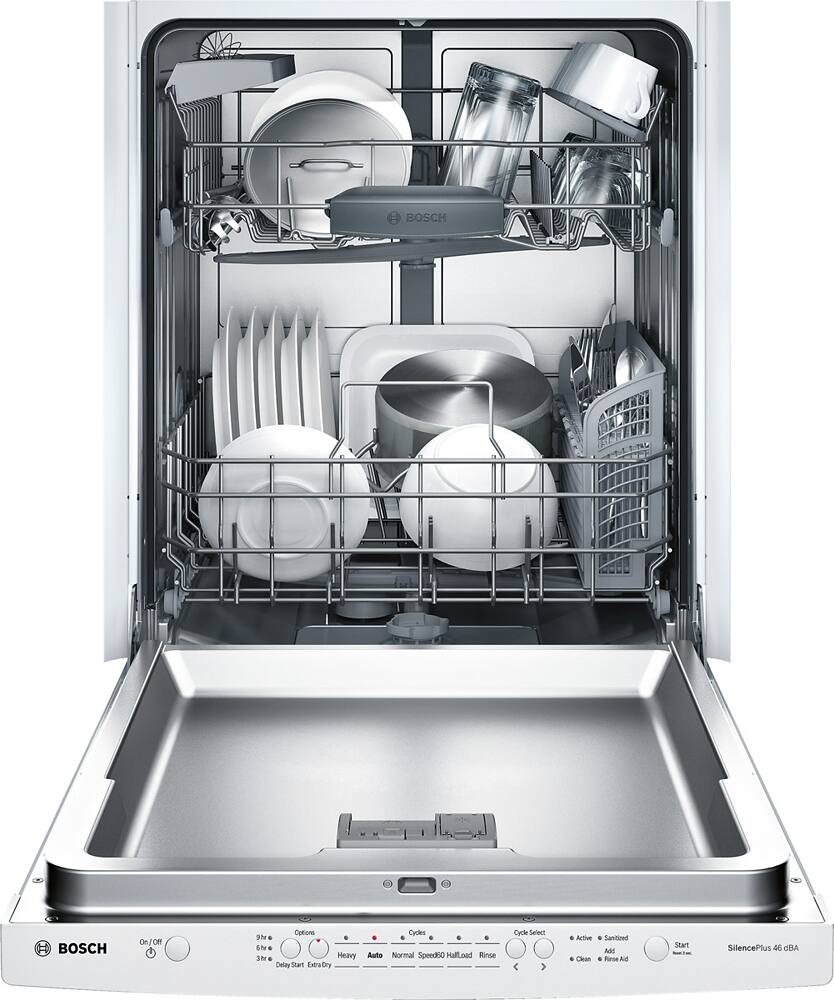
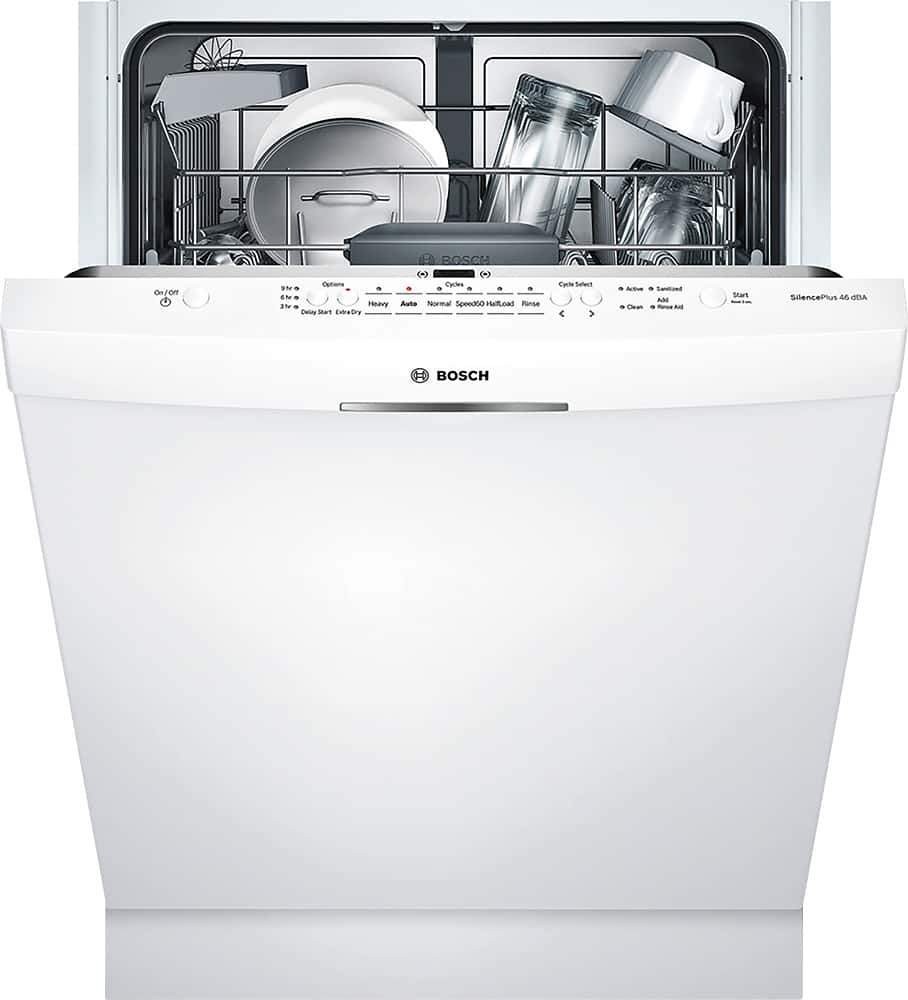
A:Answer Here are the instructions for the child lock, as written in the manual: To set the panel lock: 1. Start the desired wash cycle. 2. Hold down the button labeled with a / symbol or the words ‘Child Lock’ for approximately 3 seconds until the display reads ’–. The panel lock is active. ’– will show in the display if any button is pressed and the program will not be reset. To deactivate the panel lock, hold down the button again for approximately 3 seconds until the display no longer reads ’–. The panel lock is deactivated automatically when the wash cycle ends. In the case of a power outage, the panel lock will remain active. The panel lock has to be activated with each new wash cycle.