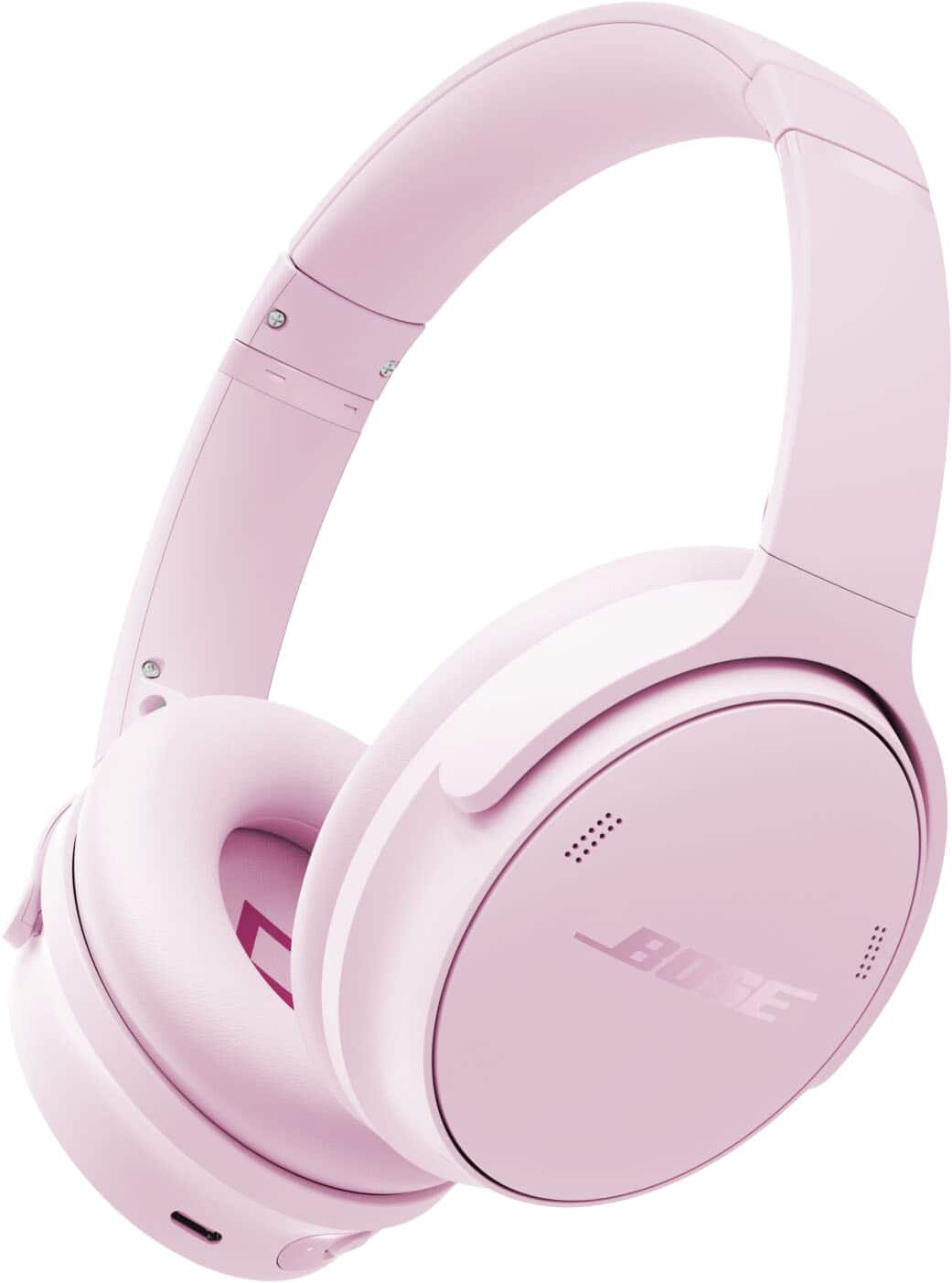
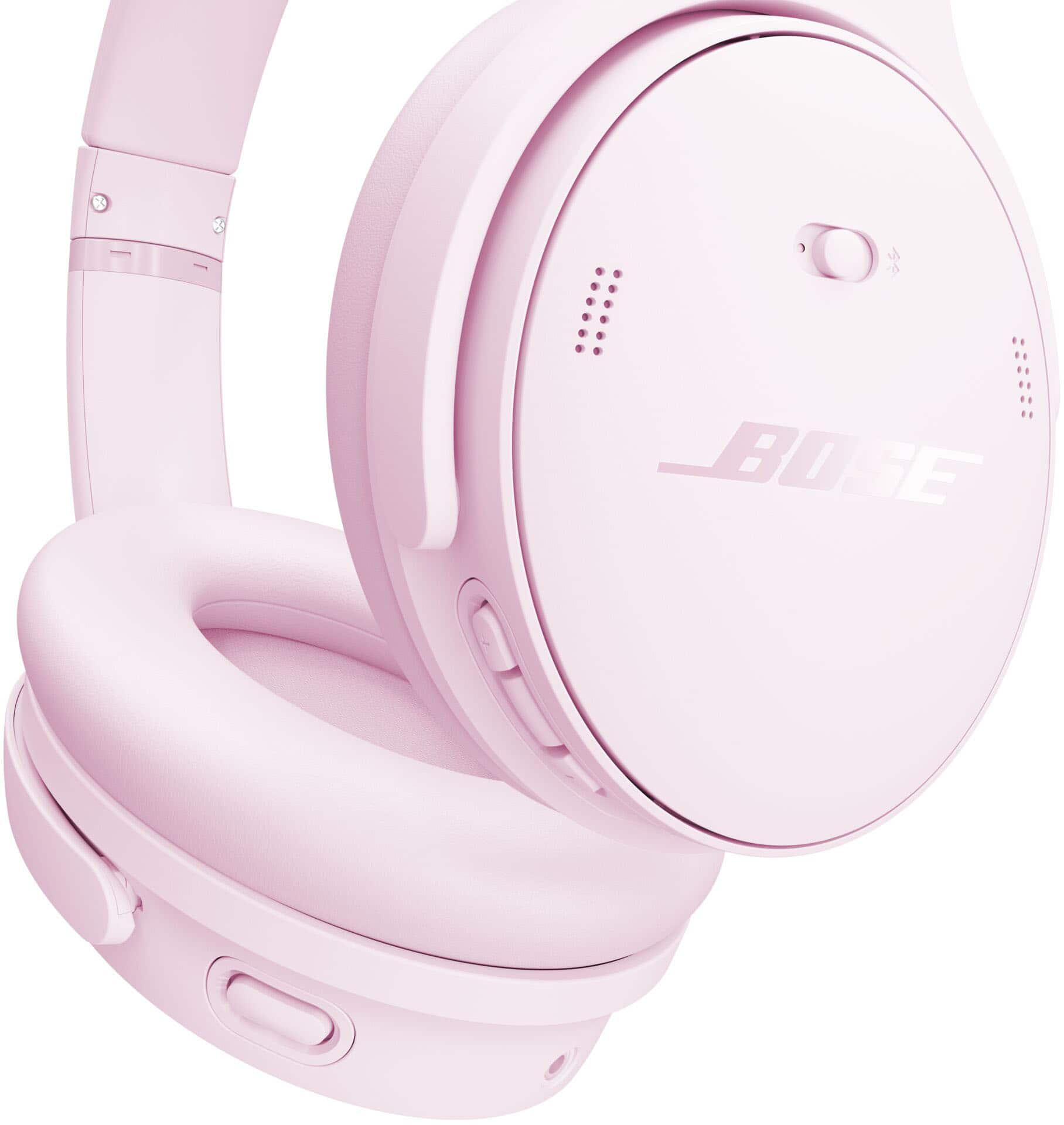
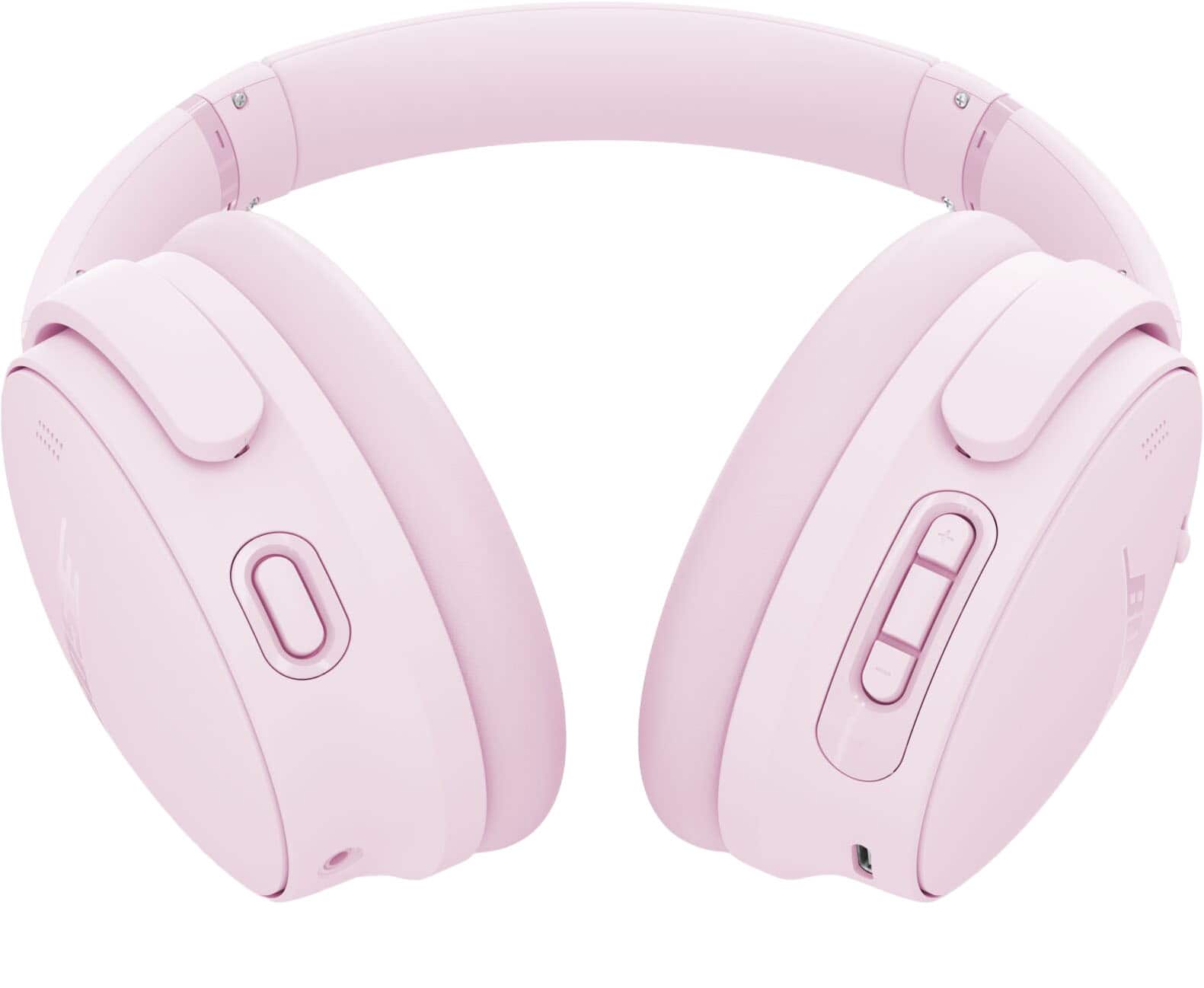
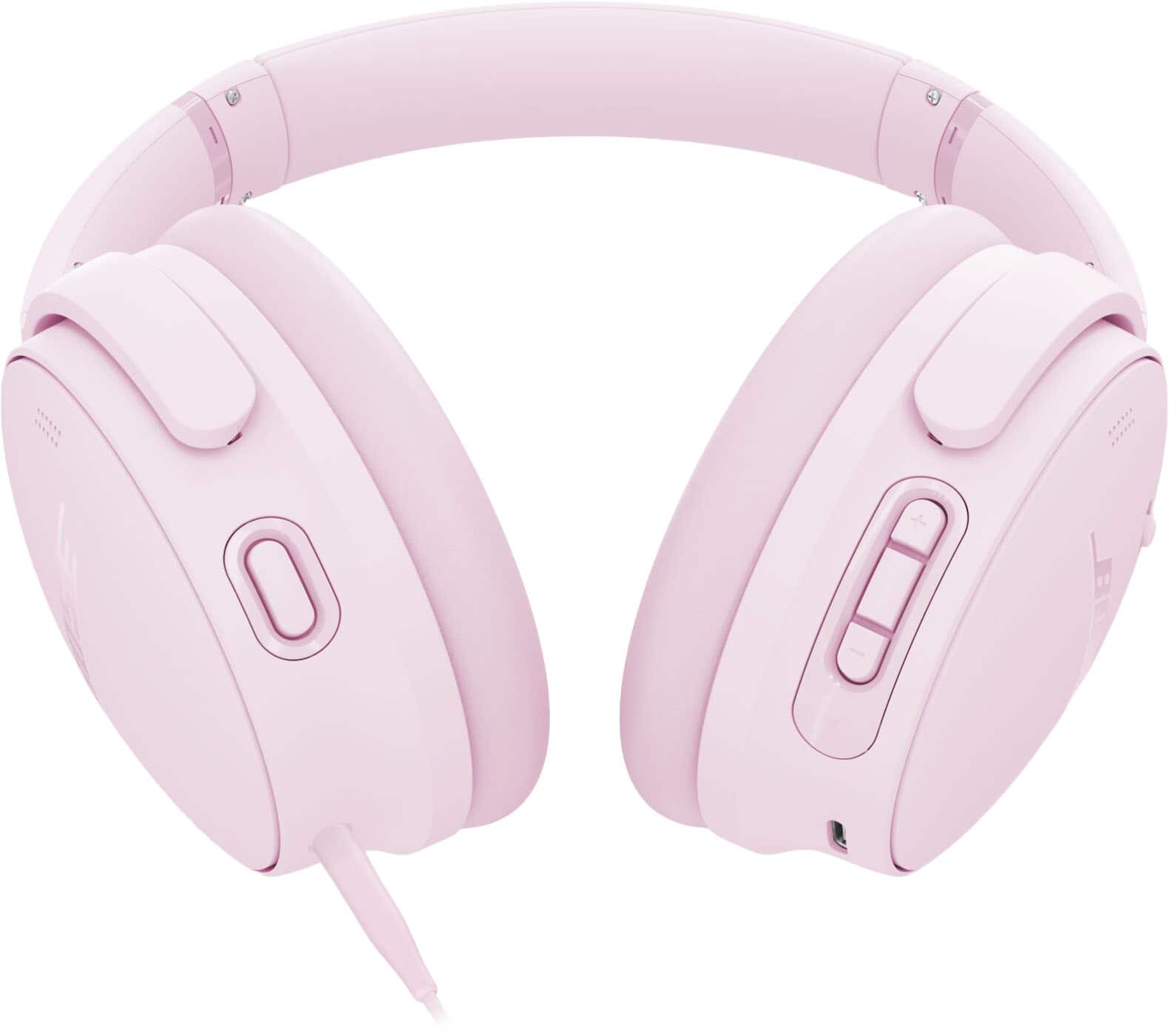
A:AnswerWhen purchasing directly from this listing on Best Buy, you are buying a brand-new, factory-sealed product.
Best Buy typically labels any refurbished, open-box, or pre-owned items clearly as 'Open-Box' or 'Refurbished' near the pricing section of the page. If you are looking at the standard new listing, it will be a completely new item in its original retail packaging.
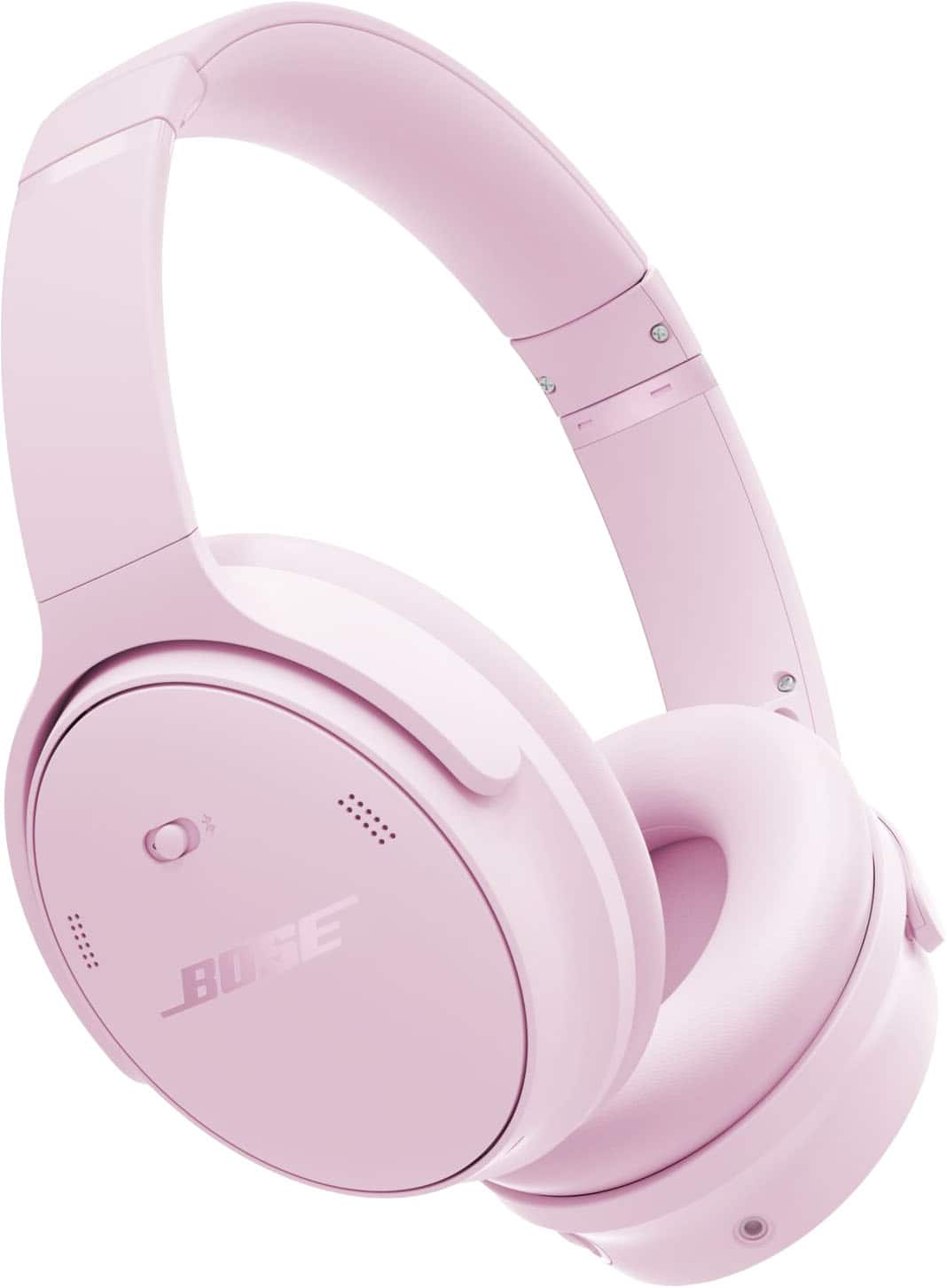
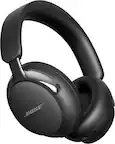
A:AnswerThe Bose QuietComfort Headphones do not support spatial audio through Bose Immersive Audio. That feature is exclusive to the QuietComfort Ultra Headphones model, which use Bose’s proprietary Immersive Audio technology to create a spacious, lifelike soundstage with head‑tracking for a more natural listening experience. While they don’t include spatial audio, they remain a strong choice if your priority is premium sound quality and exceptional noise cancellation.
A:AnswerYes, the Bose QuietComfort Headphones can be used on an airplane to listen to TV audio or music. Most aircraft entertainment systems provide a standard 3.5 mm headphone connection, and you can connect your headphones using the included audio cable.
A:AnswerWe appreciate and are delighted to hear that you enjoy the sound quality of your QuietComfort headphones. At the same time, we sincerely apologize for the inconvenience caused by the Bluetooth connection dropping when playback is paused on your TV.
This issue may be related to the headphones being connected to multiple devices at once, with Bluetooth enabled across them. In some cases, clearing the QuietComfort headphones’ memory of previously connected Bluetooth® devices helps resolve the problem. Here is a full troubleshooting guide you can check out: https://bose.life/3RZqp4O
A:AnswerYes, the Bose QuietComfort Ultra Headphones are designed with swiveling earcups that allow them to lay flat. This makes them easy to store in a case or pack in a bag, while also helping with comfort when resting them around your neck.
A:AnswerYes, the Bose QuietComfort Headphones can be paired with a Samsung TV, as long as your TV supports Bluetooth. In that case, you can connect them wirelessly for audio playback. And if your Samsung TV doesn’t have Bluetooth, you can still connect the headphones using a 3.5 mm wired connection, provided your TV has a headphone jack or compatible audio output.
A:AnswerFor what you’re describing, you would need a Bose Smart Soundbar. With the Bose app, you can use the SimpleSync feature to connect a single pair of compatible Bose Bluetooth headphones or another Bose speaker to play along with your soundbar. This lets the hard‑of‑hearing listener enjoy louder sound through headphones while others in the room hear the TV at a regular volume. Please note that while many Bose products can connect via SimpleSync, certain models are optimized to stay perfectly in sync with your Bose speaker.
A:AnswerAt this time, there are not any widespread reports of microphone issues with this model. For tips on optimizing microphone performance, we’ve created an online support guide with adjustments and troubleshooting steps. You can check it out here: https://bose.life/4rxXOj2
A:AnswerOur Bose QuietComfort Headphones do not support true surround sound formats such as Dolby Atmos or DTS. They are designed primarily for high‑quality stereo playback, with adjustable EQ and customizable listening modes (Quiet, Aware, and Custom) through the Bose Music app.
If you’re looking for a more immersive, surround‑like experience, the Bose QuietComfort Ultra Headphones feature spatial audio technology. This creates a wider, more three‑dimensional soundstage. While it isn’t native surround sound decoding, many listeners find it delivers an immersive effect that feels comparable.
A:AnswerThe Bose QuietComfort Headphones are not the QuietComfort 45 themselves, but rather the successors to the QuietComfort 45 Headphones. They carry forward the same comfortable design and legendary noise cancellation but add refinements like customizable listening modes beyond just Quiet and Aware. Audio performance has also been enhanced, delivering richer, high‑fidelity sound. With up to 24 hours of battery life and the option to use an audio cable with an in‑line mic, they’re designed to fit seamlessly into travel, office, or home use. Overall, the QuietComfort Headphones take what the QuietComfort 45 offered and elevate it with added features and more versatility.
A:AnswerYes, you should not have any issues pairing it to just about anything that plays Bluetooth. You must push the on off button all the way forward until you hear the prompt ready for pairing