A:AnswerHello, Stephen.
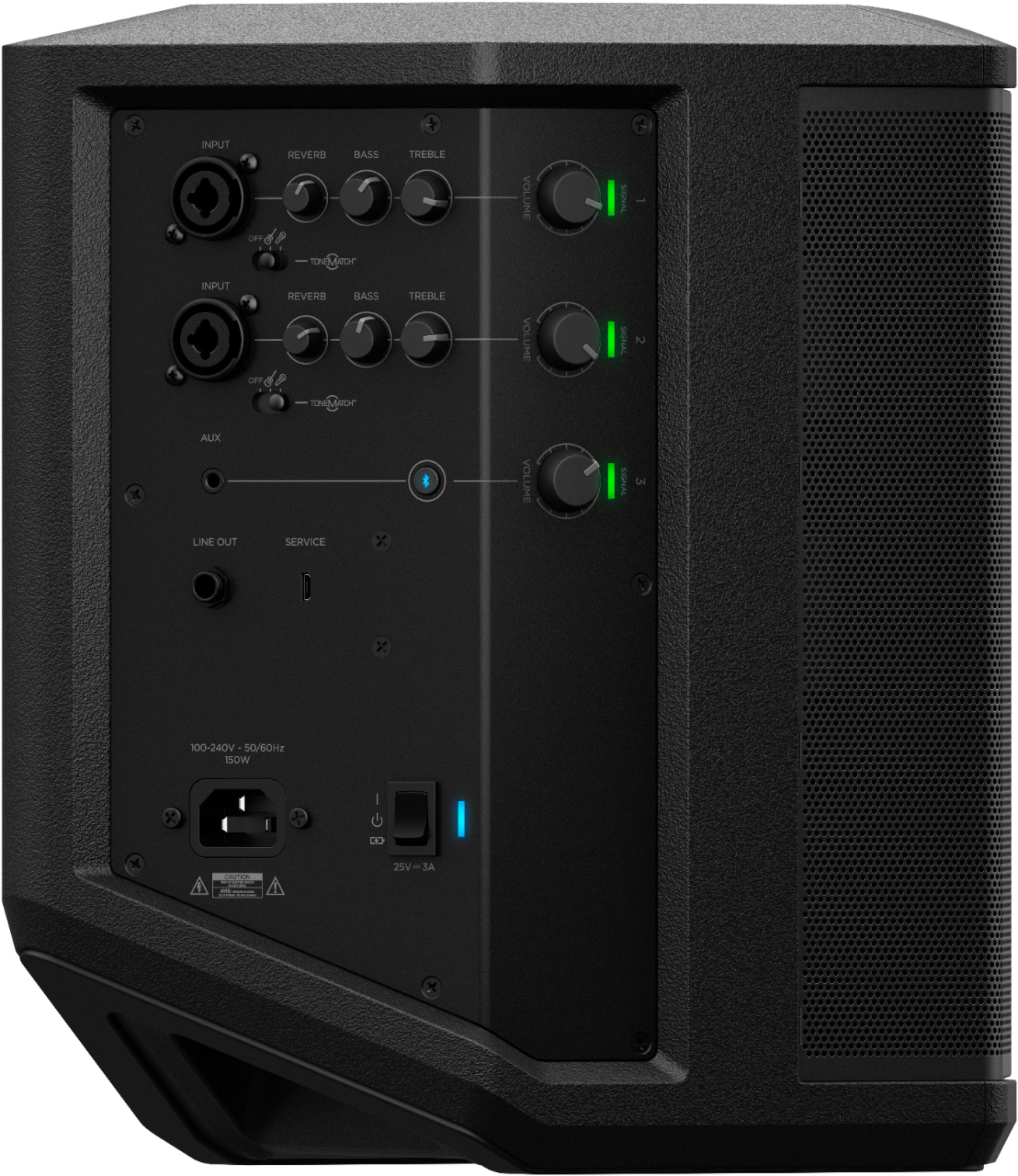
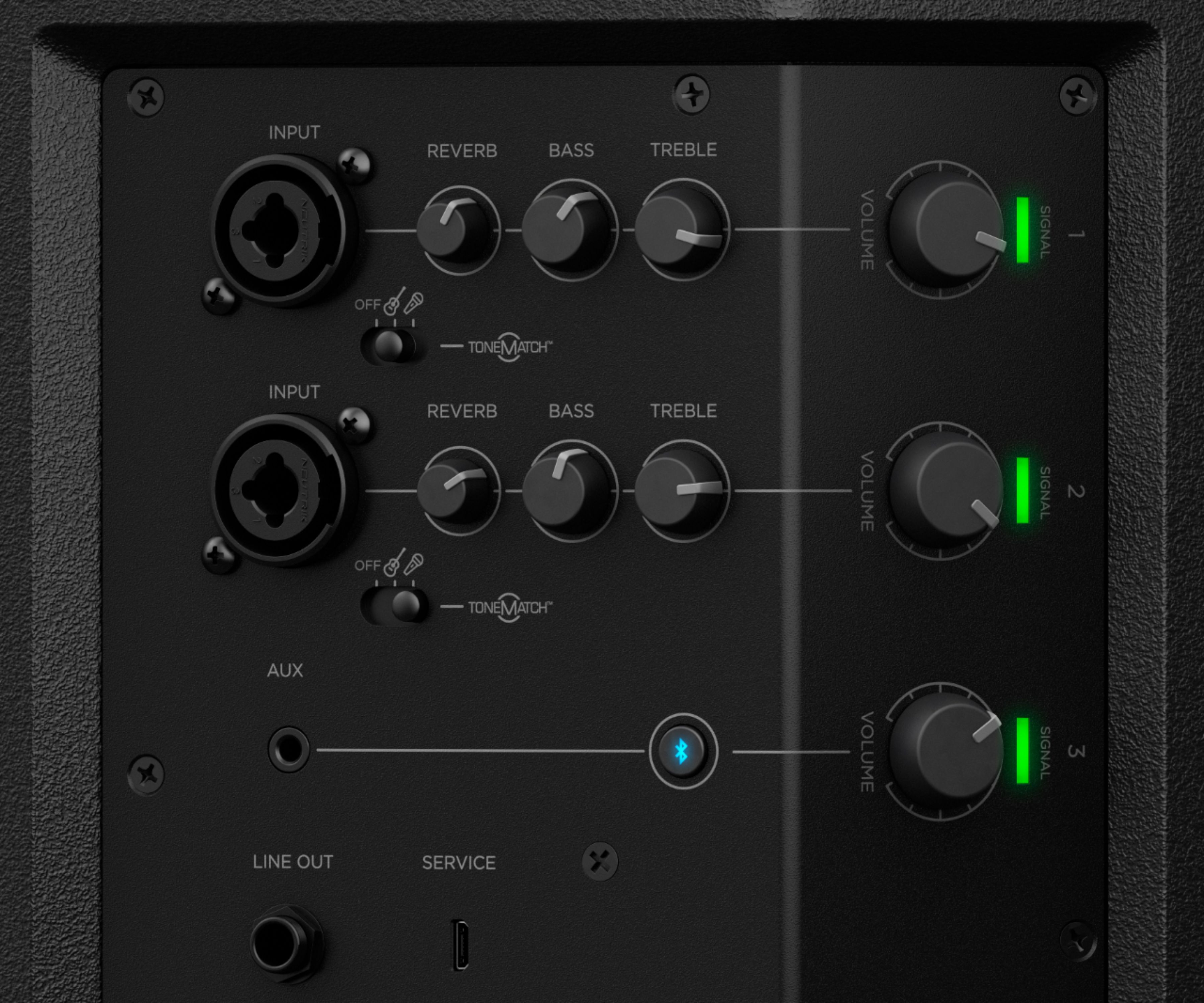
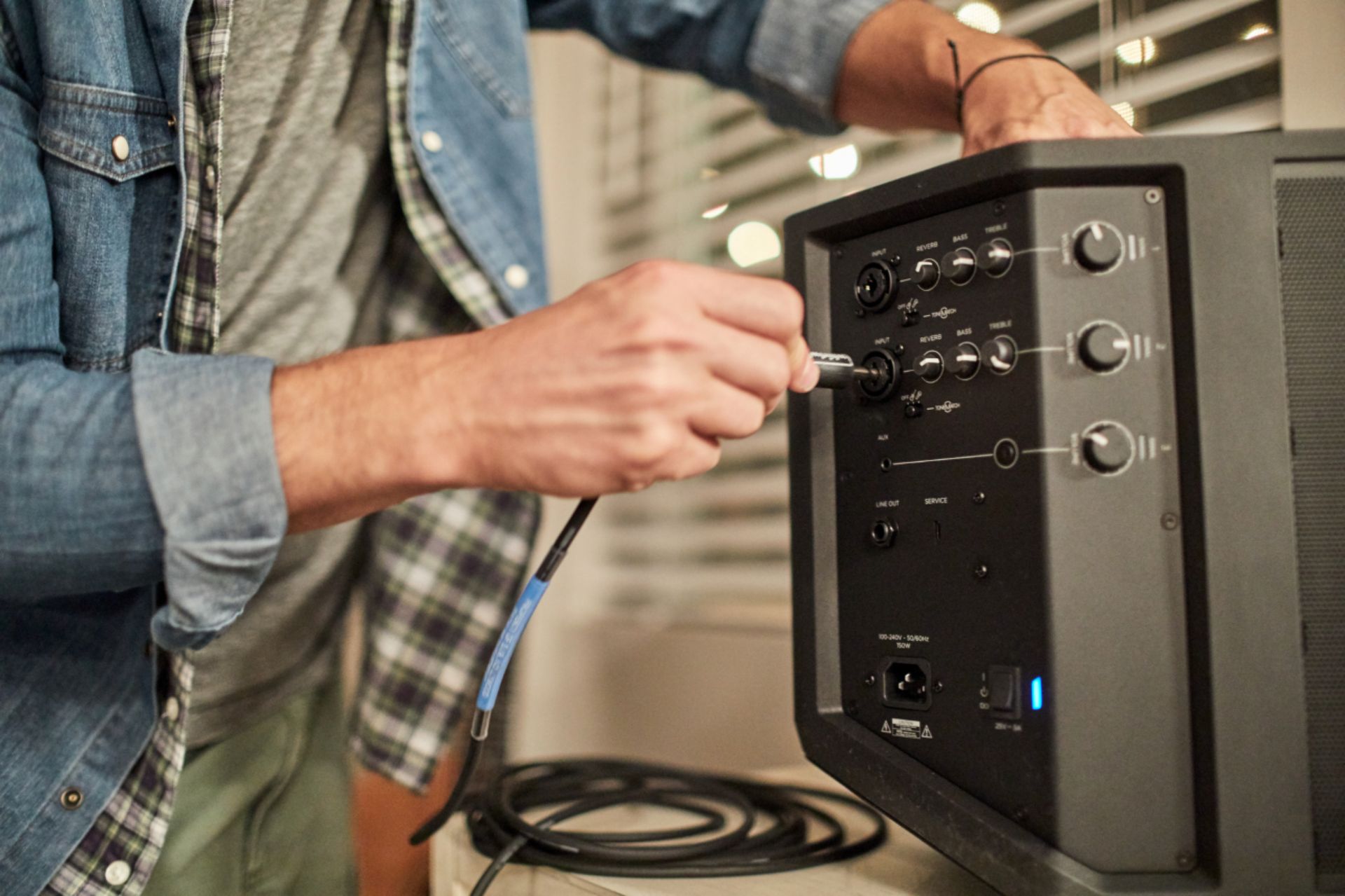
Thank you for your interest in the S1 Pro PA System! In addition to Bluetooth, the S1 can connect to devices using a 3.5 mm audio input and (2x) mono XLR/TS combination jacks. The S1 is perfect for enjoying music or as a practice amp for a guitar. We hope this helps! Have a great day.
Jesse - Bose Support
A:AnswerNo. You would need to use an external effects processor, e.g. by plugging your instrument into the processor and then plugging the processor into the S1 Pro's input channel.
A:AnswerThe S1 Pro does not support XLR Output. It does a post mix mono output through the Line Out quarter inch connection. It would act as the first speaker for audio.
A:AnswerNo. We do recommend using the Bose Connect app for full access to your speaker's settings, however you can also connect via your MacBook's native Bluetooth menu, without using the app.
A:AnswerThe S1 Pro uses XLR, AUX, and Bluetooth for input. Please make sure that your microphone or other devices can connect via one of those connectors.
A:AnswerOther speakers can be connected to the S1 Pro by the use of the audio out connection on the speaker. Though we can't guarantee compatibility with no Bose speakers.
A:AnswerHi. The S1 Pro is only compatible with the Bose Connect app. A single S1 Pro multi-position PA system can combine the two channels and fill the venue with one speaker.