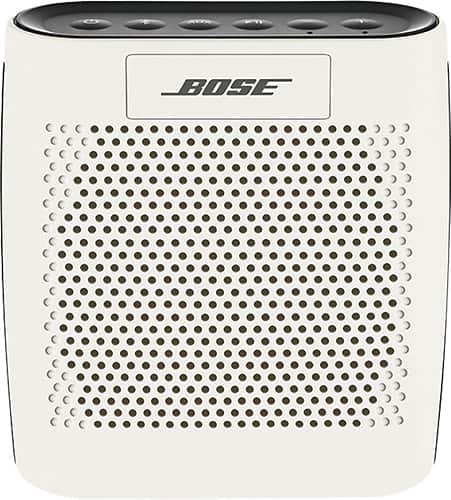
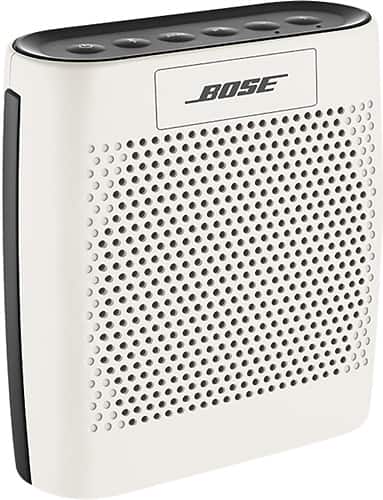
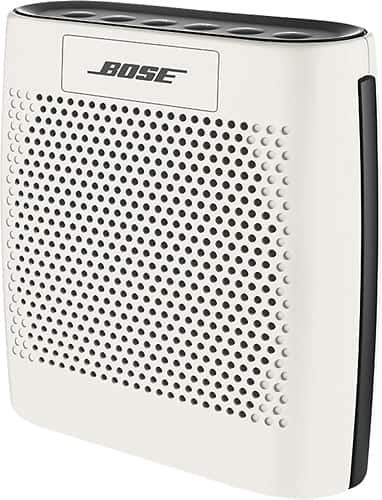
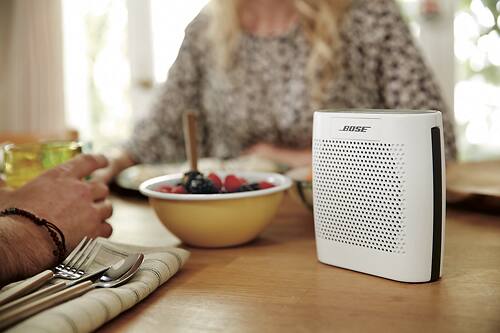
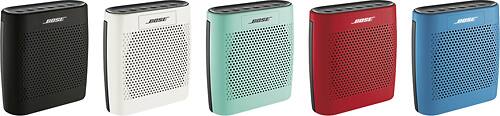
A:AnswerIt has a USB port to charge it, but if you want to use the USB port to send the audio signal, it is not set up for that. However, there is an AUX port that you can use to send audio into the speaker from a device that is not bluetooth.
A:AnswerA couple years ago I picked up a Bose center channel speaker on sale. However, I think it was a discontinued model. I have seldom seen any Bose components that are in current production on sale anywhere. It's possible that Bose does not allow authorized outlets to put their products on sale.
A:AnswerWe apologize for the issue you're experiencing. Please contact our technical support team who will be happy to help. They can be reached at 1-800-380-4831 and are available 8:30am-10:00pm M-F, 9am-7:00pm Sat EST.
A:AnswerSorry, as Bluetooth pairings are typically one to one you would not be able to connect. A better choice for a small speaker will be the SoundTouch 10 which can connect via WiFi to play the same content in multiple locations.
A:AnswerI had that problem a lot. I went through 4 speakers in a year. I was able to keep returning because I had a 2 year warranty plan on it through best buy. I recently just two days ago finally exchanged it for something else's. I just bought a UE boom and you can go and check out my review on that. I talked to Bose plenty of times on that issue and they could never fix it. The one thing you might try is a reset which is holding the mute button down for 10 seconds until all lights shut off. If that doesn't work Bose might make you send it in but for a charge to get fixed. I'm not sure what Best buy can do if you don't have a warranty. All I can say is sell it on eBay or something and get your money and you might want to try the UE Boom. Again check out my review, is a lot better. Good luck!
A:AnswerIf it has Bluetooth capabilities it should but my ipod classic doesn't have Bluetooth. I have the iphone 6+ and the ipod touch and those both work because they do have the Bluetooth capabilities. Hope this helps.