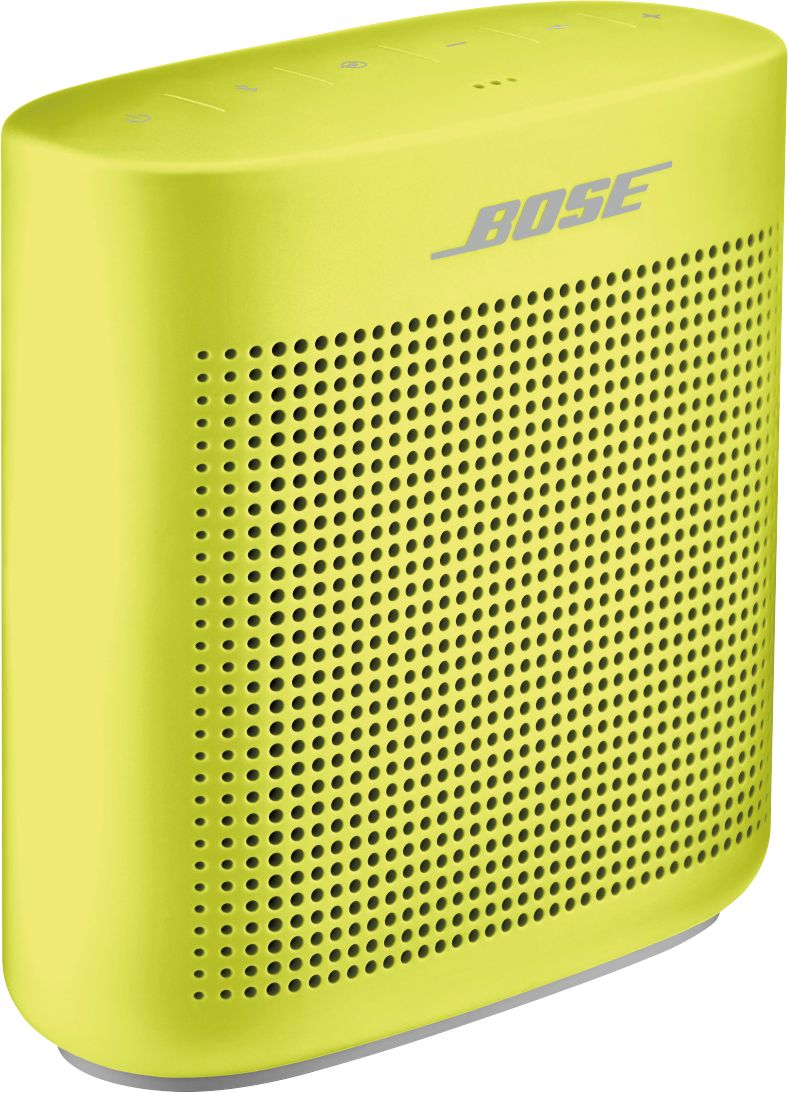
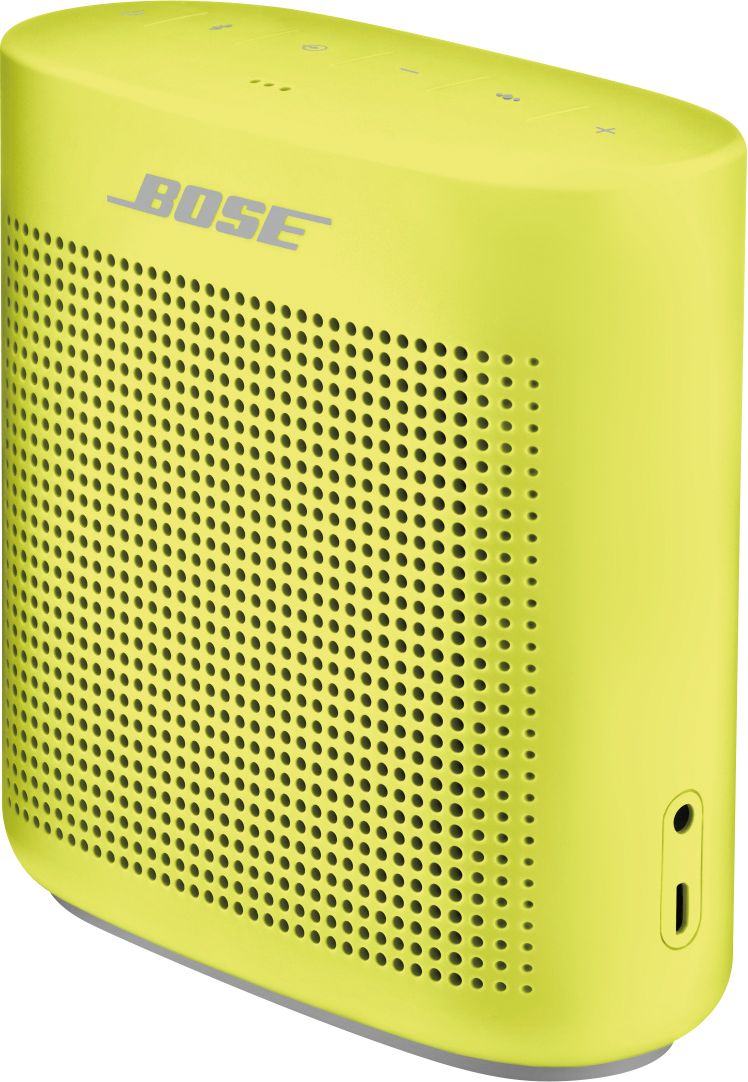
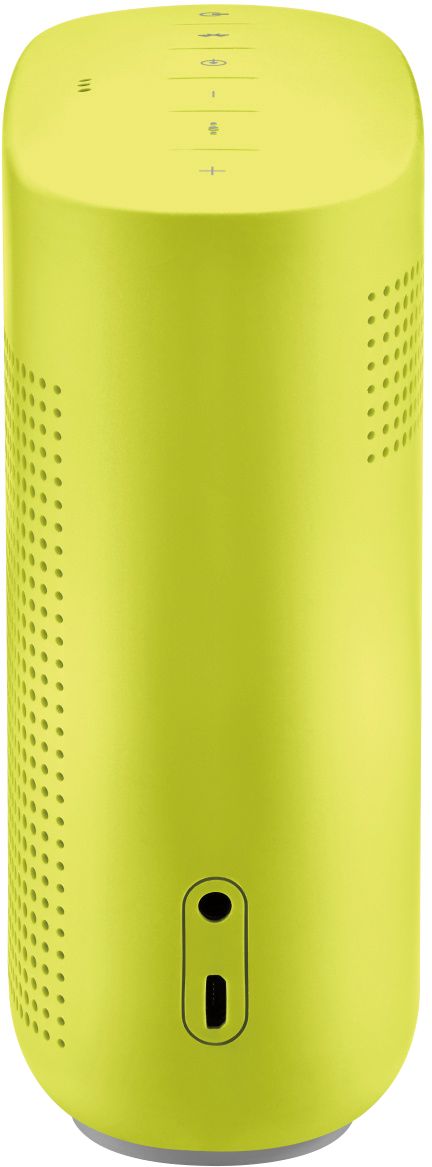
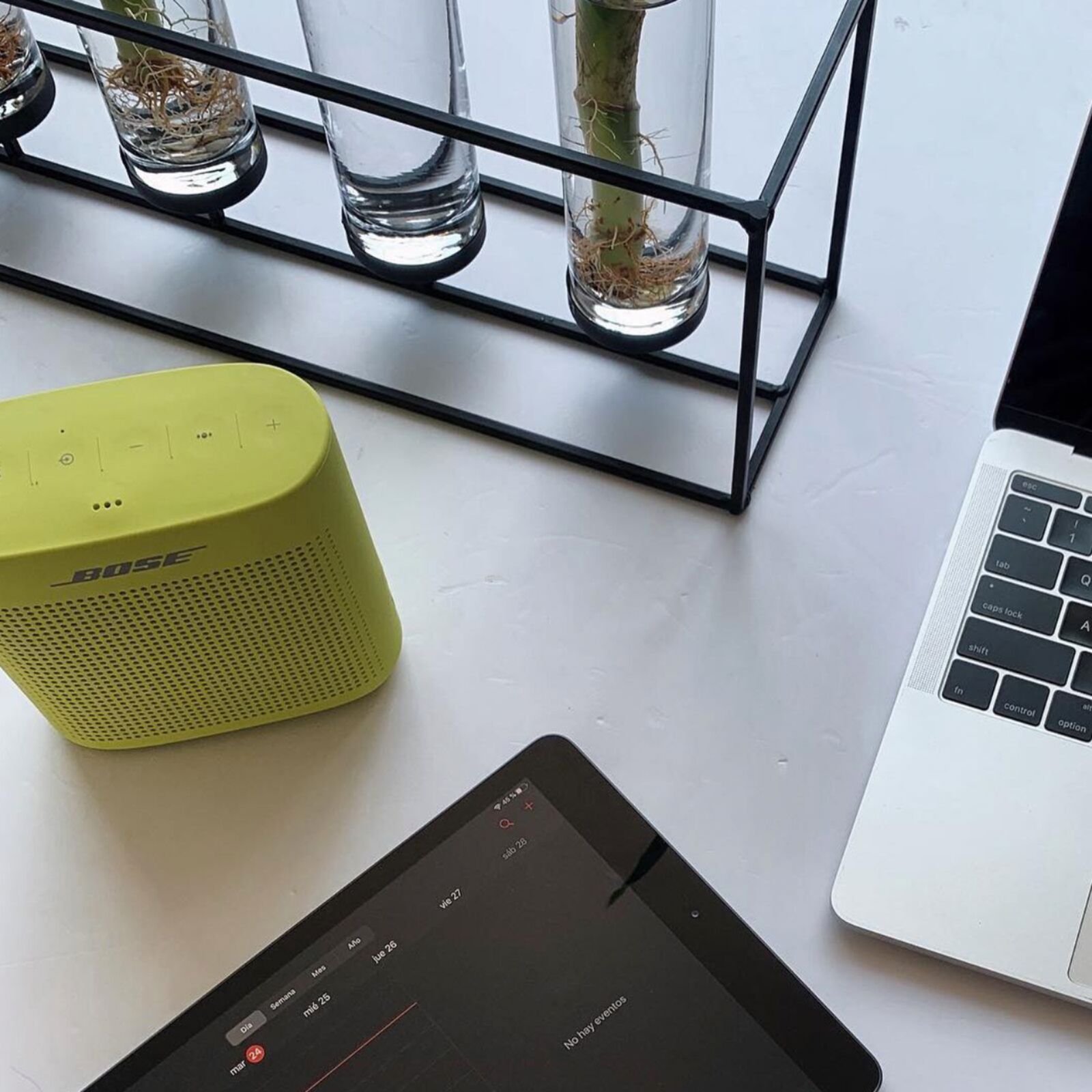
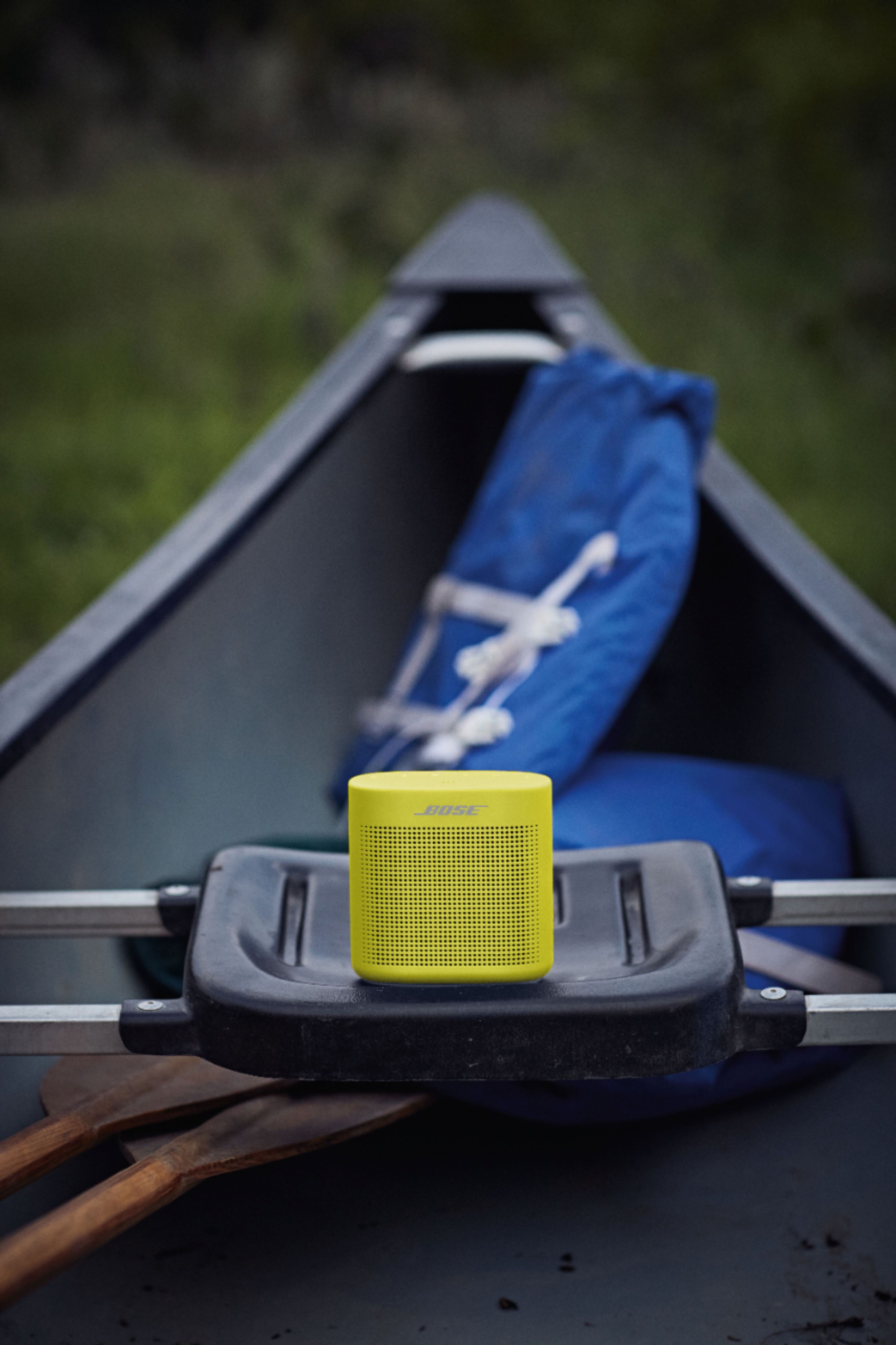
A:AnswerHi Mindful, thanks for your interest in the SoundLink Color Bluetooth Speaker II! The dimensions of the product are 8½" (21.6 cm) H x 5⅞" (14.9 cm) W x 2⅝" (6.7 cm) D when packaged, and 5¼" H x 5" W x 2¼" D on its own. Hope this helps! Jesse - Bose Support
A:AnswerNo, it's water resistant in other words, it can take accidental splashing or can get wet, but not full submersion under water. If you want to get technical, its IPX4 rated
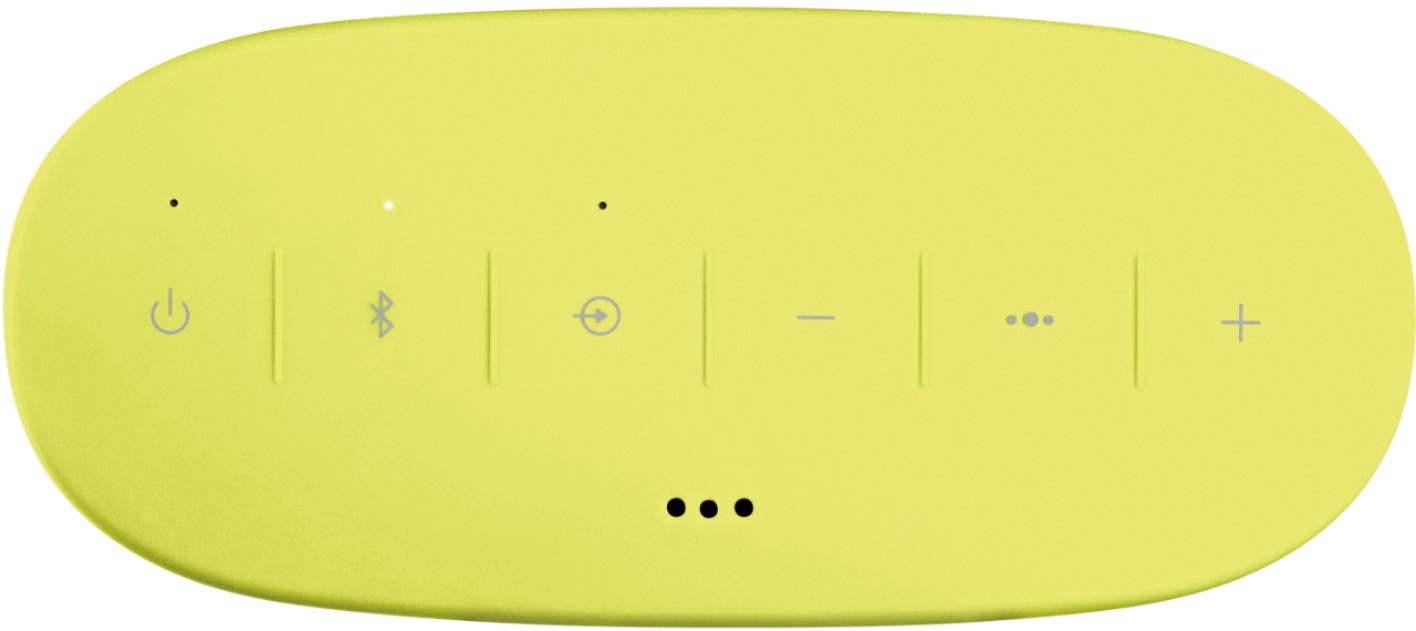
A:AnswerThe controls to operate the speaker are very simple - mostly. There are just a few buttons along the top of the speaker. Once you pair the speaker with another device (which was very easy to do following the instructions) all you press the power button to turn it on and it connects to your device. In my case, it's my Galaxy Note 8. I then play music on my phone and it comes out on the speaker. I control the volume using my phone, but there are also "+" and "-" buttons on top of the speaker. THere is a button marked with the Bluetooth symbol used to pair devices and another "multi-function" button which can do things like skip to the next song etc. This button can also be used to access my phones Google Assistant if I press it a certain way. I've only done that once though so I don't recall exactly what to do. Charging the speaker is very easy. You use a mini-USB cable to charge which can be connected to a computer or to a wall adapter. Unfortunately, this cable is not included which was disappointing, but if you're like me, you've got several of these stuck in drawers anyway, The speaker announces the battery level when you turn it on and has a battery level indicator light. I read a review suggesting that you should always recharge it when it gets about halfway down rather than letting the battery run all the way out.
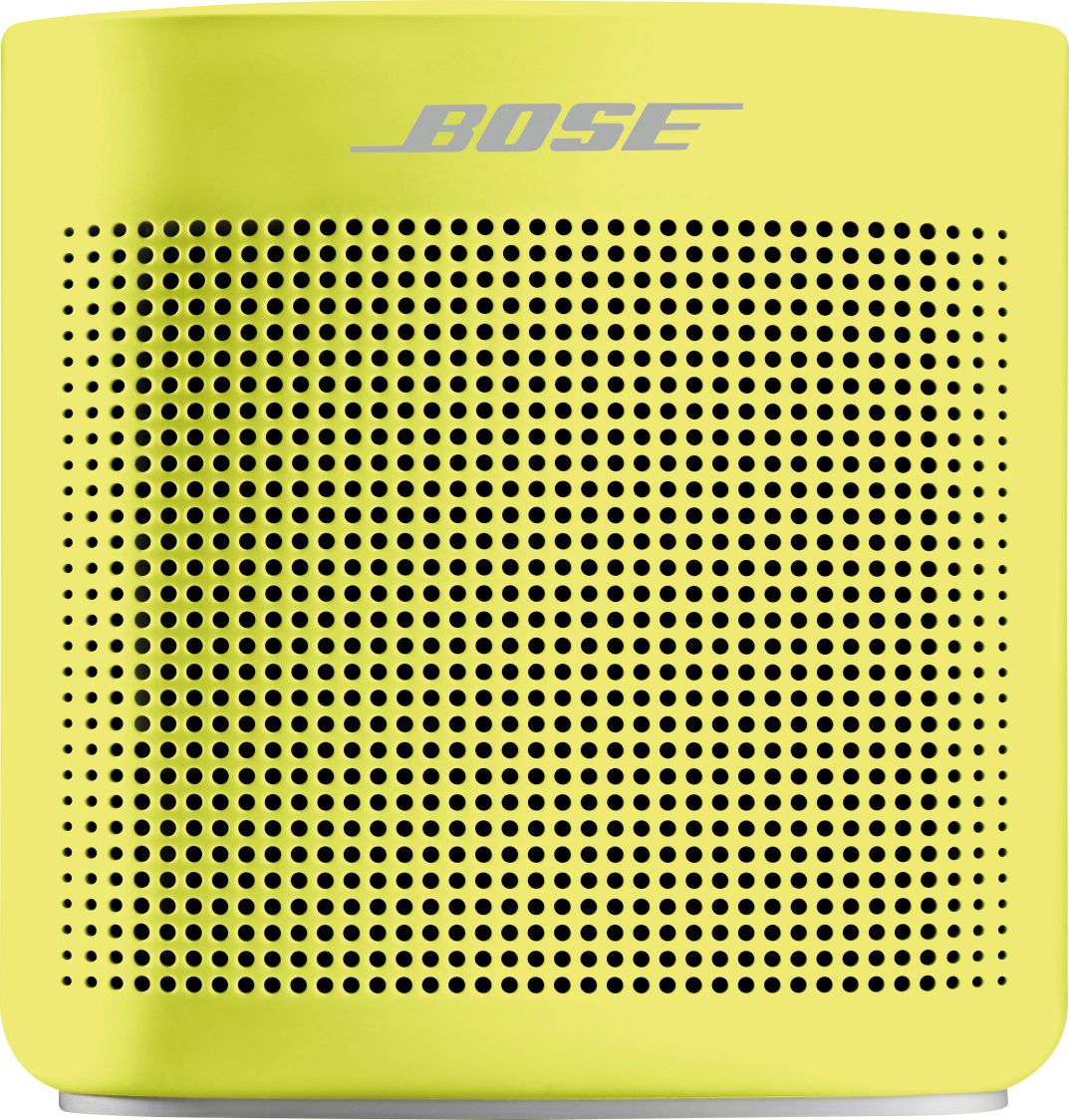
A:AnswerHi JB, thanks for your interest in the Soundlink Color Bluetooth Speaker II! This product can pair with your PC if the computer has Bluetooth listed in its settings menu. To provide some clarification, the Bose Connect app is not engineered for PC or Mac at this time, however, the app is not required to pair the speaker with your computer. Hope this helps! Jesse - Bose Support
A:AnswerThank you for your interest in the Soundlink Color Bluetooth Speaker II, webbdesign. This speaker can certainly play music from Tidal by connecting to your computer, and the sound is fantastic. As Bluetooth can compress audio files, we would recommend a pair of dedicated, wired computer speakers such as our Companion 20 for your interests: https://bit.ly/2HR9zvh. This will help you get the most from Tidal's high-end audio quality settings while providing incredible bass response. Hope this helps! Jesse - Bose Support
A:AnswerHi Dave, thanks for your interest in the SoundLink Color Bluetooth Speaker II! This speaker can connect to the Amazon Echo and Amazon Echo Dot in two ways. You can connect the Amazon device to the Bose speaker using either a wireless Bluetooth connection or a 3.5 mm auxiliary audio cable. The Amazon Alexa app will walk you through pairing the two products. Hope this helps! Jesse - Bose Support
A:AnswerThanks for your purchase of the Soundlink Color II Bluetooth speakers, Ames. We would recommend clearing the Bluetooth pairing list of both speakers before trying Party Mode again with your turntable. 1. Press and hold the Bluetooth button for 10 seconds, until you hear “Bluetooth device list cleared” on both speakers. 2. Refer to your turntable's owner's manual to clear the Bluetooth memory of this product. 3. Test out party mode using these steps: https://bose.life/2pAbhMX. Please don't hesitate to reach out to our support team at 1-800-367-4008 if you'd like further assistance. They are available M-F 9 AM to 9 PM Eastern. Thank you, and have a great day! Jesse - Bose Support
A:AnswerHello KevinRSR1317! I am happy to hear that you are interested in our SoundLink Color Bluetooth speaker II. Thank you for your question! When the speaker is paired with your device, you may use the multi-function button that is located on the top of the speaker to access your Google Assistant. Kind regards. Ashley - Bose Support
A:AnswerHi mnwildfan, thanks for your interest in the SoundLink Color Bluetooth speaker II! The system can absolutely be enjoyed with an iPod Classic by connecting a 3.5 mm auxiliary audio cable to the SoundLink. Once you connect the cable from your iPod's headphone jack to the speaker, you can tap the Input button to switch your source from Bluetooth to AUX. Hope this helps! Jesse - Bose Support
A:AnswerHello Enazle,
Thanks for the question. The SoundLink III speaker system does not support Stereo and Party mode as the SoundLink Color II. However, it will sync with our current SoundLink speakers such as the Revolve and Micro Bluetooth speakers.
Hope that helps!
Thanks again for your interest in our Bose products.
Mohsin-Bose Support