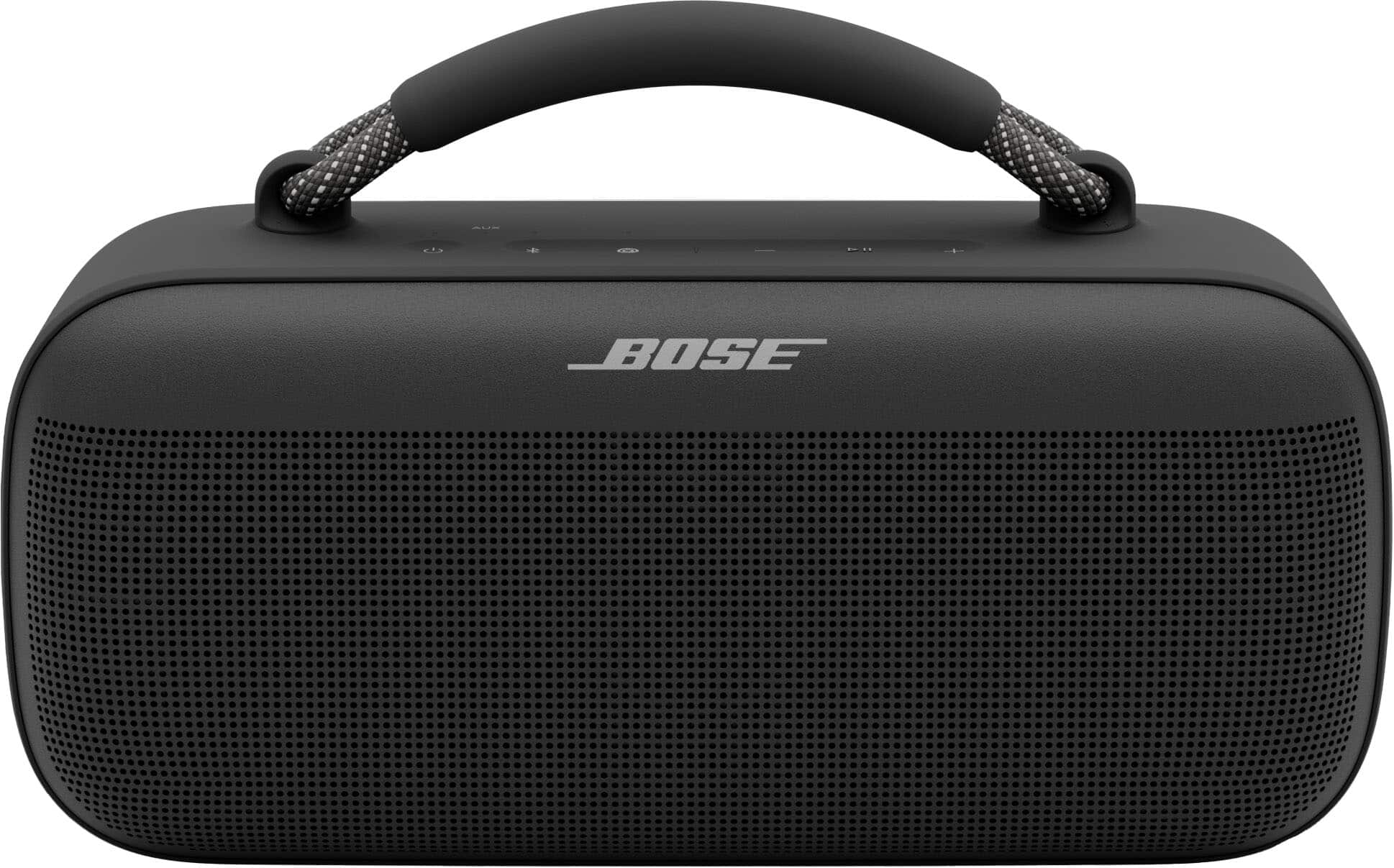
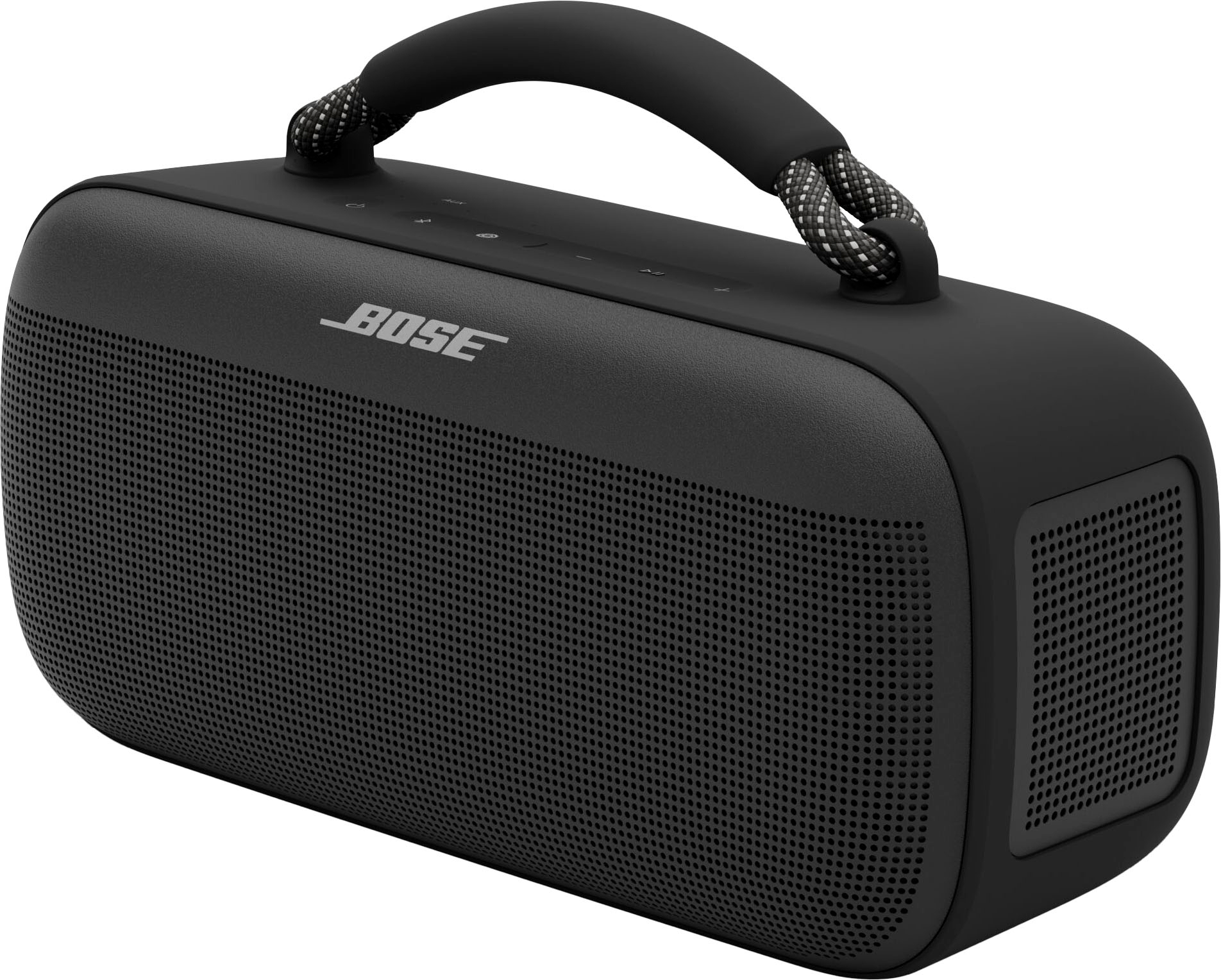
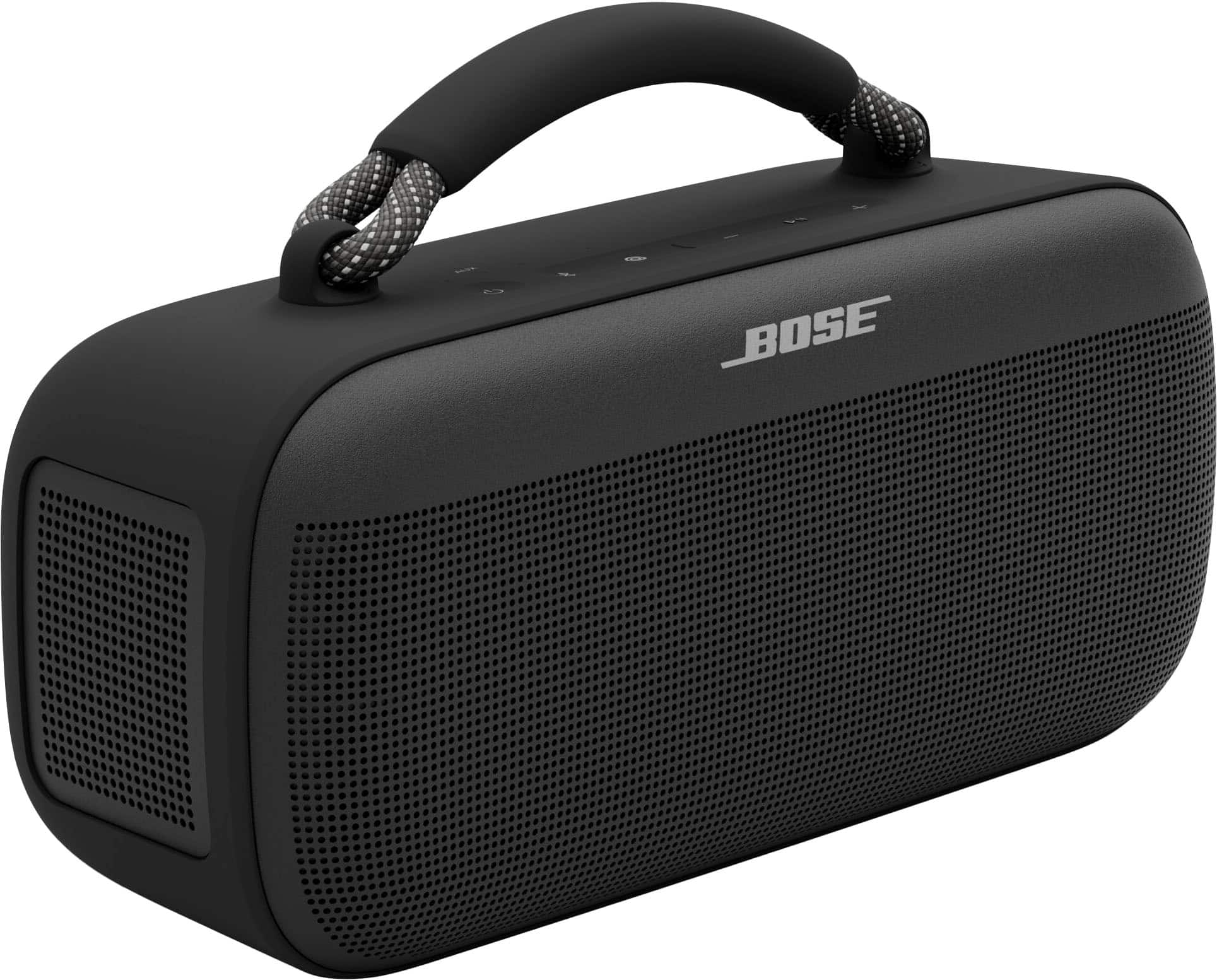
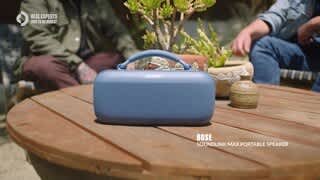
A:AnswerThe Bose SoundLink Max Portable Bluetooth Speaker cannot be turned on or off remotely from the app, nor does it come with a physical remote control.
A:AnswerWe’re sorry to hear about the issue you’re experiencing with the power switch. Please check out our helpful support article here: https://bose.life/3QsSiRV, which may provide steps to improve your experience.
If the switch still does not work after following those steps, we recommend reaching out to our customer support team so we can assist you further: https://bose.life/48FSWlb. We’d love to help ensure everything goes smoothly for you.
A:AnswerHi, the Bose SoundLink Max Portable Speaker cannot be paired with non‑Bose speakers like the Ultimate Boom. It does support Bose SimpleSync, which lets you connect it with compatible Bose products for synchronized audio.
A:AnswerYes, you can keep the SoundLink Max Portable Speaker plugged into a USB‑C charging block and AC outlet while using it indoors with your turntable. The speaker is designed to operate while charging, and its lithium battery has built‑in protection to prevent overcharging. Even when left plugged in, the battery will only recharge once the level drops below a certain point, so you don’t need to worry about damage. This setup is perfectly fine for extended indoor use and ensures uninterrupted playback.
A:AnswerTo connect your SoundLink Max Portable Speaker to your HP Omni computer, make sure the speaker is in Bluetooth pairing mode by holding the Bluetooth button until the light blinks. Then, turn on Bluetooth on your computer and look for the speaker in the device list to connect. For more details, you may refer to the Bose support page at https://bose.life/4lAFAw2
A:AnswerUnfortunately, no. The SoundLink Max Portable Speaker cannot be paired directly with Echo Studio. Most Bluetooth speakers and headphones, including Bose products, are Bluetooth receivers. They can receive and play sound from a Bluetooth transmitter (like a smartphone or laptop), but they cannot send sound to one another.
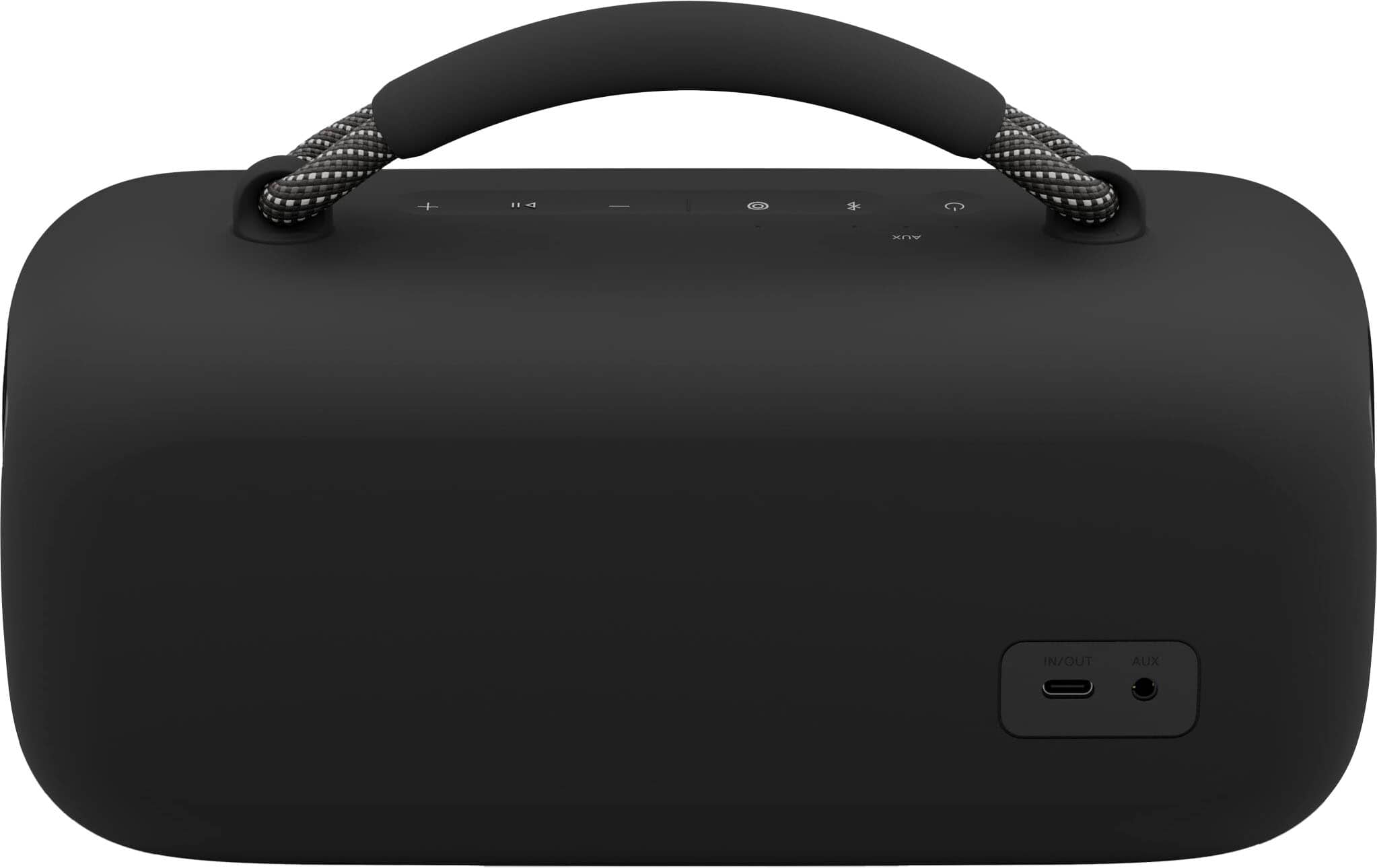
A:AnswerYes, you can connect it to a mixing board using the 3.5 mm AUX input. This gives you a simple, reliable way to enjoy your audio through the speaker.
A:AnswerUnfortunately, there isn’t a way to boost Bluetooth connectivity over long distances. The most reliable option would be to use an auxiliary cable, as it provides a stable connection, but you would need a cable long enough to cover the distance.
A:AnswerStrong possibility that you may have received a defective unit that was dead on arrival. Double check the connection on the back of the speaker where you plug in the USB-C cord. Then doublecheck the USB-C connection to the wall adapter. You should see lights, blinking on the unit indicating that it’s charging if you do not see the light then the unit is dead. As the last resort, let it sit on the charger for about half an hour, then put your hand on the wall adapter and feel if it’s warm if it is warm, the unit is charging if it is cool to the touch then the charging rail on the speakers circuit board is not sending charge to the built-in lithium battery. At that point grab your receipt Reebok, the speaker and take it back for an exchange or refund.
A:AnswerIf the echo show 10th GEN has a 3.5 mm audio out jack then yes however, why would you want to connect this speaker to an echo show? Echo shows have their own built-in speaker that is probably going to pump out a similar amount of volume.
A:AnswerYes, you can, the app simply exist for you to be able to manage the device settings, updates, and other preferences. All you need to do is power on the speaker. Wait for it to connect to your phone then open up your Spotify app at that point you can stream away
A:AnswerYes, you can! So long as you have a subscription to serious satellite radio, and have the associated mobile app downloaded onto your device you can listen to SiriusXM on this. However, it is not a SiriusXM radio.
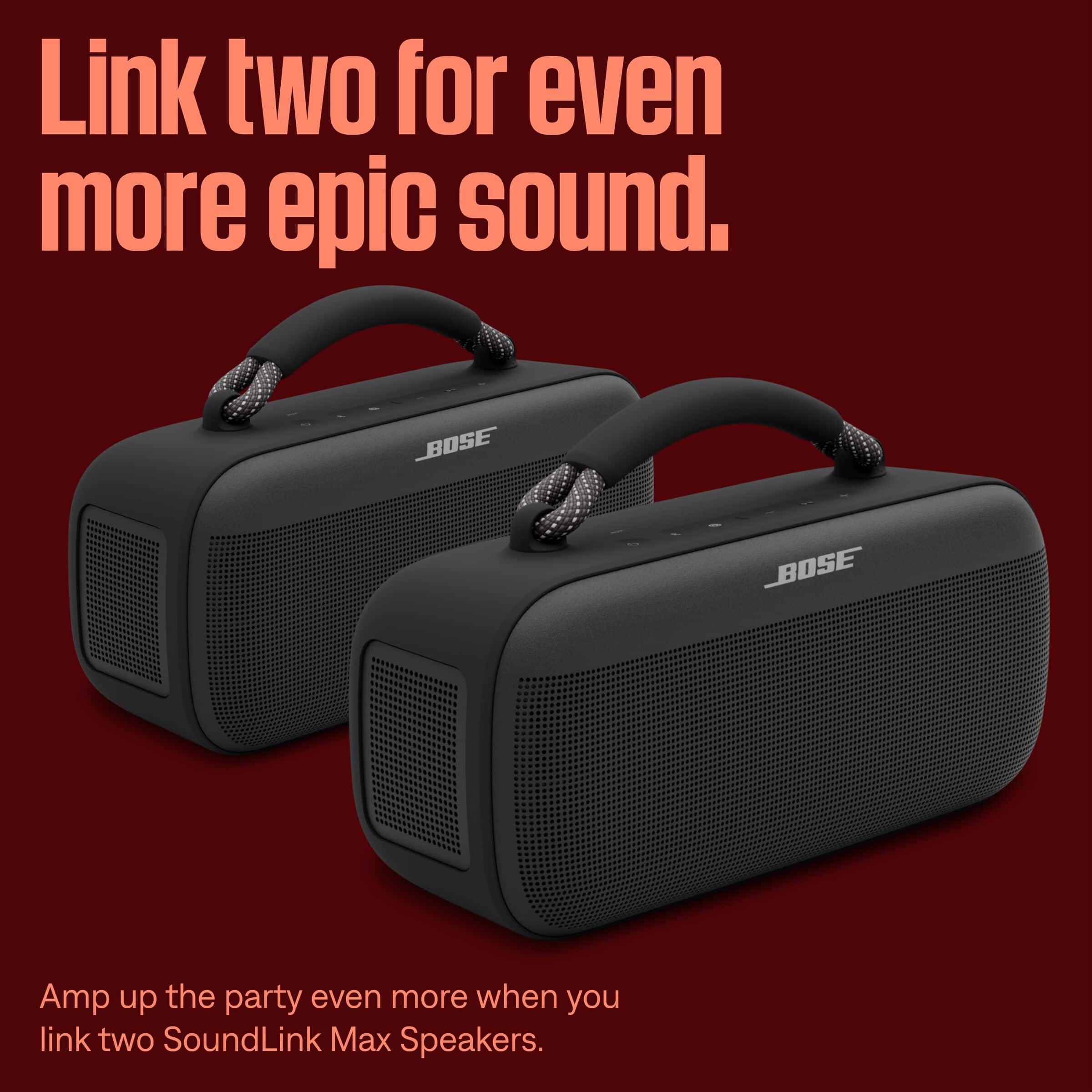
A:AnswerNo, these cannot become a stereo pair with a Bose sound bar. The party mode or linking up as a stereo pair can only be done with another sound link Max speaker.
A:AnswerNo, you can only do two at a time. If you are trying to get crazy all over sound like that your best bet would be to pay more money and get a pair of the S1 portable PA systems.