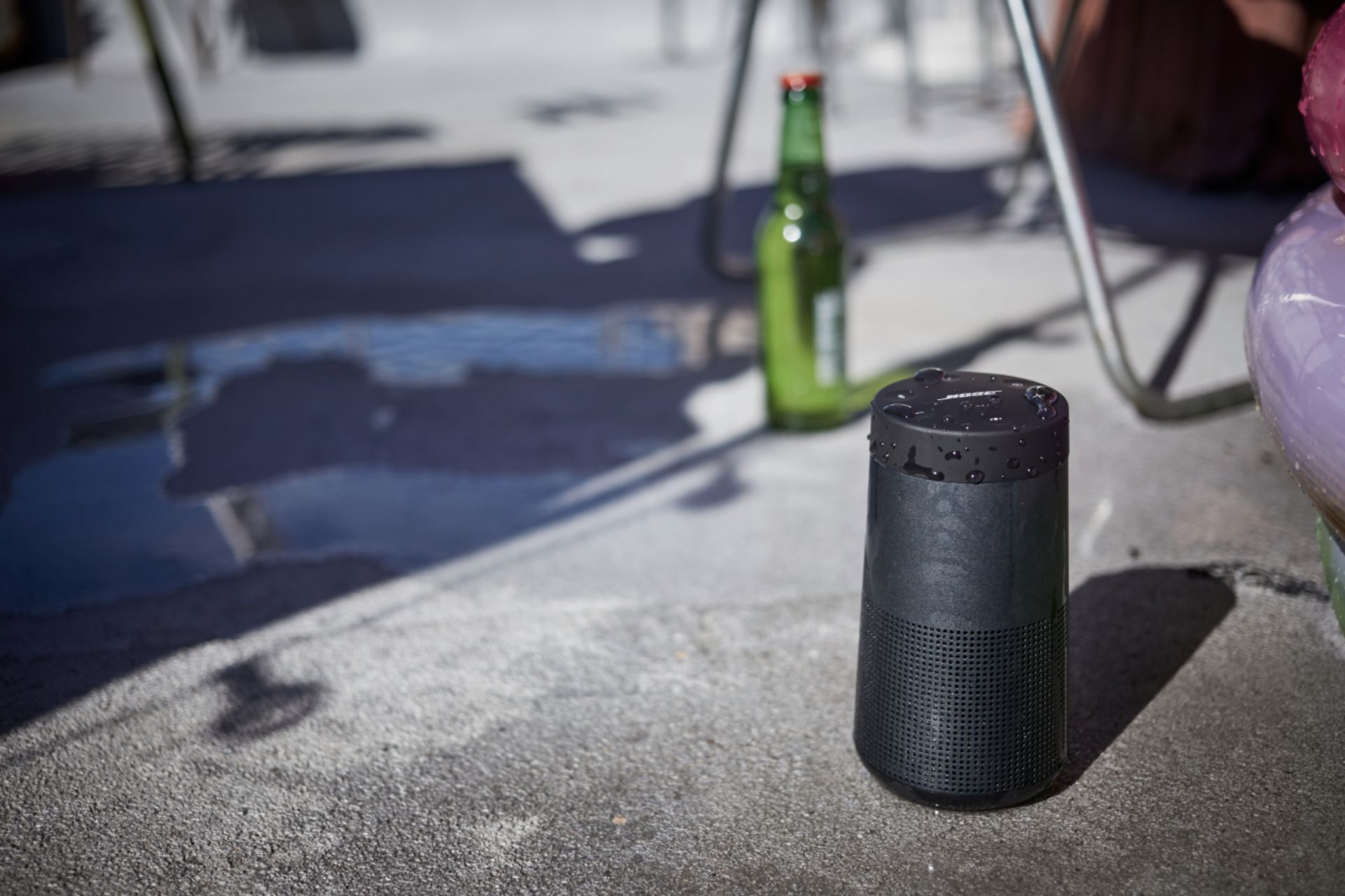
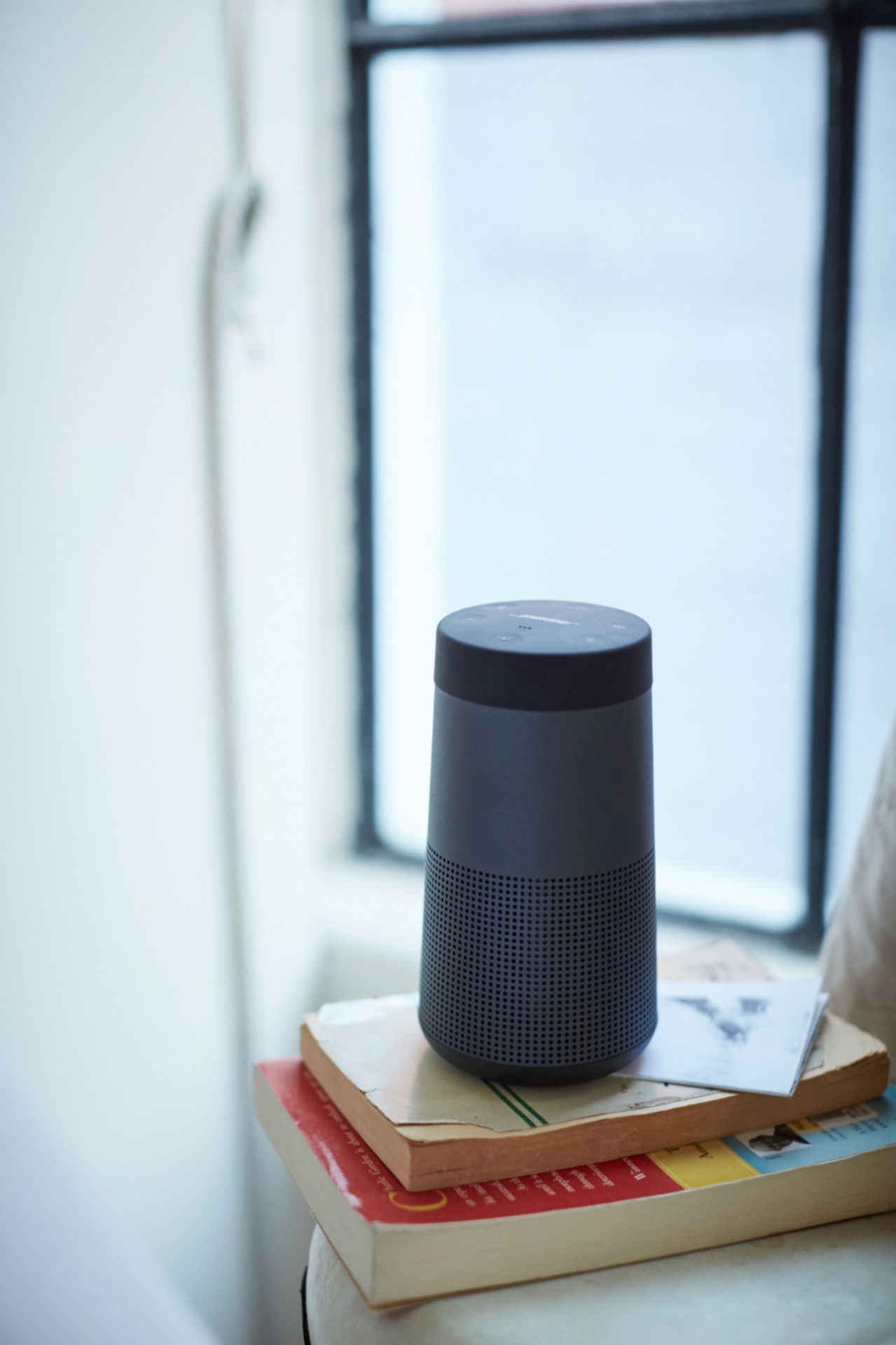
A:AnswerIt has a built in rechargeable battery. It comes with the charging wire and plug in. It is a usb wire. There is an alternative base charger that goes into the bottom of the speaker but cost $30.
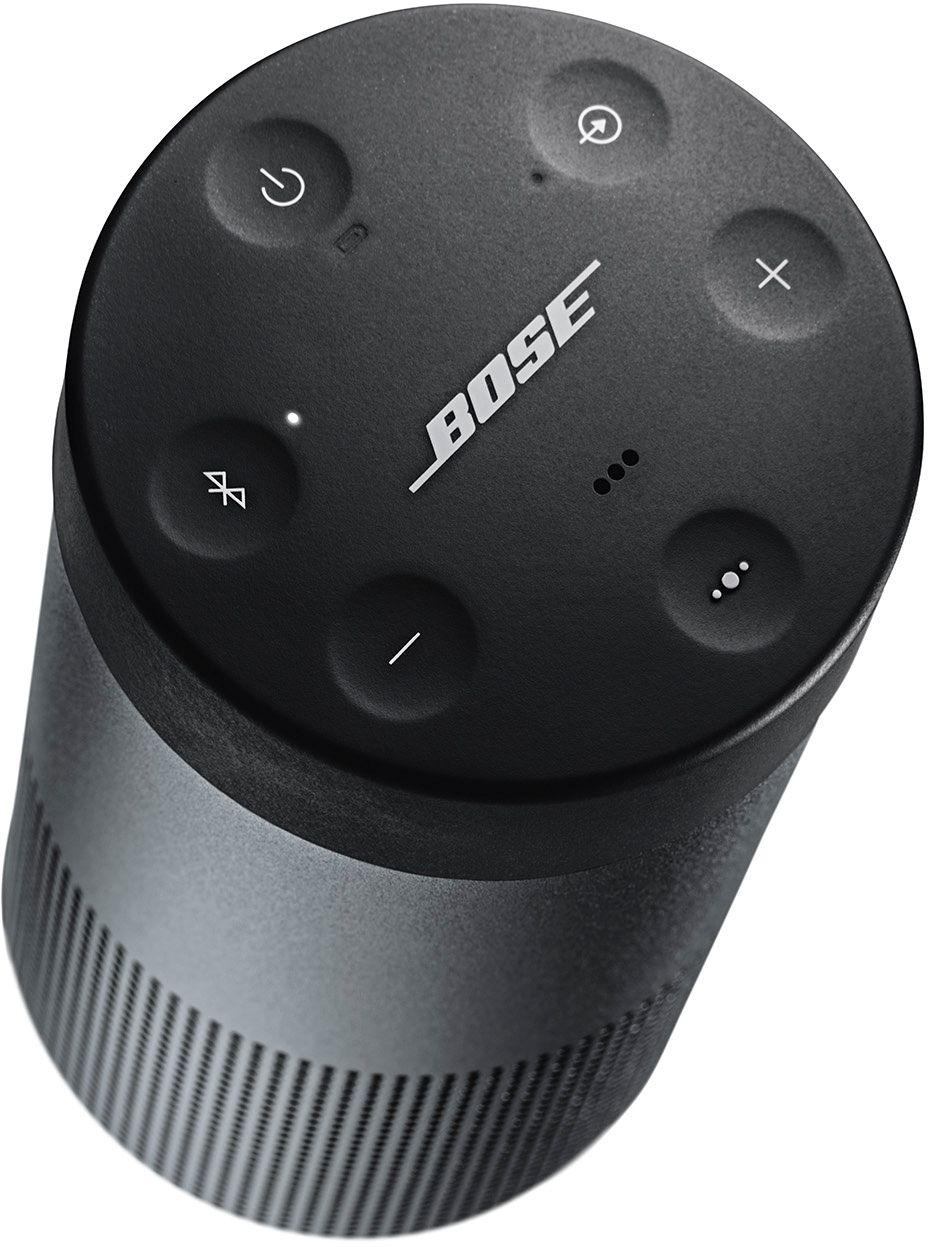
A:AnswerThank you for your question, DJ. The microphone in the SoundLink Revolve speaker acts as an extension of the microphone in your smartphone. Using on the speaker, you can access the voice controls capabilities on your mobile device to make/take calls or ask Siri or Google to play music, tell you the weather, and more. You can press and hold the multi-function button to access voice control on your device. We hope this helps. Ashley - Bose Support
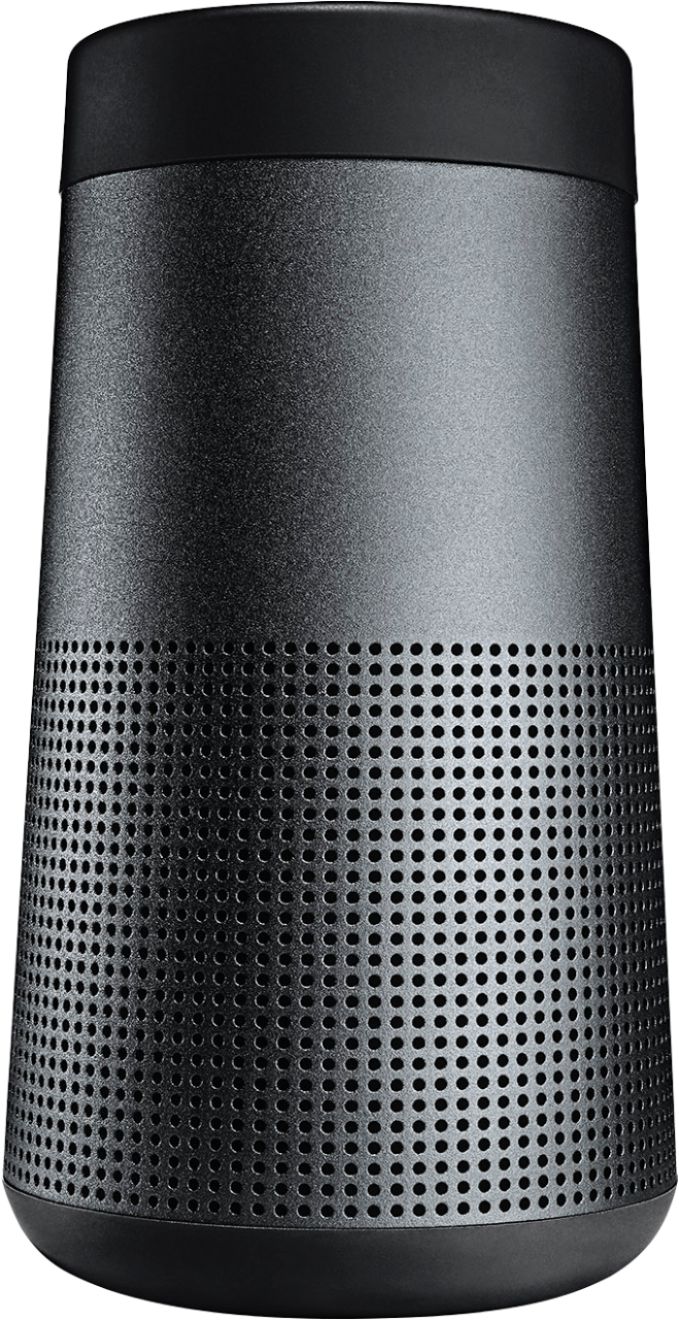
A:AnswerHi Nate,
Thanks for the question. When you use external Bluetooth devices with a TV syncing can be an issue. It depends on the TV and speaker used. We recommend trying your speaker with your TV to see if it will work. Regards, Tony G - Bose Support

A:AnswerI use this speaker via bluetooth from my phone to listen to music using different music apps, its fabulously easy and wonderful sound system. You can connect the speaker to your computer vua bluetooth using wireless internet access. There's a manual that comes with the speaker that'll help you.
A:AnswerHello LewLack,
The exact number of charges possible depends on usage, however as a general rule the Li-Ion batteries will go 500 charge cycles before dropping to 80%. You can leave it connected to the charger as the battery has overcharging protection. Removing it from the charger once it is at full charge will help extend the battery life but it's not critical.
Best Regards,
Greg - Bose Support

A:AnswerDepends how important portability is. I bought a Revolve first figuring I could demo it and either add another or upgrade to the Revolve+. I am happy with the Revolve, but having a speaker that I can throw in my backpack was important and I can always add a second if needed. Revolve+ is a beast if portability is needed with any frequency.
A:AnswerThe Bluetooth LE signal is to allow for quick reconnecting to the speaker when the speaker is in standby mode. The non LE signal is for when your fully connected and playing music from the speaker.
A:AnswerYes, buy any USB-to-Micro USB Charge-and-Sync Cable at Best Buy... They carry both Dynex and Insignia... The Wall Charger must be USB A compatible.... So most any 12 or 20 Watt will work.... The customer service Reps at Best Buy can guide you through the process....
A:AnswerYes this speaker does... I have not needed to use that feature yet though.. But I will say by far this is probably one of the best investments I’ve made ever... This speaker is worth every penny!!!!