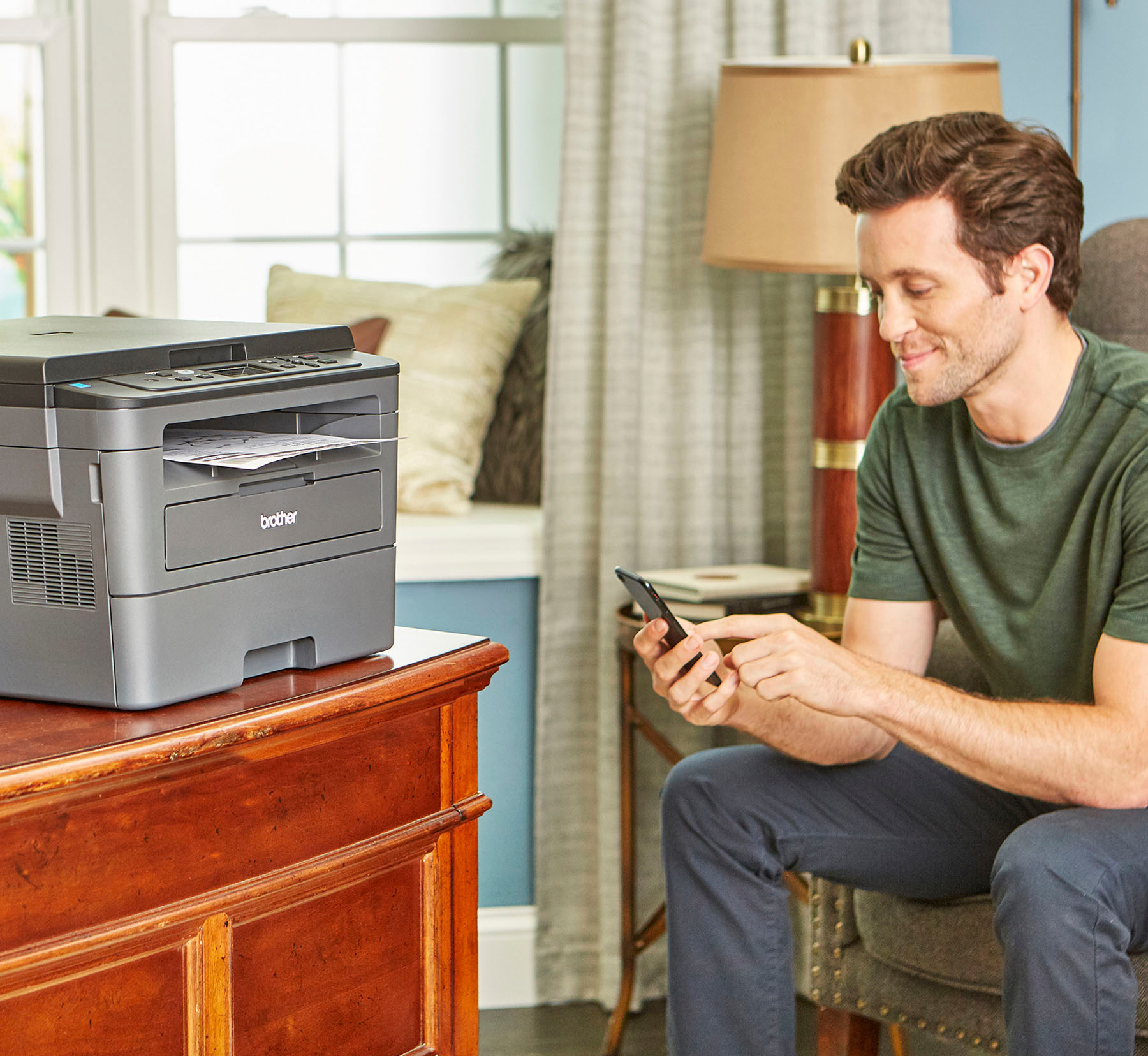
A:AnswerNo, you can use the website to get necessary drivers and installation as long as you have an internet connection. Details are in the setup instructions
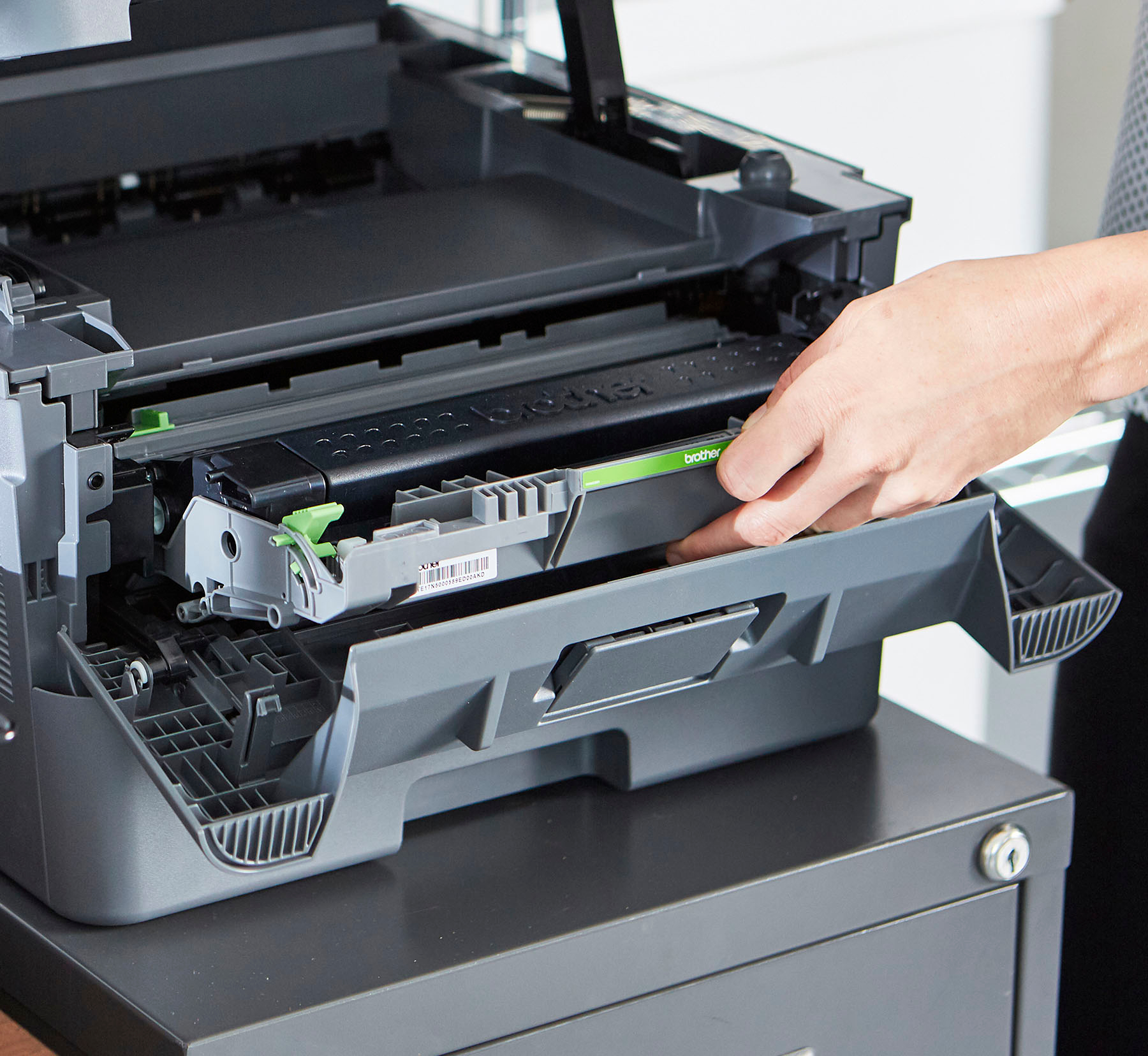
A:AnswerThe Brother HL=L2390DW comes with a toner cartridge that according to the set-up instructions will print approximately 700 pages. What's great about toner cartridges is that they don't dry up as fast as ink cartridges do so if you have a printer that is used infrequently you shouldn't have to worry about running out to buy ink when you need to print a few pages. I switched from a color ink printer to the Brother HL-L2390DW black toner only for that reason and for the fact that in order to print in black ink only with my old EPSON I needed to have ink in all of the color ink cartridges not just the black cartridge.
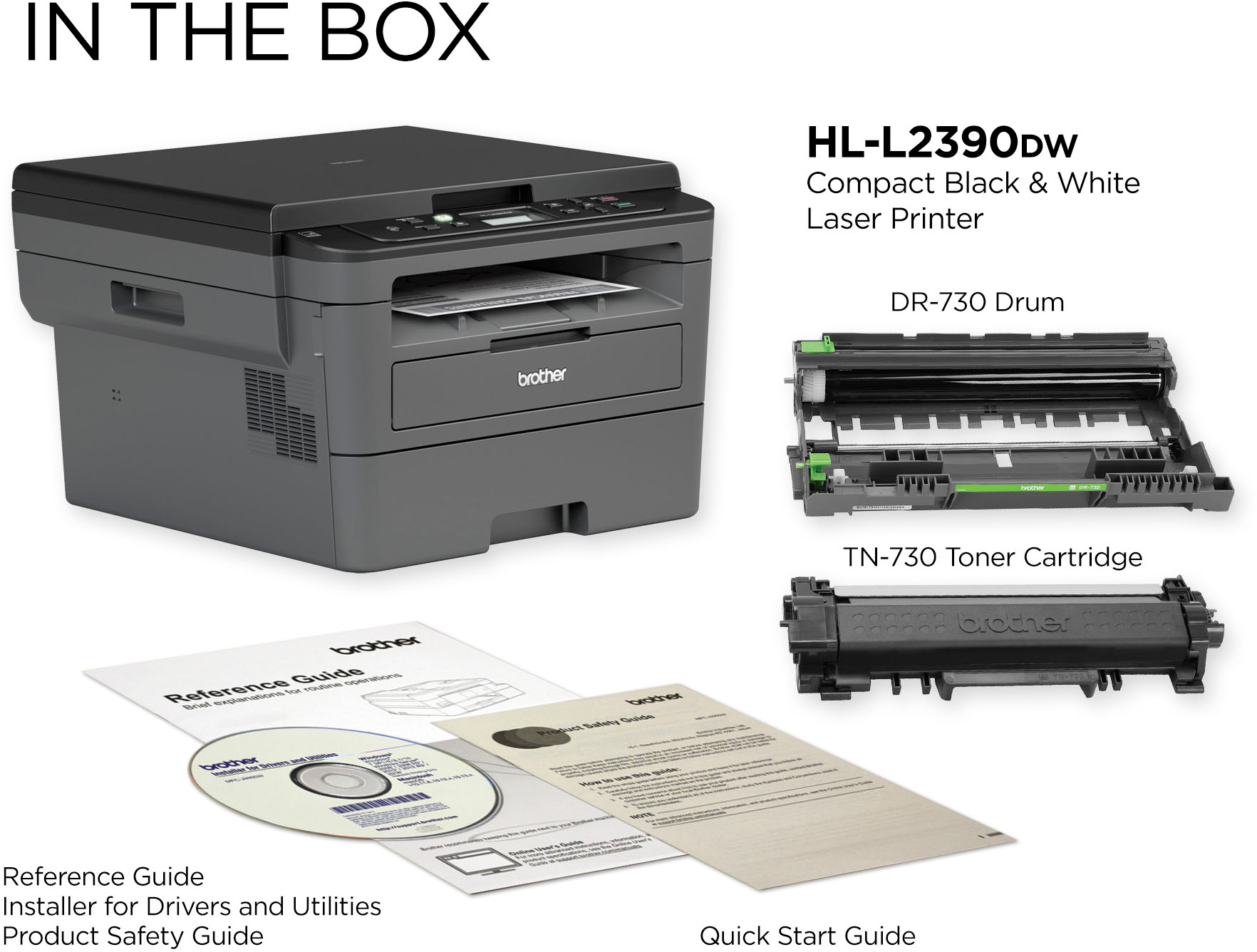
A:AnswerThe Brother HL-L2390DW includes (1) Starter Toner Cartridge (yields approx. 700 pages‡) (1) DR730 Drum Unit (yields approx. 12,000 pages‡). The difference between the Brother HL-L2390DW and HL-L2395DW is an update from 2-Line to 2.7" Color Touchscreen, Standard Memory from 64 to 128, includes Brother Cloud Apps(Scan to Word, Scan To Excel, Scan To PowerPoint, Scan to Office, Easy Scan to E-mail) and Cloud Services(DROPBOX/DROPBOX for Business, GOOGLE DRIVE™/GOOGLE DRIVE for Business, EVERNOTE®/EVERNOTE Business, ONEDRIVE/ONEDRIVE for Business, ONENOTE, BOX/BOX for Business). There is also a update to the print speed from 32 to 36.
A:AnswerThe HL-L2380DW has a Ethernet connection and the HL-L2390DW does not. The HL-L2380DW has a bigger display as well (2.7" Color Touchscreen vs. 2-Line display).
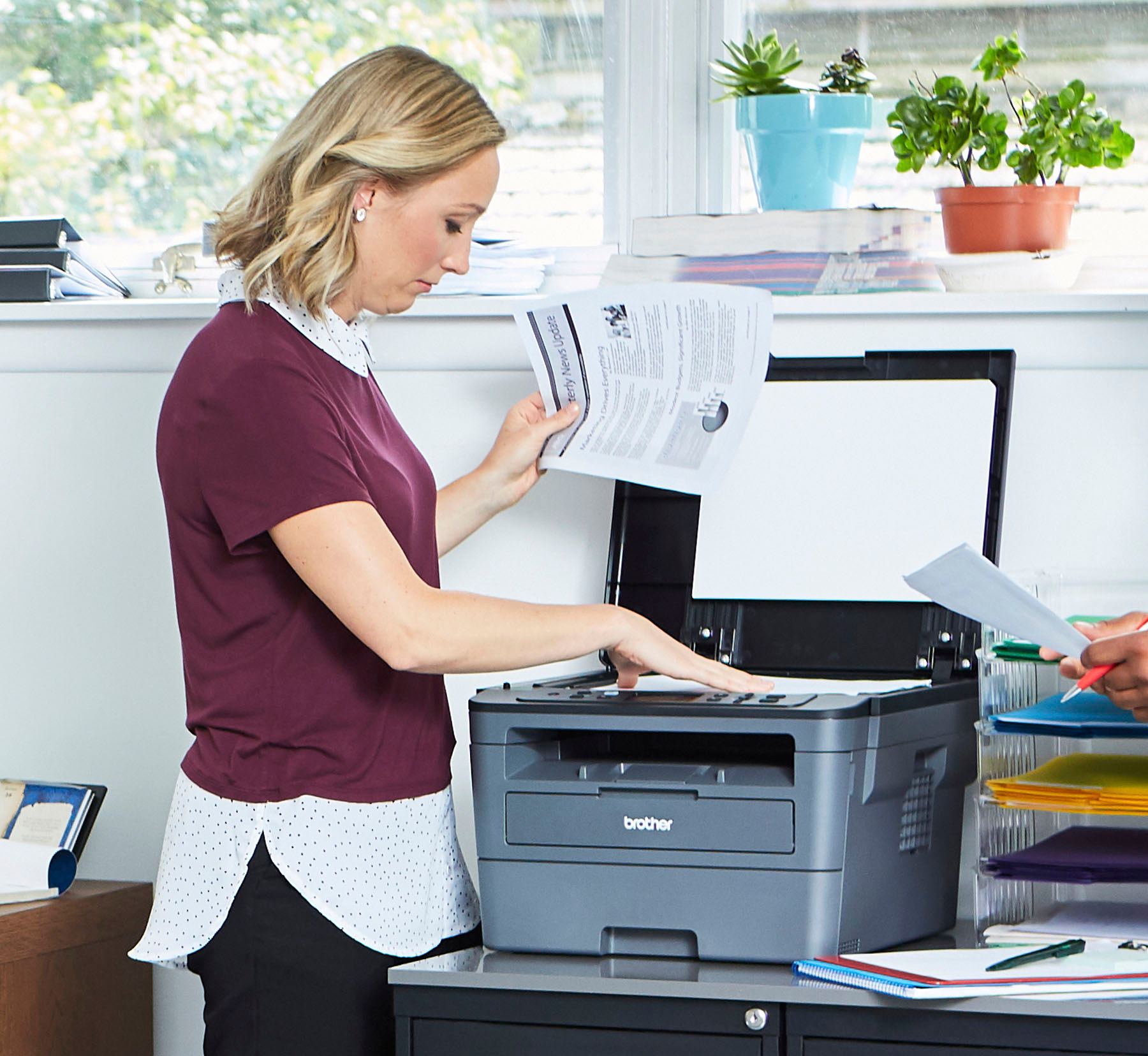
A:AnswerThe Brother HLL2390DW only supports scanning one sheet at a time as this model does not have an auto document feeder for scanning multiple documents at a time.