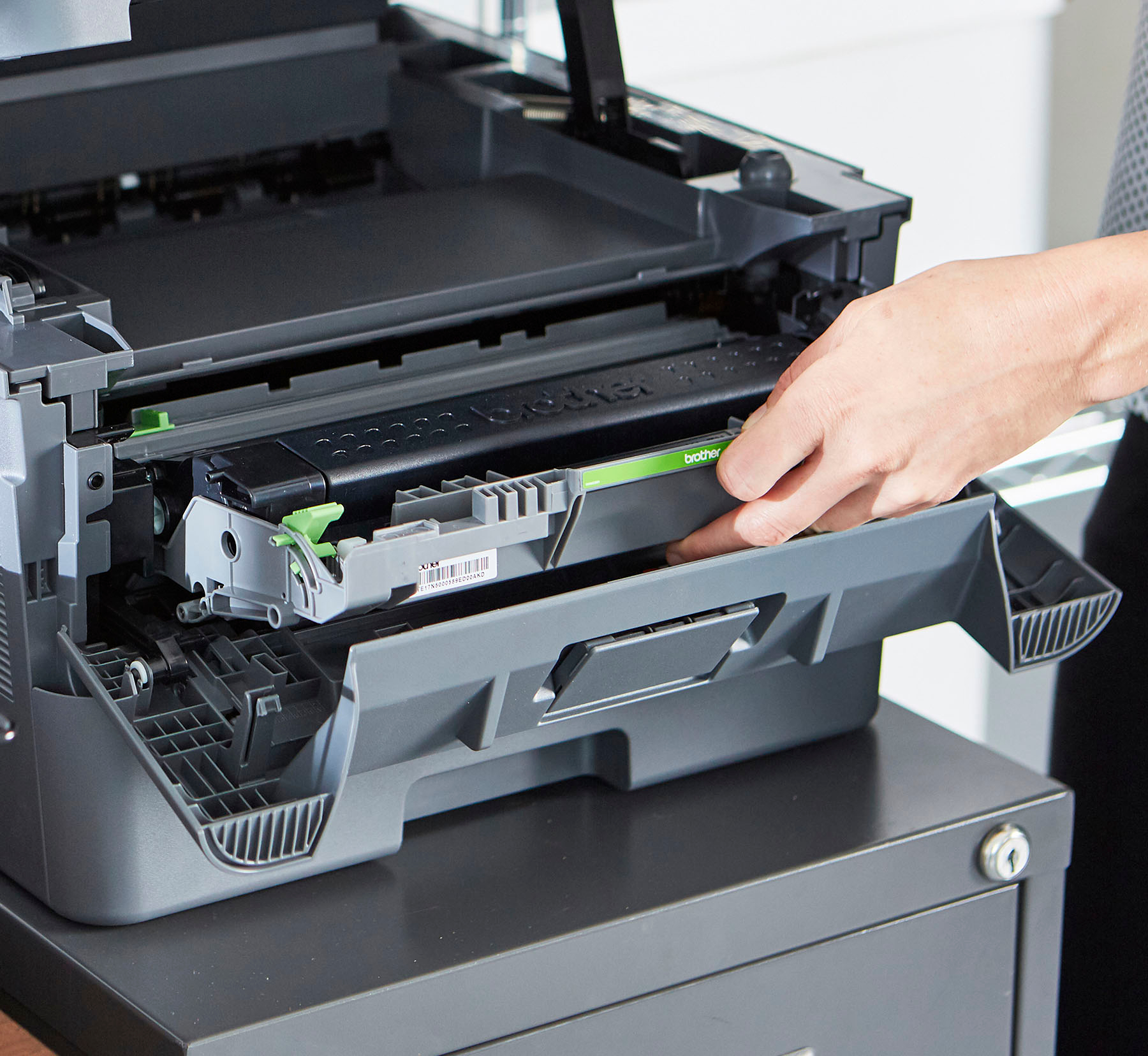
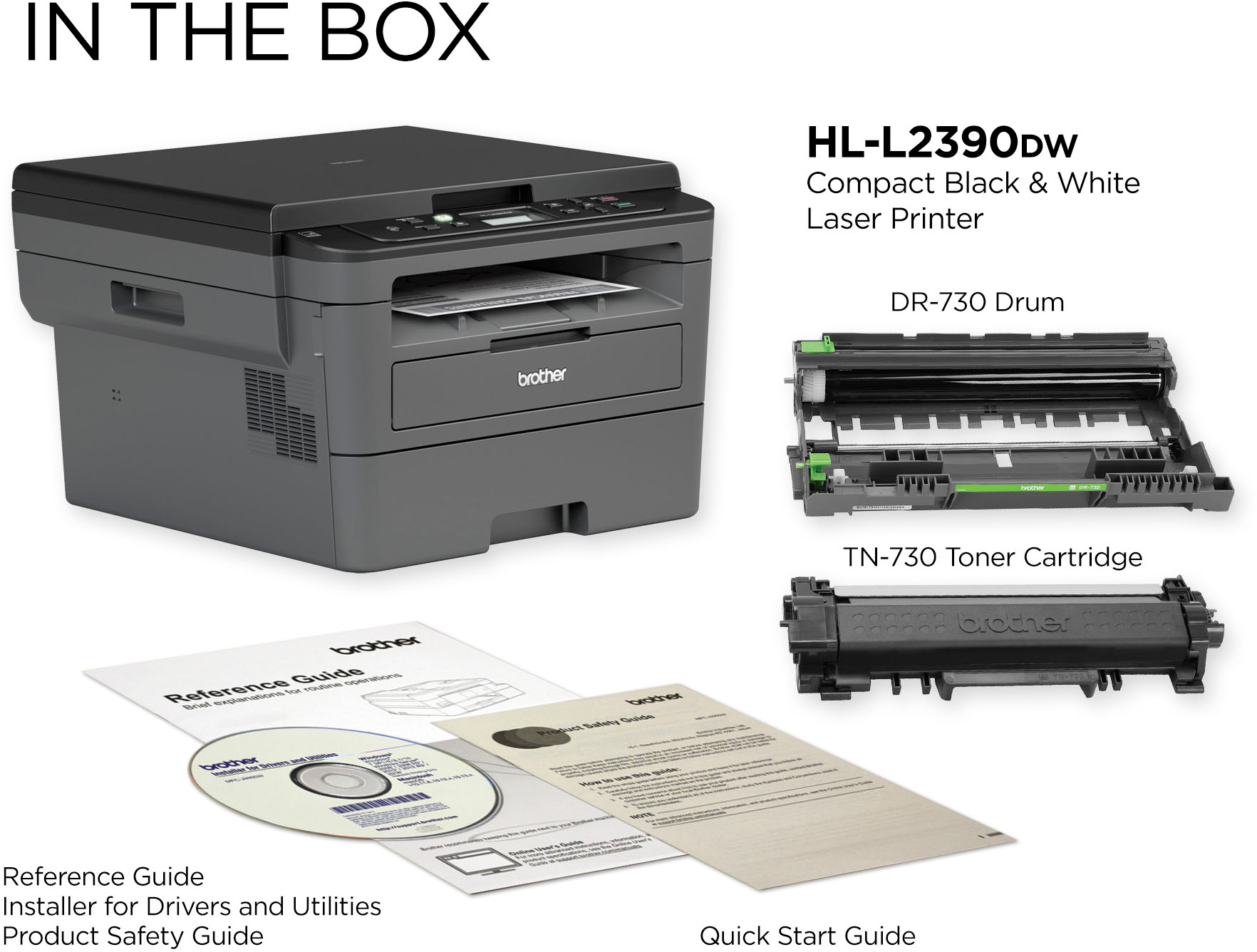
A:AnswerYes, the Brother HL-L2390DW printer uses toner cartridges instead of liquid ink, which will not dry up. For more information, feel free to contact Brother Customer Service directly.
A:AnswerThe Brother HL-L2390DW printer measures 16.1" (410 mm) wide, 10.7" (272 mm) in height and 15.7" (398.5 mm) in depth. This model is compatible with Mac OS Big Sur.
A:AnswerYes, the Brother HLL2390DW can scan to the ''Documents '' folder in your computer. The machine will be set to scan after installing the drivers.
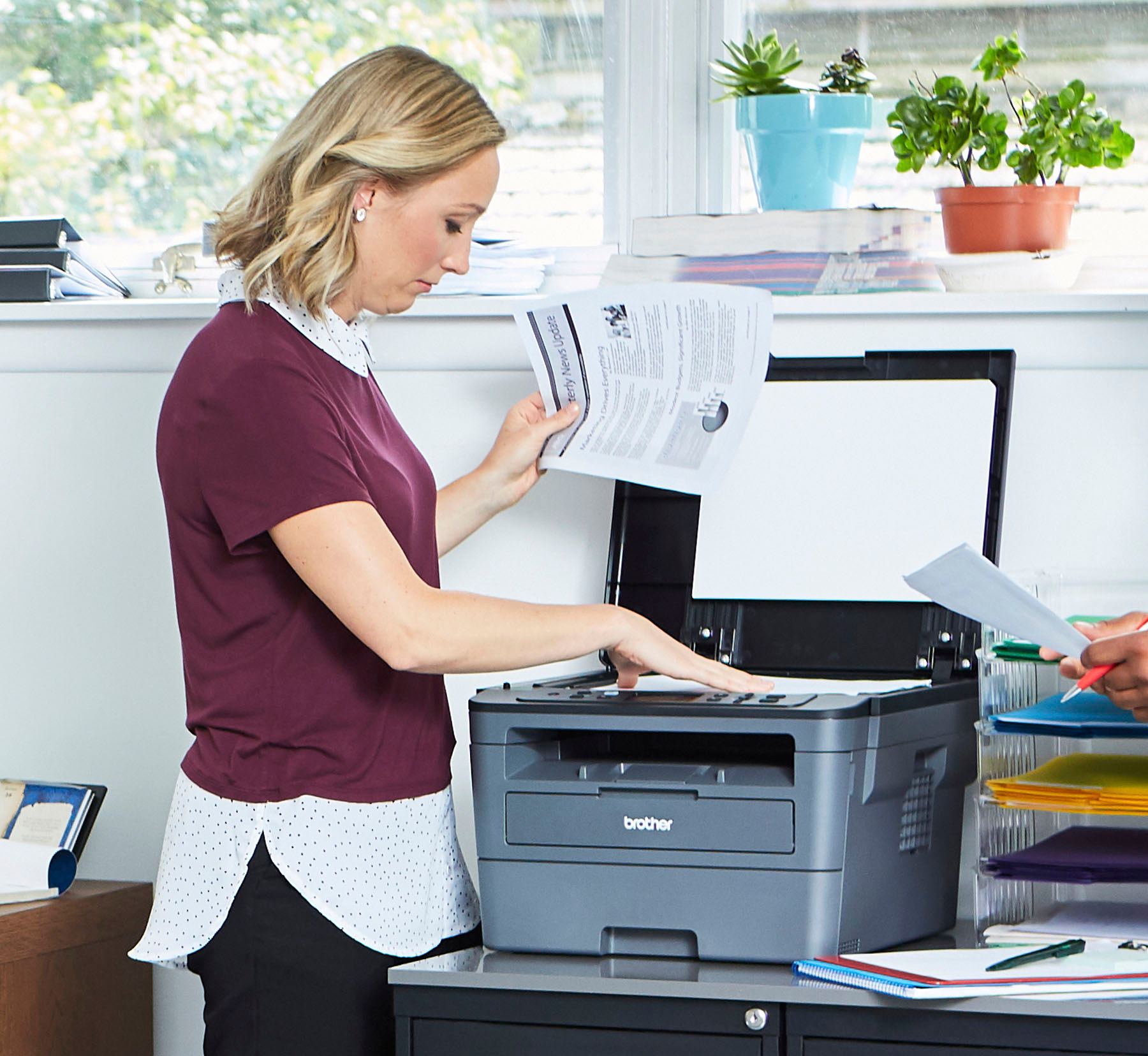
A:AnswerThe printer’s paper tray does hold a lot paper for printing, so printing multiple page documents without needing to replace paper works very well. What the printer does not do is automatically scan multiple pages for copying. For copying you will need to scan each page individually.
A:AnswerThe HL-L2390DW will print up to A4 size paper and it will GRAY SCALE color input. Since this isn't a picture quality printer, the gray scale will be pretty good to so, so depending on the contrast in the color imopage. usually I find it is pretty good most of the time. But no, not photo quality. This isn't made for fine levels of contrast.
Set the DPI as high as it will go and it is pretty good. Interpolated Scan Resolution† (max. dpi)19200 x 19200 dpi
Don't use toner saver mode doing pictures.
A:AnswerI have this printer and there is no beeping whatsoever. It’s either your PC or surge protector. Suggest replace surge protector with a different one to test