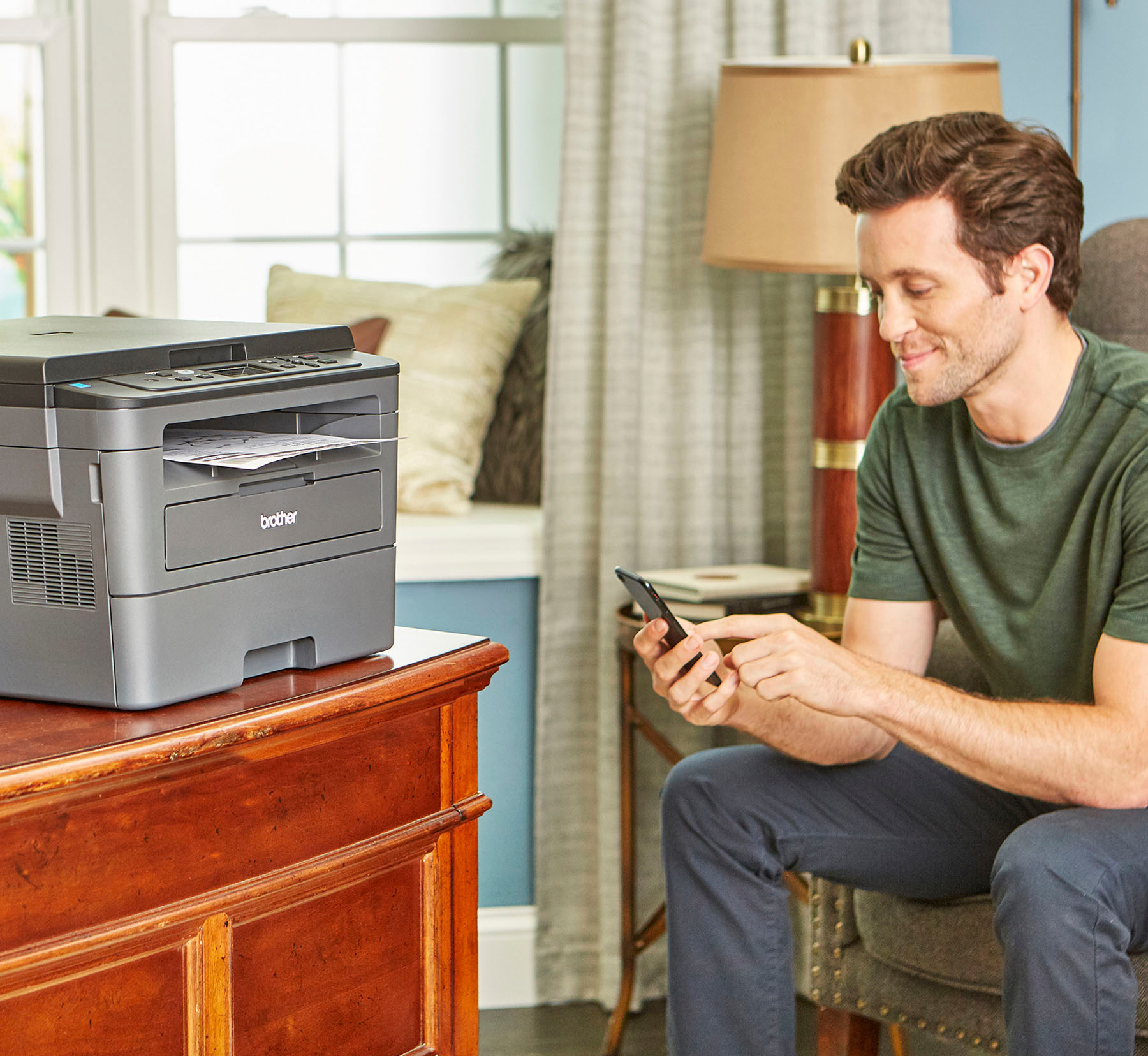
A:AnswerYes, the Brother HLL2390DW is AirPrint compatible. I have included a few links to the FAQ answer that should assist you. Please follow all the steps listed in the following link.
Answer Link: https://help.brother-usa.com/AgentWeb/api/contextmanager/v.32402160002/workspaceContext/workspace/processedPrint/Answer/131457
Answer Link: https://help.brother-usa.com/AgentWeb/api/contextmanager/v.32402160002/workspaceContext/workspace/processedPrint/Answer/152955
Answer Link: https://help.brother-usa.com/AgentWeb/api/contextmanager/v.32402160002/workspaceContext/workspace/processedPrint/Answer/183194
Answer Link: https://help.brother-usa.com/AgentWeb/api/contextmanager/v.32402160002/workspaceContext/workspace/processedPrint/Answer/172383
Answer Link: https://help.brother-usa.com/AgentWeb/api/contextmanager/v.32402160002/workspaceContext/workspace/processedPrint/Answer/176091
Answer Link: https://help.brother-usa.com/AgentWeb/api/contextmanager/v.32402160002/workspaceContext/workspace/processedPrint/Answer/166989
A:AnswerThe Brother HLL2390DW is a black and white print not able to print or copy in color only in black and white. Below is a link to the Brother HLL2390DW specifications.
Brother HLL2390DW specifications: https://support.brother.com/g/b/spec.aspx?c=us&lang=en&prod=hll2390dw_us
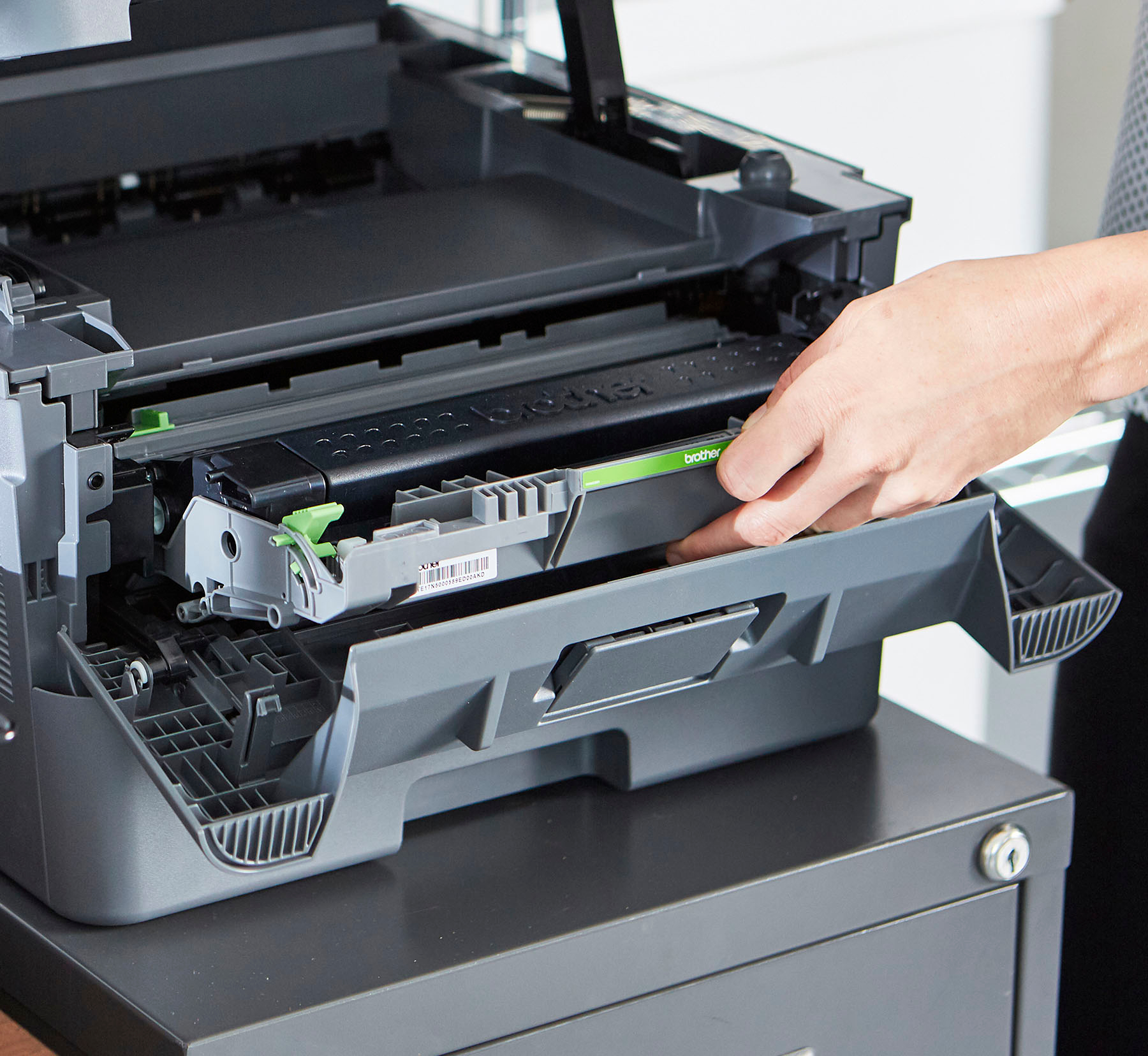
A:AnswerI recently bought mine and had no trouble inserting the toner cartridge. Lift up the top (not the scanner lid) and then open the access to the cartridge slot by pulling the door (the one that has Brother printed on the front) out. It opens to nearly horizontal and has more than enough room to insert the cartridge.
I agree that Brother customer service is polite, but basically useless. I had to return my first printer after spending 45 minutes on the phone with them, only to come to the conclusion that there was a mechanical defect. I was very thankful I bought it at Best Buy because the exchange for a new one was fast and easy.
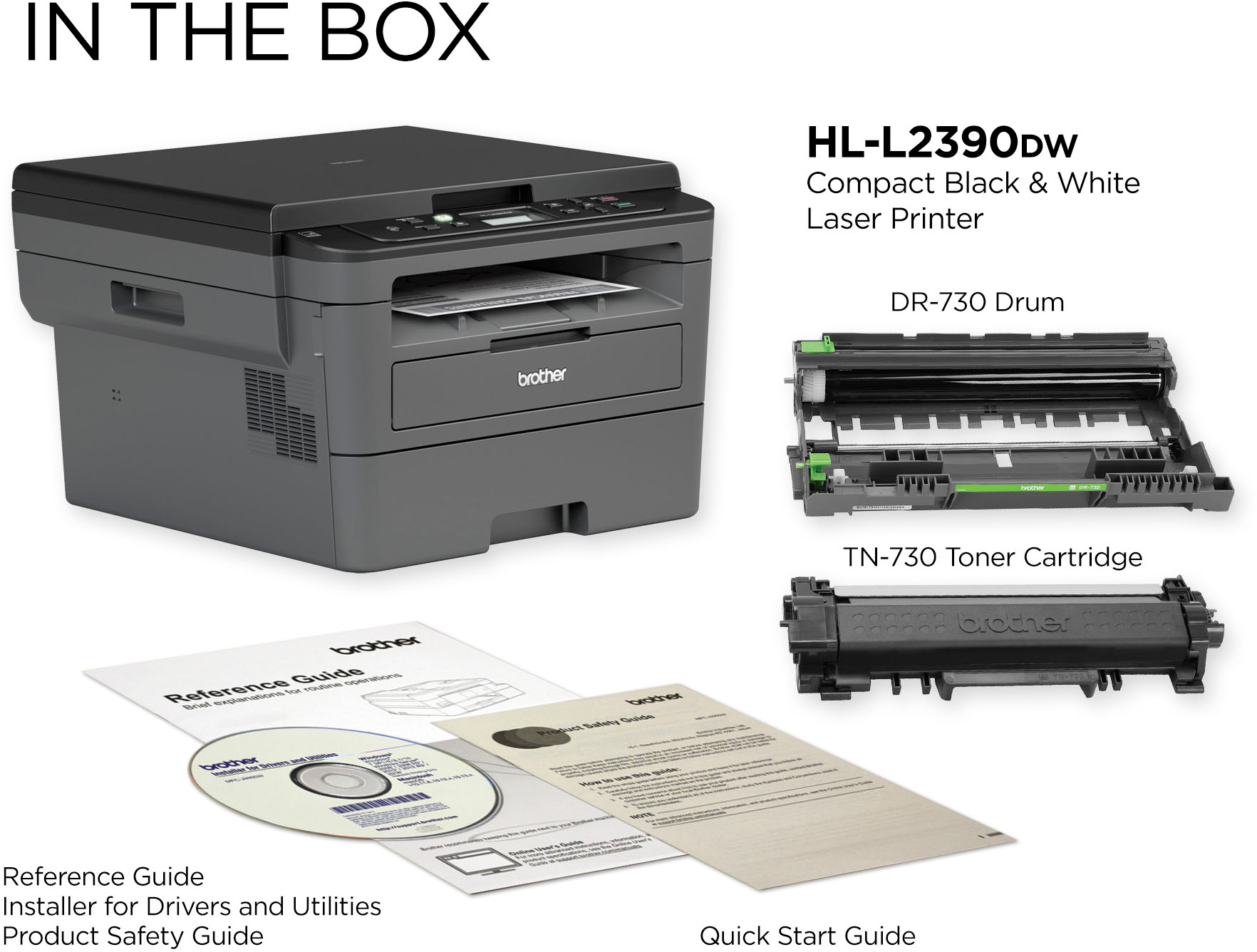
A:AnswerThe starter toner cartridge included with the Brother HLL2390DW machine will print approximately 700 pages. The TN-730 standard replacement cartridge should print approximately 1,200 pages. The TN-730 high yield replacement cartridge should print approximately 3,000 pages.
A:AnswerThe Brother HLL2390DW can be used as a copier if a computer or phone is not available. If internet is available you can connect the machine to a computer via a USB cable or using the Wi-Fi Direct feature to connect to a mobile device.
A:AnswerWhen you select print option from "File" and the print page comes up. Look to the next option below select pages to print. There is an option that says two-sided or one-sided with arrows for either choice. Hope this helps.
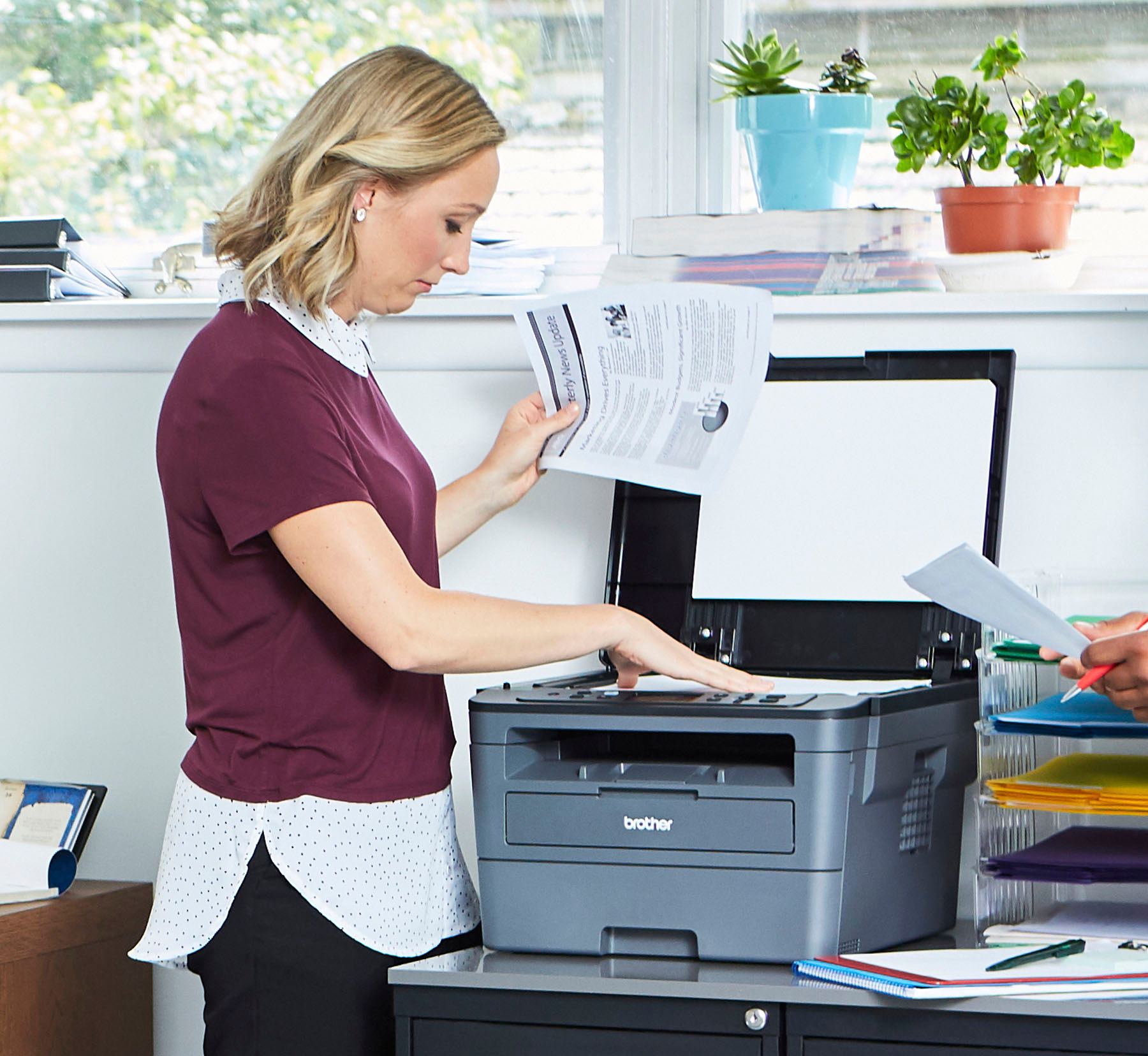
A:AnswerYes the Brother HLL2390DW is able to make copies with out being connected to a computer or laptop. The Brother HLL2390DW is able to print Type: Plain, Bond, Envelopes (COM-10, DL, C5, Monarch), Labels, Recycled, Thin, Thick Capacity: 1 sheet (16 - 61 lbs.) from the Manual Feed Slot.
Below is an answer link with the Recommended paper for your Brother HLL2390DW.

Answer Link: Recommended paper