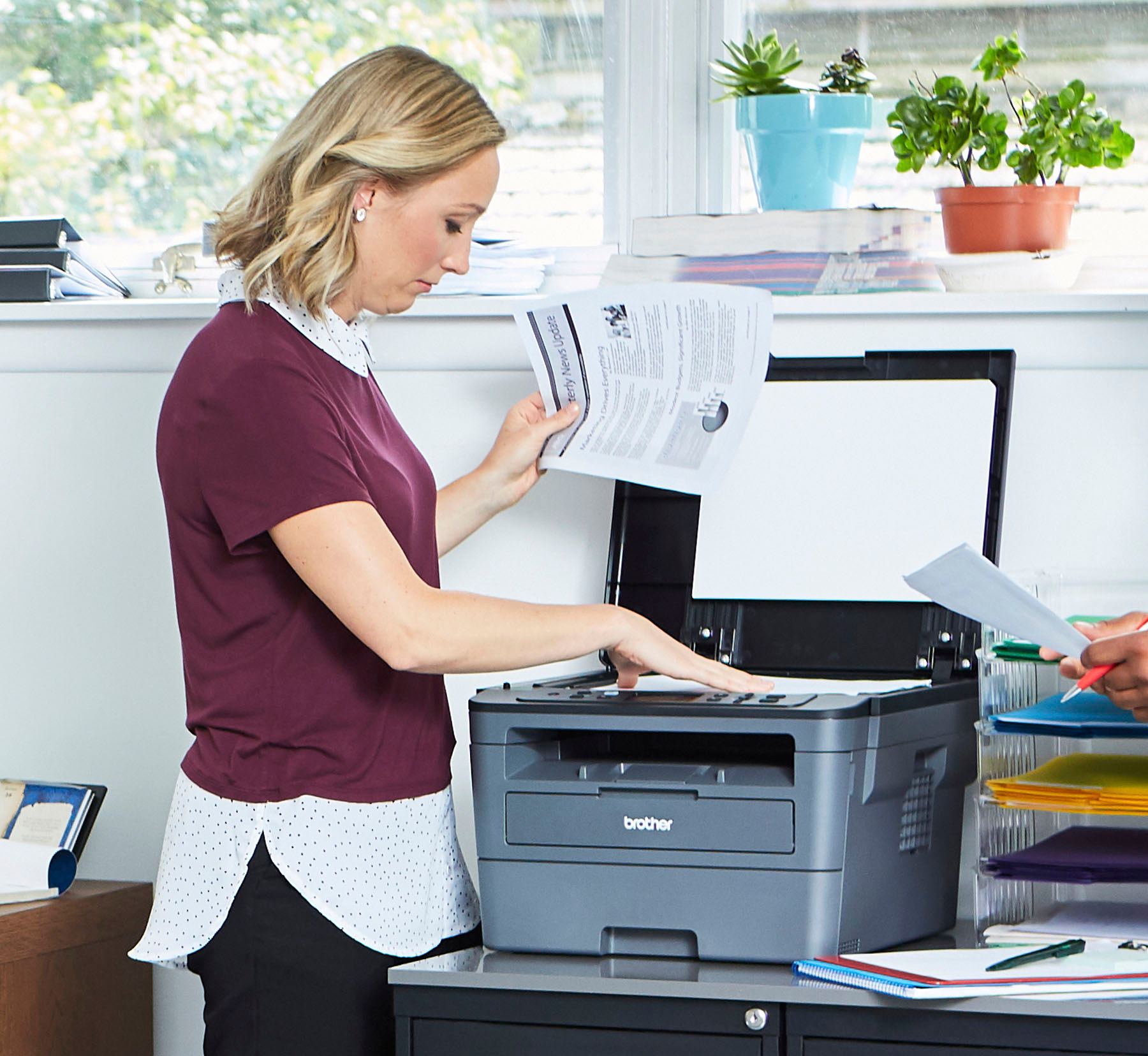
A:AnswerNo, only a flat bed scanner. But… you can do several in a row and stitch them together with the included software to make one document. A lot more work then an ADF (auto document feeder)
A:Answernot quite sure what you mean- there is a tray which holds quite a bit of paper. instructions are sent from the computer to make a copy.
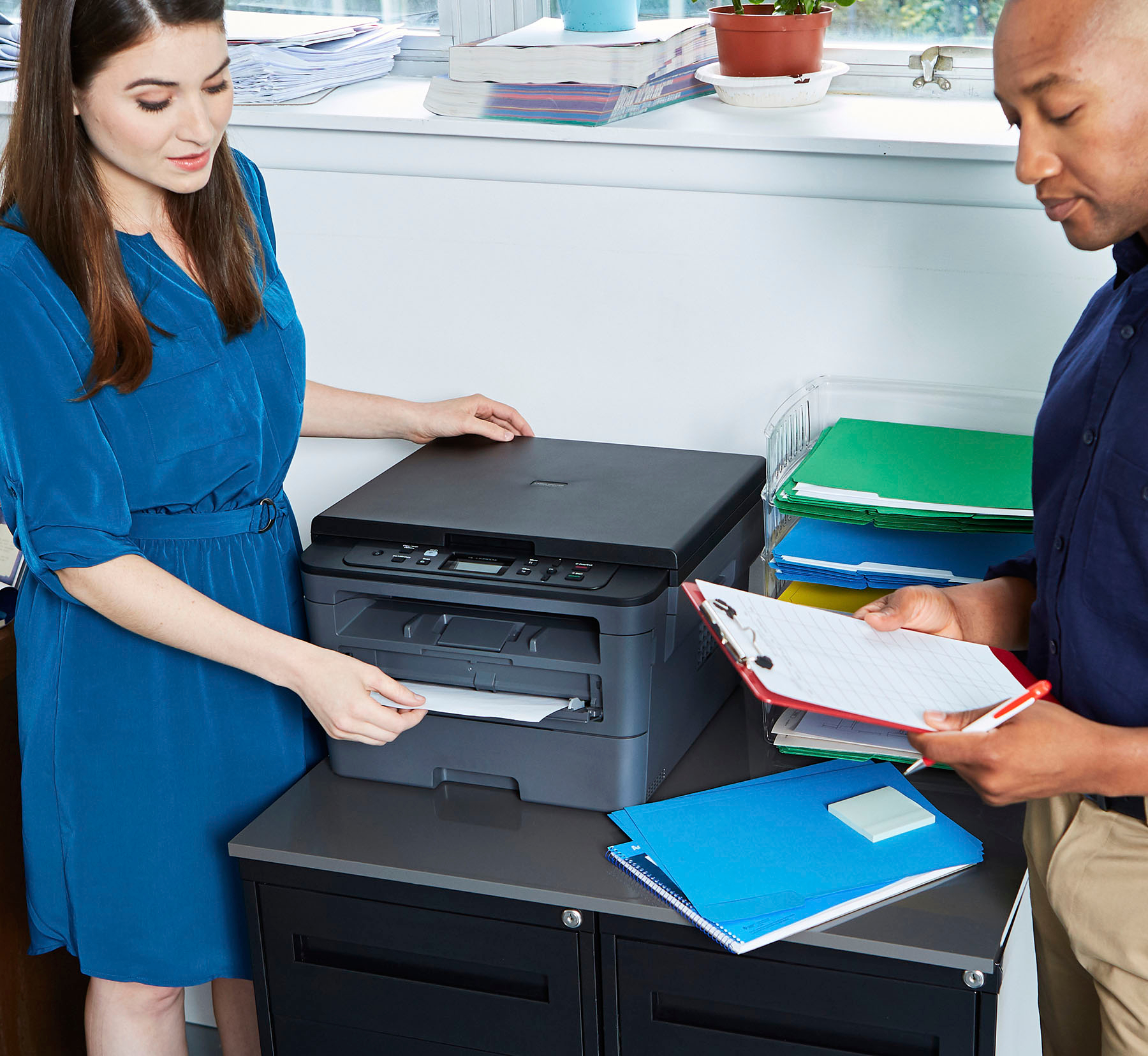
If you're talking about making copies from an original, then this is one page at a time. Page to be copied is put on the tray at the top and copied. Then removed and another put in its place.
A:AnswerYes it can print on almost all paper sizes, including envelopes. The printer does to to be told what kind of paper is in the tray for it to print correctly. Simple setting on the print window.
A:AnswerWe understand you're experiencing scanning issues with your Brother HLL2390DW machine. We'd like to help. Below is a FAQ that may help you with this issue:
https://help.brother-usa.com/app/answers/detail/a_id/152377
If you continue to have issues, our Brother Customer Support Team is available to assist you direct: www.brother-usa.com/brother-support
A:AnswerThe Brother HLL2390DW does support check printing. We recommend feeding the check through the manual feed slot instead of using the paper tray.
A:AnswerWe understand the scan quality is poor on your Brother HL-L2390DW. We'd like an opportunity to guide you through adjusting the scan settings. Our Brother Customer Support Team is on stand-by to provide quality products and service to our customers via online, email or live chat: www.brother-usa.com/brother-support
A:AnswerThe Brother HLL2390DW can be installed on your computer by downloading the drivers from our website. Below is a FAQ that will help you with this issue:
https://help.brother-usa.com/app/answers/detail/a_id/151962
If you continue to have issues, our Brother Customer Support Team is available to assist you direct: www.brother-usa.com/brother-support