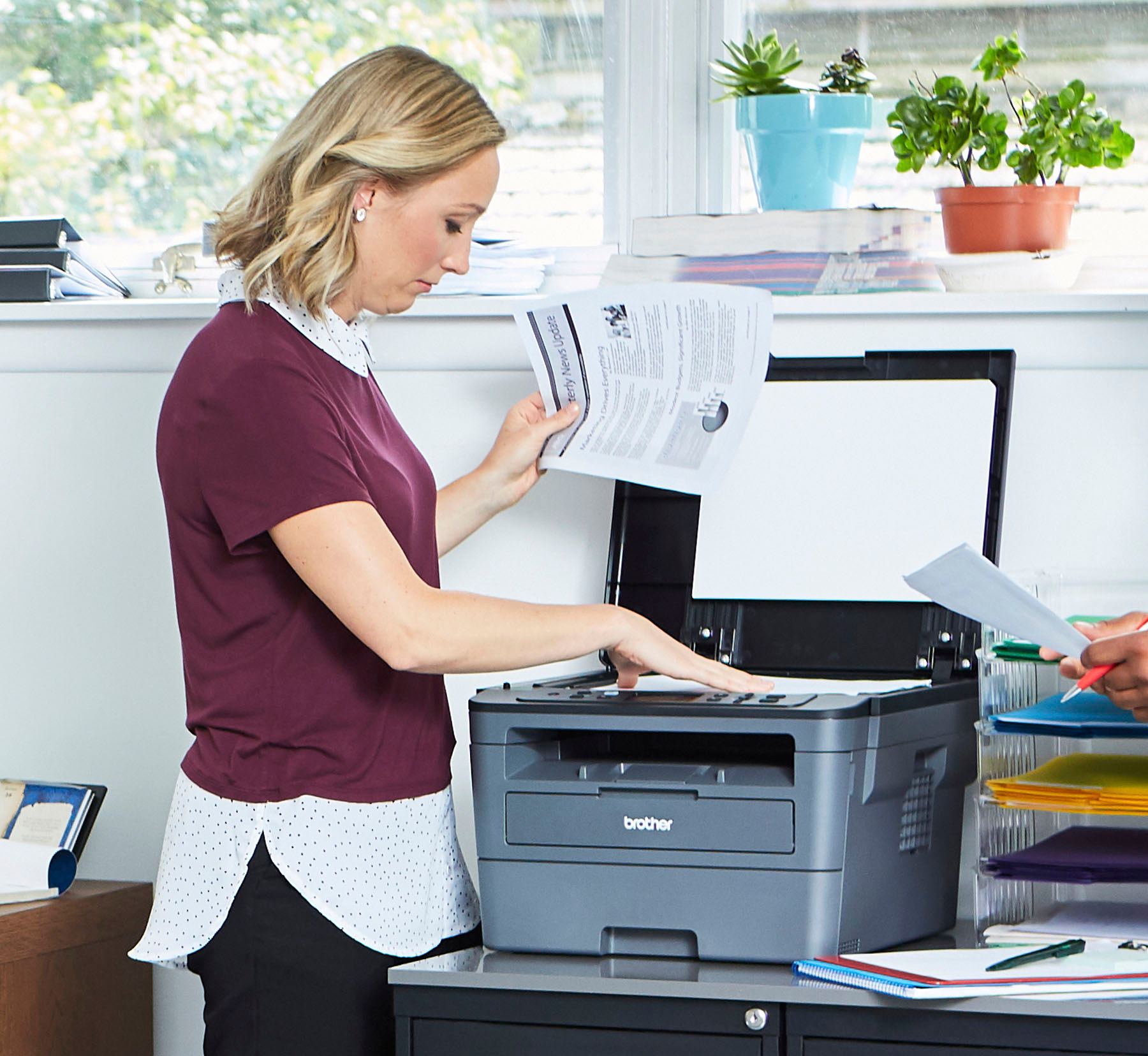
A:Answer You can scan with your Brother HLL2390DW machine following the steps below:
Load your document.
• Press SCAN.
• Press the up and/or down arrow to select the [Scan to PC] option, and then press OK.
• Press the up and/or down arrow to select the [E-mail/File, Image] option, and then press OK.
• If the machine is connected over the network, press the up and/or down arrow to select the destination computer.
• Press OK.
If you continue to have issues, our Brother Customer Support Team is available to assist you direct: www.brother-usa.com/brother-support