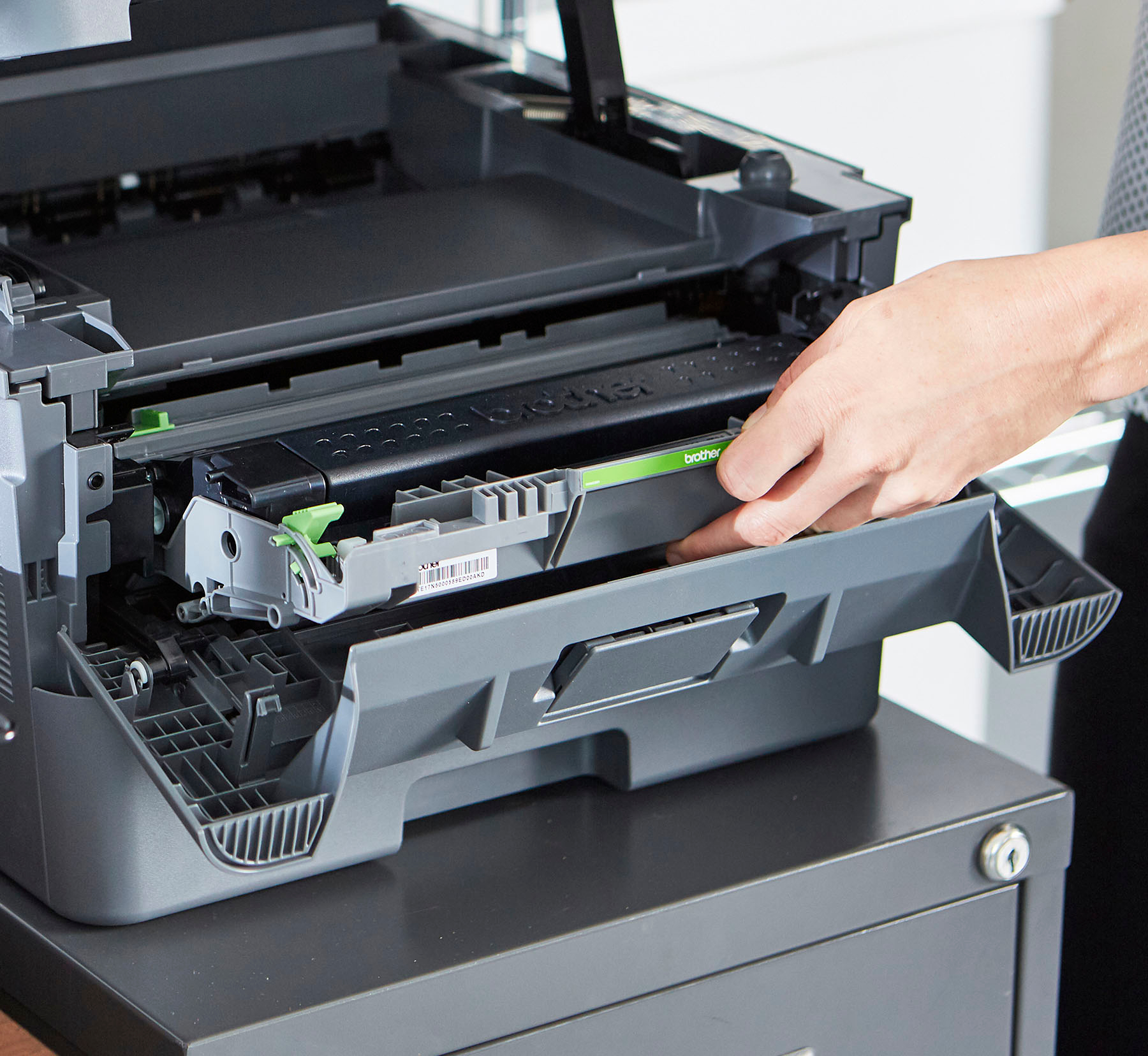
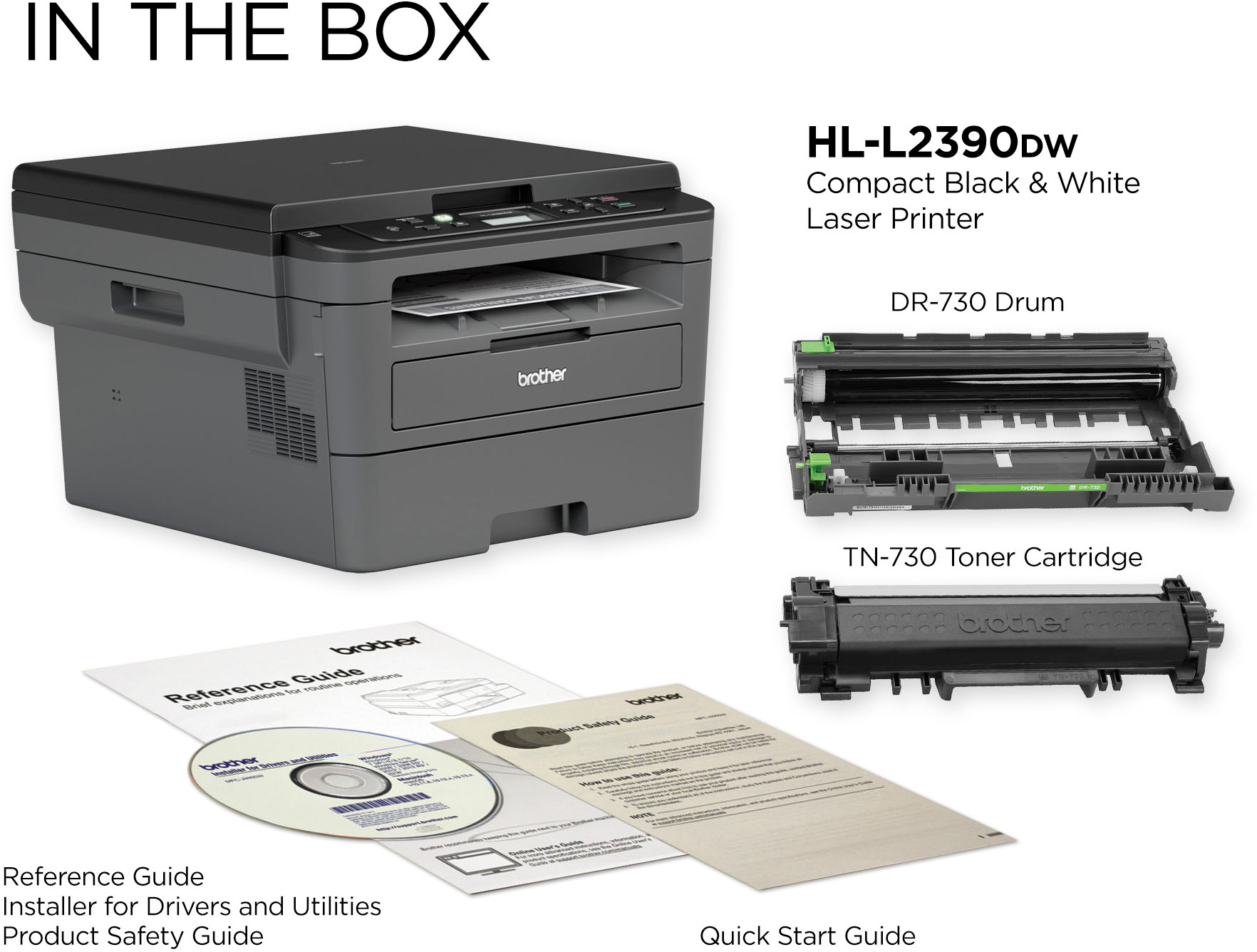
A:Answer The usage of the toner is measured by the machine, based in the amount of pages printed and their coverage, this is not handled by a chip on the toner. When the Brother HL-L2390DW runs out of toner, the toner will need to be replaced to continue printing operations but you may also set the machine to continue printing after the "Replace Toner" message appears. Print quality cannot be guaranteed while printing in this mode. We strongly recommend to use only Brother Genuine cartridges for optimal results. Using non-Brother supplies may affect the hardware performance, print quality and machine reliability. The Brother limited warranty may not apply to any problem that is caused by the use of third-party supplies. For more information, feel free to contact Brother Customer Service directly.