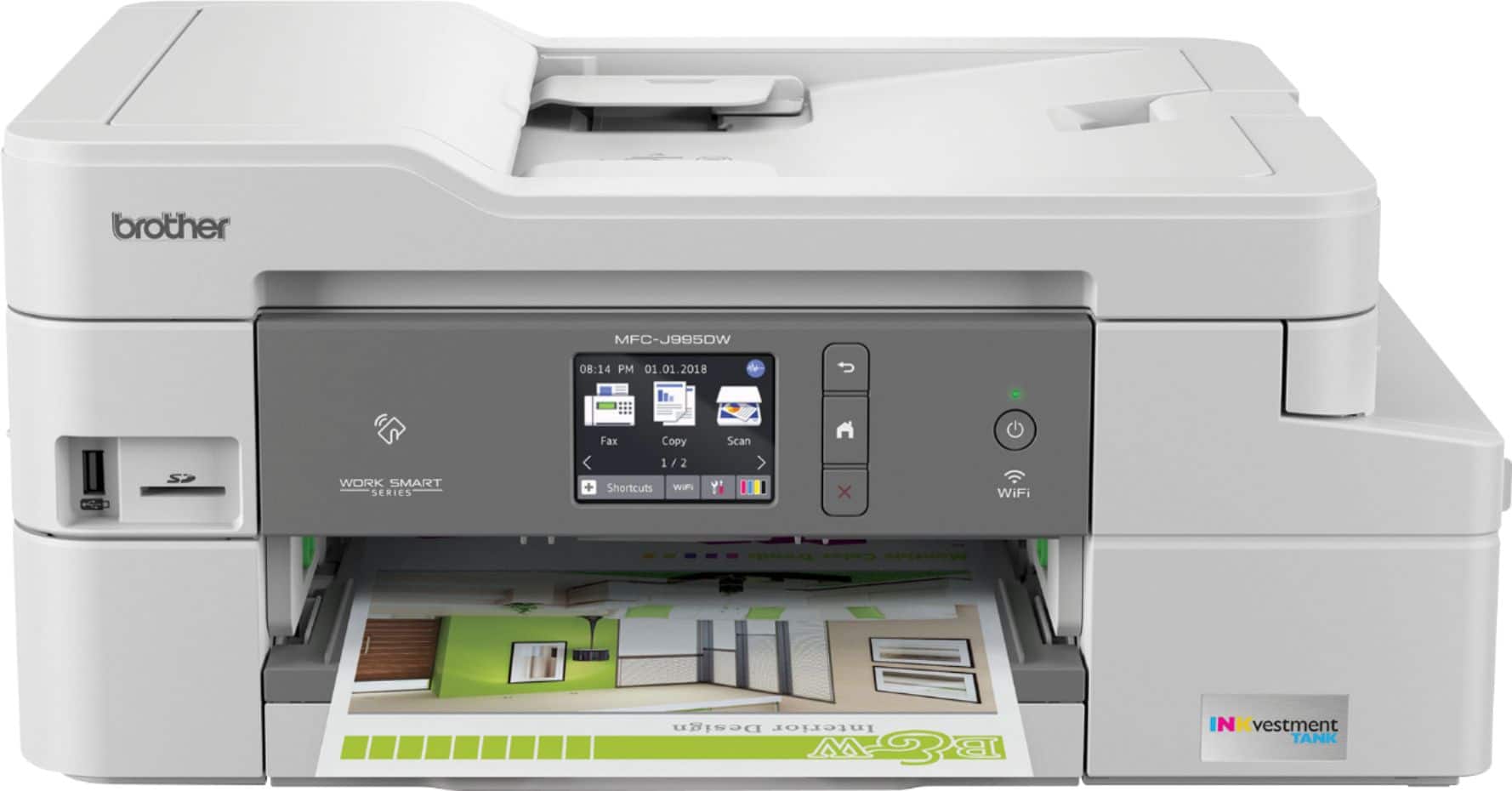
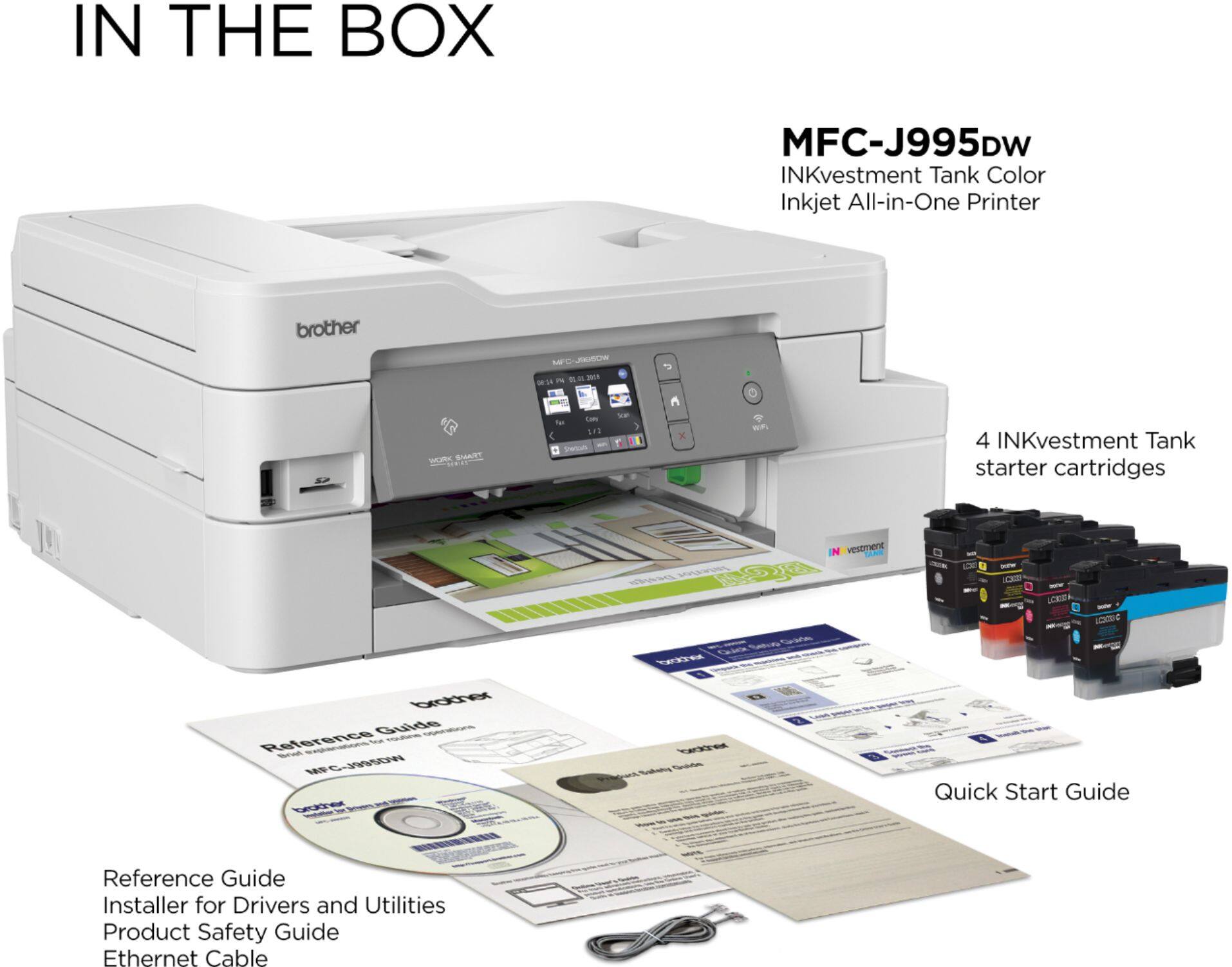
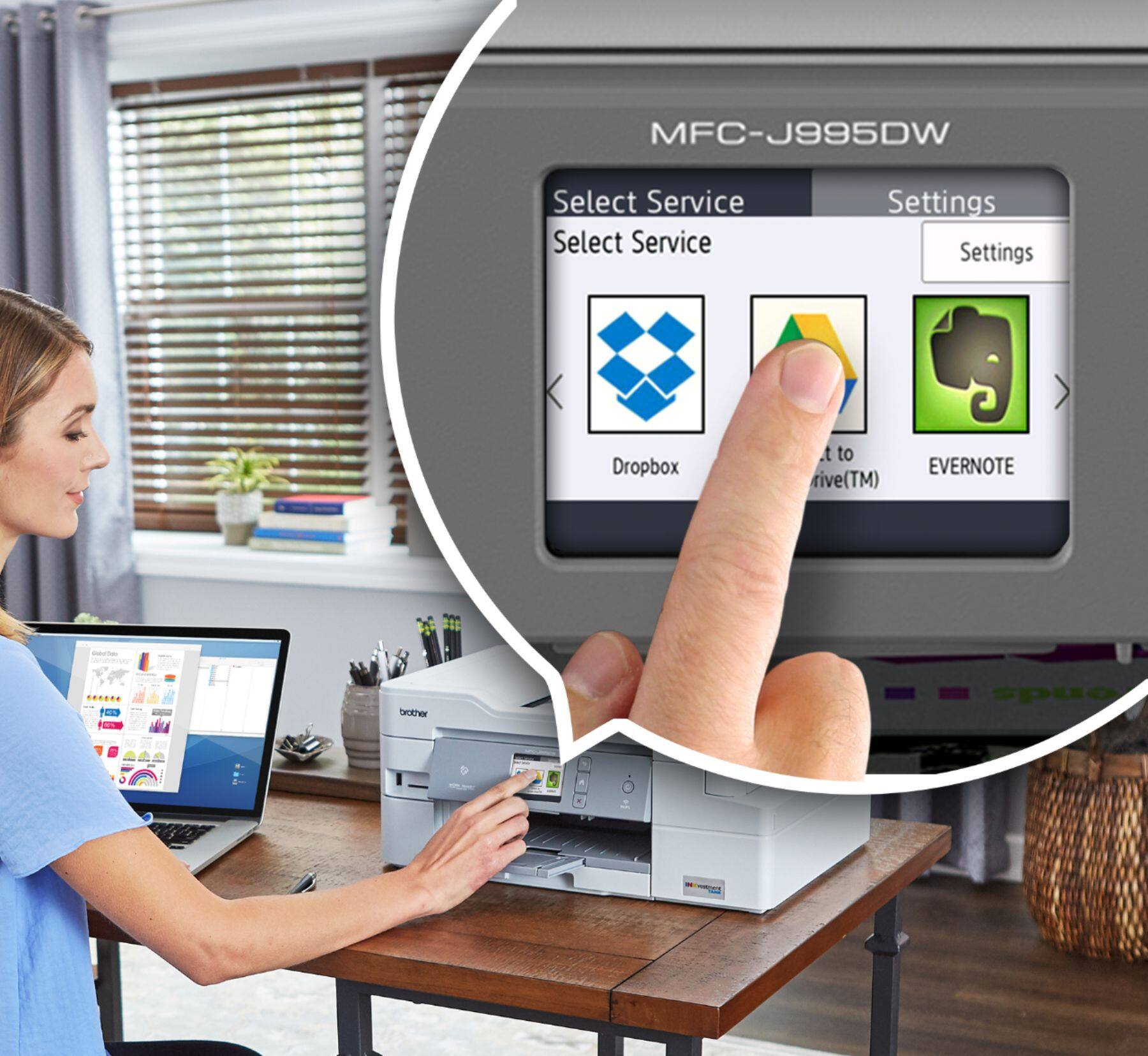
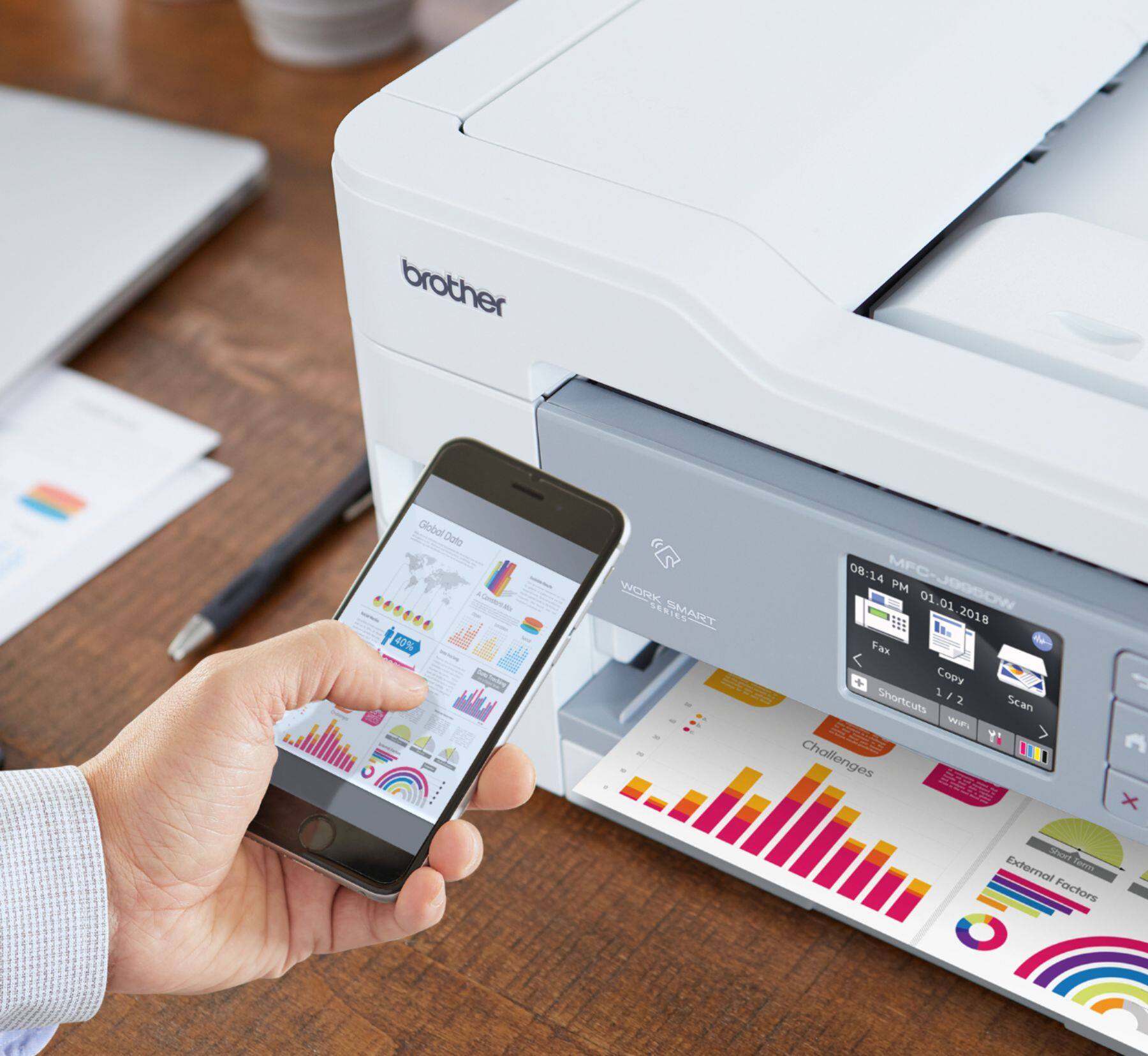
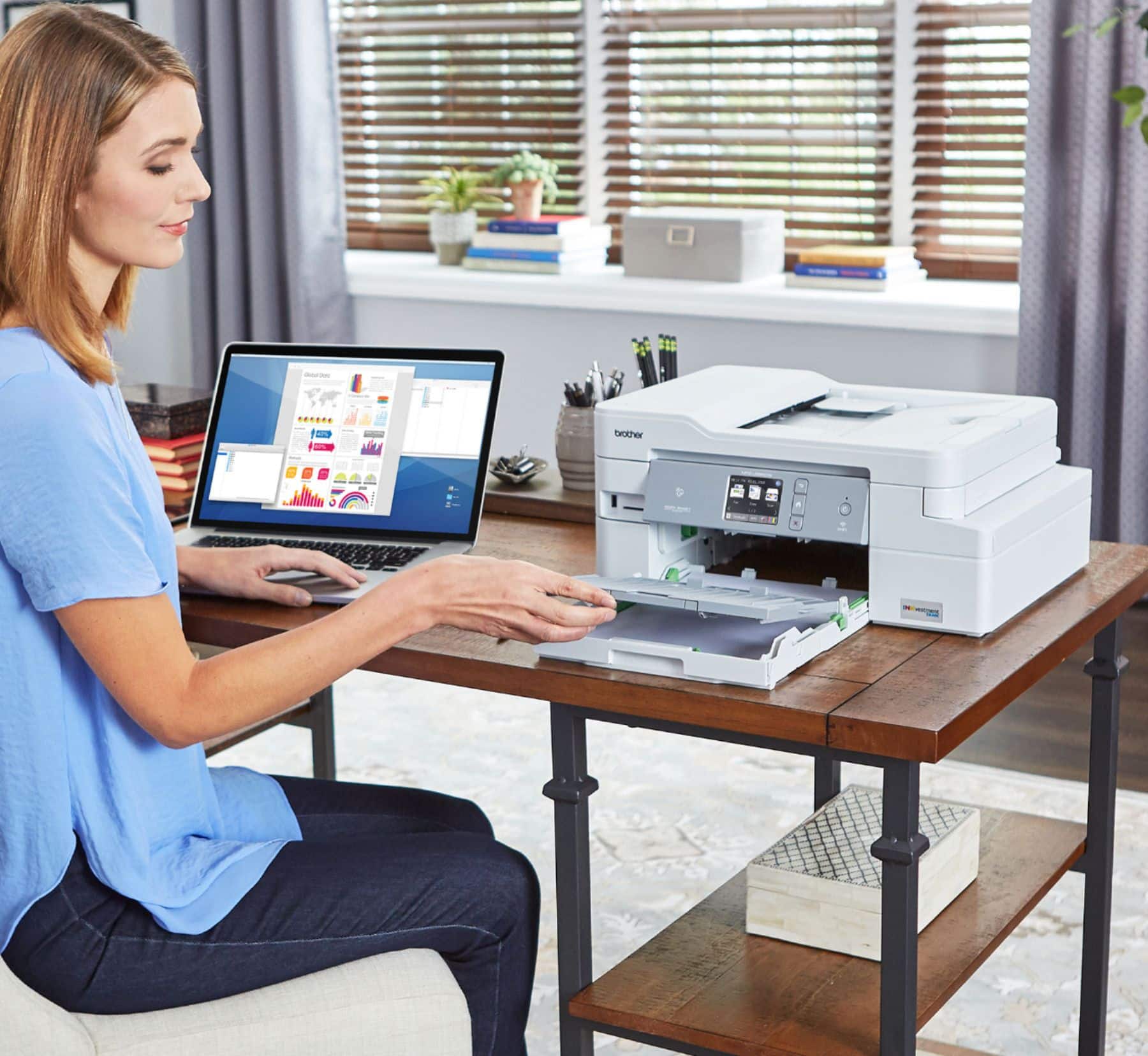
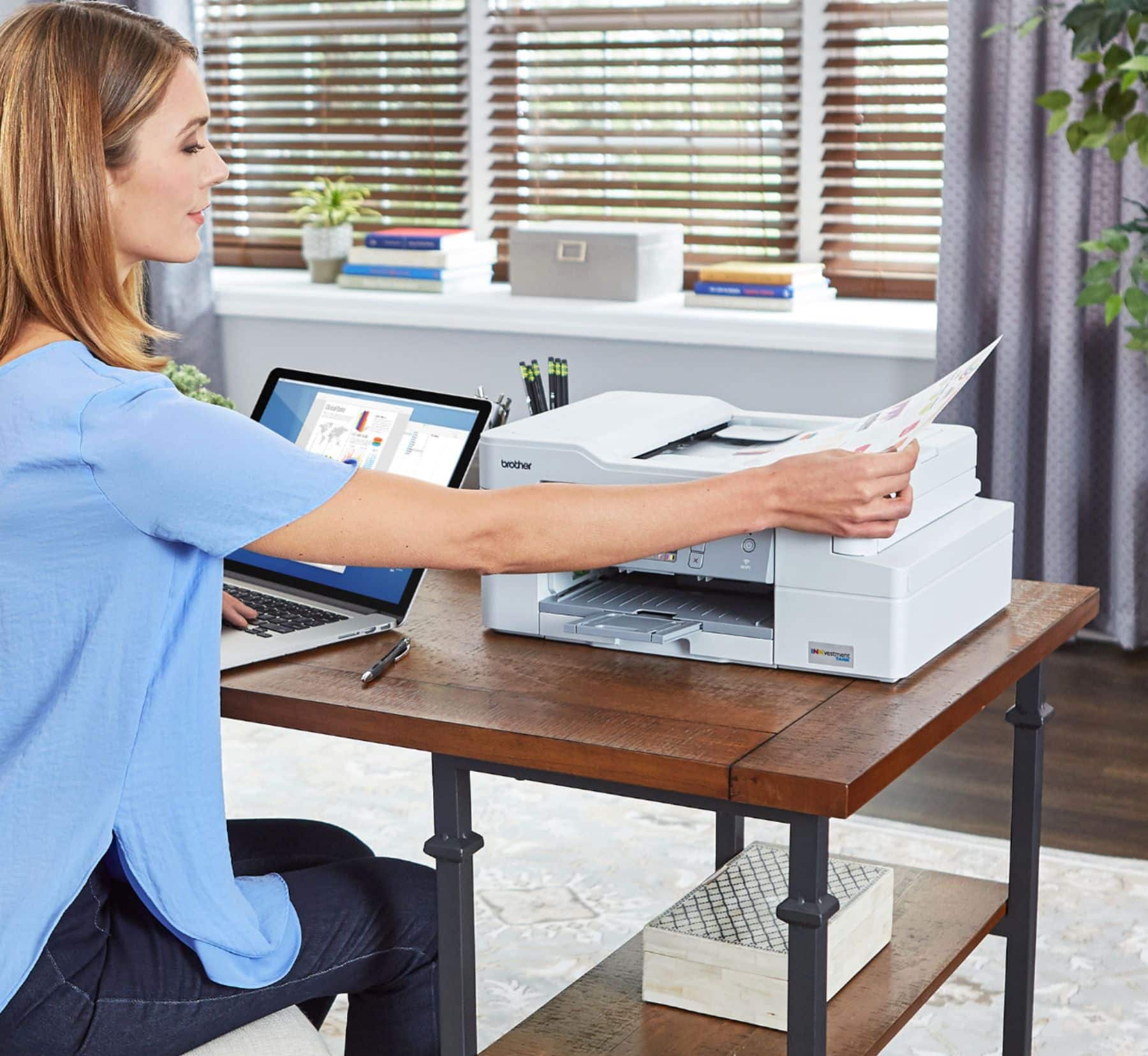
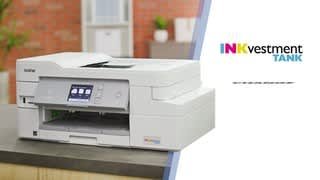
A:AnswerThe Brother MFC-J995DW does not support pigment based color inks. The models we offer that have pigment based inks for all cartridges are MFC-J5845DW, MFC-J5830DW, MFC-J5330DW, MFC-J5930DW, MFC-J5945DW MFC-J6930DW, MFC-J6530DW, MFC-J6535DW, MFC-J6545DW and MFC-J6945DW.
A:AnswerYes. Love this printer. I read a lot of reviews and did a lot of research before I bought it. Has outperformed. The wireless connection has held steady which has been great since the printer is in my home and I print from an RV in my driveway.
A:AnswerOur printer starts printing almost instantly when a document is sent with no noticeable wakeup delay. We never turn it off and print something at least once a week. My understanding is that the calibration/cleaning happens only if you turn this printer off or don't use it for a while. I don't know the maximum gap between print jobs before the printer will run a cleaning cycle, but based on experience, it seems to be more than a week. In the months we have owned it, I have yet to catch it running a cleaning cycle.
A:AnswerYes, you can print single-sided copies. I have not yet printed any photos on my new Brother printer, but I can see no reason why printing on photo paper would harm the printer - using photo paper never caused a problem with other printers I've owned, and I have printed numerous photos.
A:AnswerIt is possible to print labels using the Brother MFC-J995DW printer. However, we do not recommend it, as they are outside of the machine's stated paper specifications. Brother's limited warranty doesn't apply to any issues caused by attempting to print labels with this machine. For more information, feel free to contact Brother Customer Service directly.
A:AnswerTypical noise level for an inkjet. Slight whine when feeding the scanner. Typical chuga-chuga-chuga as the print heads move from line to line. Nothing that would interfere with a phone conversation seated 3 feet away.
A:AnswerThe Brother MFC-J995DW currently do not offer Google Chrome OS-compatible printer or scanner drivers. However, you may print to your machine using the Google Cloud printing feature.
A:AnswerNO If you print black only the other in cartridges must have ink in them. When an ink cartridge is depleted it MUST be replaced. More information is available on Brothers web site.