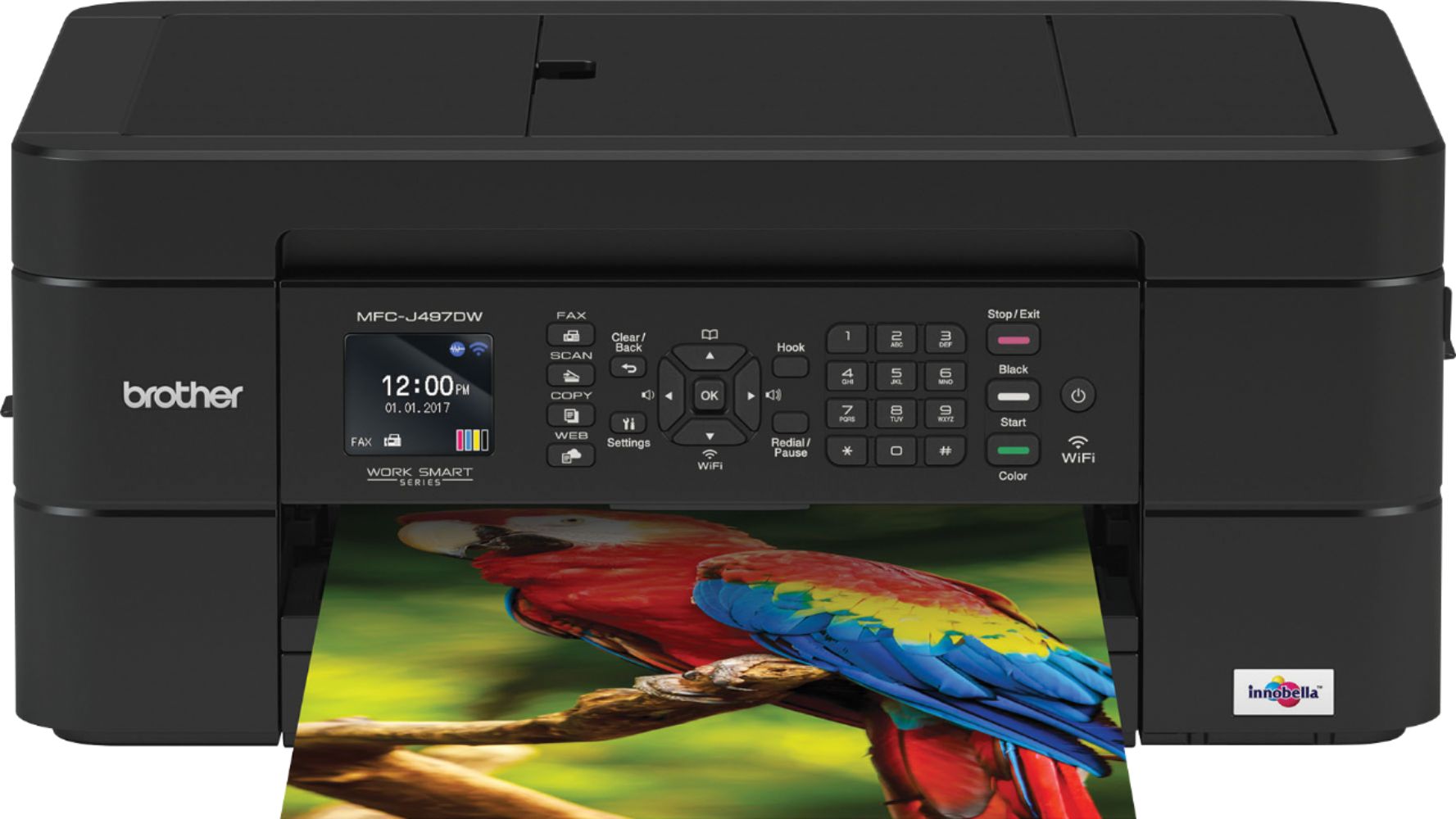
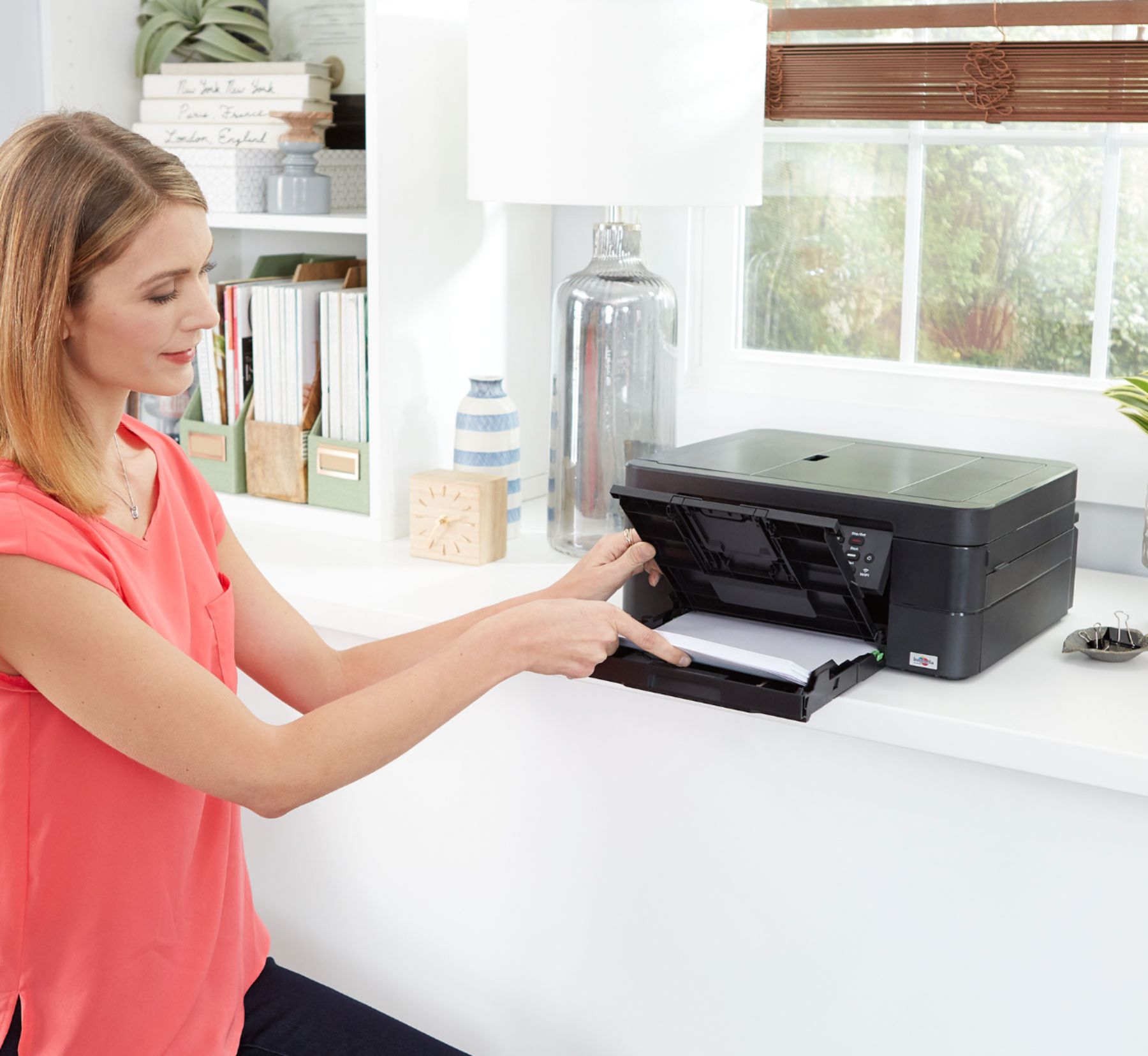
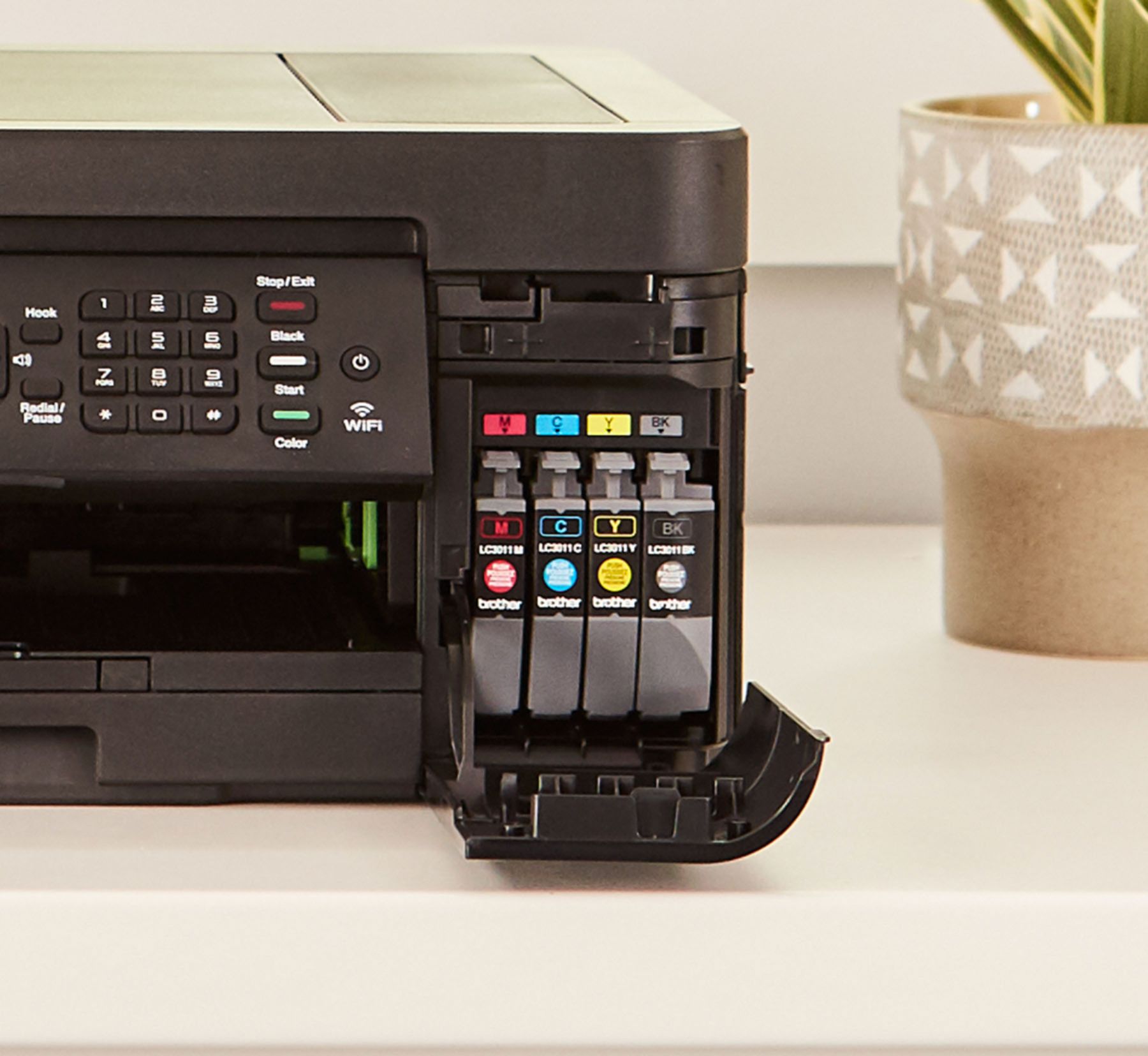
A:AnswerThe drivers and downloads for the MFC-J497DW can be downloaded from the Brother website. Enclosed is a link.
https://www.brother-usa.com/support/MFCJ497DW
A:AnswerYou can use your regular phone line for faxing. I do and have had no issues, just make sure to turn auto-answer off in the fax settings, if u don't want it answering your phone each time it rings.
A:AnswerJust carefully lower the cover so that the item to be scanned stays in place. Be sure to hold the cover as you are lowering it, so it doesn't "slam".