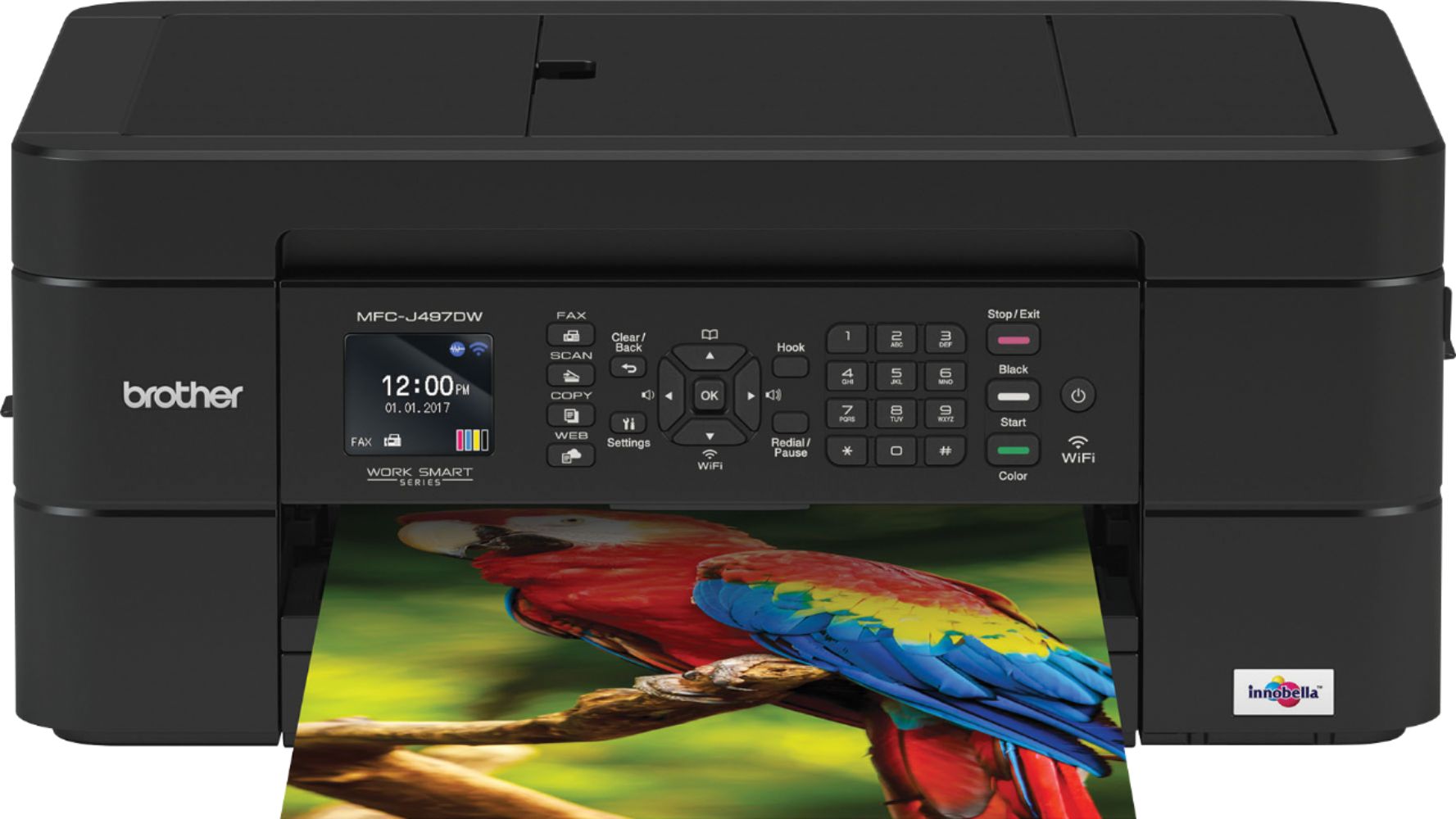
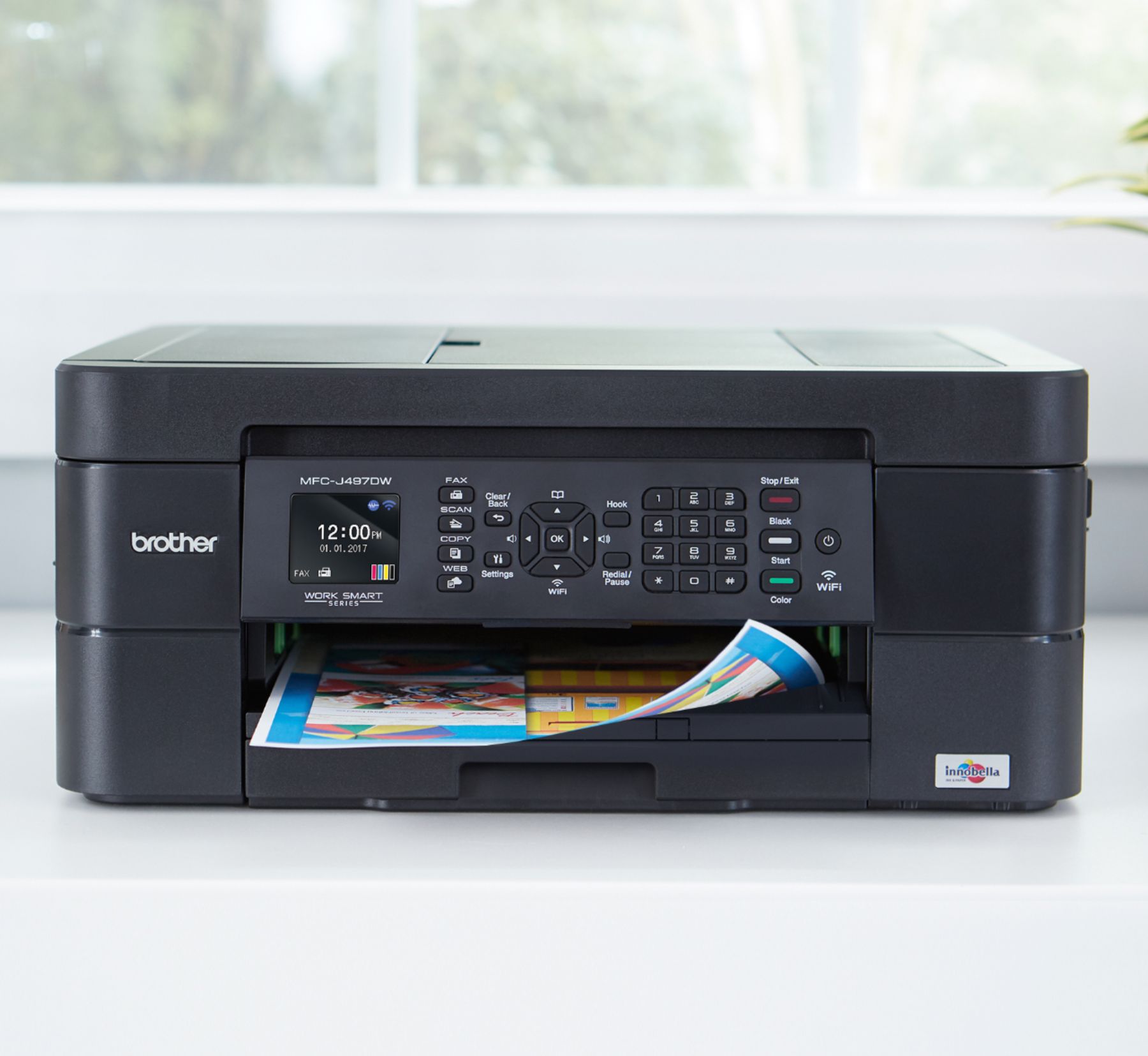
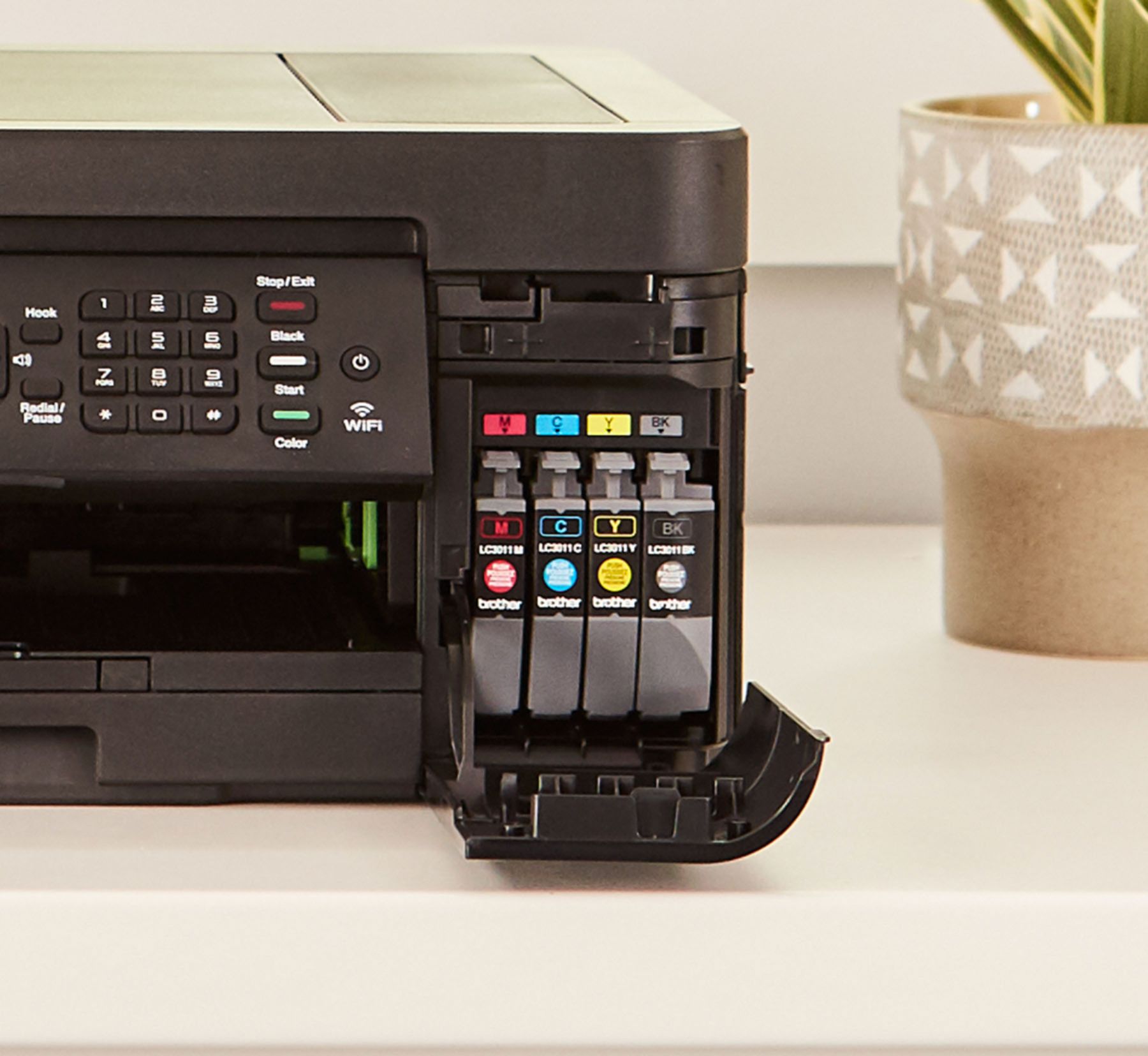
A:Answer Yes, the Brother MFC-J497DW can be set to print only black. You change the settings in the Brother software to print with black ink only (gray-scale). If you print with black ink only, the other ink cartridges must have ink for the printer to print. When an ink cartridge is depleted, you must replace it before you can print. If the ink cartridge is low it will need to be replaced. Here is FAQ that may help. https://help.brother-usa.com/app/answers/detail/a_id/156735?R3ModelID=MFCJ497DW