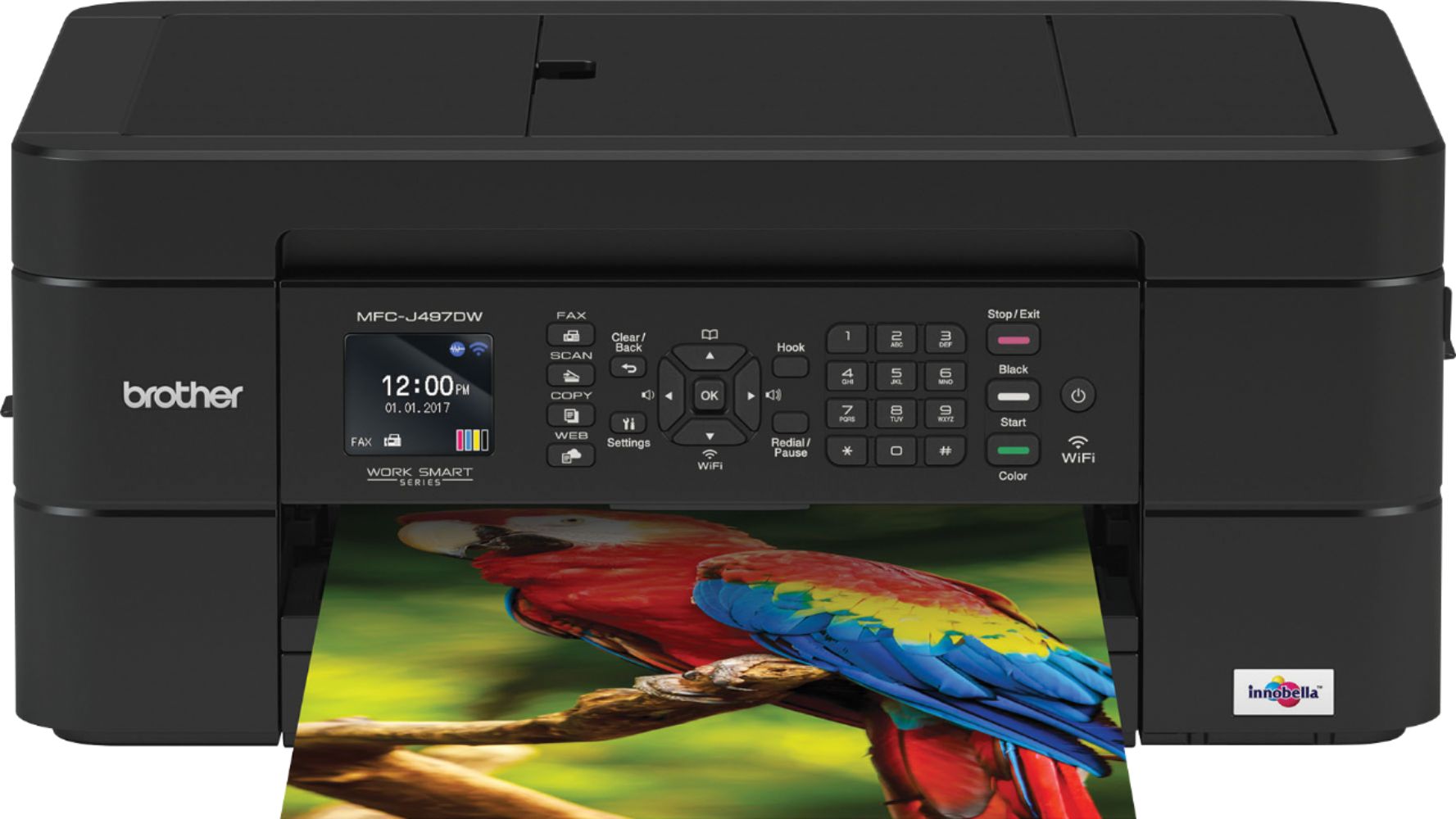
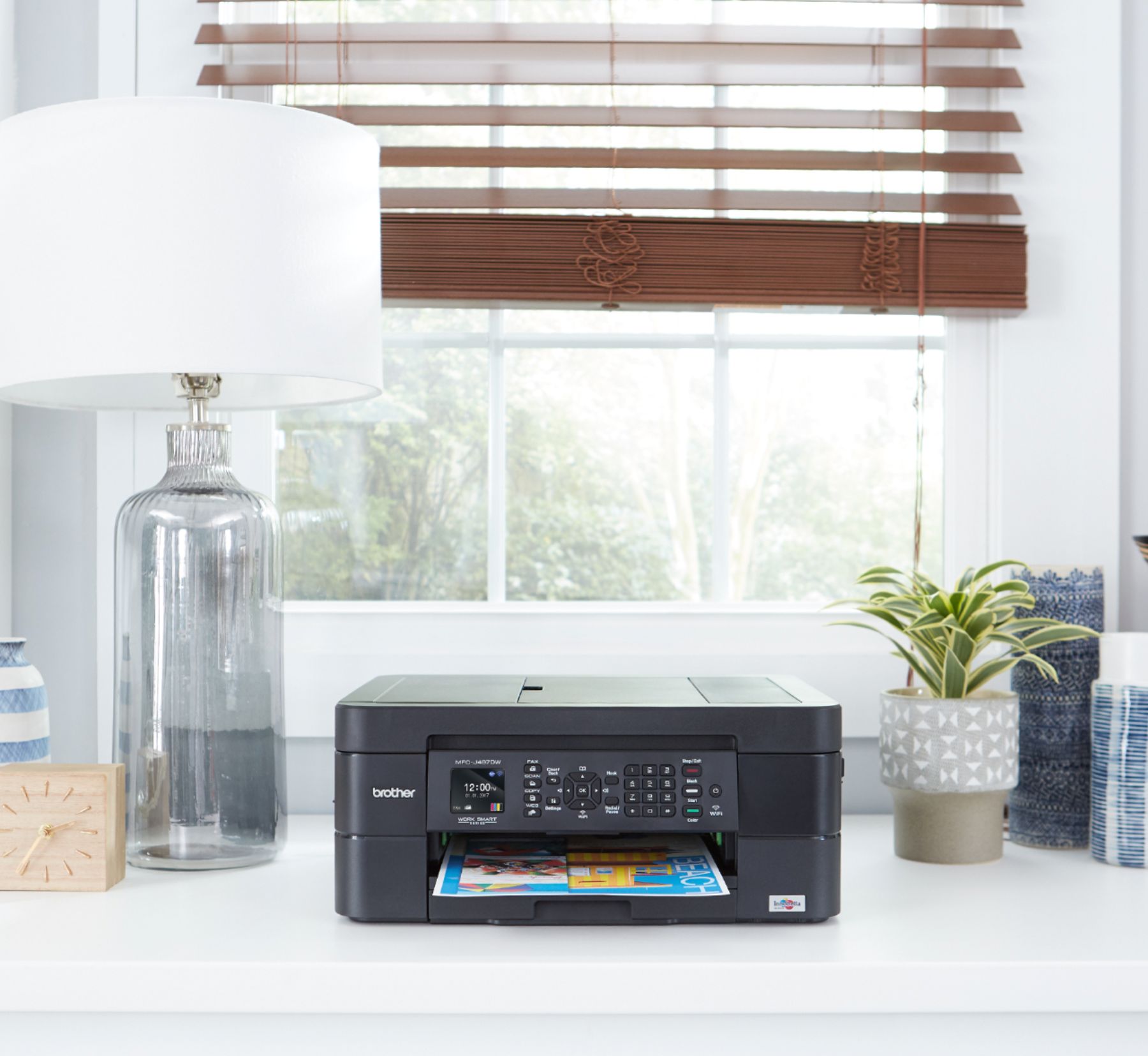
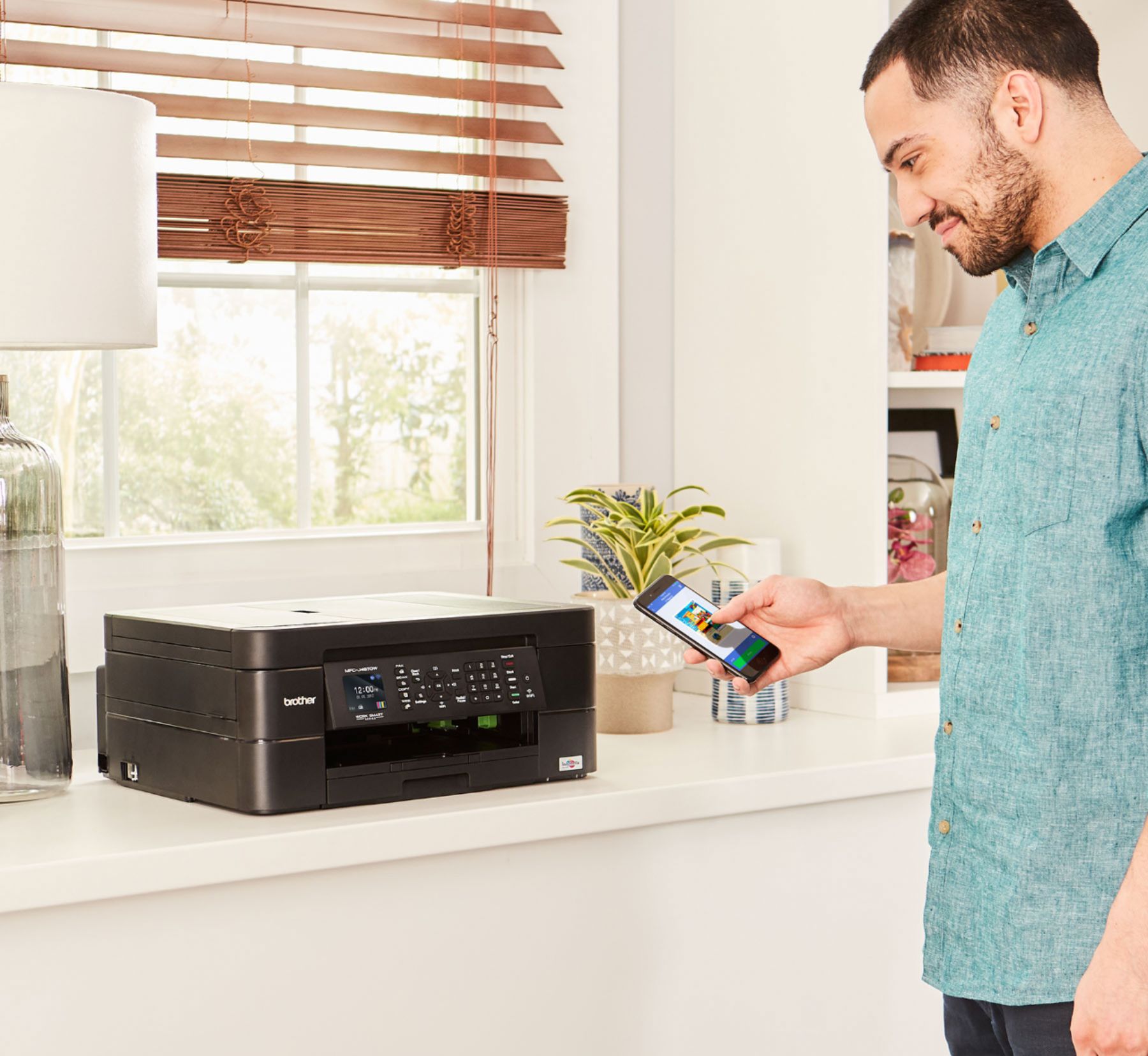
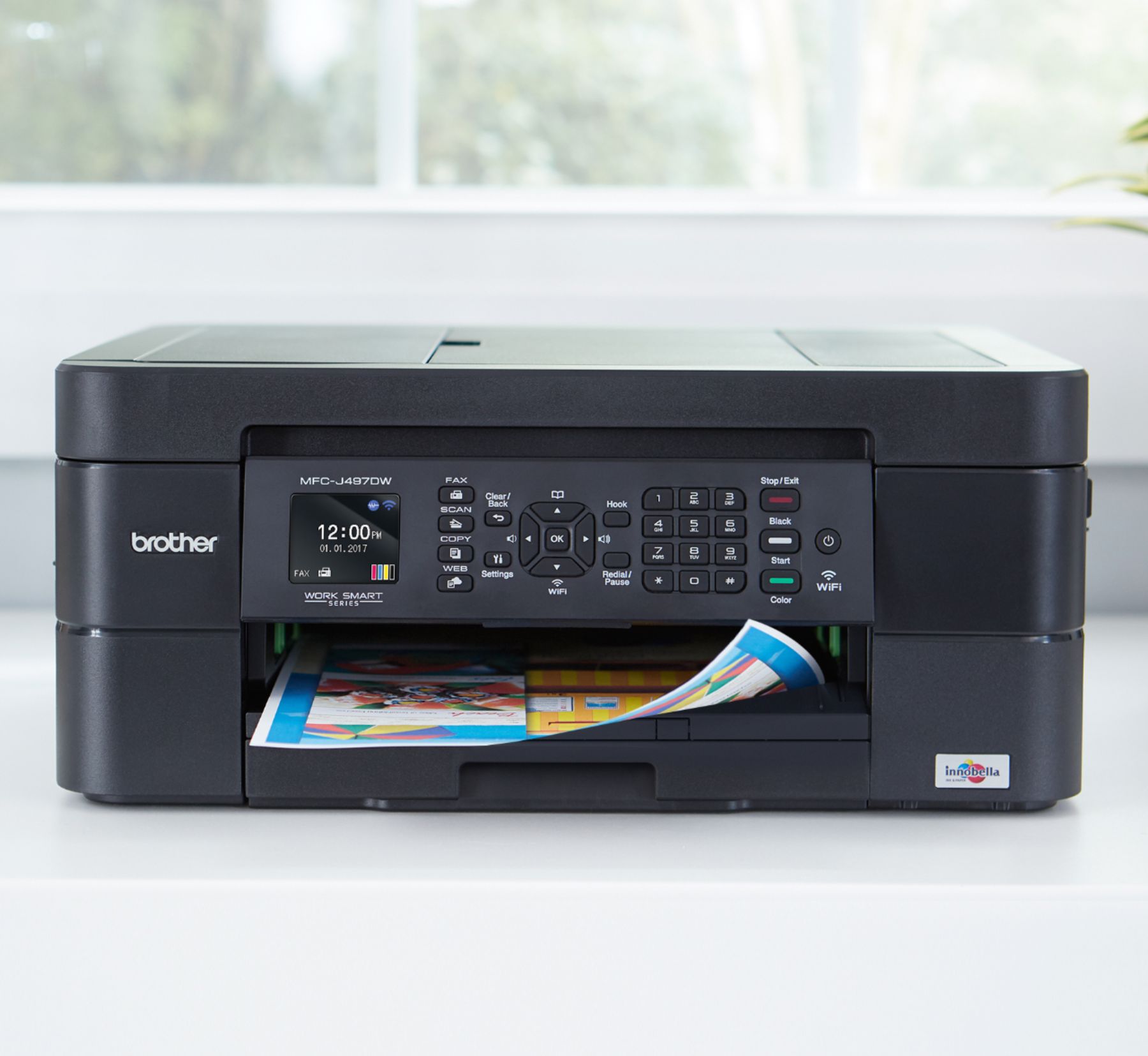
A:AnswerThe Brother MFC-J497DW printer works with Chromebook computers using Native Printing. Scanning is not supported. For more information, feel free to contact Brother Customer Service directly.
A:AnswerWe understand that you are experiencing issues with your Brother MFC-J497DW printer and we'd like to help. We have many helpful resources on our support website which should assist. If the problem persists, feel free to contact Brother Customer Service directly.
A:AnswerYour Brother MFC-J497DW printer will perform maintenance purges of the print head at regular intervals. The cleaning is to ensure consistent print quality and prevent damage to the print head. These purges remove any air or debris that may have gotten into the print head manifold. The machine will use the minimum amount of ink necessary to perform this operation.
A:AnswerWe understand that you are experiencing issues connecting the Brother MFC-J497DW printer to the wireless network. Be sure to use the password for 2.4ghz band if you are using a dual band router. If the problem persists, feel free to contact Brother Customer Service directly.
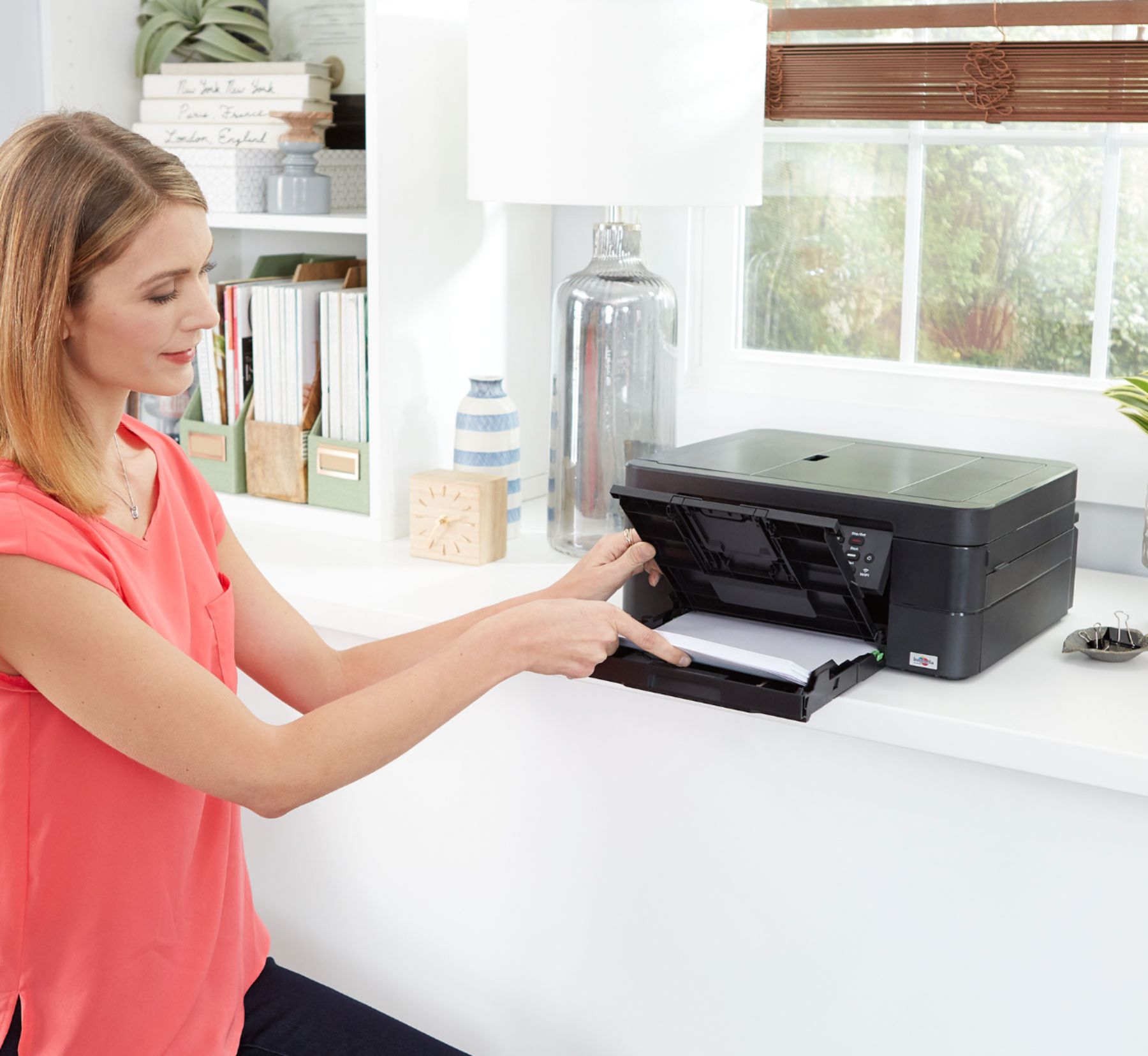
A:AnswerThe printing quality it fine, however if you try printing on both sides the printer tends to jam, printing on both sides on card stock has to be done manually and not by the automatic setting
A:AnswerThe Brother MFC-J497DW printer works with ChromeOS computers using Native Printing. Scanning is not supported on Chromebook devices. For more information, feel free to contact Brother Customer Service directly.
A:AnswerI don't work for Best Buy, however, this was out of stock when I decided to purchase. I kept checking back daily at the website for a couple weeks, and was finally able to snag one online and then pick it up in the store.
A:AnswerThe Automatic Document Feeder of the Brother MFC-J497dw is used for copying, faxing and scanning. For more information, feel free to contact Brother Customer Service directly.
A:AnswerThe brand of your computer does not make any difference. If it's a relatively new computer running a supported version of Windows (I'd recommend Win 7 or Win 10), you'll be fine.
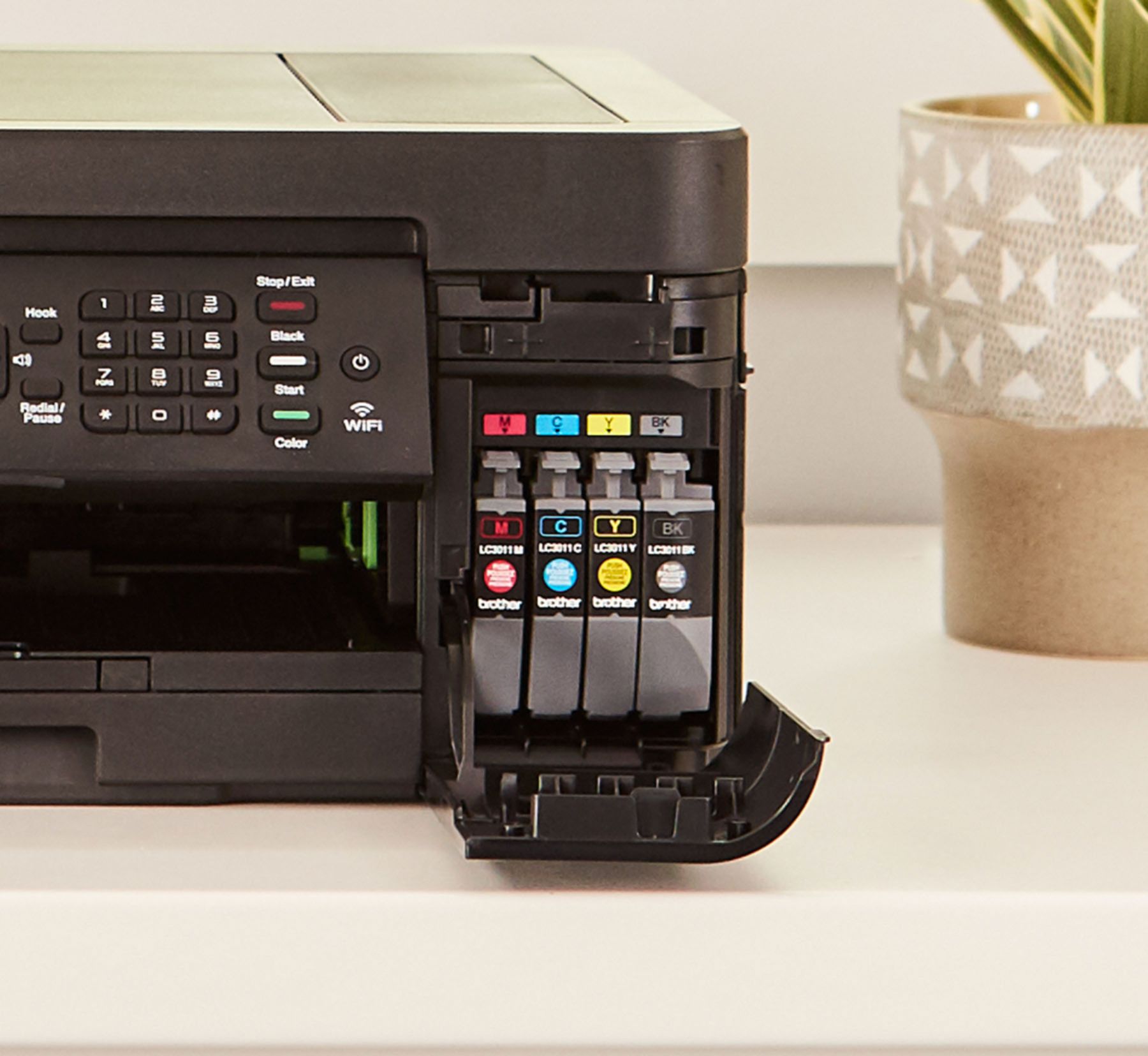
A:AnswerThe Brother MFC-J497DW uses Innobella LC3011 and LC3013 ink cartridges. We strongly recommend to use only Brother Genuine cartridges for optimal results. Using non-Brother supplies may affect the hardware performance, print quality and machine reliability. The Brother limited warranty may not apply to any problem that is caused by the use of third-party supplies.
A:AnswerBrother doesn't recommend using the Brother MFCJ497DW to print labels due to the likelihood of them becoming dislodged in the paper path causing damage. Brother's limited warranty doesn't apply to any issues caused by attempting to print labels with this machine.