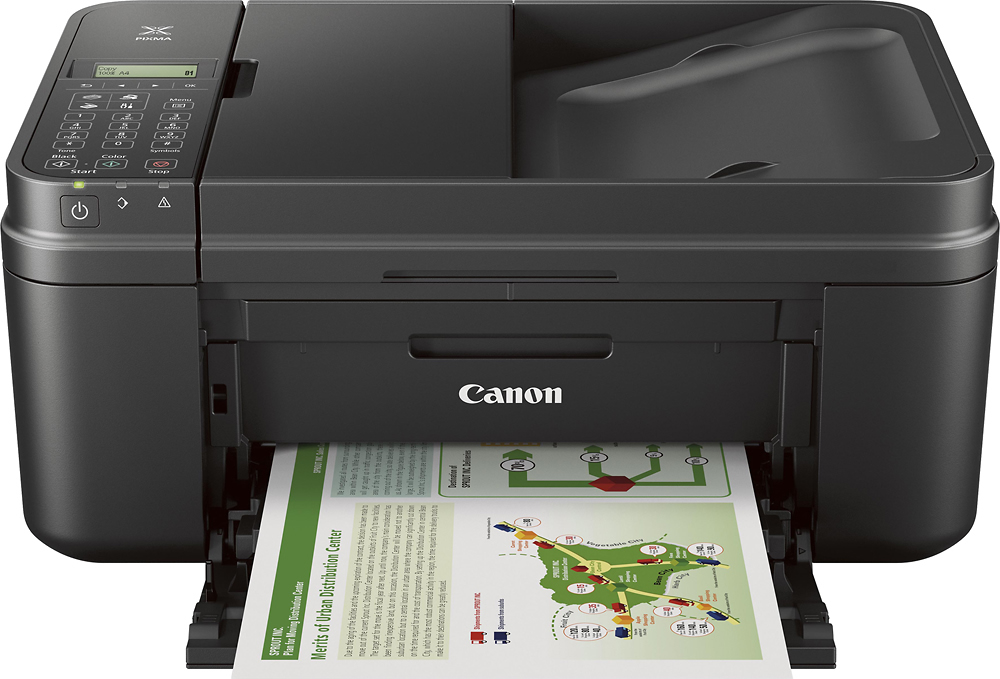
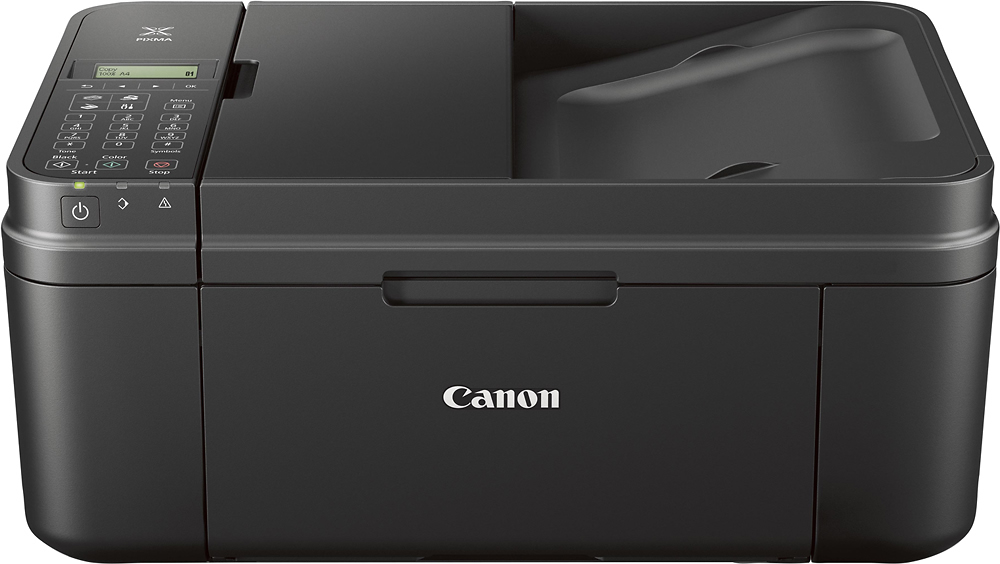
A:AnswerGo into your printer setting on the desktop or laptop you are using and change the printer preferences to "standard". When it is set on "quality" or "high resolution" it will print slower although better quality.
A:AnswerI haven't tried this, but there is a manual paper feeder on the back of the device that could accept heavier media such as card stock or transparencies.