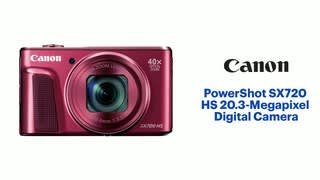
A:AnswerYes just hit the center button or select I think it's called. After you have navigated through the menu, then gone to resize, rotate or anything that you want to do. Then use the plus minus buttons on the upper right 2 zoom in and out to make the size you want and the buttons above the center select will move the photo up or down to the position you would like. When you are satisfied then just hit select and it will ask you if you would like to save the image as a new file or overwrite.
A:AnswerSuppose to be able to. I have yet to not get agitated and quit. It hasn't worked for me to connect to another device 'yet'. I think it gets a connection but my other devices don't seem to recognize it. Was really hoping to have it work to my Samsung 7 Edge.
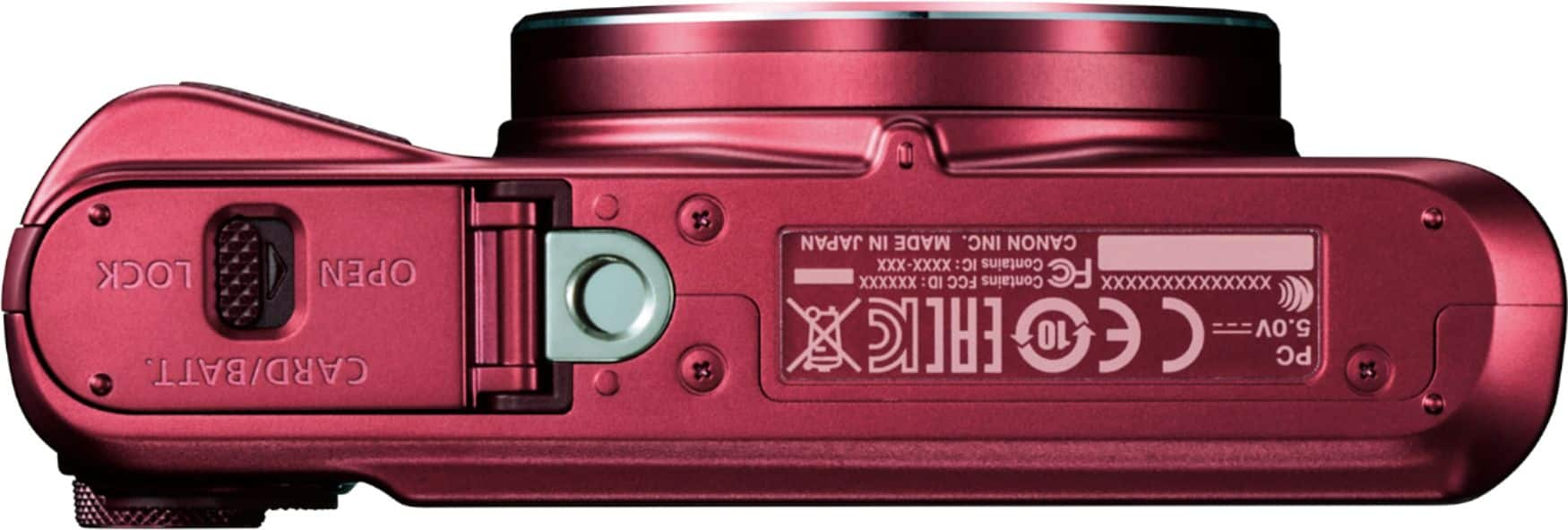
A:AnswerThere is a 7 digit # on a small stamp on bottom of camera. Is this pin or serial #? It is the only number I see on camera that is not model number.
A:AnswerIt depends on how you use it. My Sony has a software glitch that stops it from working and you must restart. The Canon has not shown this fault.
A:AnswerIn my case, i cannot able to find any solution where i can use my sx720 as a pc webcam or to control it from PC like other DSLR can do easily but yes, you can remotely controlled from any smart phone through smartphone application