A:AnswerWe do not have this model and I honestly don't know right now which model it is. I'm needing to do stuff tomorrow and will check all the names and connections.
I caution you to not go cheap. Think about what you might need in the future.
-preferably you can operate the camera with a direct power plug on the camera. (always have to have a battery on it)
-If your camera and board are both near each other you should not have distance issue. I'm The transmitter hooks up to xlr cable from either the house speaker or maybe from the monitor output. The receiver is at the camera and that output plugs into the camera, but we have not hit 100ft. More like 75. If you are not already doing it, you will most likely need to get The transmitter, SKP-500-G4 transmitter sends it to the SK-500-G4 receiver Specs say it can transfer up to 330' straight line of site. It's never failed us, but it is a little pricey. I honestly don't know what brand it is and I set it up and put it away every week. I'll actually know tomorrow. B/C I have to find a second camera for Sunday.
Cautions:
-don't just look for cheap. Be real sure that the camera you get has some capabilities for future possibilities or you'll then have to buy a more expensive one later.
-be sure it can stream b/c you want to live feed to the nursery, bridal room, etc. A lot of the off name brands can receive and record but can't stream. And some can not stream and record at the same time. And that is how we use ours.
-does it have direct power plug in camera or you have to make sure you have charged batteries. They bought a second camera at our church so they could live feed to some classrooms, and it was a cheap brand.... no name on it and it failed. So I hooked up our regular camera and it did everything we needed to do. If the camera will stay at the booth. you could hook directly from board to camera...maybe even through earphone outlets, although I didn't really try that
-There are a lot camera's that have no name or different names but have the same model # so just be cautious as there are 4 main things:
-make sure you can record and stream at the same time.
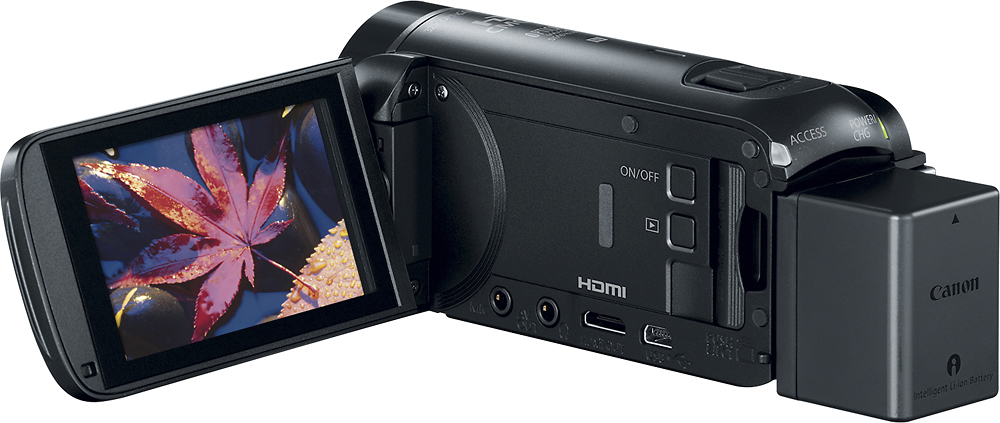
-so there needs to be some kind of output plug, mini HDMI.
-needs to be an audio output in case you need live feed to another room.
-suggest direct power port to camera, as batteries like to die at the wrong times.
-make sure they can stream and record at the same time.
Advice from experience, as I had to take over getting the streaming to finally work. Turned out our recorder we always used could do everything we needed.
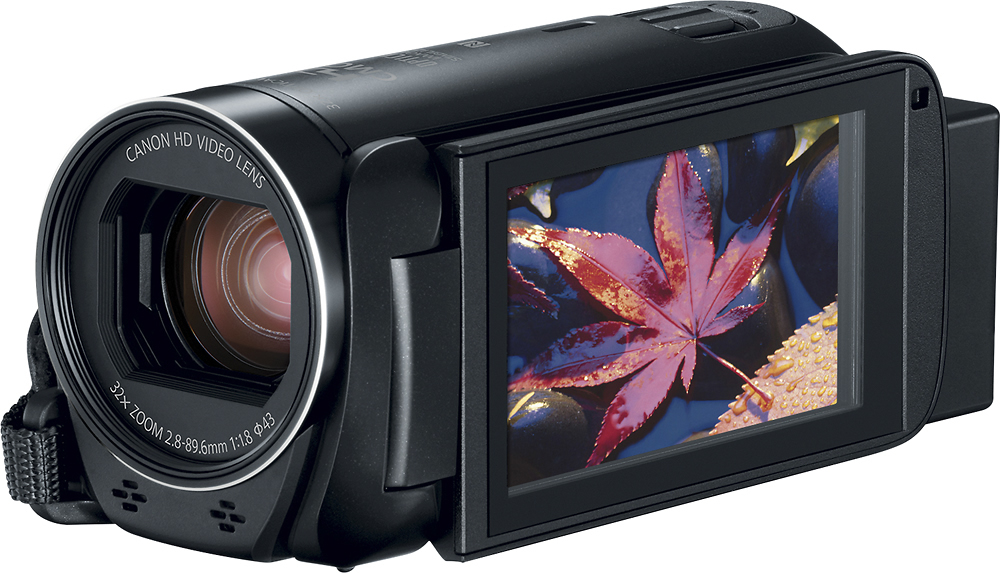
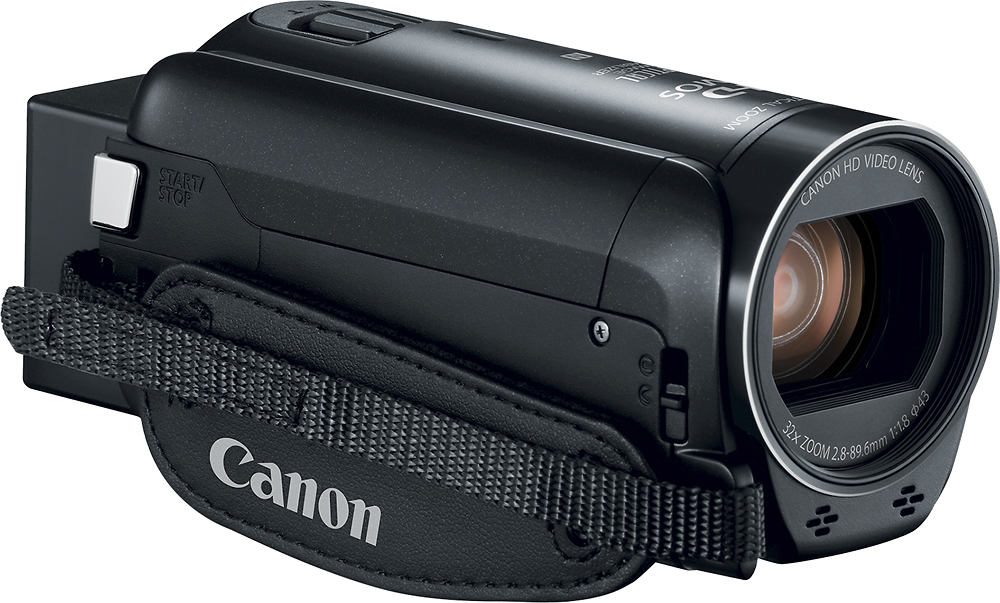
We have a Canon, but I'll check tomorrow on the model, hookup, and other stuff.
Oh, I you may need to reformat them for use in the camera. Somehow they are marked as already to start using. I need a second camera for Sunday so need to see how I can do this.
It gets tricky, but works.
A:AnswerMP4 is a format available for videotape export. In the past, on a Canon Vixia R70, I had difficulty uploading to Twitter from the SDHC media card used to store the videos. Twitter couldn't recognize the videos as MP4 & sent messages back to use MP4 format. Facebook could recognize & upload videos from the SDHC.
A:AnswerYes. There is a button on the touch screen with a camera icon. When you push that it only takes a picture. I think this is the only way but I could be wrong.
A:AnswerI used two of these cameras to record some groups for work. I simultaneously used HDMI cables to run the picture/sound to a television in an adjacent room. Worked just fine. One word of caution - the HDMI output jack on the camera itself is a mini-HDMI. It comes with a cable to plug into the mini-HDMI port that has a regular sized HDMI male output on the other end of the cable. This included cable is about 4 inches long. So you would need a male-to-male HDMI coupler to attach a regular HDMI cable to the cable coming out of the camera.