Appliances Memorial Day SaleFree delivery. Ends 6/3. Terms apply.Shop now

Skip to contentGo to Product Search
Main Content

Questions & Answers

$21.99
Save $8
The comparable value is $29.99
Page Showing 1-9 of 9 questions
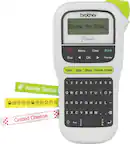
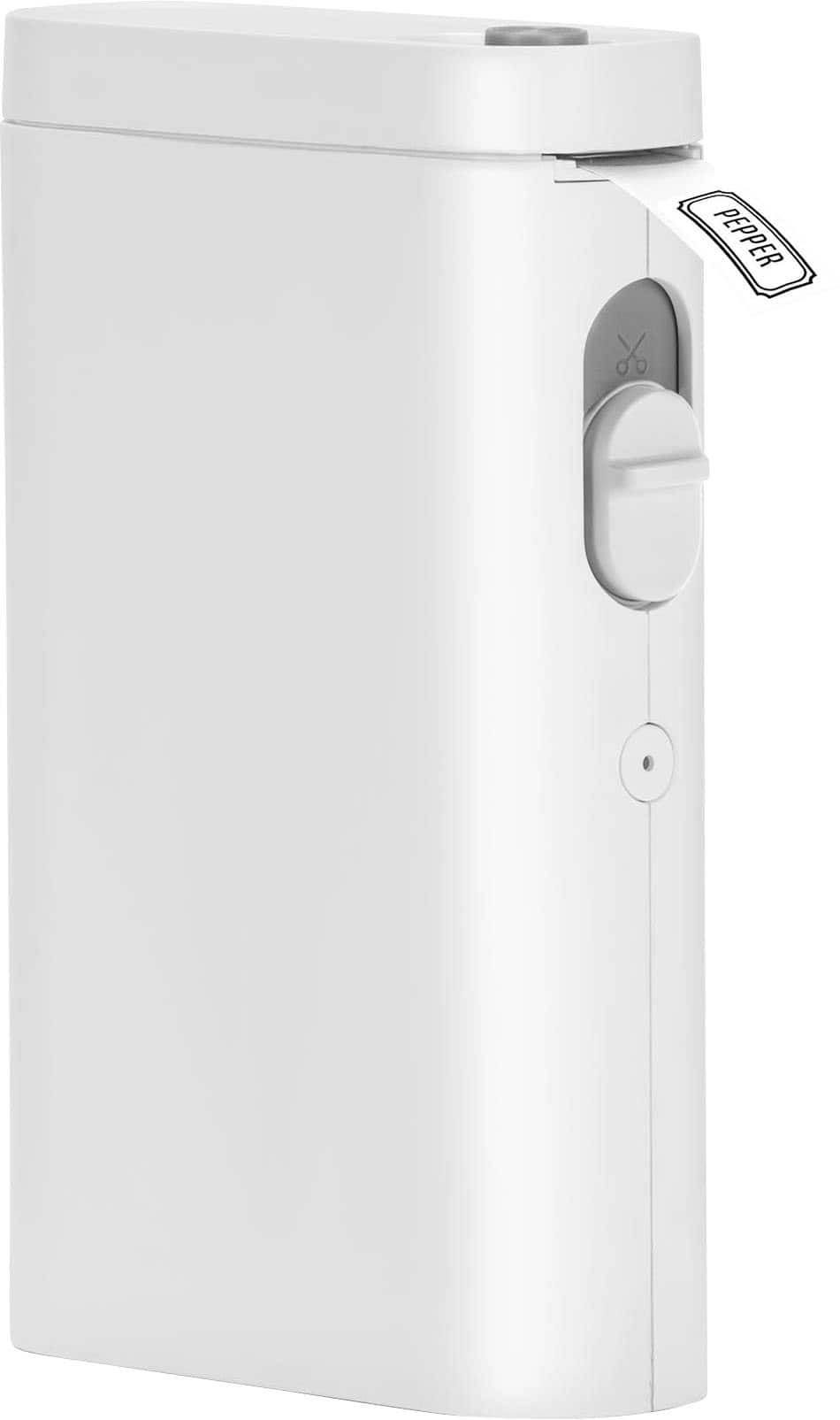
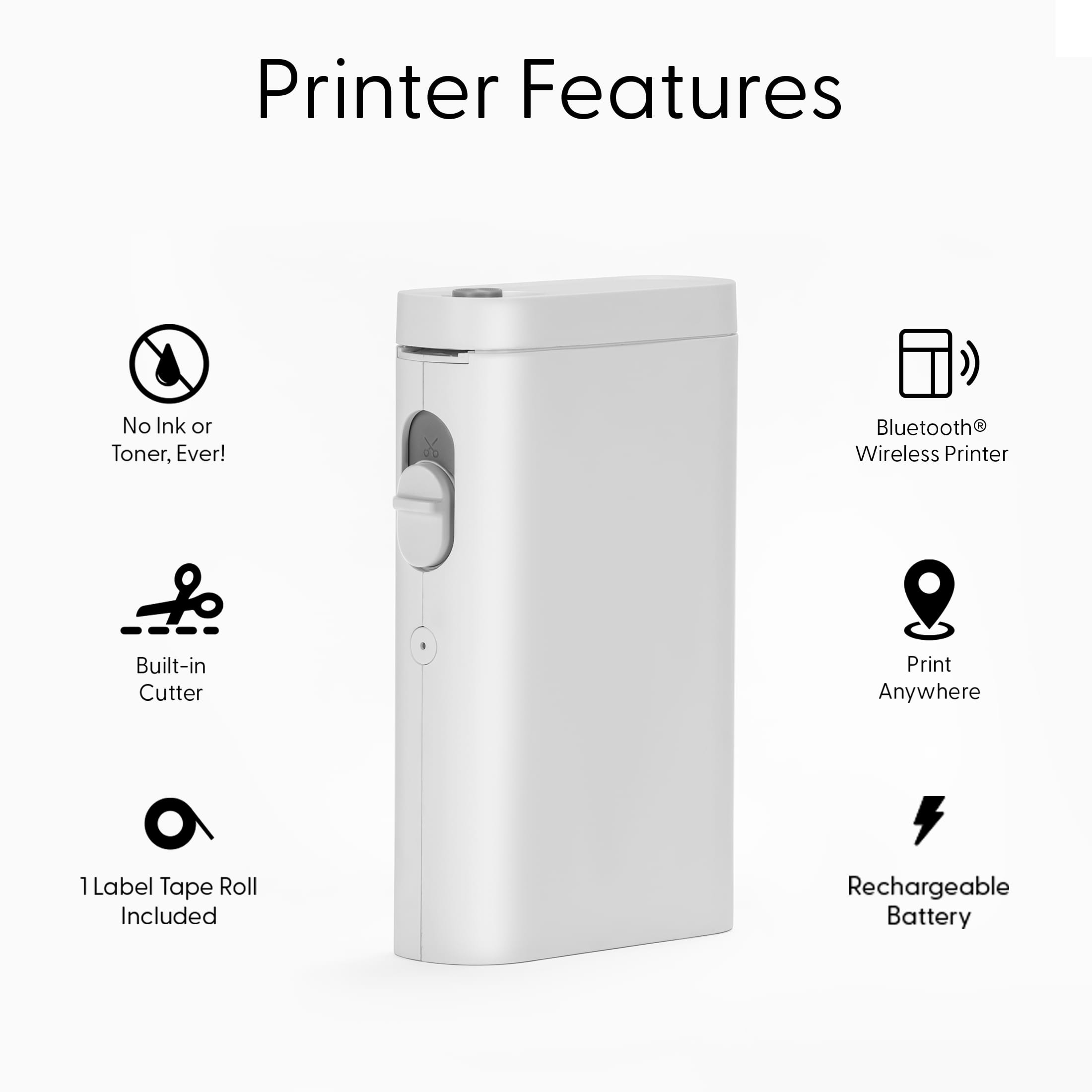
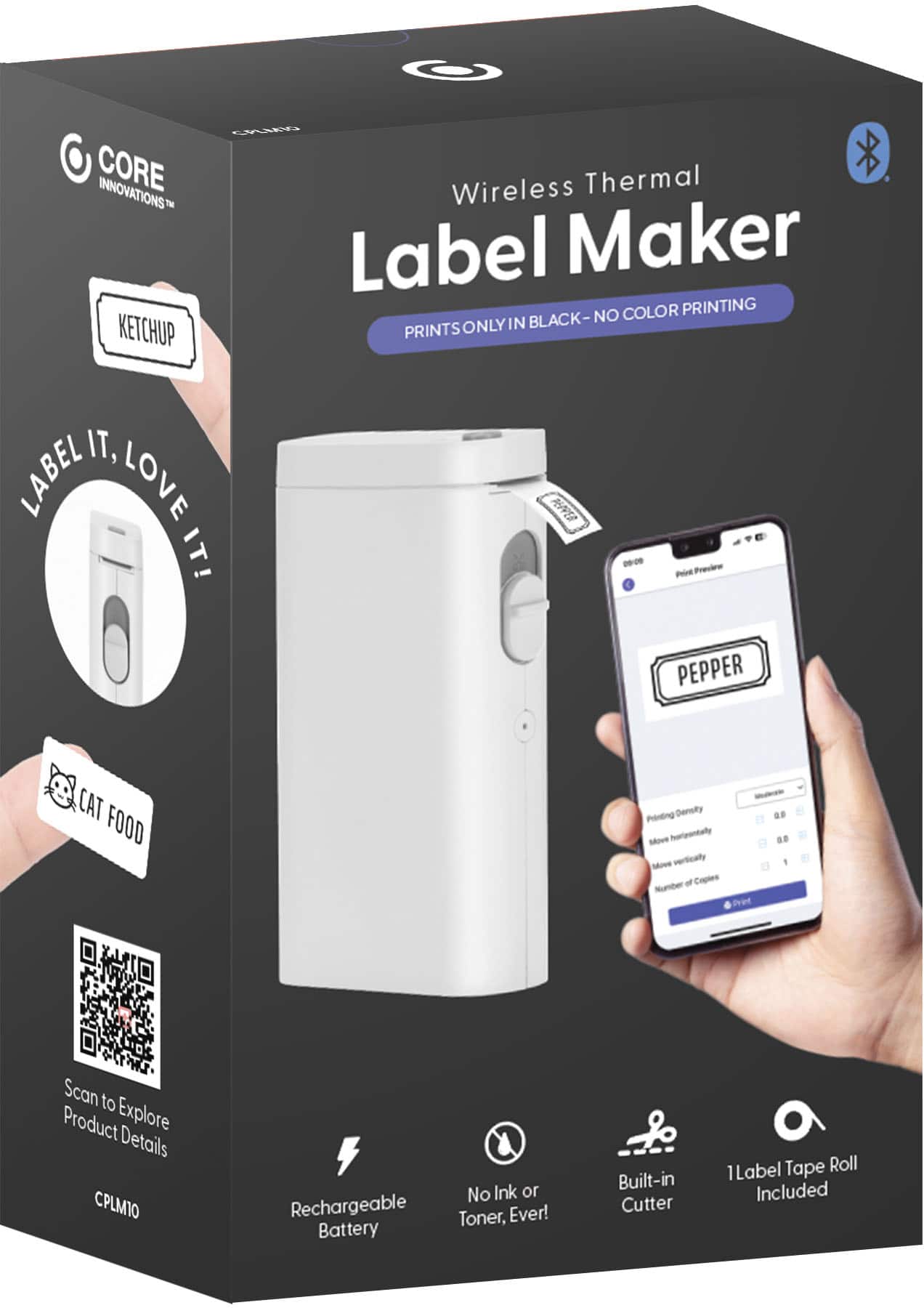
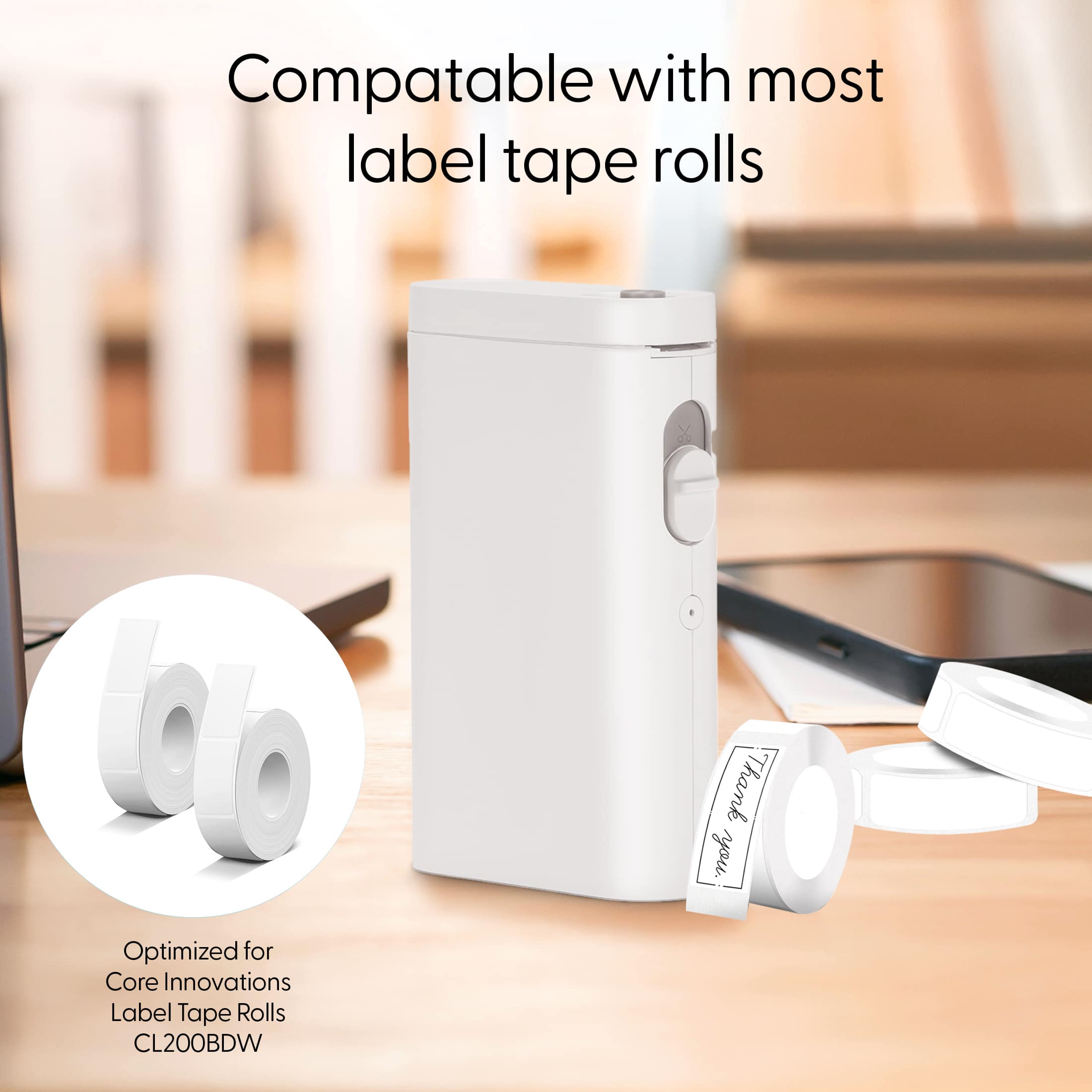
  • QuestionDoes this label maker have an automatic cutting feature?

    • Answer Yes, this label maker has an automatic cutting feature.
    This question and answer was generated by AI based on customer and product data.
  • QuestionDoes this label maker use ink to print?

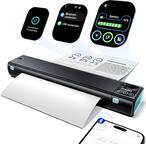
    • Answer No, this label maker uses direct thermal technology, so it does not require ink.
    This question and answer was generated by AI based on customer and product data.
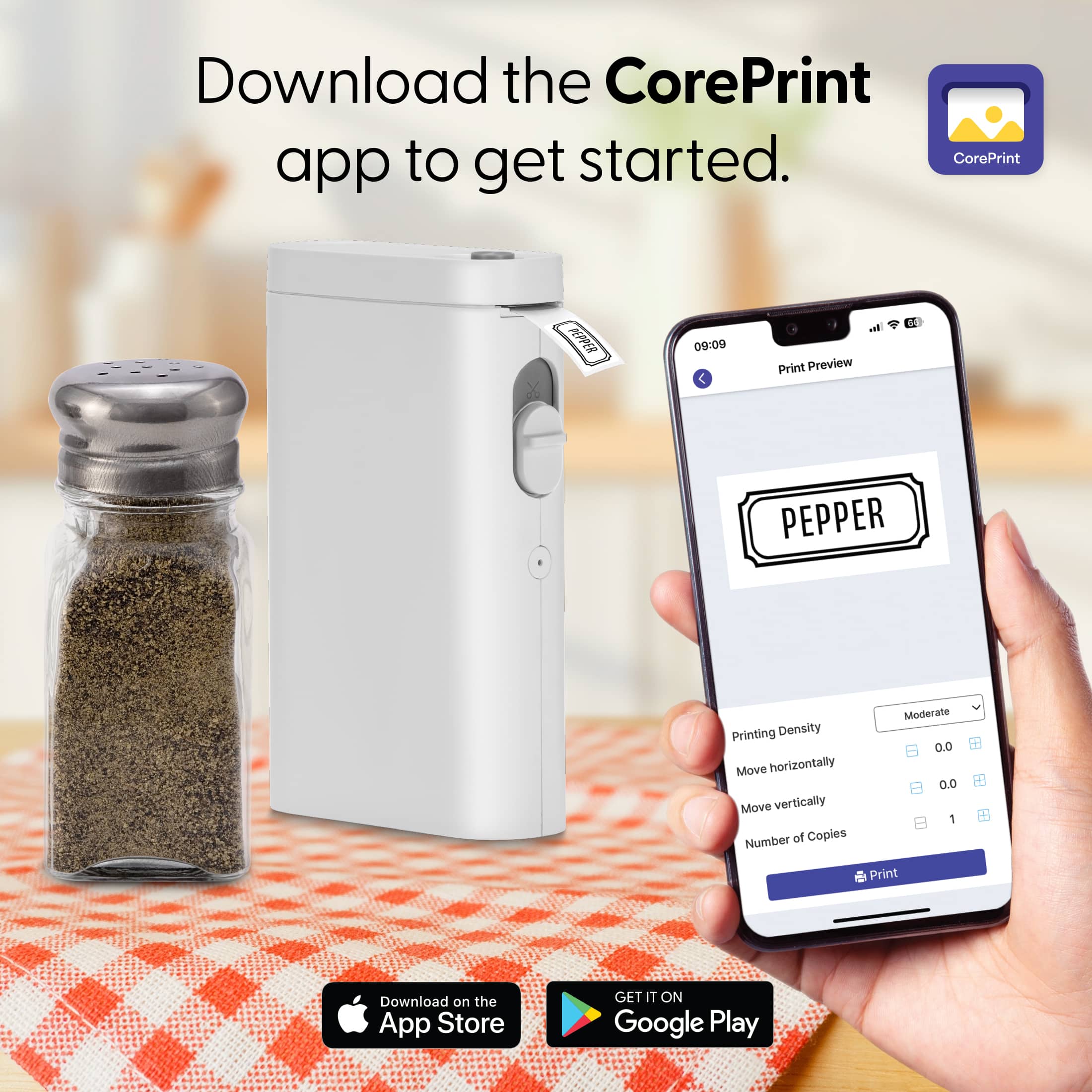
  • QuestionHow does this label maker connect to my smartphone?

    • Answer This label maker connects to your smartphone via Bluetooth using the free CorePrint app.
    This question and answer was generated by AI based on customer and product data.
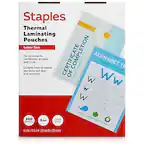
  • QuestionWhat is the printing speed of this label maker?

    • Answer The label maker has a print speed of 30 mm/s.
    This question and answer was generated by AI based on customer and product data.
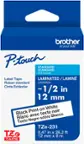
  • QuestionHow many labels are contained in each roll?

    • Answer Each roll contains 90 labels.
    This question and answer was generated by AI based on customer and product data.
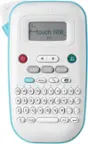
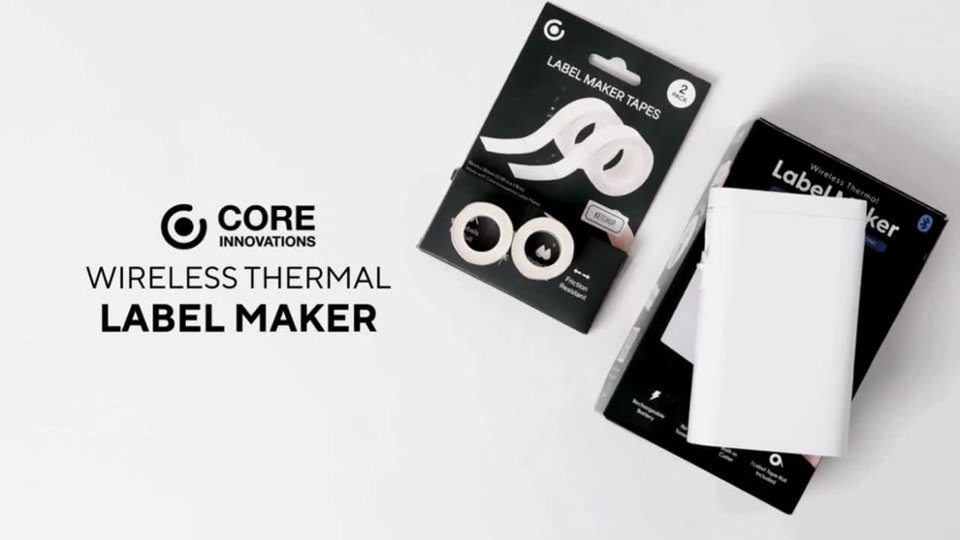
  • QuestionIs label tape included with the label maker?

    • Answer Yes, starter label rolls are included, so you can begin printing immediately.
    This question and answer was generated by AI based on customer and product data.
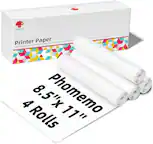
  • QuestionCan I print barcodes with this label maker?

    • Answer Yes, you can create scannable barcode labels with this label maker.
    This question and answer was generated by AI based on customer and product data.
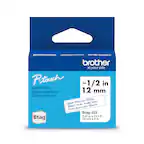
  • QuestionMy printer is printing but hardly any ink or picture is showing.

    Asked by EvilQueen77.

    • Answer Hi EvilQueen, we’d like the opportunity to help make this right and assist you with a proper resolution. Please contact us at 1-833-909-2673, Monday to Friday, 9:00 AM – 5:00 PM PST, or email support@dpaudiovideo.zendesk.com so our team can review your case and assist you further.

      Answered by Core Product Support

  • QuestionIt's not printing correctly, it seems to be running out of ink

    Asked by Anonymous.

    • Answer Hello, we’re sorry to hear that the printer isn’t printing correctly. We’d be happy to help troubleshoot and get this working properly for you. Please reach out to us at 1-833-909-2673, Monday to Friday, 9:00 AM – 5:00 PM PST, or email support@dpaudiovideo.zendesk.com so our team can assist you further.

      Answered by Core Product Support