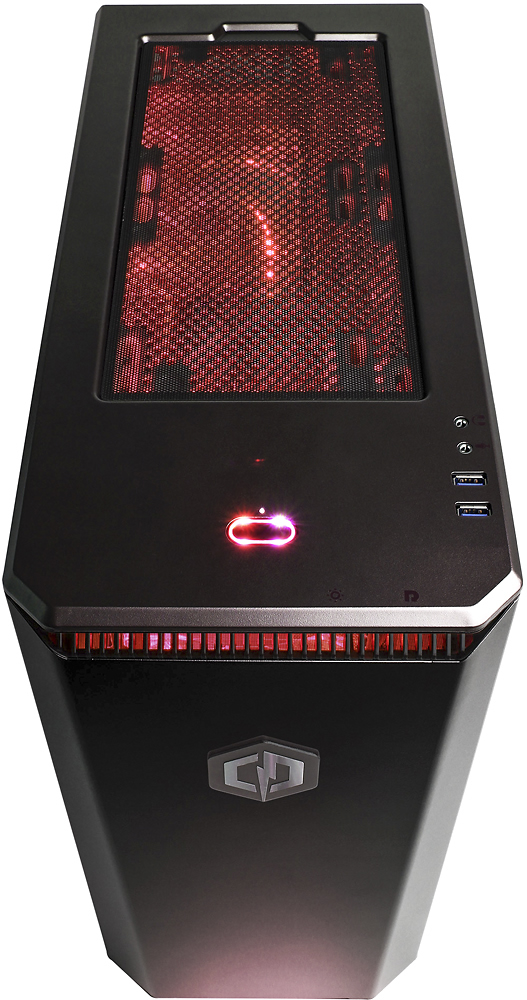
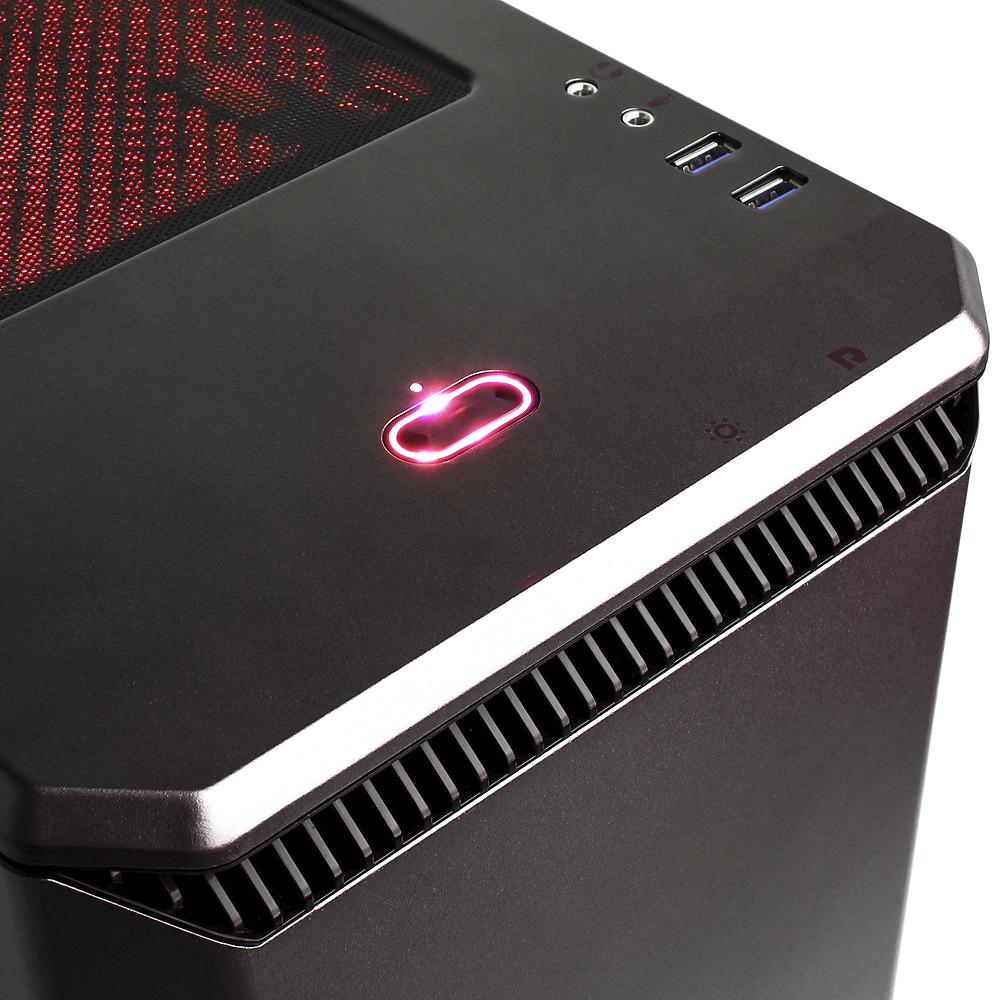
A:AnswerYes. Push and hold the light button for 3 seconds or so and then release. It goes off or changes to a brightness cycling mode. Just keep trying push and hold and release until it goes out.
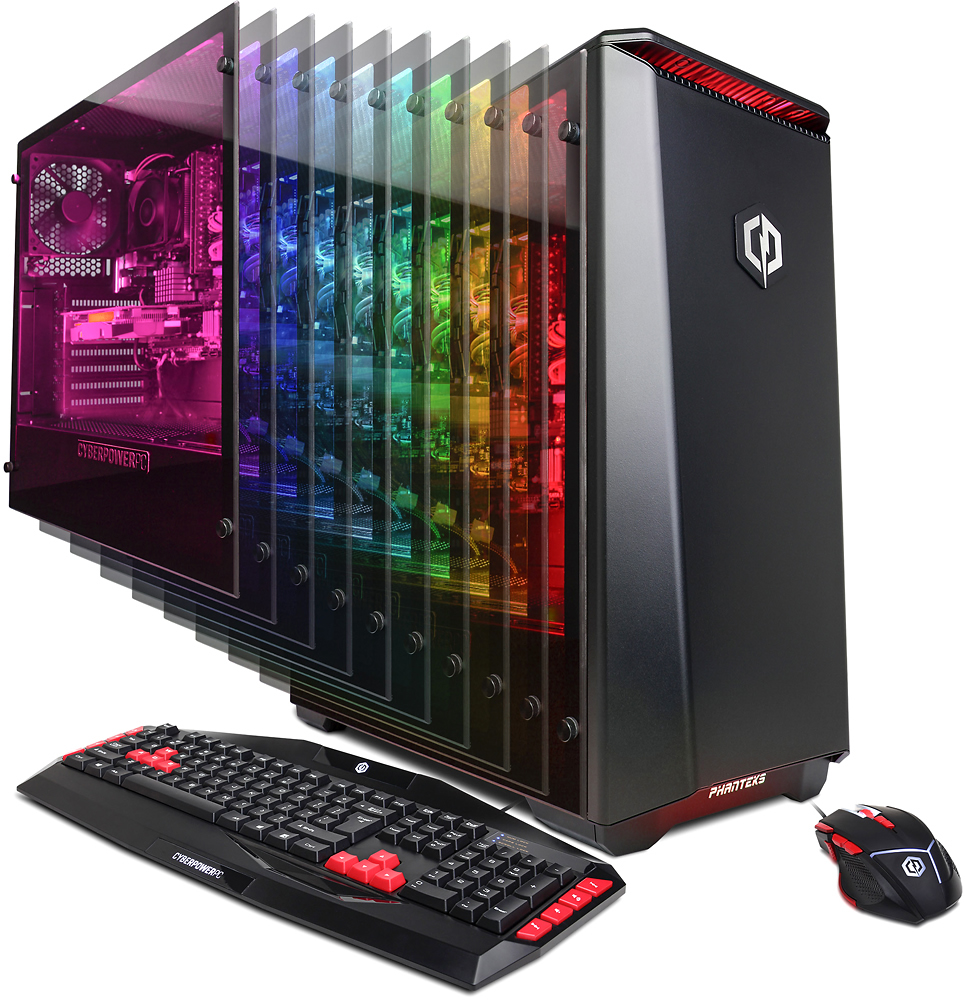
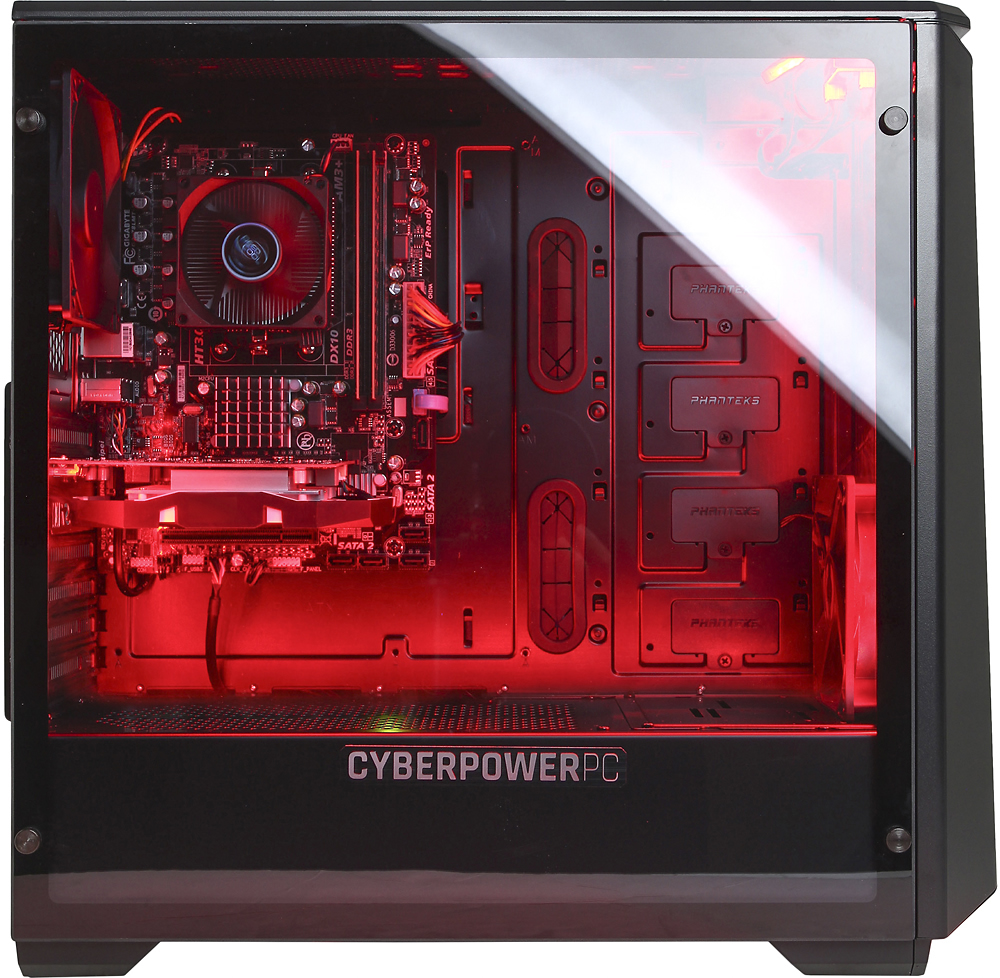
A:AnswerThe hard drive is located at the bottom towards the front behind where it says "CYBERPOWERPC" in a hidden area that is accessed by removing the right side panel of the case otherwise it will not be visible through the glass side panel. Please feel free to call us if you have any other questions at 1.888.937.5582 Monday through Friday from 7am to 7pm PST.