A:AnswerIf you cant install a disc then I suggest going to a different pc, maybe a friend's or relative's, and put the disc in along with a usb. Copy everything from the disc to the usb then use that. That's simply what I did.
A:AnswerThank you for reaching out to us.The GTX 1060 6GB will be compatible with the current power supply in your system. If you have any further questions or concerns then please do not hesitate to give our tech support agents a call for any assistance; we're always happy to help.
Tech support:
(888)937-5582
- CyberpowerPC Support
A:AnswerThank you for reaching out to us. You can install a RX 580 graphics card into this system but you will need to upgrade the power supply to at least 500 watts, If you have any further questions or concerns then please do not hesitate to give our tech support agents a call for any assistance; we're always happy to help.
Tech support:
(888)937-5582
- CyberpowerPC Support
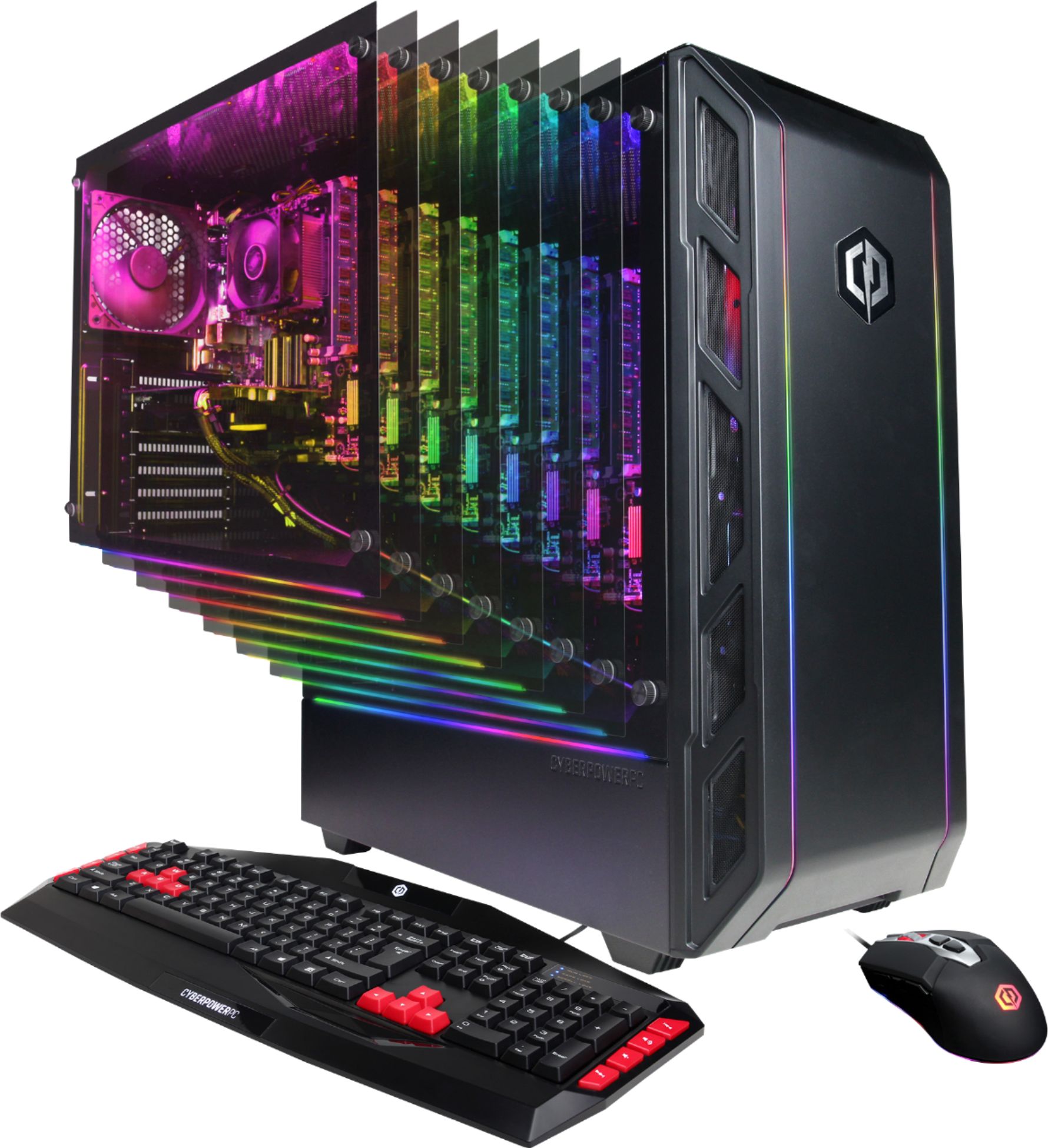
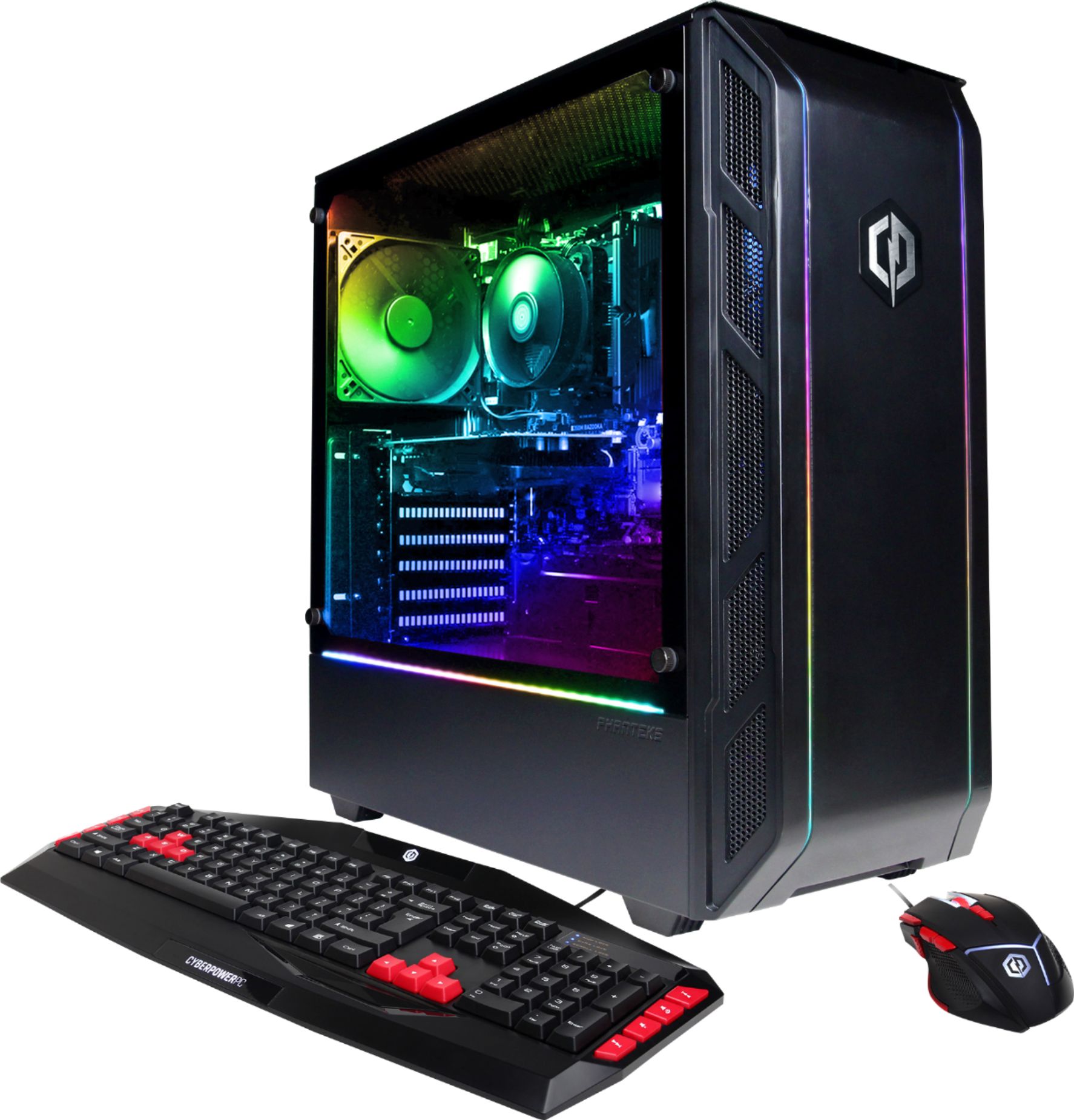
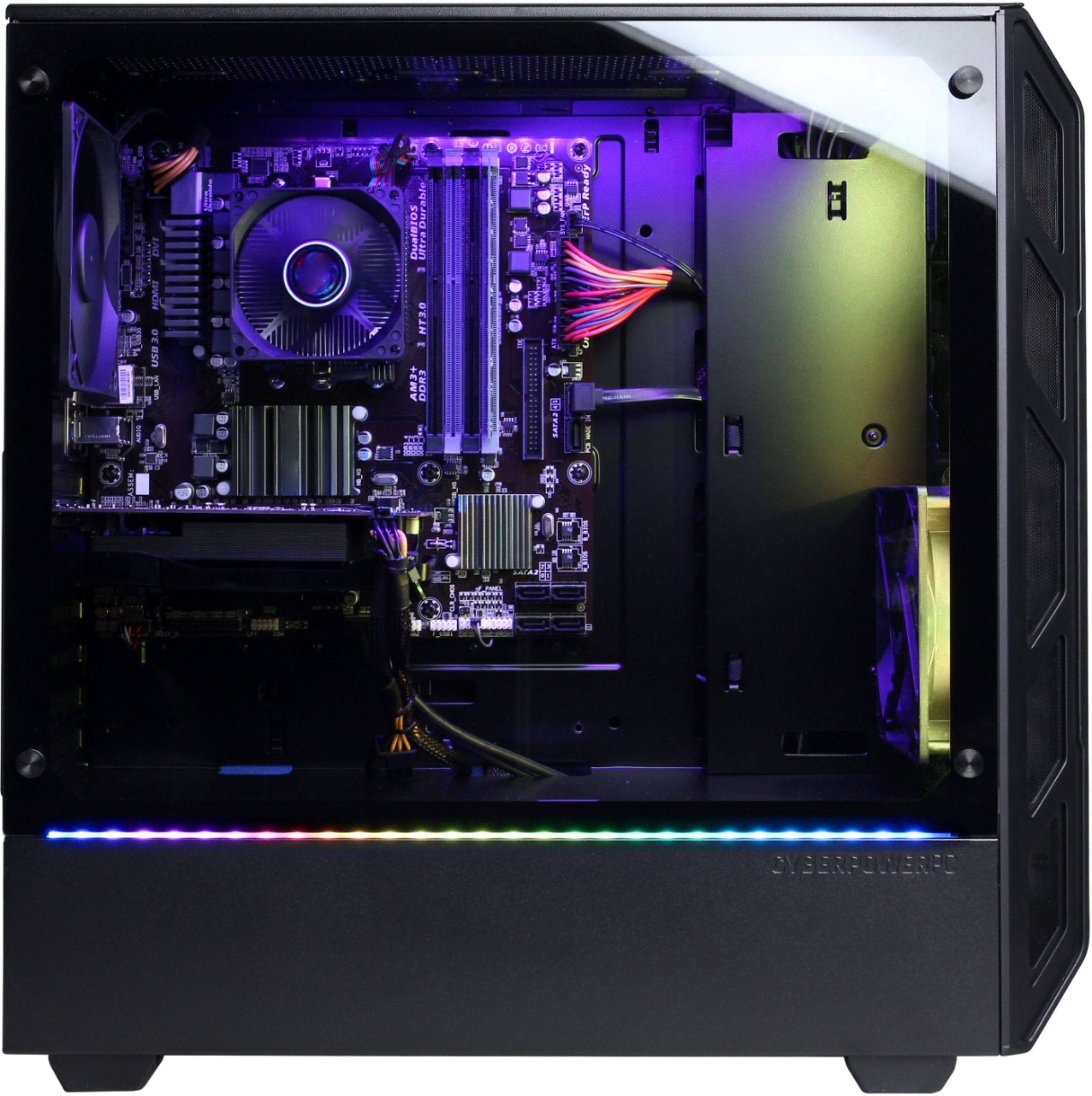
A:AnswerThank you for reaching out to us.There is a LED strip located on the side with the glass panel. It is located right where the panel needs on the bottom. If that strip does not light up, please contact support at 888/937-5582 Mon-Fri 8:30am-7:00pm PST for further troubleshooting. If you have any further questions or concerns then please do not hesitate to give our tech support agents a call for any assistance; we're always happy to help.
Tech support:
(888)937-5582
- CyberpowerPC Support
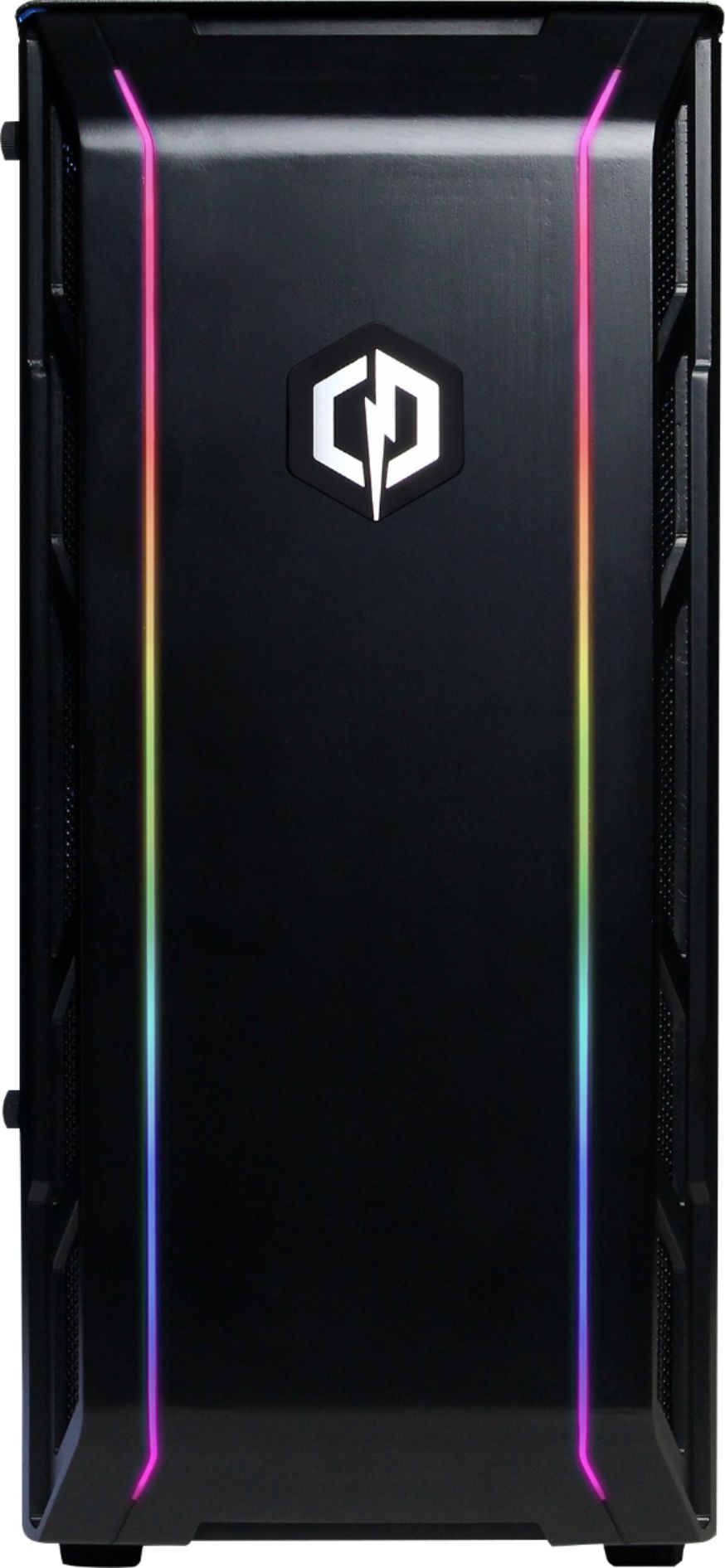
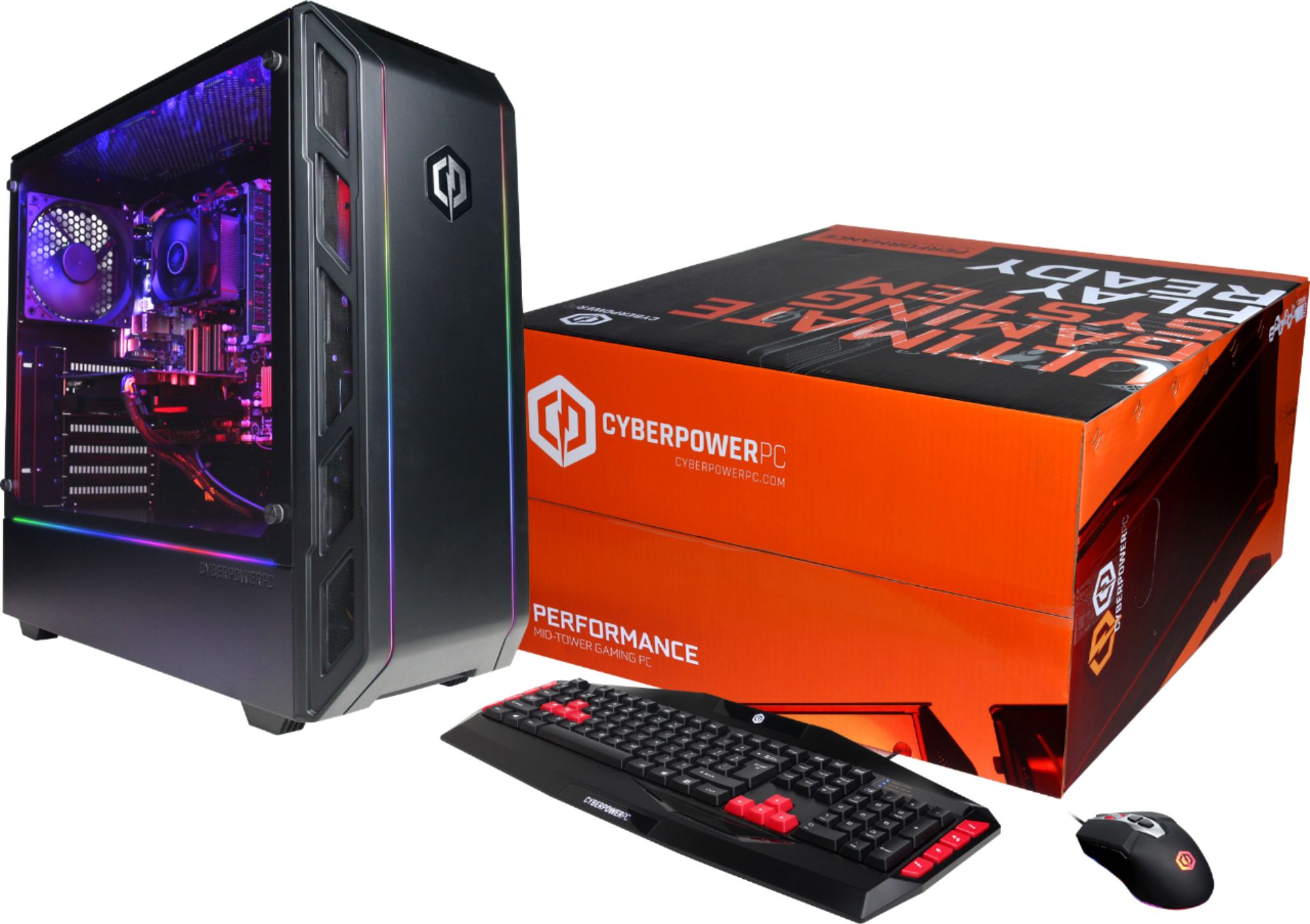
A:AnswerThanks for reaching out. Unfortunately, the RGB strips are only on the front and side panels of the PC. The colors are there to show the colors you are able to change them to. You are free to add your own RGB as well as RGB fans. If you have any further questions or concerns then please do not hesitate to give our tech support agents a call for any assistance; we're always happy to help.
Tech support:
(888)937-5582
-CyberpowerPC Support
A:AnswerThanks for reaching out. This PC should come with Windows 10 Home. If you have any further questions or concerns then please do not hesitate to give our tech support agents a call for any assistance; we're always happy to help.
Tech support:
(888)937-5582
-CyberpowerPC Support
A:AnswerThank you for reaching out to us. Please make sure that your power cord is fit securely into the power supply. If that does not resolve the issue, please contact support at 888/937-5582 Mon-Fri 8:30am-7:00pm PST for further troubleshooting of the issue. If you have any further questions or concerns then please do not hesitate to give our tech support agents a call for any assistance; we're always happy to help.
Tech support:
(888)937-5582
- CyberpowerPC Support
A:AnswerThank you for reaching out to us. This system does not have Wifi capabilities. However, you can always use a USB wireless adapter to connect to wireless. If you have any further questions or concerns then please do not hesitate to give our tech support agents a call for any assistance; we're always happy to help.
Tech support:
(888)937-5582
- CyberpowerPC Support
A:AnswerThank you for reaching out to us. You will be able to add up to 5 RGB fans into this chassis if you remove the 2 standard ones that are currently in the system. When choosing RGB fans, we suggest you get CORSAIR - LL Series 120mm Case Cooling Fan Kit with RGB lighting. If you have any further questions or concerns then please do not hesitate to give our tech support agents a call for any assistance; we're always happy to help.
Tech support:
(888)937-5582
- CyberpowerPC Support
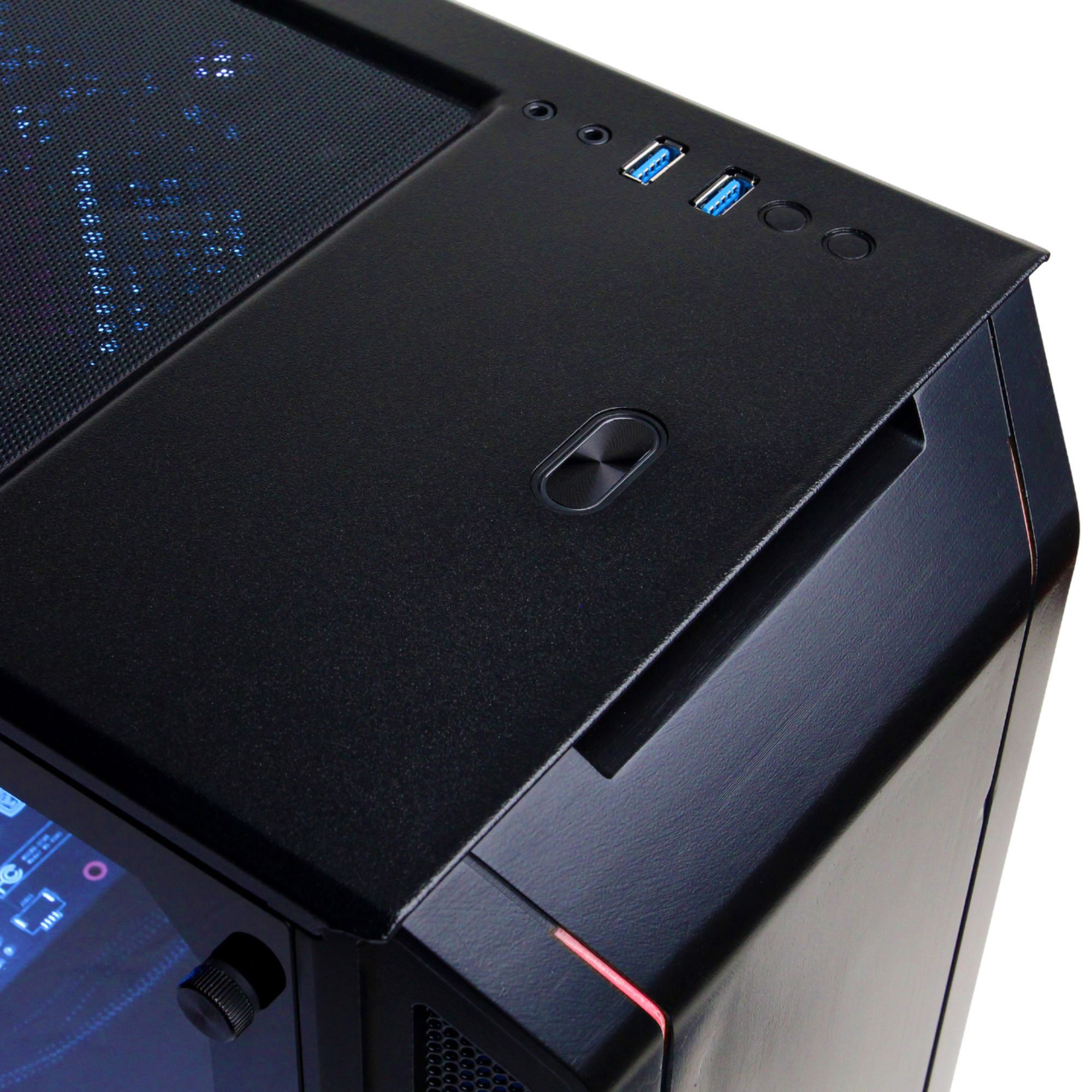
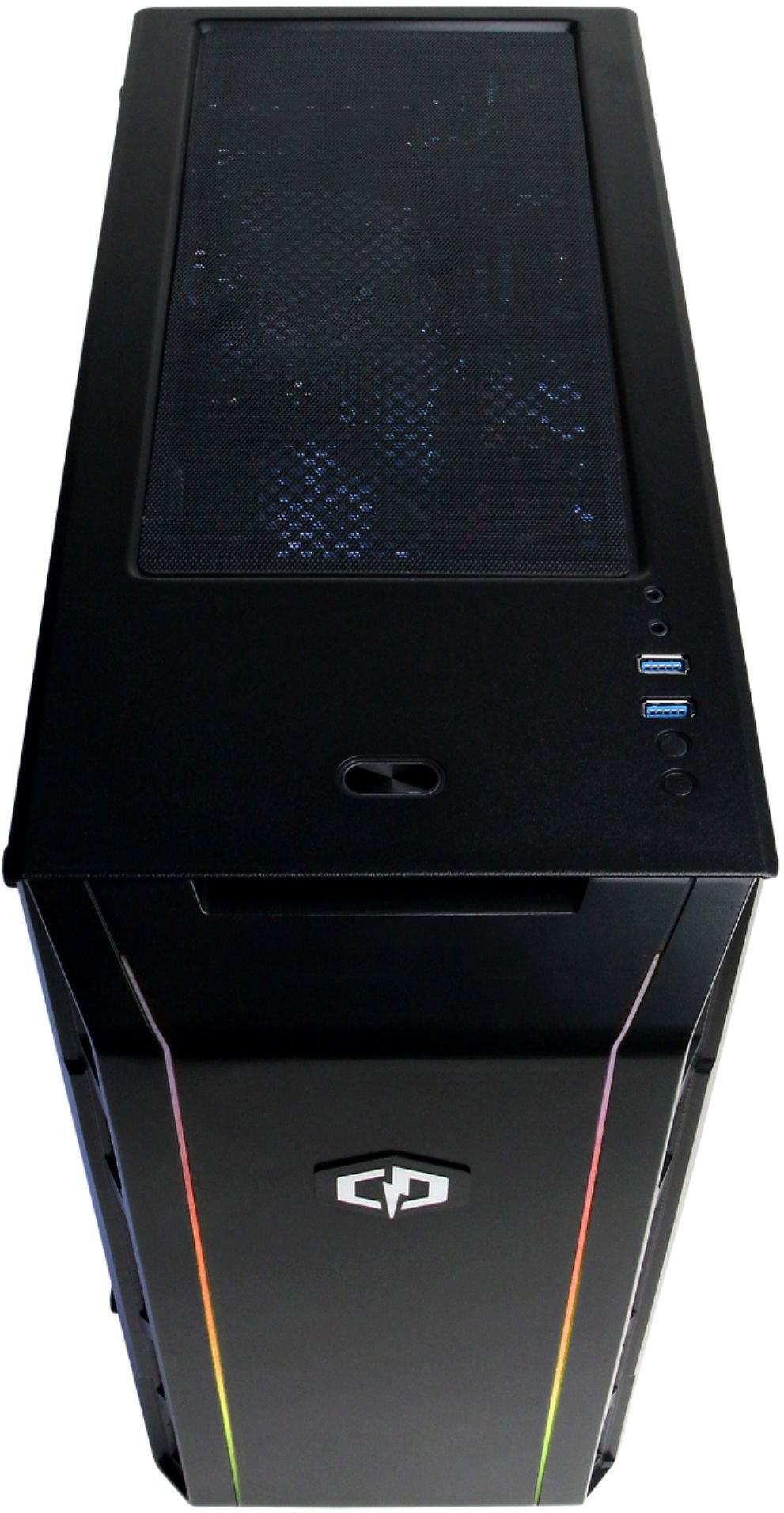
A:AnswerThank you for reaching out to us. There should be a button on the top of the chassis to change the color scheme for the LED strip on the case. If you have any further questions or concerns then please do not hesitate to give our tech support agents a call for any assistance; we're always happy to help.
Tech support:
(888)937-5582
- CyberpowerPC Support
A:AnswerThank you for reaching out to us. You can upgrade to the RX 580 graphics card. However, you will also need to upgrade the power supply to 600-800 watts to be on the safe side. If you have any further questions or concerns then please do not hesitate to give our tech support agents a call for any assistance; we're always happy to help.
Tech support:
(888)937-5582
- CyberpowerPC Support
A:AnswerThank you for reaching out to us. Unfortunately, you will not be able to pair your PS$ to the system. If you have any further questions or concerns then please do not hesitate to give our tech support agents a call for any assistance; we're always happy to help.
Tech support:
(888)937-5582
- CyberpowerPC Support
A:AnswerThanks for reaching out Cooper. Please make sure that you are connected to the video card or horizontal panel on the back of the PC. If you have any further questions or concerns then please do not hesitate to give our tech support agents a call for any assistance; we're always happy to help.
Tech support:
(888)937-5582
-CyberpowerPC Support
A:AnswerThank you for reaching out to us. Unfortunately, you cannot connect your PS4 to the PC. If you have any further questions or concerns then please do not hesitate to give our tech support agents a call for any assistance; we're always happy to help.
Tech support:
(888)937-5582
- CyberpowerPC Support
A:AnswerThank you for reaching out to us. This system comes equipped with a 450 watt 80 plus power supply unit installed. If you have any further questions or concerns then please do not hesitate to give our tech support agents a call for any assistance; we're always happy to help.
Tech support:
(888)937-5582
- CyberpowerPC Support
A:AnswerThank you for reaching out to us.Please make sure you are connecting the HDMI cable to the RX 560 graphics card. The HDMI port is located right under the audio ports on the rear of the system. If that does not work, please contact support at 888/937-5580 Mon-Fri 8:30am-7:00pm PST for further troubleshooting. If you have any further questions or concerns then please do not hesitate to give our tech support agents a call for any assistance; we're always happy to help.
Tech support:
(888)937-5582
- CyberpowerPC Support
A:AnswerThanks for reaching out. This PC should come with a WiFI USB adapter to help you connect to WiFi. If you have any further questions or concerns then please do not hesitate to give our tech support agents a call for any assistance; we're always happy to help.
Tech support:
(888)937-5582
-CyberpowerPC Support
A:AnswerThanks for reaching out. Please make sure that your HDMI cable is connected to your video card or horizontal panel on the back of the PC. If you do swap the cables around, please restart your PC. If you have any further questions or concerns then please do not hesitate to give our tech support agents a call for any assistance; we're always happy to help.
Tech support:
(888)937-5582
-CyberpowerPC Support