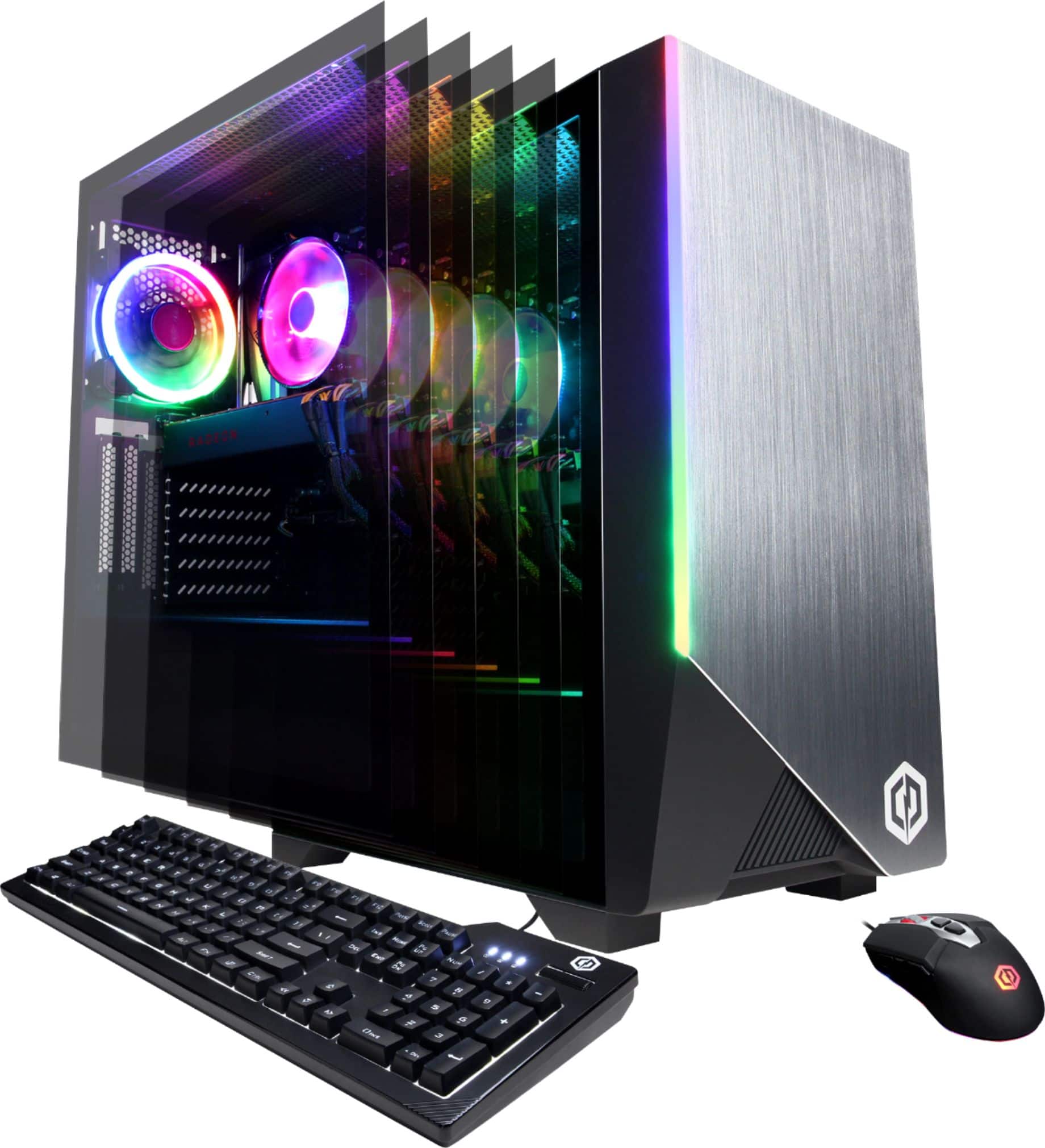
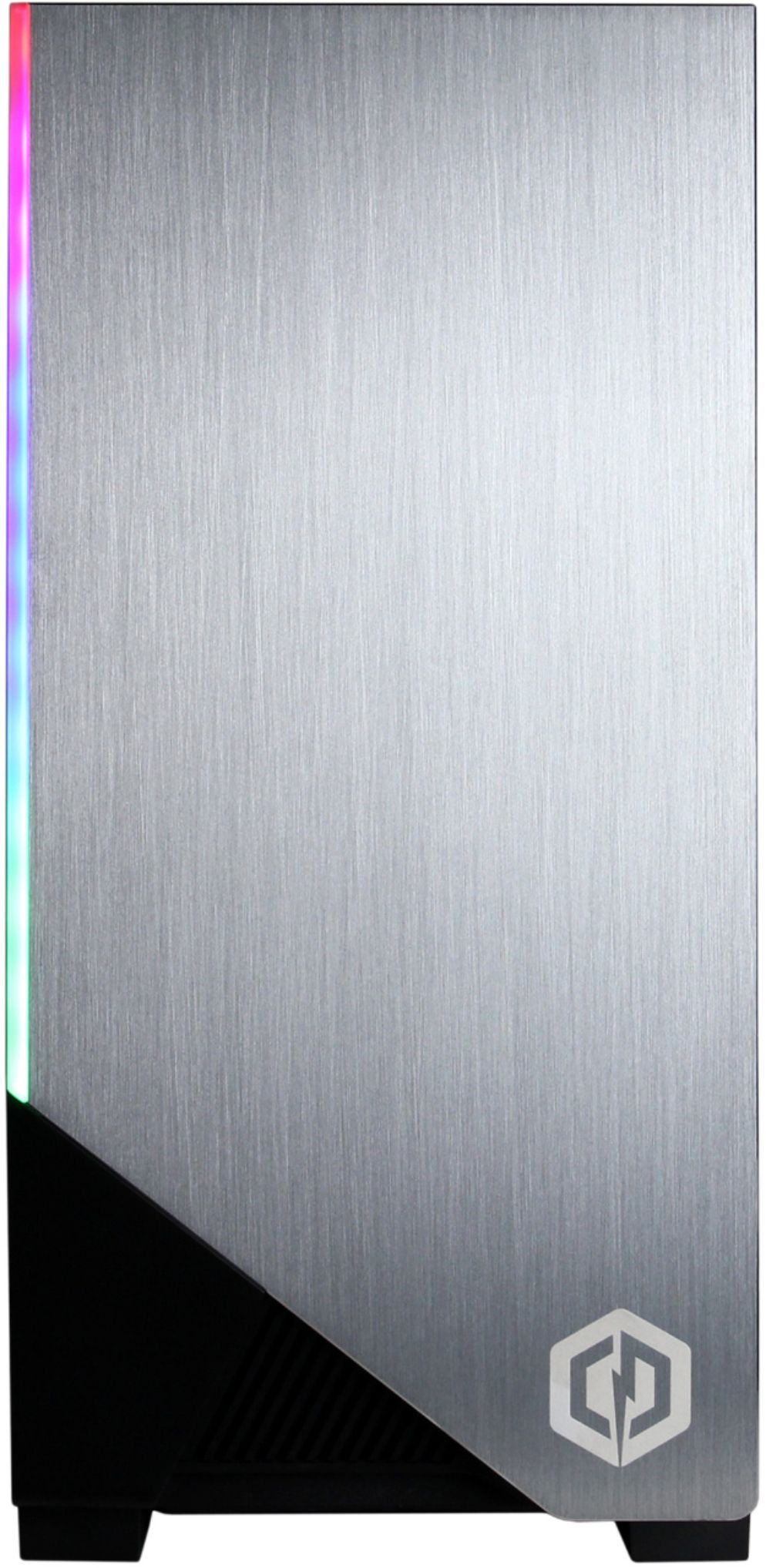
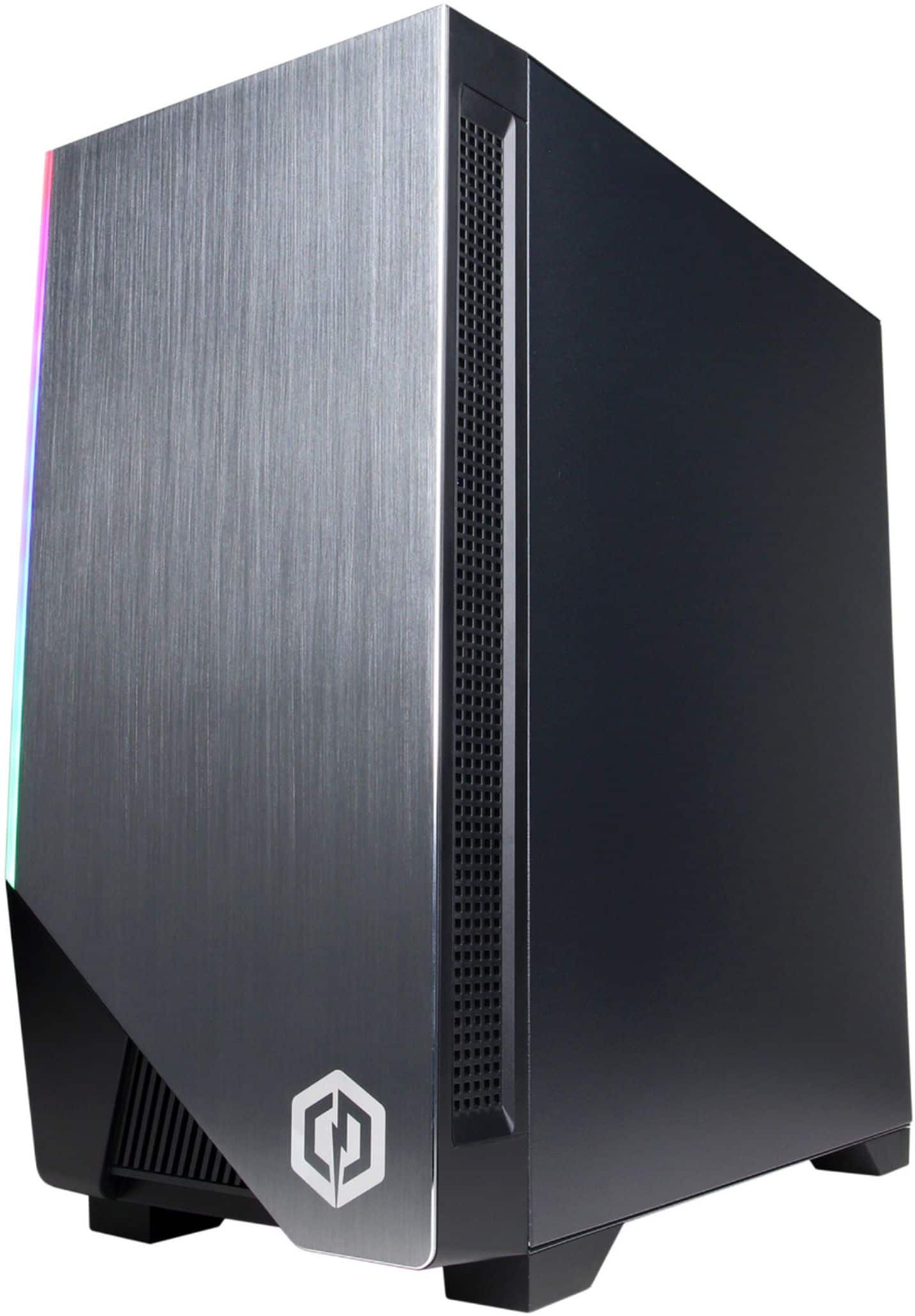
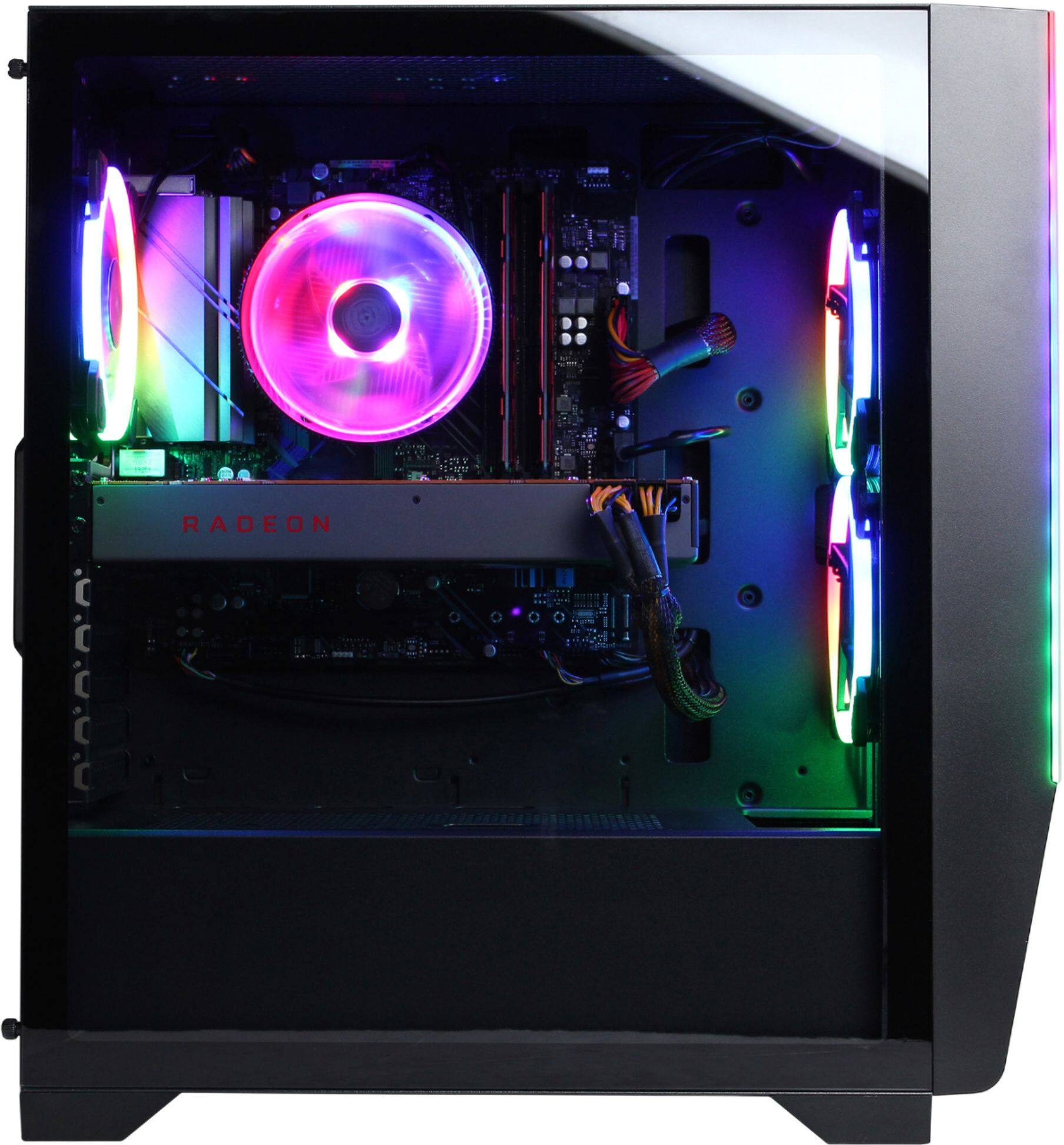
A:AnswerThank you for reaching out to us Arkveveen. You should be able to change the color of the RGB lighting by using the preinstalled motherboards software for your PC. You should also be able to change the color of the mouse by pressing the button on the mouse below the scroll wheel. Unfortunately the keyboard included with this system is non RGB and the color of the lighting cannot be changed. If you have any further questions or concerns then please do not hesitate to give our tech support agents a call for any assistance; we're always happy to help.
Tech support:
(888)937-5582
-CyberpowerPC Support
A:AnswerCyberpower Pic's answer was really bad. They should have been upfront with you and told you that a gaming system is overkill. For your needs, you could easily use an inexpensive Chrome laptop with an Office 365 subscription or just use Google's free apps.
A:AnswerThank you for reaching out to us bkaidenb. If you haven't already please feel free to contact our tech support team at your earliest convenience for further assistance on this matter, we're always happy to help.
Tech Support:
(888)937-5582
TechTeam@CyberpowerPC.com
Hours of Operation:
Monday - Friday: 8:30AM - 6:00PM PST
Saturday: 9:30AM - 3:00PM PST
-CyberPowerPC Support
A:AnswerThank you for reaching out to us studjones. Please feel free to contact our tech support team at your earliest convenience for further assistance on this matter, we're always happy to help.
Tech Support:
(855) 888-2039
TechTeam@CyberpowerPC.com
Hours of Operation:
Monday - Friday: 8:30AM - 6:00PM PST
Saturday: 9:30AM - 3:00PM PST
-CyberPowerPC Support
A:AnswerThank you for reaching out to us Tony. This system should include a B550 chipset motherboard and an 800 watt power supply. If you have any further questions or concerns then please do not hesitate to give our tech support agents a call for any assistance; we're always happy to help.
Tech support:
(888)937-5582
-CyberpowerPC Support
A:AnswerThank you for reaching out to us IndigenousDonut. You should be able to change the color of the RGB lighting to a solid color by cycling through your options. If you have any further questions or concerns then please do not hesitate to give our tech support agents a call for any assistance; we're always happy to help.
Tech support:
(855) 888-2039
-CyberpowerPC Support
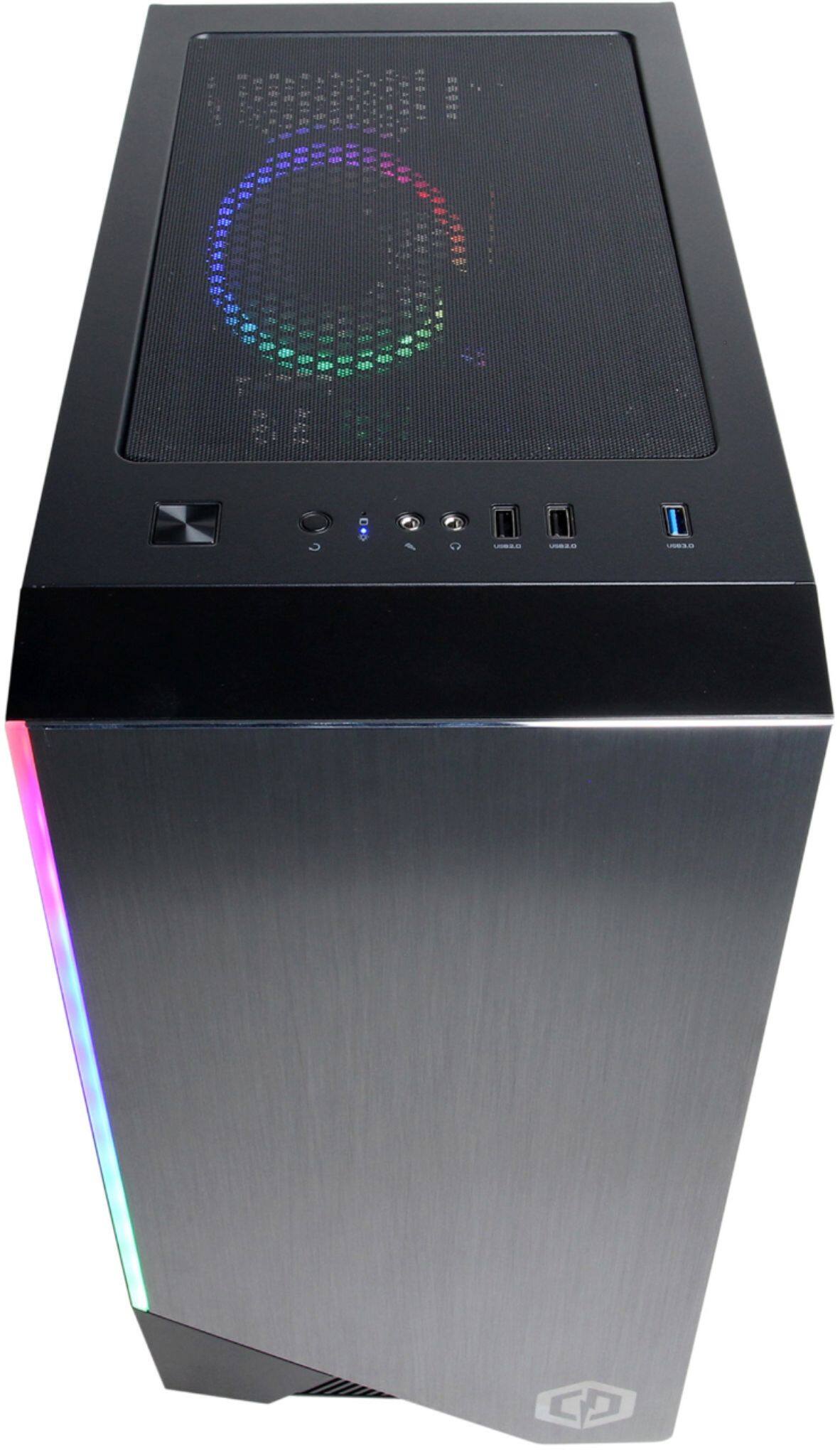
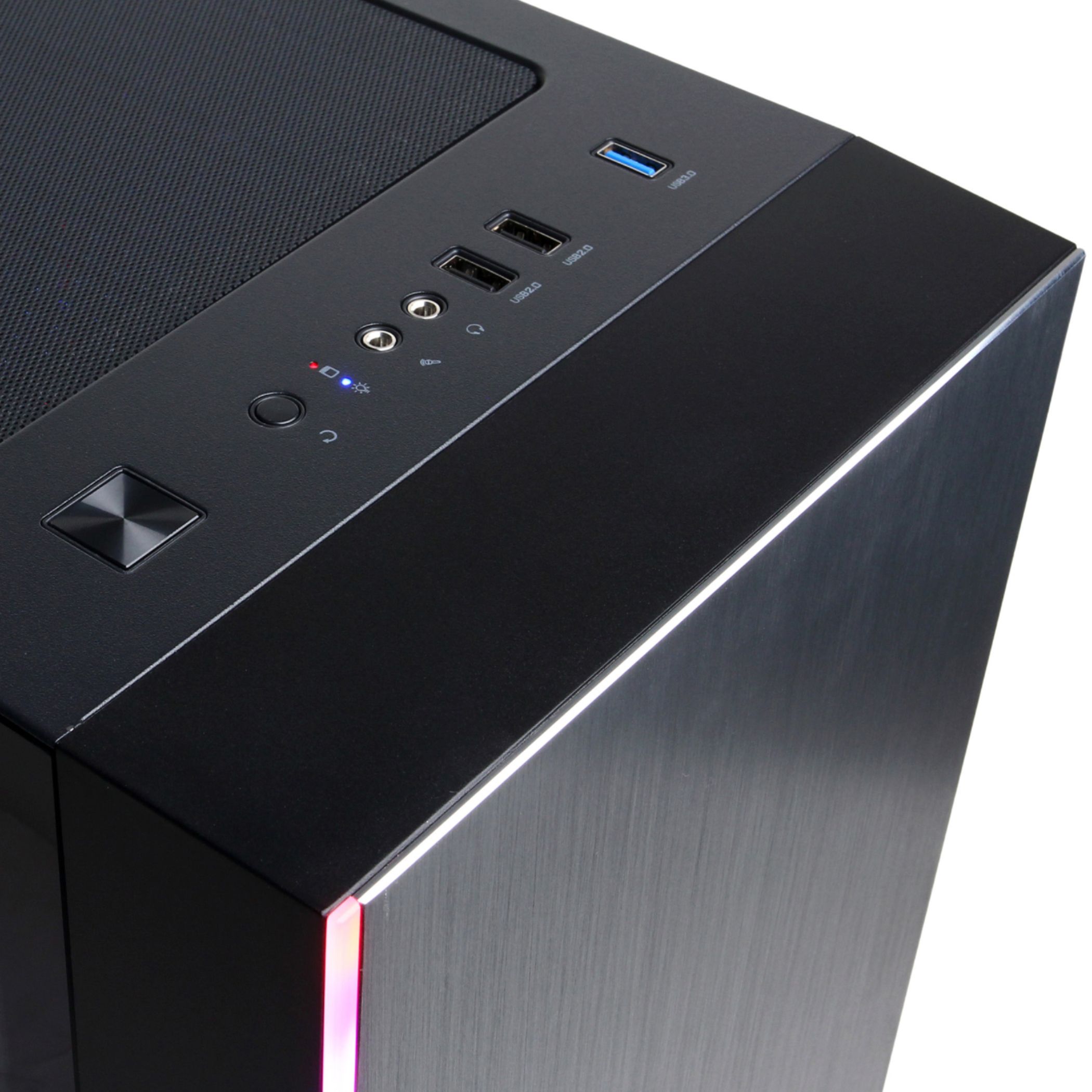
A:AnswerYeah, pressing the reset button is the same as pressing the power button on this case. Not sure why they bothered putting it in.
To change the rgb lights, go to the bios setup when booting up. there is an option there to change the colors and the light patterns.
A:AnswerThank you for reaching out to us Thomas. Unfortunately the manufacturer, form factor, and specifications of the motherboards included with this system may vary depending on what was currently available at the time the PC was built. If you have any further questions or concerns then please do not hesitate to give our tech support agents a call for any assistance; we're always happy to help.
Tech support:
(888)937-5582
-CyberpowerPC Support
A:AnswerYou can change the lights by hitting the smaller buttons towards the right of the start up button that is on top of the computer. you can change it to one color or keep pushing to make it glow multiple colors, hope this helps!