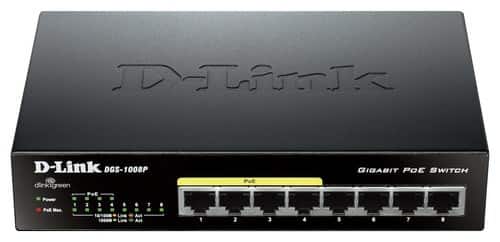
A:Answer Yes, when you plug the switch into your network. It doesn't care what you plug in and configure on it. You will have to set the static ip in each camera.
For example: if you have a four port router and your local ip is 192.168.1.1
Each device plugged in would be 192.168.1.2, 192.168.1.3, 192.168.1.4
But when you plug in a switch it will just expand your ip addresses 192.168.1.5, 6,7,8 and so on for each of those ports on the switch.
In your ip camera you can set it to a specific ip, making it static.
I for example set my printer static to 192.168.1.111 because I don't expect to have 110 devices on my home network. Although if I do, 111 is already taken. I think I can have 255 connections on 192.168.1.x