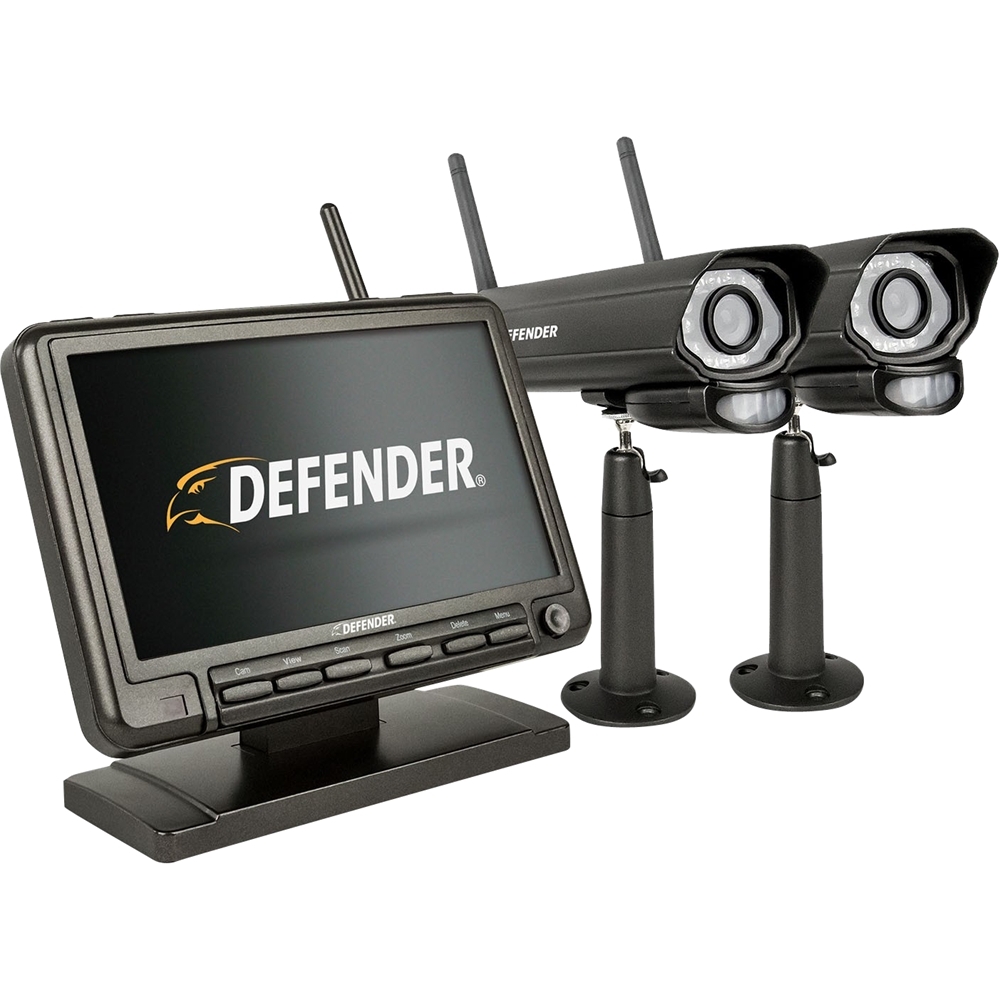
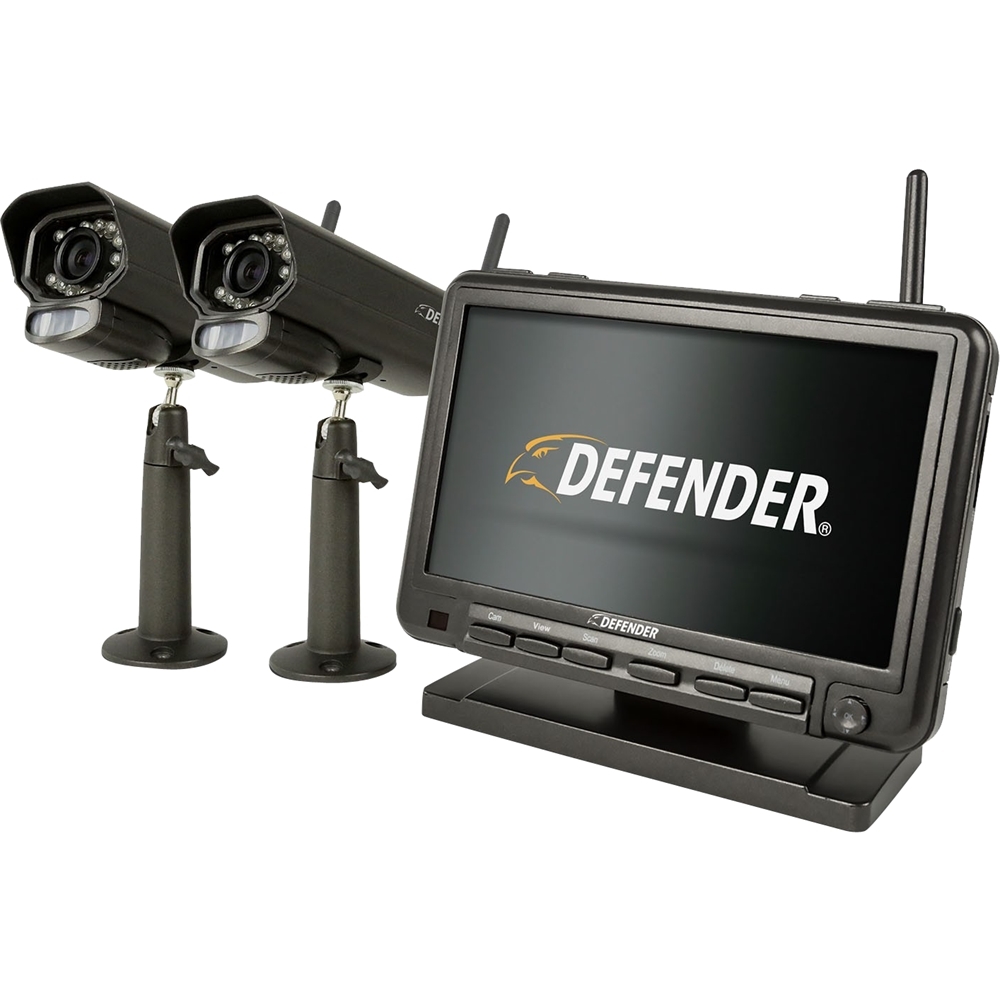
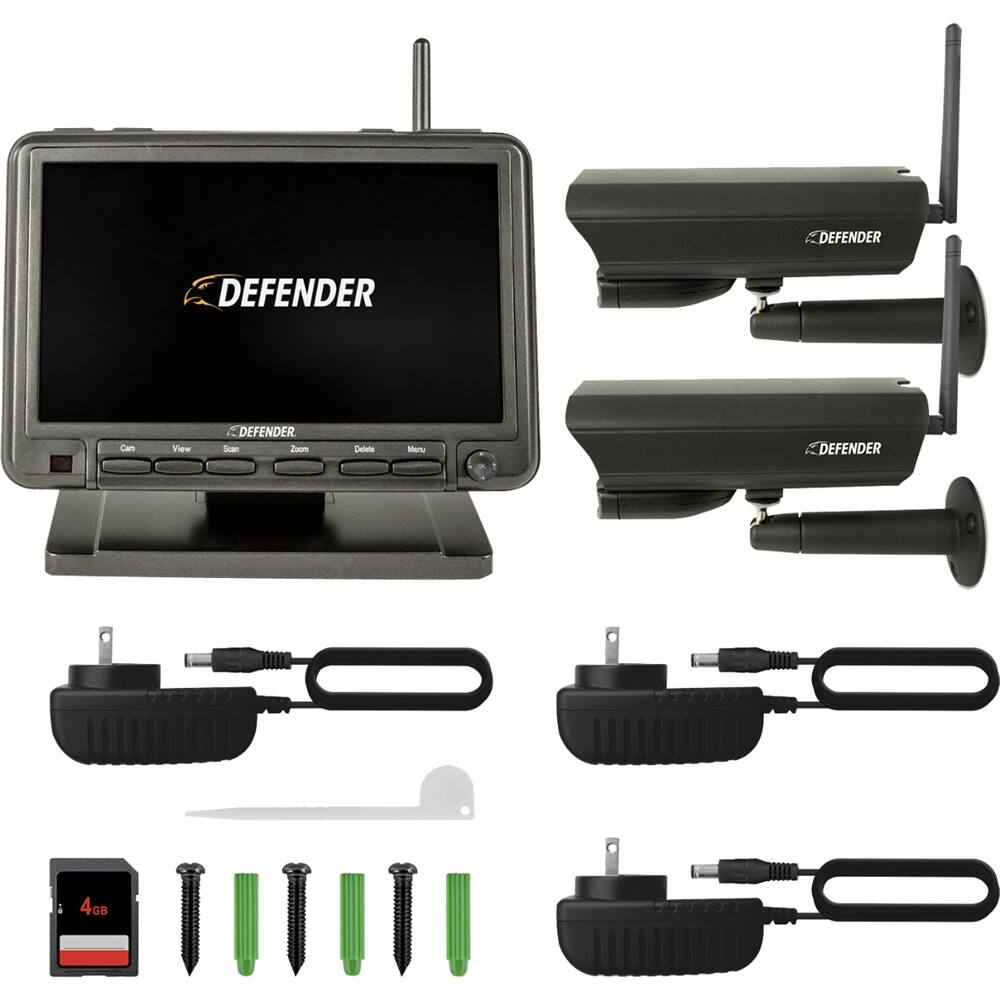
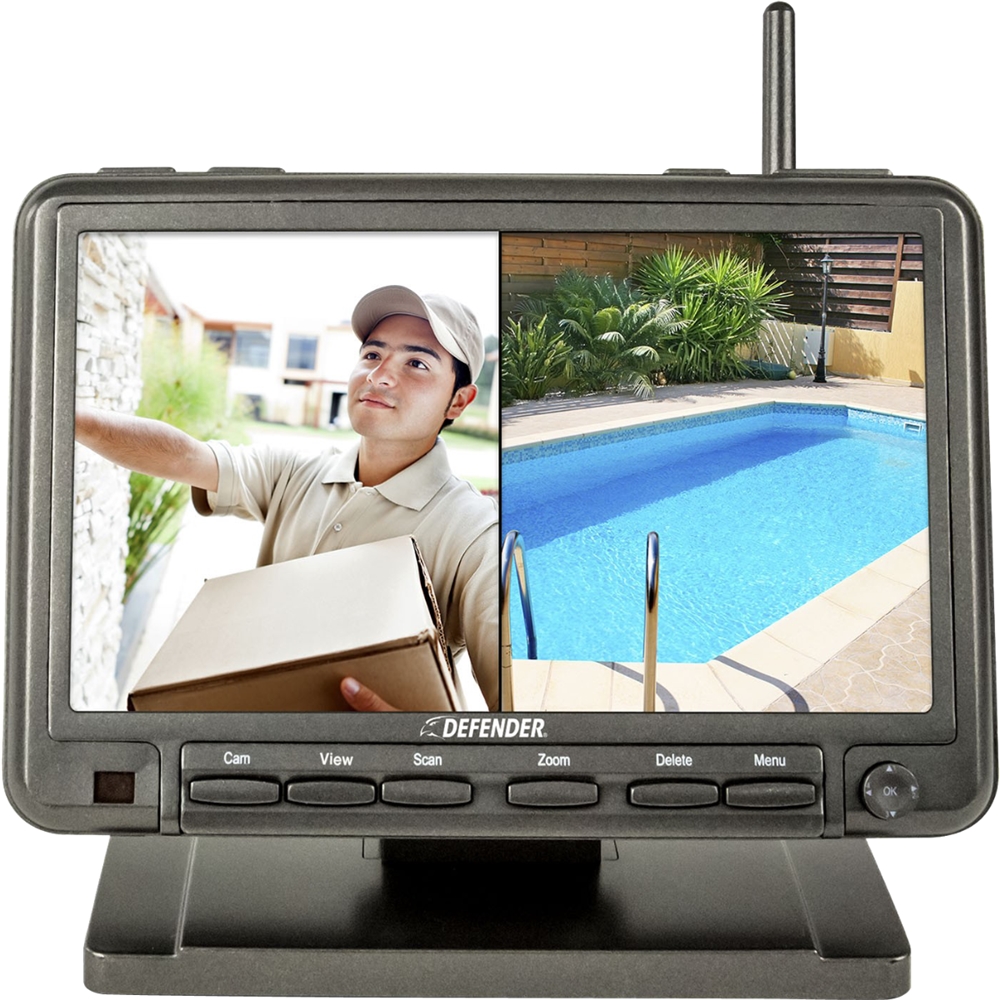
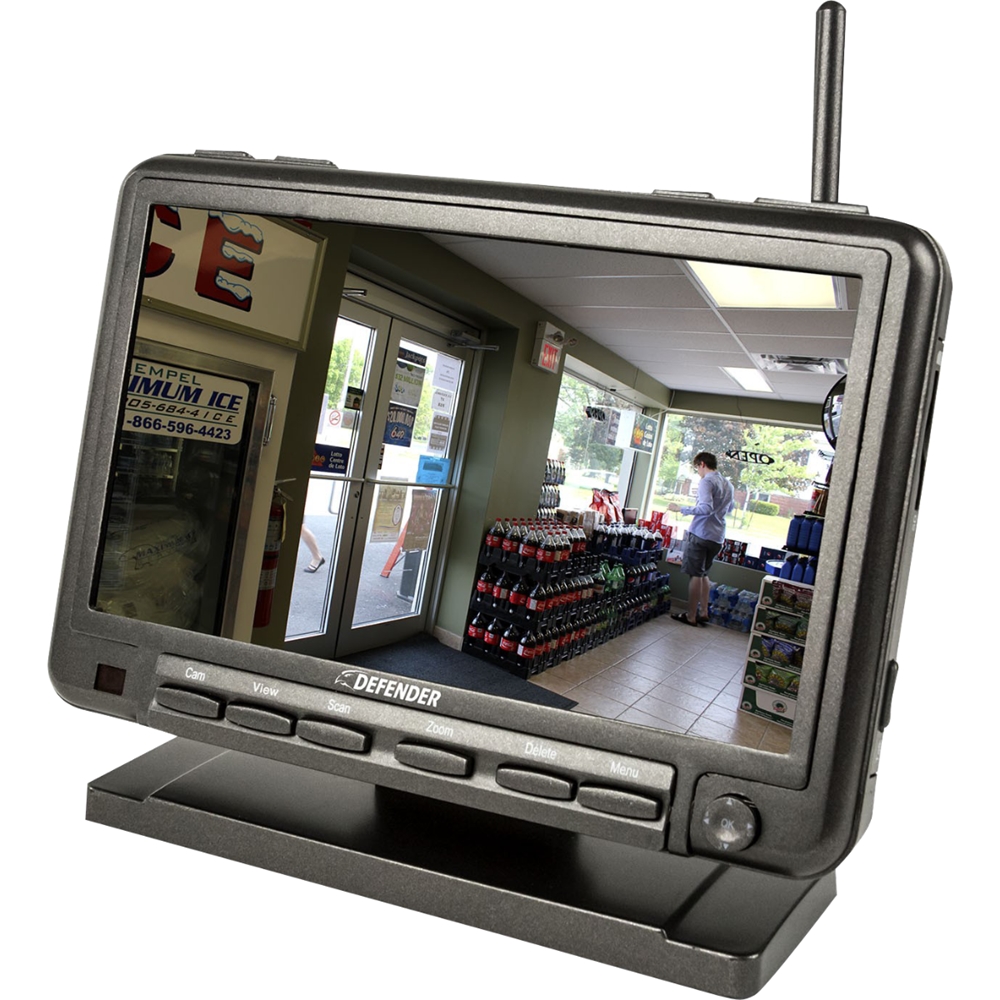
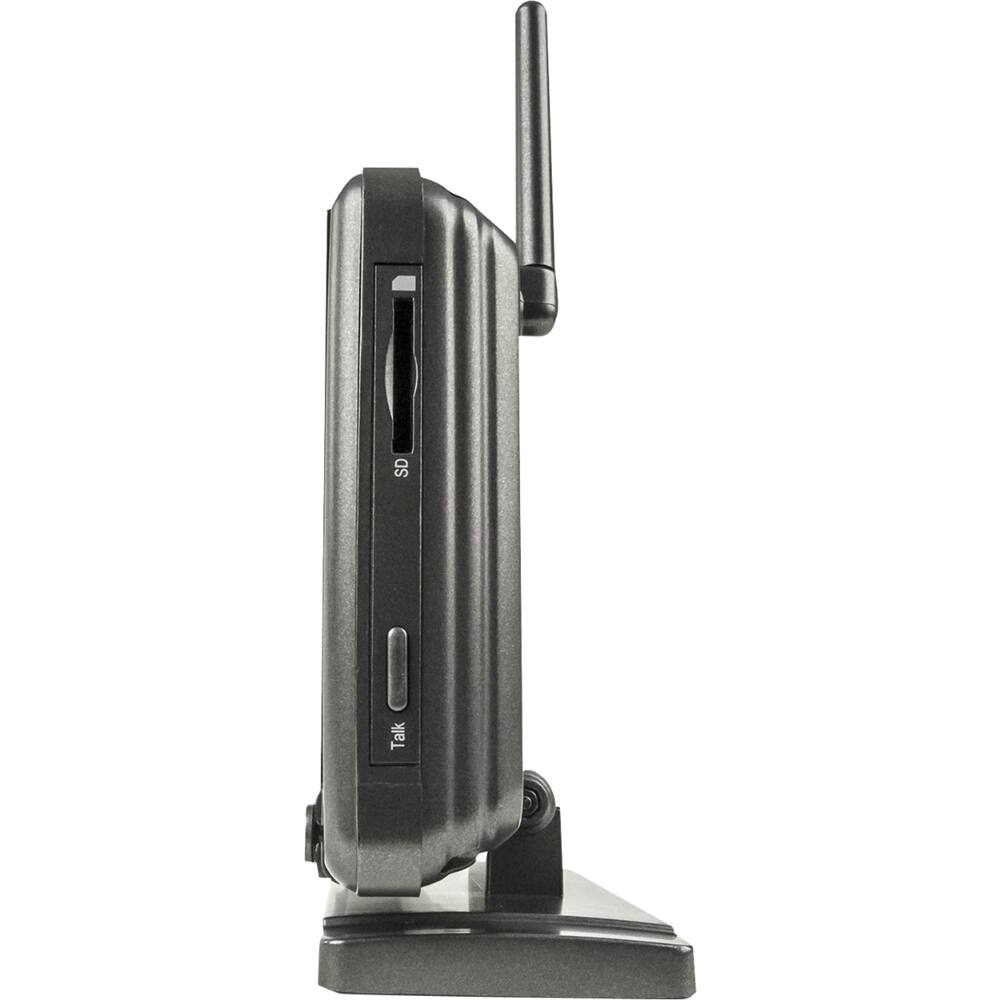
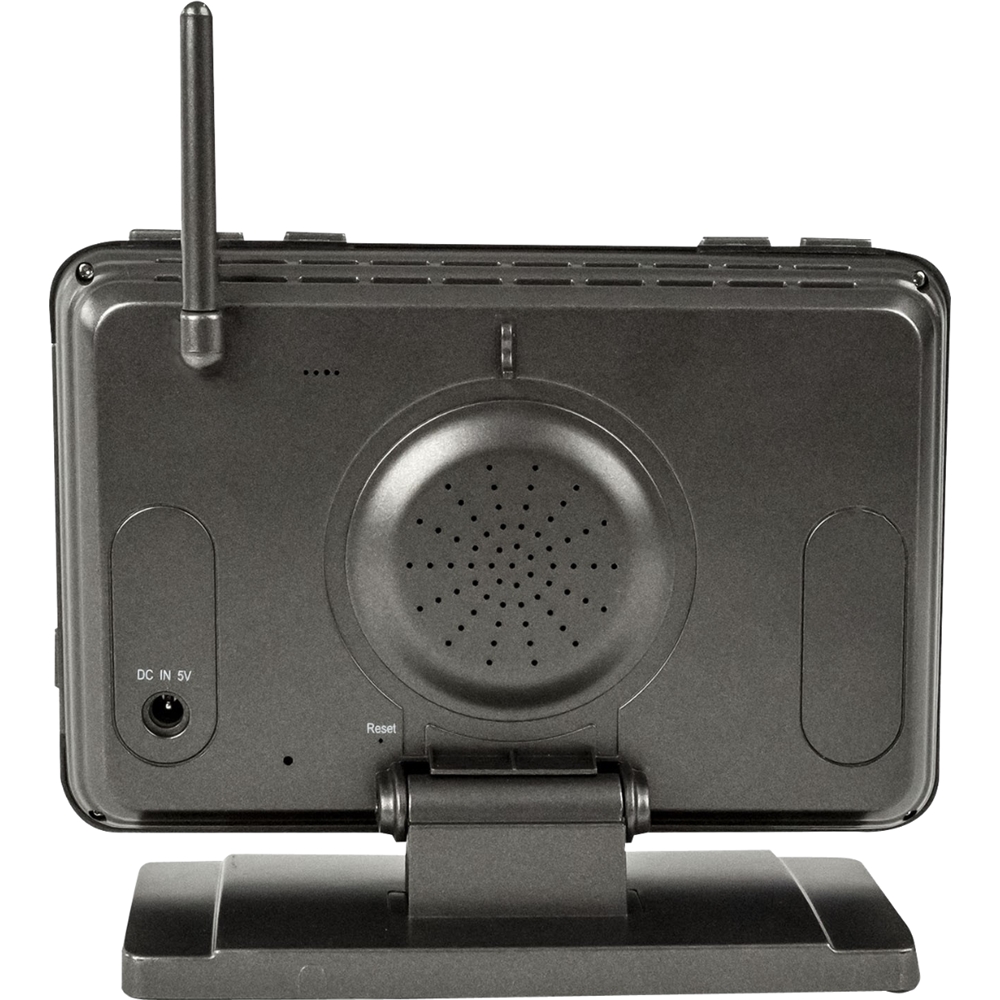
A:AnswerThank you for your question, Chuck! The monitor can be wall mounted!
Thank you for considering Defender!
Melissa C. | Defender Customer Experience Expert
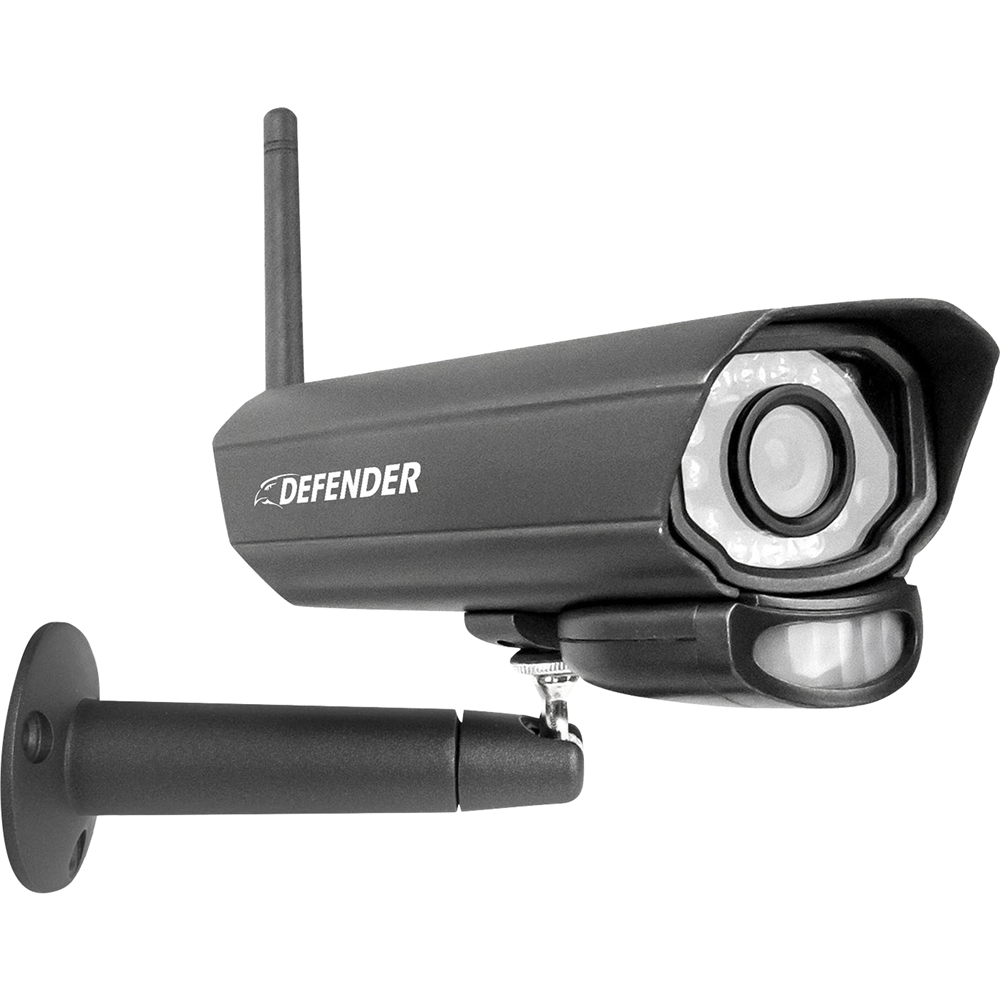
A:AnswerI am sorry to see this, Kaykay! Upon first time set up the monitor and cameras should automatically connect when they are all plugged into power. If the camera is not automatically pairing you will need to manually pair it by following these steps:
To pair your camera to the PhoenixM2 monitor, follow these steps.
Press the menu button on the monitor
Select Camera
Select Pairing
Choose the camera you would like to pair
A 30-second countdown will appear
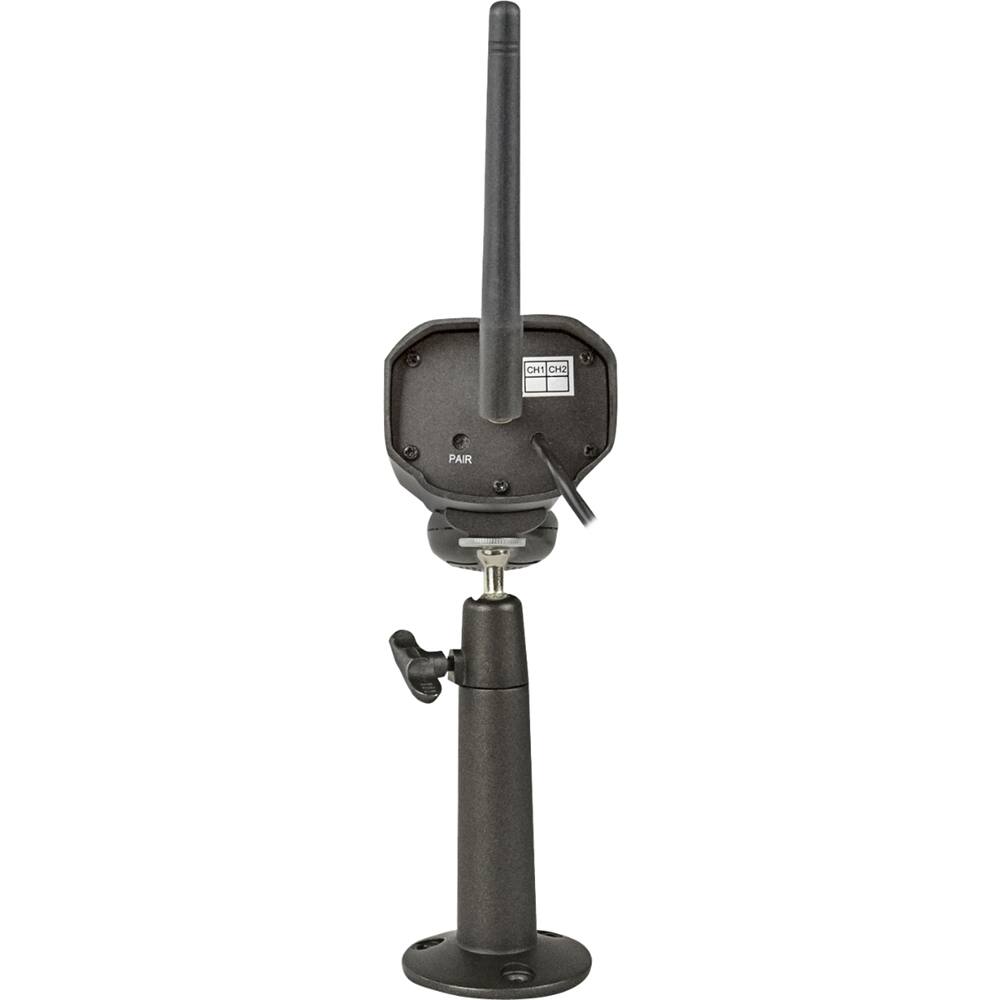
Using the white pairing tool, press the pairing button on the back of the camera before the timer runs out.
The camera image will now appear
You can always reach out to our Customer Experience Experts through out Defender Cameras website!
Melissa C. | Defender Customer Experience Expert