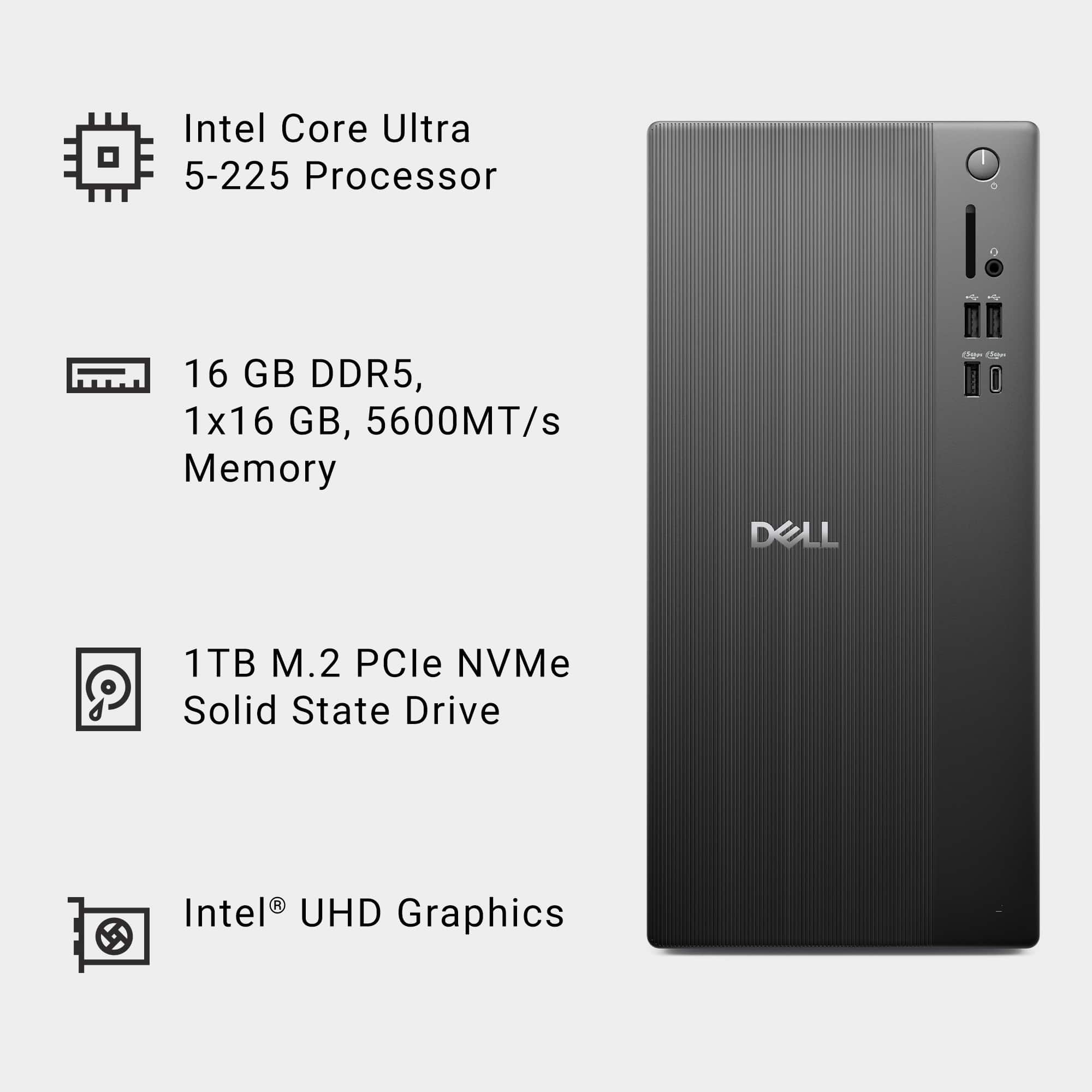
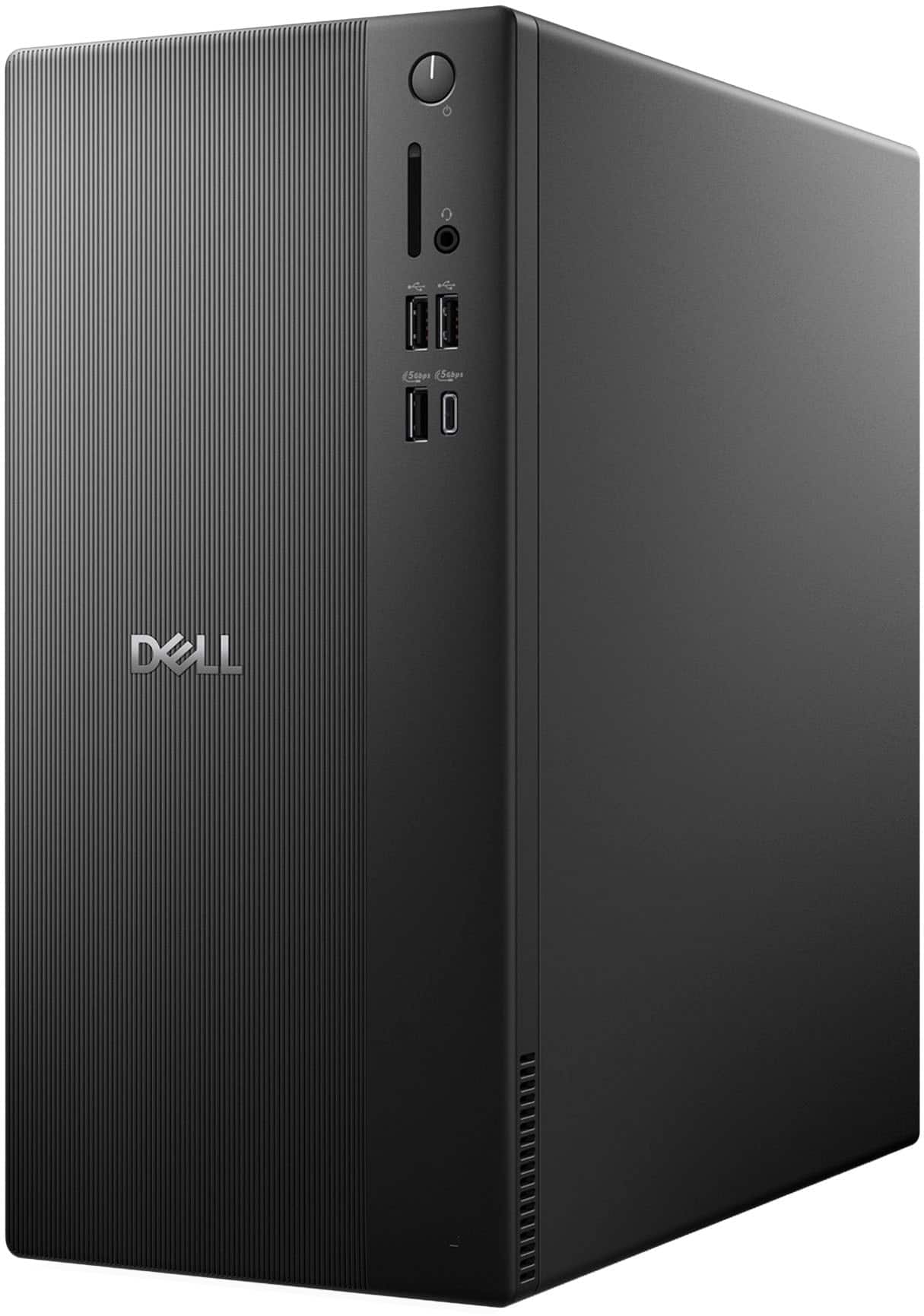
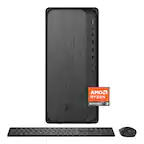
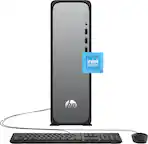
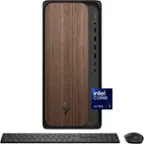
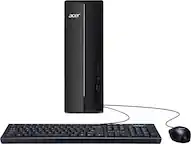
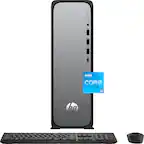
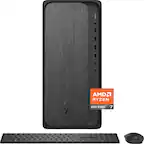
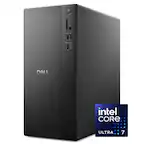
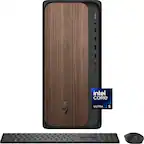
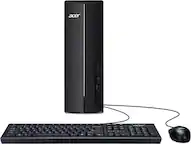
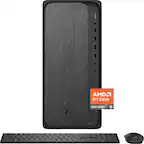
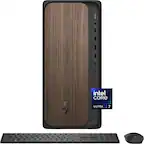
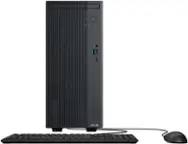
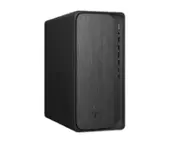
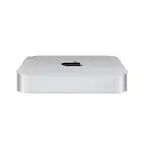
A:AnswerYes, you can use DDR5 memory with speeds of 4800 MT/s or 5600 MT/s, as the system supports both. It has two UDIMM slots and a maximum capacity of 64 GB, so you can install Crucial or any other brand as long as it meets these specs (DDR5, UDIMM, and up to 5600 MT/s).
A:Answer1. Use the Power Button-
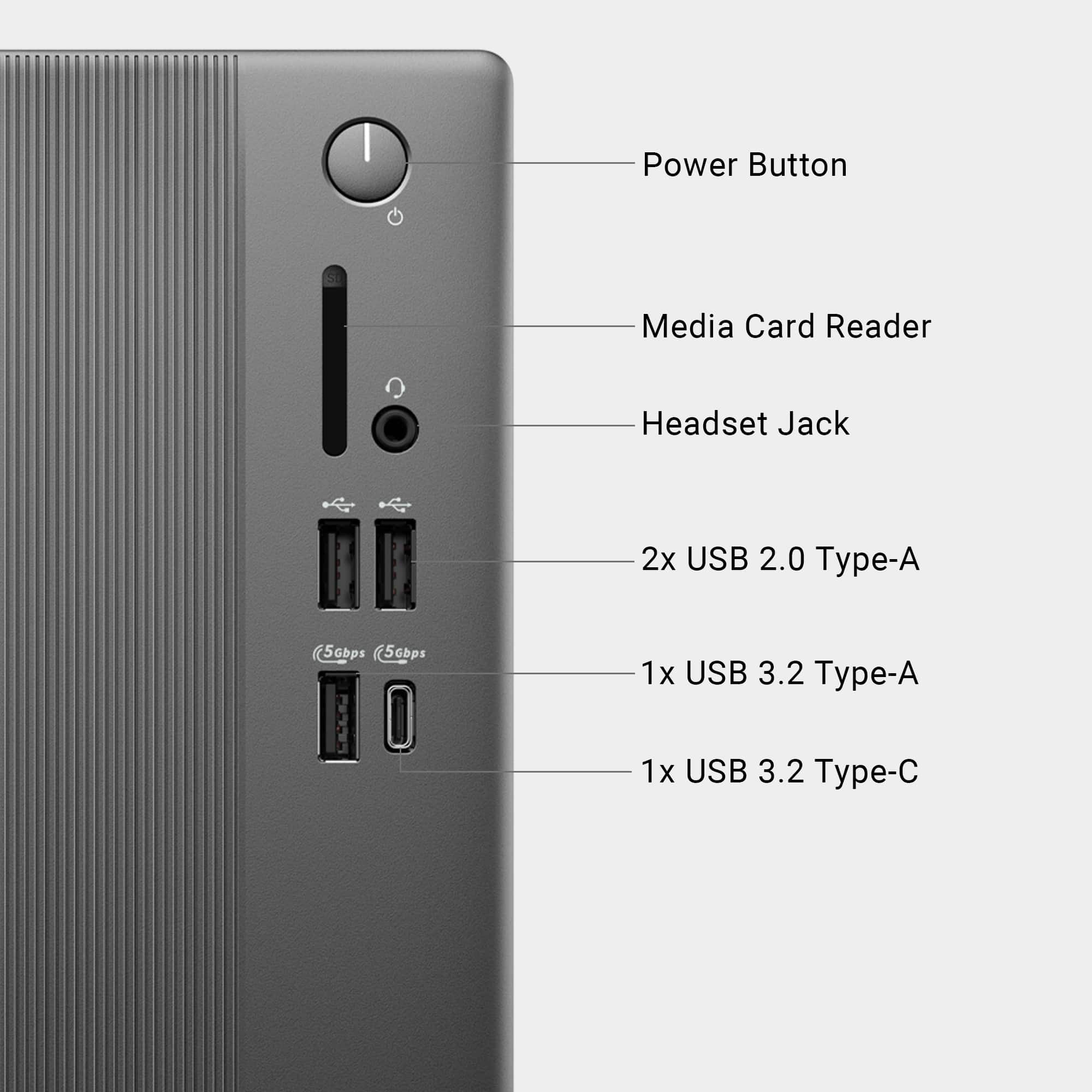
Press the physical power button once (don’t hold it down).
This will initiate a safe shutdown if Windows is running normally.
2. From Windows-
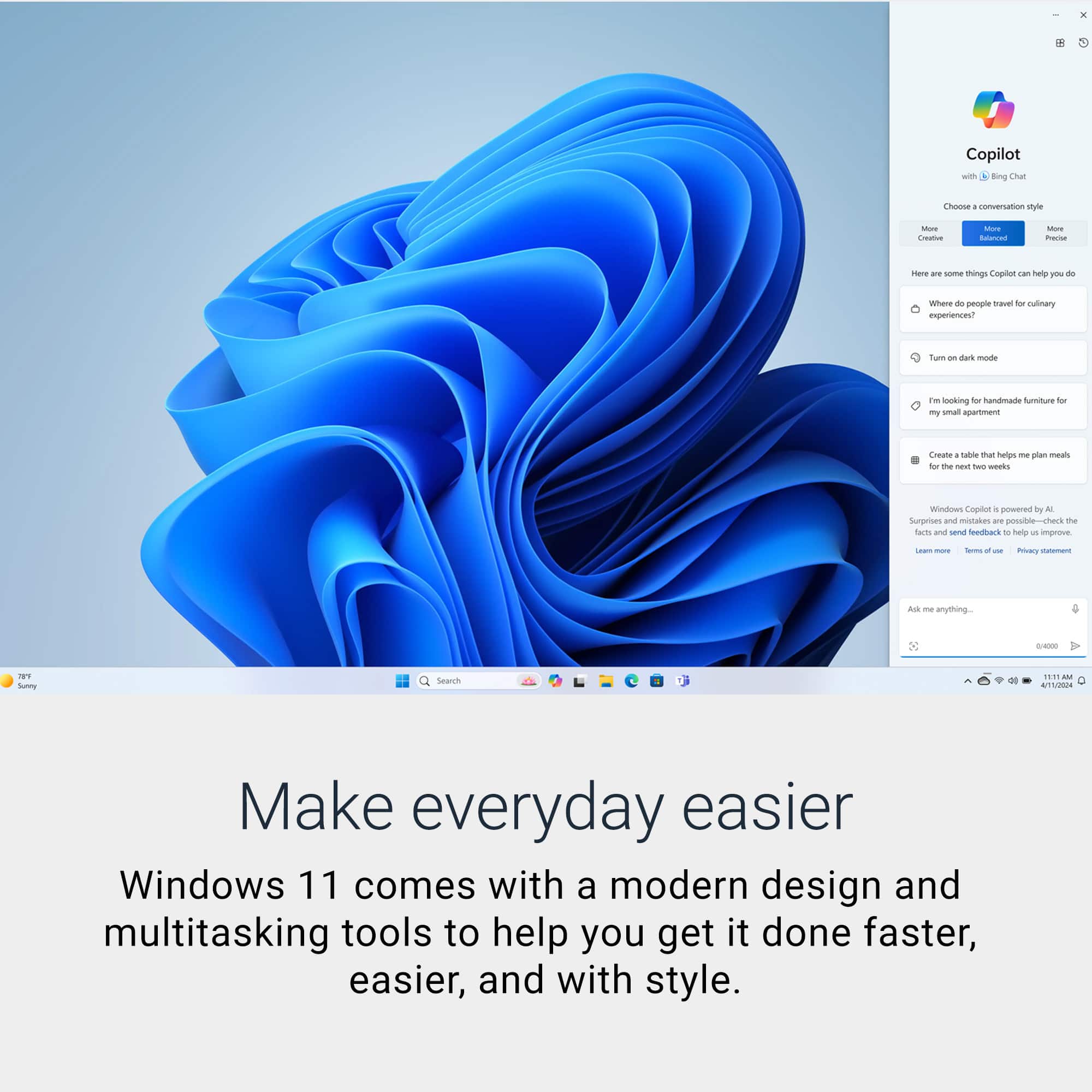
Click Start → Power → Shut down.
Or press Ctrl + Alt + Delete → Power → Shut down.
3. If It’s Frozen-
Hold the power button for 5–10 seconds until the system powers off.
This is a hard shutdown—only use if the system is unresponsive.
A:AnswerNo, The Dell S2340M monitor is an older model (introduced around 2012) and here are its key connectivity details:
Resolution: 1920 × 1080 (Full HD),
Ports:
1 × VGA (D-Sub),
1 × DVI-D (HDCP),
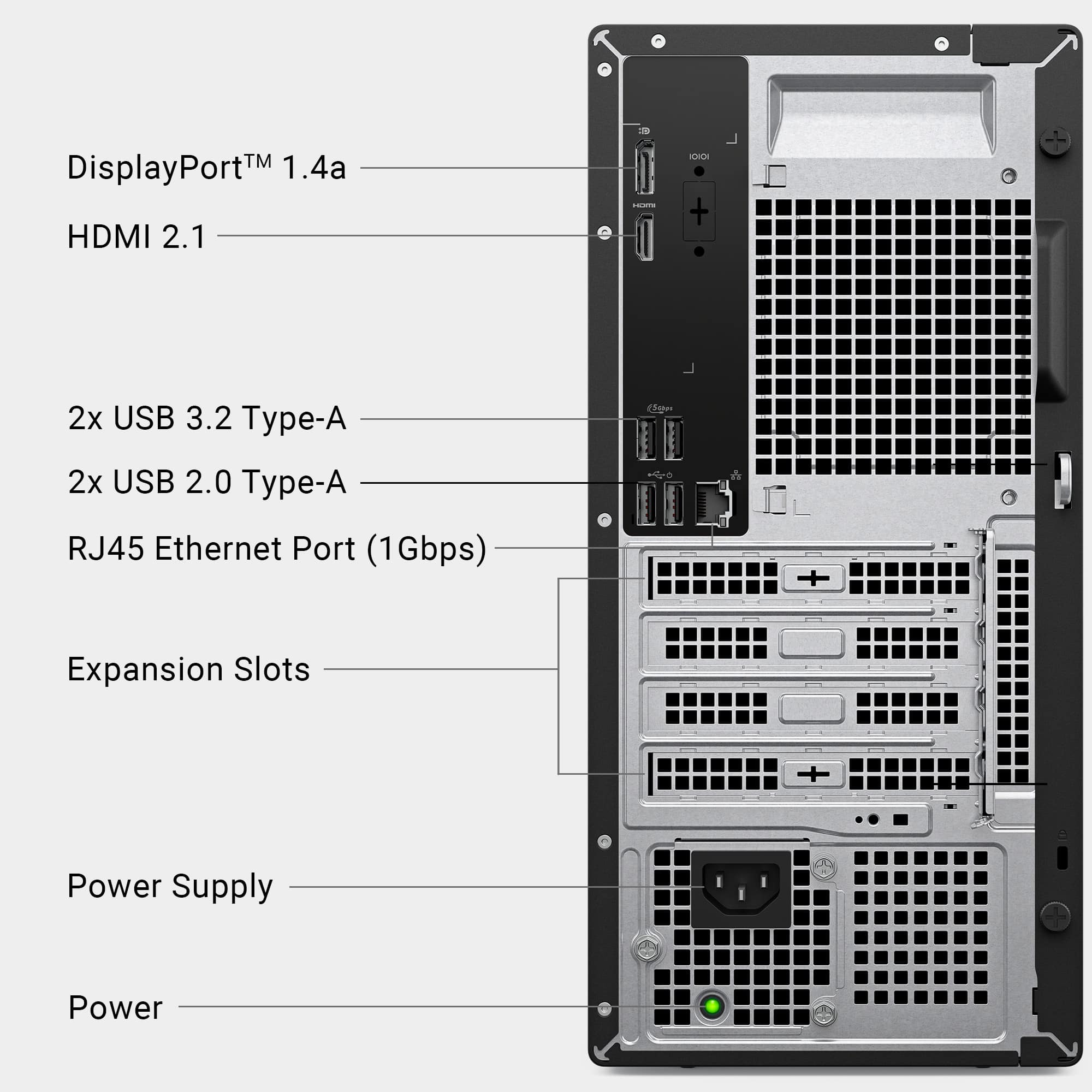
No HDMI port,
No DisplayPort,
No USB hub or audio output.