Questions & Answers
- Model:
- DECT1250-5067BLK-PUS
- |
- SKU:
- 12714852
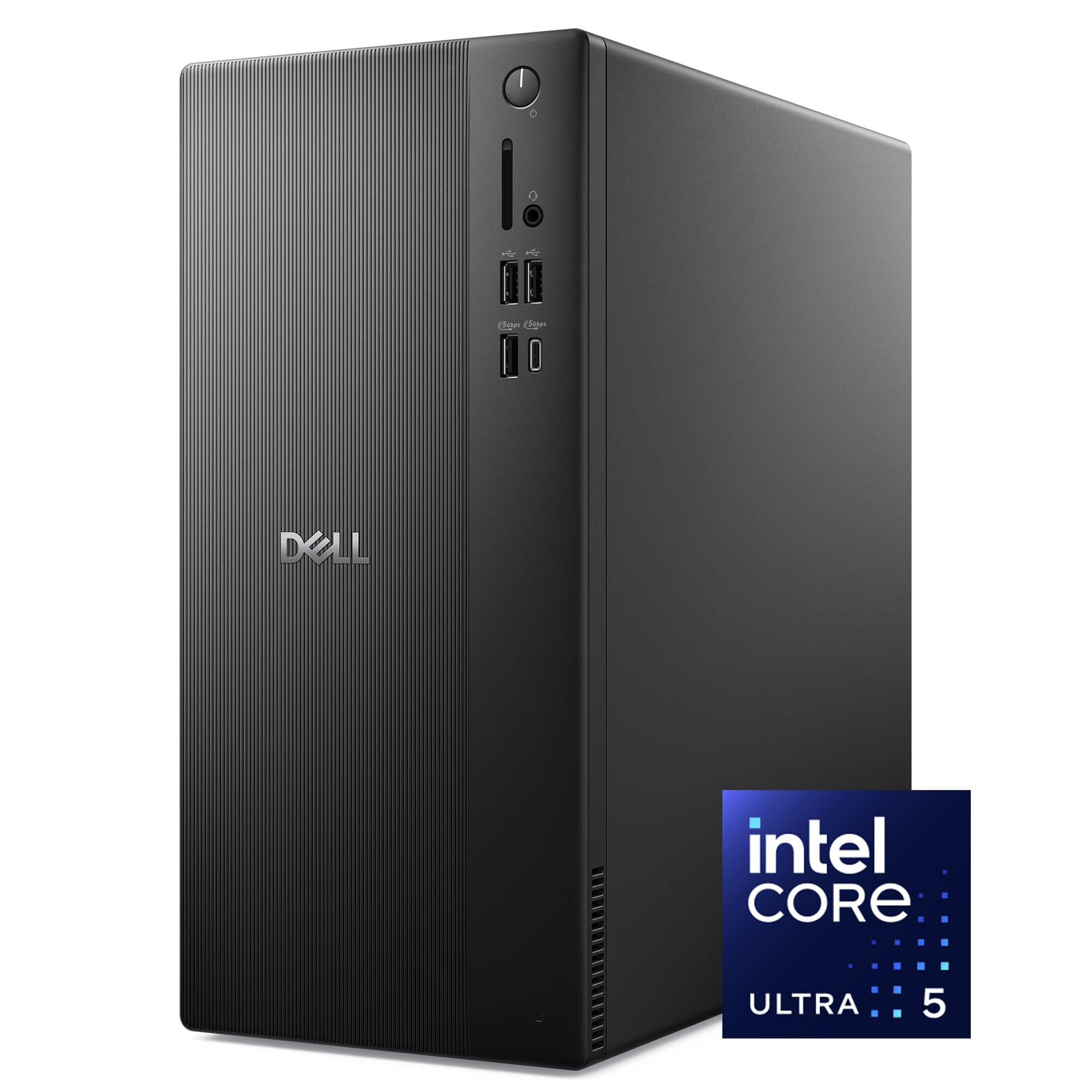
Q: Questionhow to connect printer to dell desktop intel core ultra 5 225 2025. I have a Epson Workforce PRO - WF-3720
Asked by Chris.
- A:Answer I have an HP 8710 that I used on a previous computer. It connected automatically via wireless. If necessary, you can search for 'add computer' and follow the prompts. I'm no techie but the process was still straightforward.
Answered by RODM
Q: QuestionDoes this unit work with the Dell Thunderbolt WD22TB4?
Asked by Dellsockingstation.
- A:Answer No, this desktop will not work with the Dell Thunderbolt WD22TB4.
Answered by YourDellTeam
Q: QuestionCan an optical drive(DVD) be added to this system?
Asked by Momme.
This question was asked about the related product: Dell - Desktop - Intel Core Ultra 5 Series 2 225 2025 - 16GB Memory - 1TB Storage - Black
- A:Answer Best Buy told me yes
Answered by BrendaH
Q: QuestionCan I set up a four monitor output?
Asked by diggerTX.
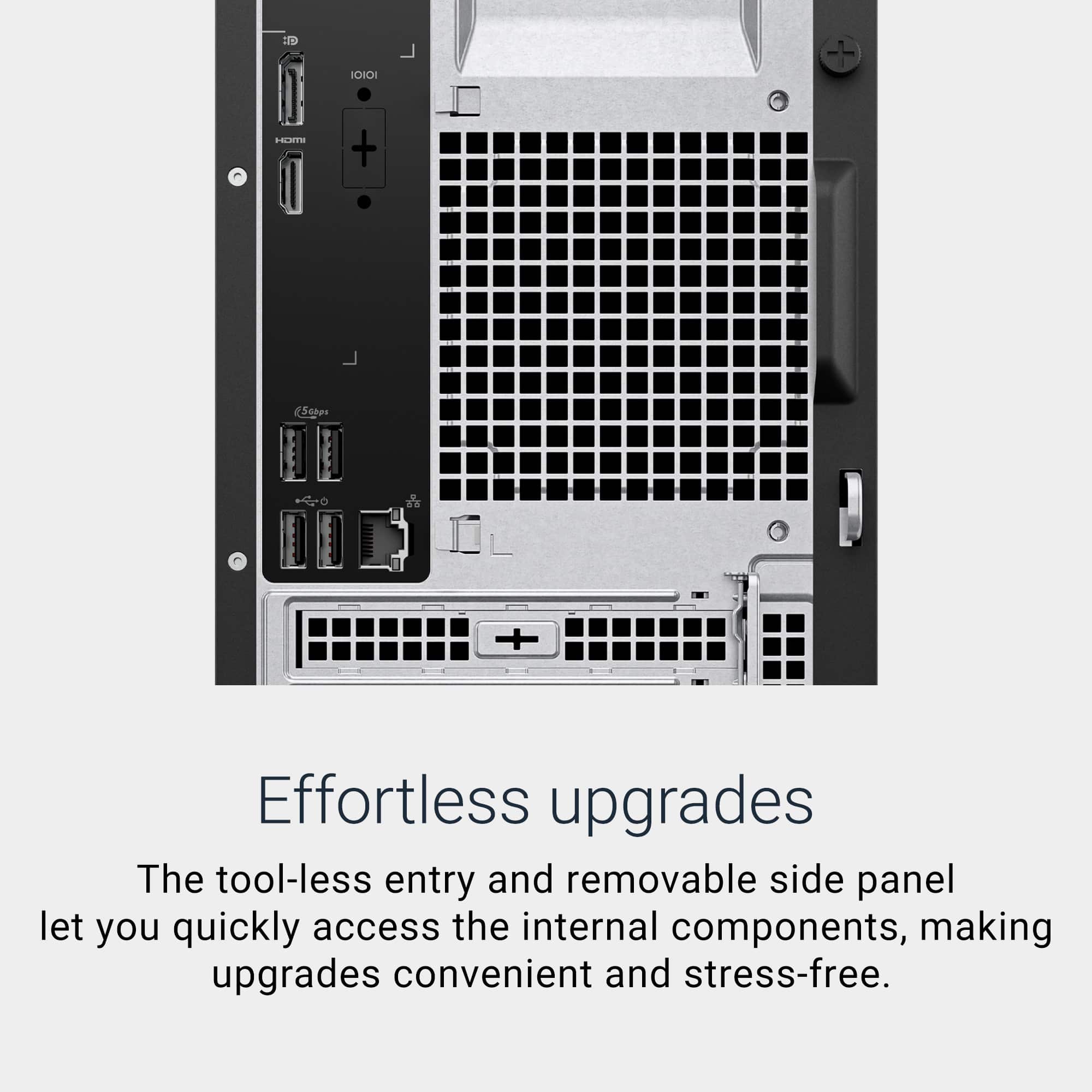
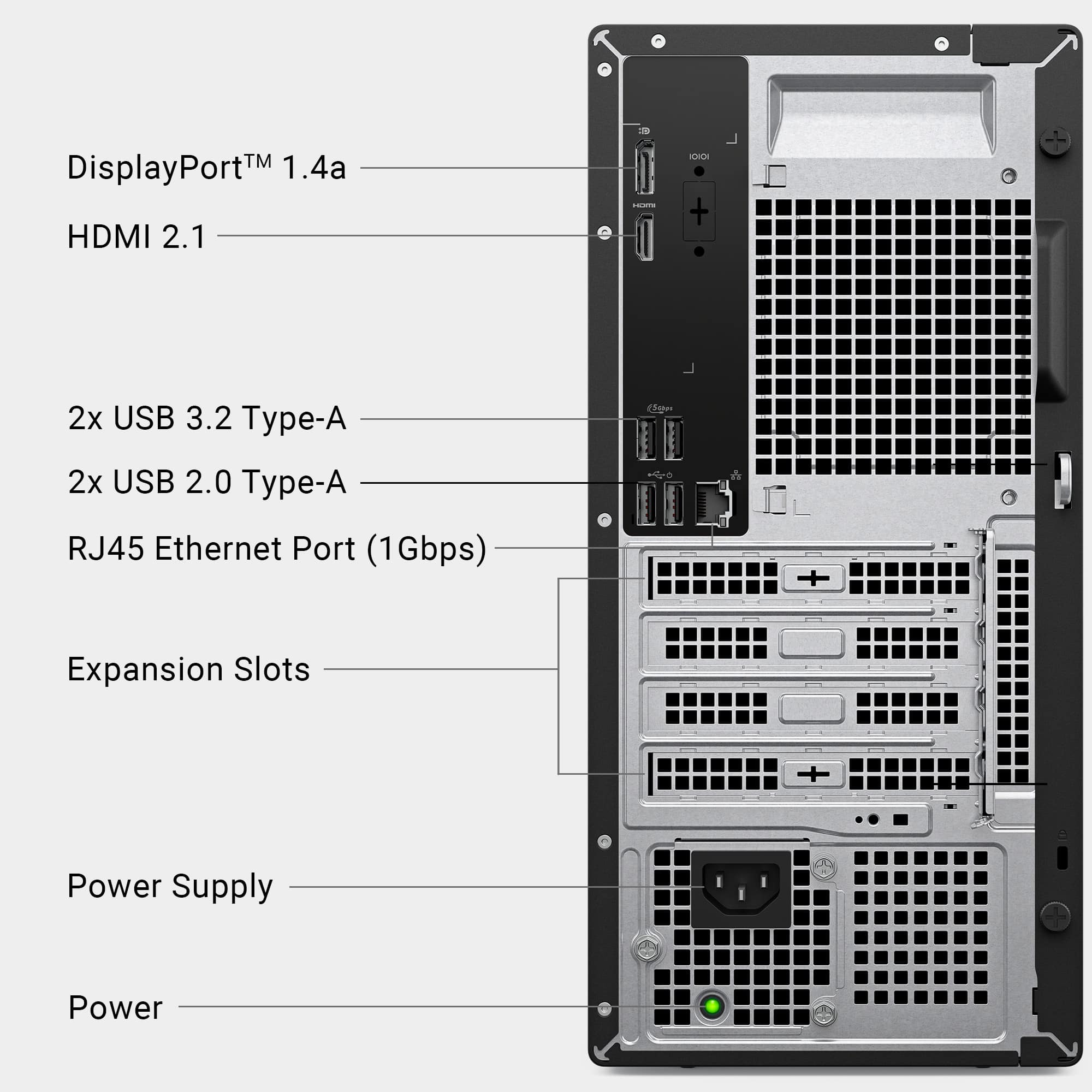
- A:Answer The Intel UHD Graphics integrated in the Dell ECT1250 Tower provides a single DisplayPort 1.4 and a single HDMI 2.1 output. This configuration can drive up to two external monitors directly. To run four monitors, you would need to add a dedicated graphics card that offers additional video ports (e.g., multiple DisplayPort or HDMI connectors) or use USB‑C video adapters/docking stations that provide extra display outputs.
Answered by YourDellTeam
Q: QuestionWhy was it returned?
Asked by Bellbell01.
- A:Answer PCs are returned for all sorts of reasons: wrong color, wrong shade of black, too heavy, too light, too large, too small, wrong brand, not powerful enough, too powerful, buyer's remorse, found it cheaper somewhere else, was meant to be a gift, but person died/got one already/got a better one, unforeseen monetary situation. Your guess is almost as good as mine.
Answered by luislast
Q: QuestionCan you upgrade the ram?
Asked by JamesM.
- A:Answer Read the Specifications page.
Answered by luislast
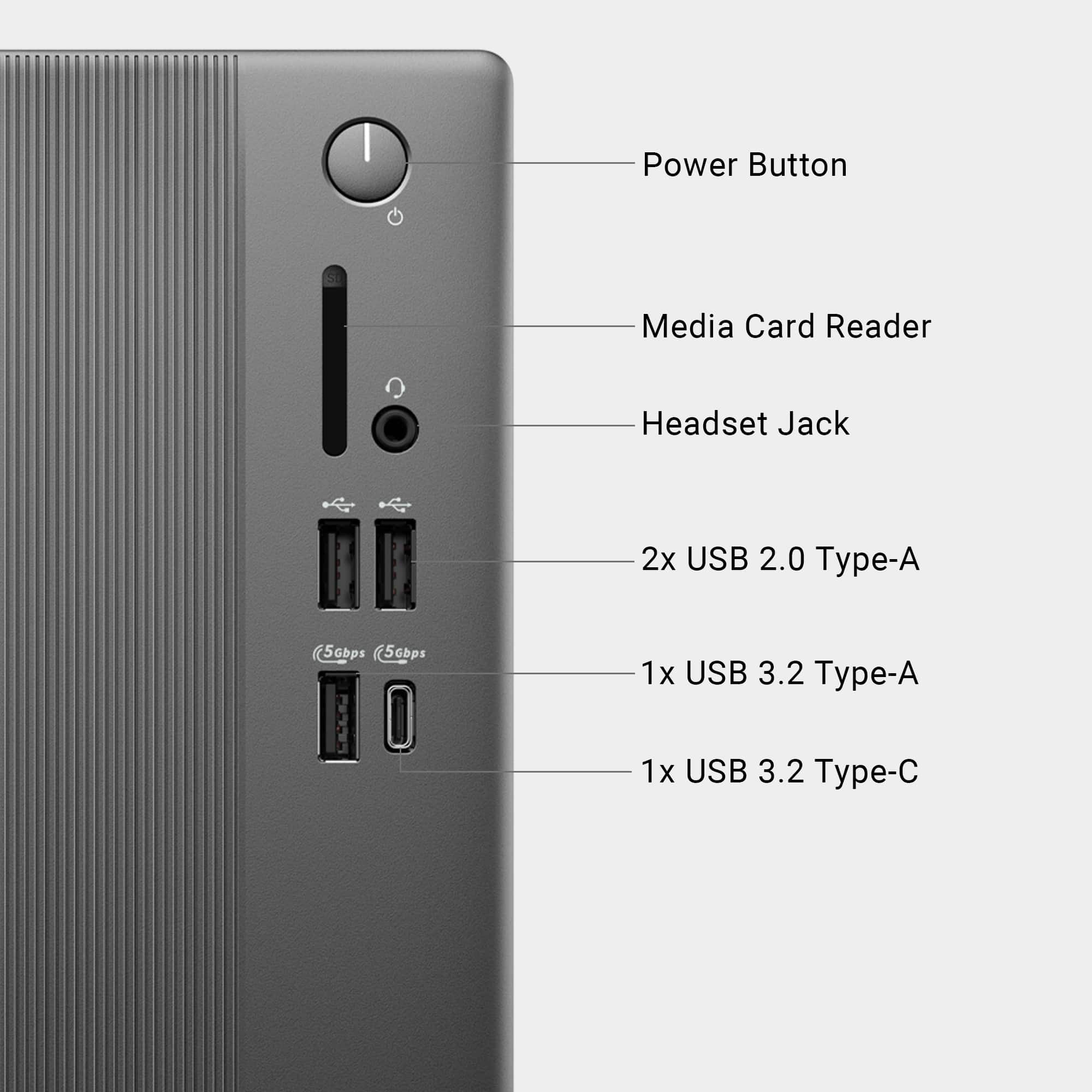
Q: QuestionAm I able to plug in a printer to this PC?
Asked by CathieW.
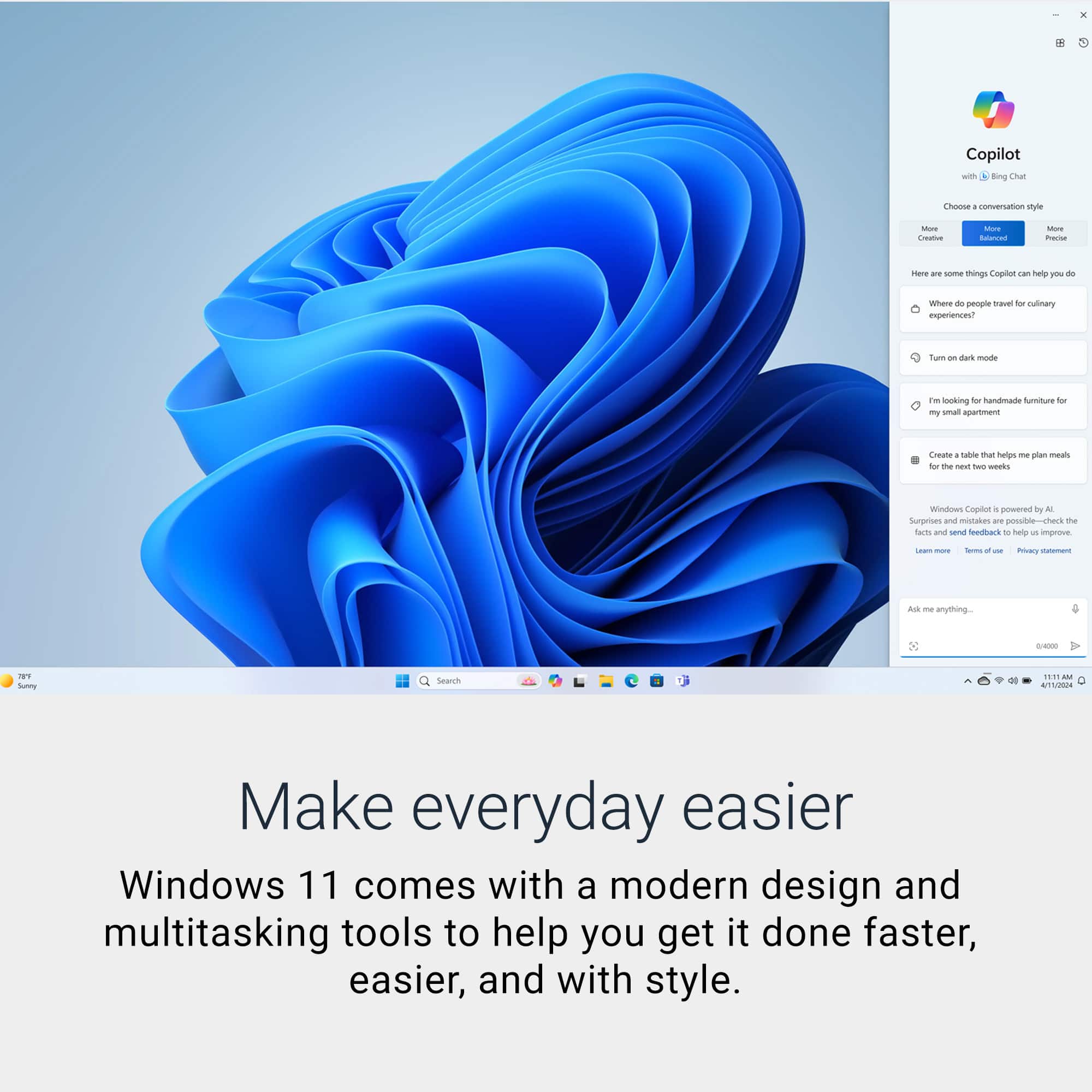
- A:Answer Yes, you can connect a printer via USB/ Wifi as long as it is compatible with Windows 11.
Answered by YourDellTeam
Q: QuestionDoes this pc have built in wifi?
Asked by Torres.
- A:Answer Yes the Wifi is included, as well as Bluetooth.
Answered by Dogdays
Q: QuestionCan add more memory
Asked by Anonymous.
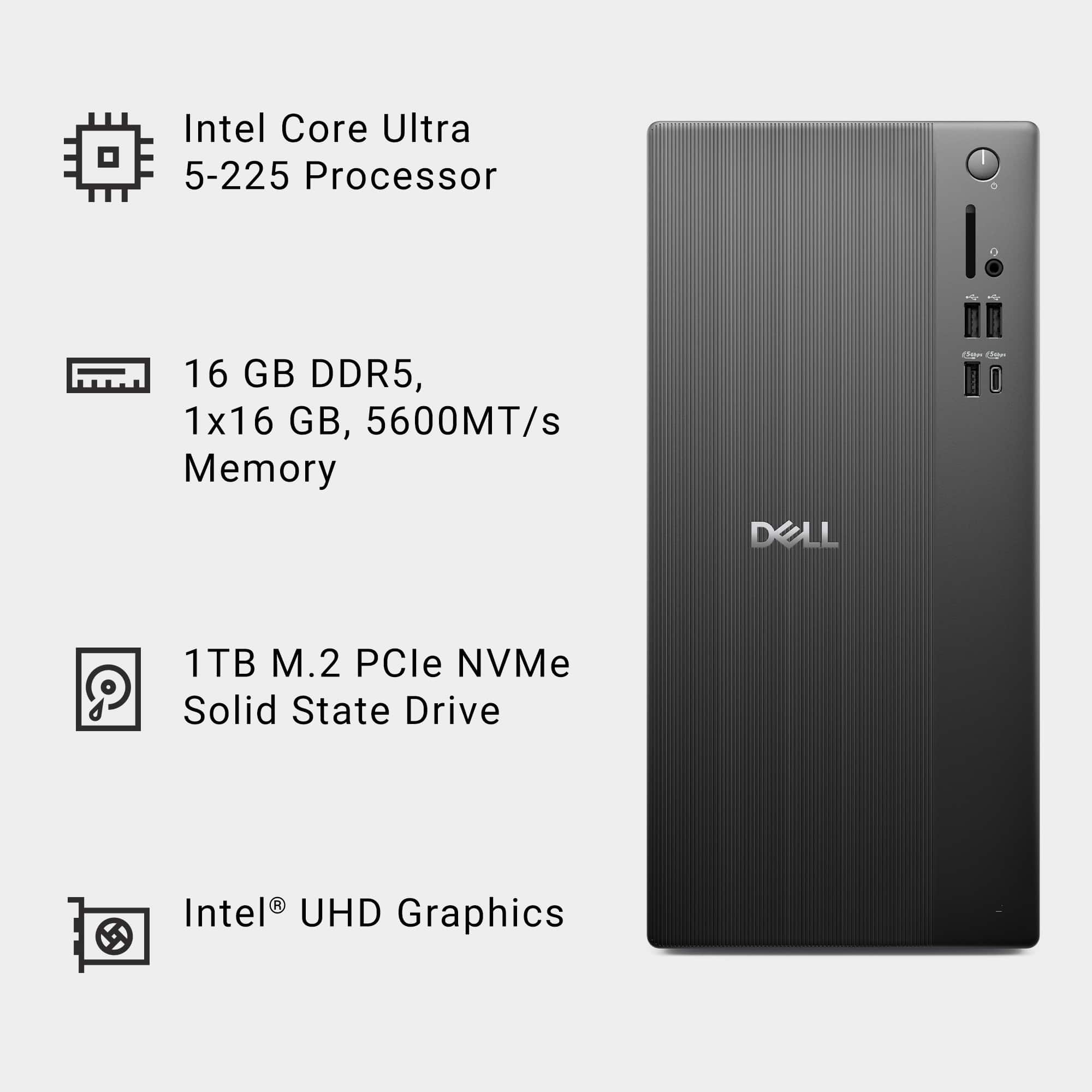
- A:Answer Yes, you can add more memory to the Dell ECT1250. It supports up to 64GB of DDR5 memory.
Answered by YourDellTeam
Q: QuestionHow do I transfer info from one computer to another
Asked by PortHope.
- A:Answer If you just want to transfer DATA (not programs), the easiest way is just to copy everything from the original PC to a flash drive, then copy from the drive to the new PC.
Answered by luislast
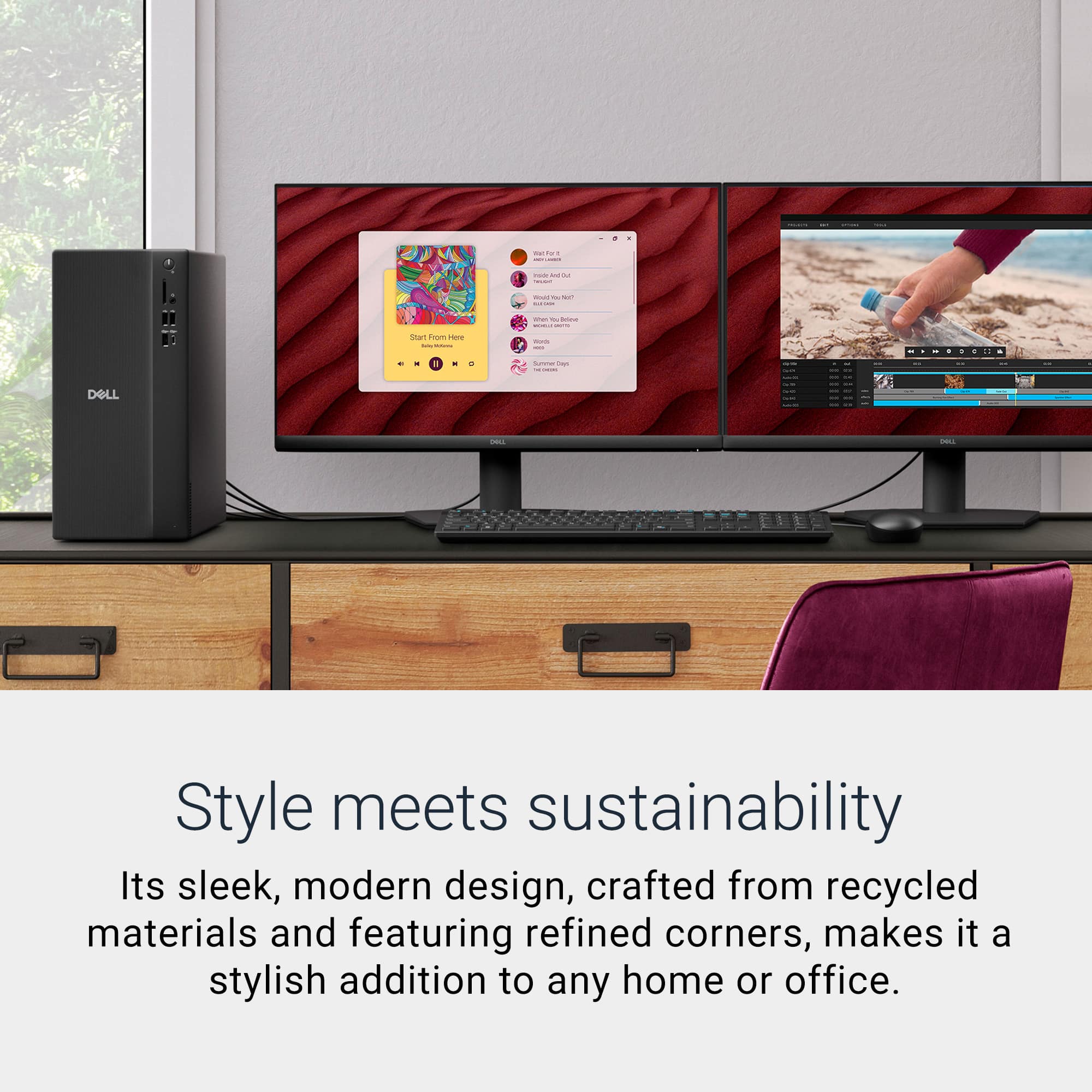
Q: QuestionIs it possible to setup dual monitors with the pc without a docking station?
Asked by pr67.
- A:Answer This is addressed in the Features section. Read it. You will be pleased.
Answered by luislast
Q: Questionhow many screens can this display at once
Asked by Anonymous.
- A:Answer Read the Features section; it's all there.
Answered by luislast
Q: QuestionHow many ssd can be added and can external ssd be used.
Asked by Anonymous.
- A:Answer Internally? See Specifications-->Expansion-->Number of M.2 Slots. Externally? Of course, just like a real computer. At least 24. BTW, this is a real computer.
Answered by luislast
Q: QuestionDoes this computer provide a CD drive?
Asked by Anonymous.
- A:Answer No, it does not include optical Disc drive. We recommend using an external DVD Drive.
Answered by YourDellTeam
Q: Questioncan you lay it on its side
Asked by Tocko.
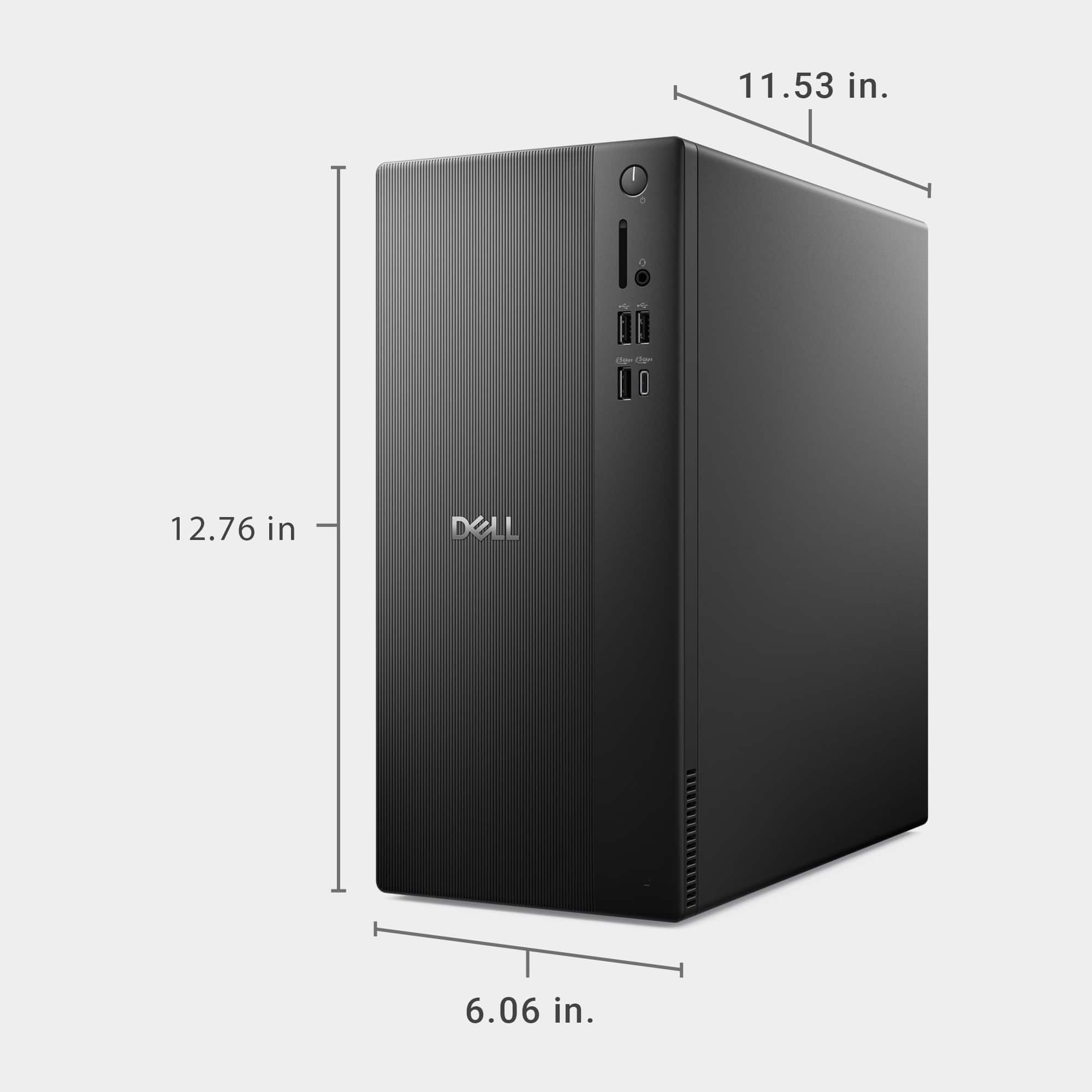
- A:Answer As long as you don't block the vents or connectors and can manage the almost Herculean weight of 6 lbs., yes.
Answered by luislast
Q: QuestionHow many days get return after purchase of Dell PC, if Microsoft updates mess-up to point hardware need replacement. Like motherboard or video card.
Asked by Doug.
- A:Answer It is HIGHLY unlikely that one or more software updates will damage a hardware component on a PC, as the hardware is the hardiest part. However, any return would still be covered under BB's "Returns & Exchanges" policy, the link for which can be found at the bottom of the page.
Answered by luislast
Q: QuestionCan I connect a VGA video monitor to this desktop and if so, which port would I use, the HDMI PORT or another connection port? Adapter necessary?
Asked by Ravenlion.
- A:Answer You need a cable with your monitor on one side and HDMI on the other. Costs less than $20 at Walmart and works splendidly.
Answered by Dogdays